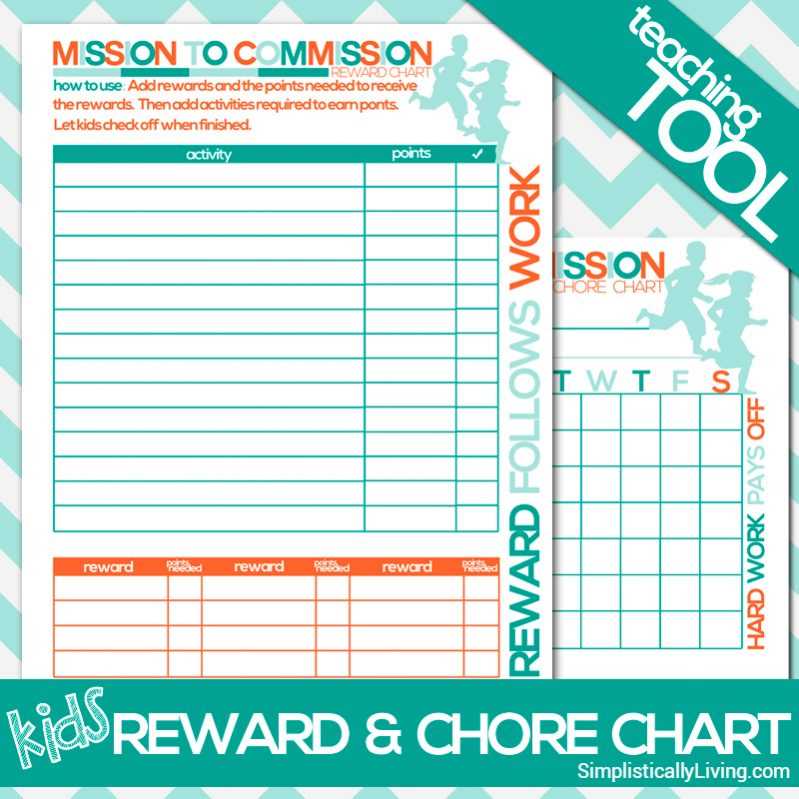
Start by selecting an easy-to-use template that helps keep track of daily responsibilities. Opt for a layout that offers enough space for different tasks and is visually appealing to younger helpers. Use bright colors and fun icons to grab attention while maintaining simplicity.
Personalize the layout by adding specific duties relevant to your child’s age. For example, younger children can handle simple tasks like making the bed, while older ones can assist with more complex chores. This customization not only keeps things organized but also ensures that the activities are age-appropriate.
Introduce a reward system to encourage your child to complete their tasks. Using checkboxes or stars for completed activities allows them to track their progress. Adding a weekly incentive can also motivate them to stay on top of their responsibilities, making the whole process more enjoyable.
Organizing Household Tasks for Children
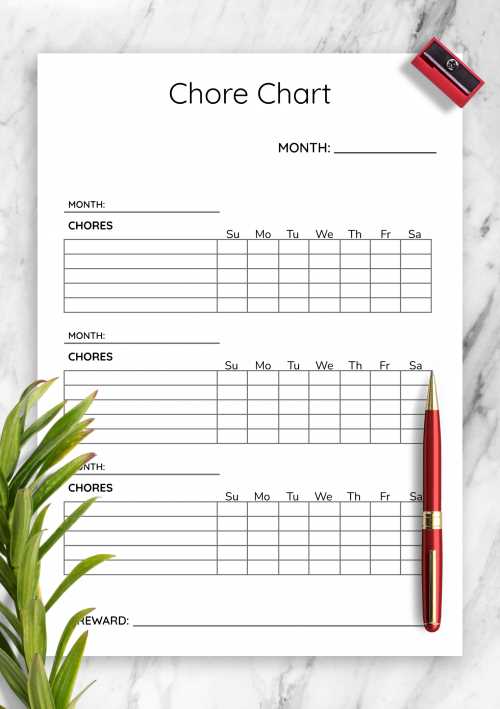
Start by selecting a design that is simple, clear, and easy to understand. Use a layout that breaks down the day’s tasks into distinct sections with space for each responsibility. Including visuals or symbols will help younger children quickly identify their duties without needing to read extensively.
Make the system flexible by adjusting tasks based on your child’s progress. Allow room to add new activities as they grow or master their current ones. Keep the options diverse–some children may enjoy activities like organizing toys, while others may prefer helping with setting the table.
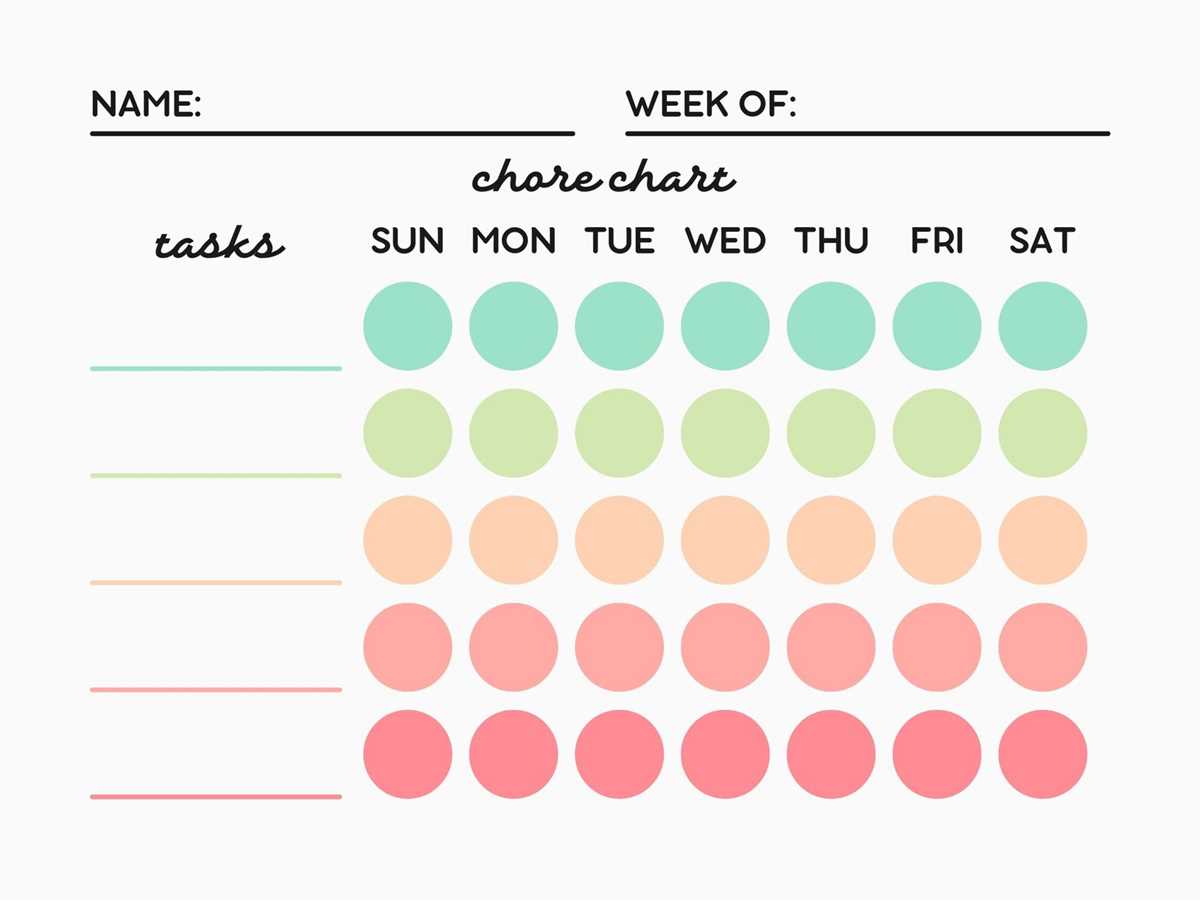
Keep the design colorful but not overwhelming. Using a clean, uncluttered look with pops of color ensures that the schedule remains engaging without distracting from the tasks themselves. Incorporate fun icons next to each task to make it more visually appealing for children.
Incorporating a reward system can also keep the process exciting. Offer a small incentive like a sticker or an extra playtime session for completing the tasks. Tracking progress visually by checking off each item encourages kids to stay motivated throughout the week.
- Use star ratings or checkboxes for completed tasks
- Introduce weekly challenges or special tasks for variety
- Incorporate a reward system to keep things engaging
Review the progress weekly with your child and discuss any challenges they may have encountered. This ensures that they feel involved and helps build a sense of accomplishment. Adjust the tasks or reward system as necessary to maintain motivation and enjoyment over time.
Choosing the Right Design for a Kids Task Tracker
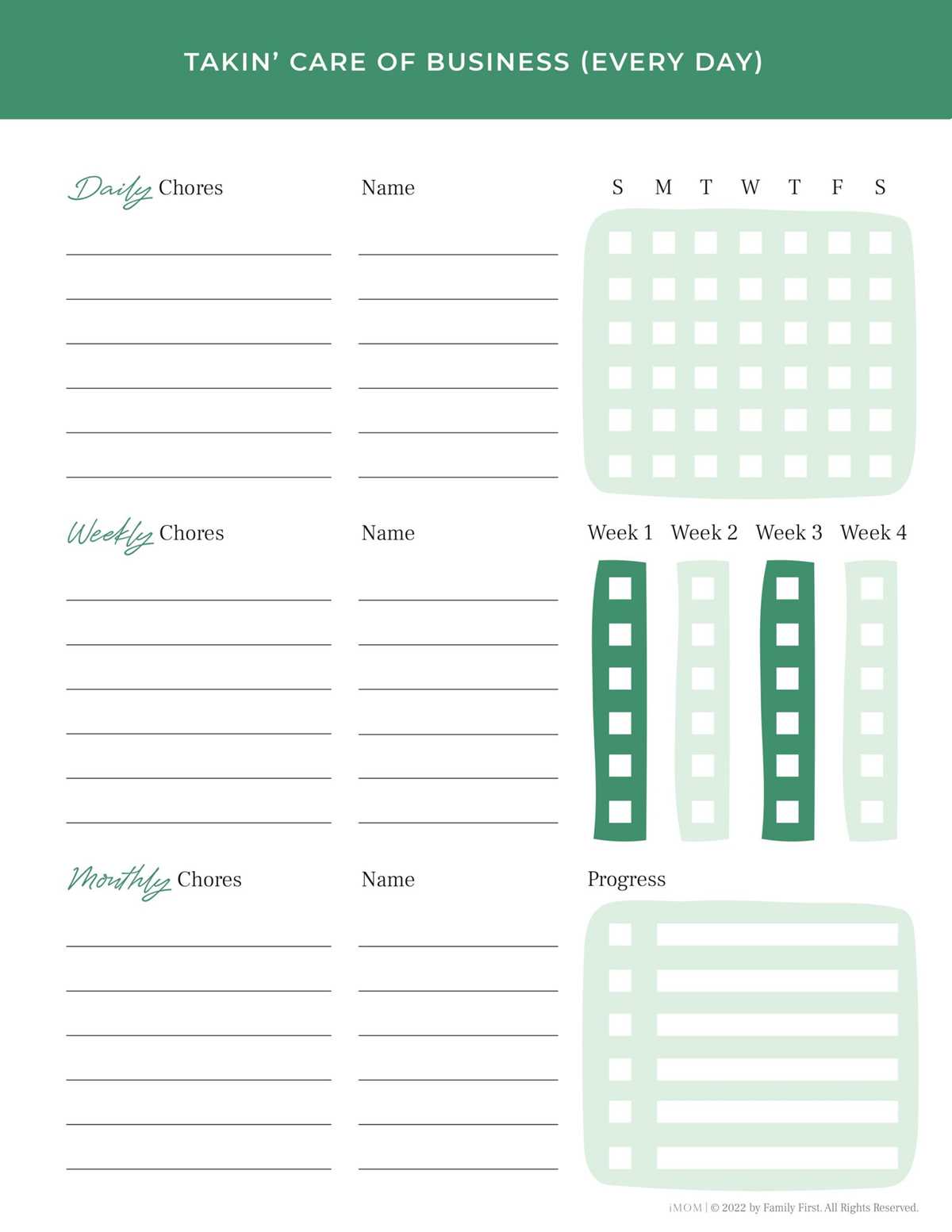
Focus on simplicity and clarity when picking a layout. A clean design with distinct sections for each responsibility helps children easily understand their tasks. Avoid too many small elements or excessive details that might overwhelm them.
Consider age-appropriate designs. Younger children respond well to visuals, so opt for a format with large icons or pictures. Older children can handle more text, but keep the font clear and easy to read. Balance both elements for a versatile design that grows with them.
Use a color scheme that is engaging but not overwhelming. Bright, bold colors like red, blue, or yellow can grab attention, but they should be used in moderation. Too many colors can become distracting. Stick to two or three main colors to create a cohesive look.
Make sure the size of the template fits your space. A compact design works well for limited spaces like a fridge or bulletin board, while larger templates are ideal for kids who may need more visual space to see their tasks clearly. Adjust the layout to fit the room where it will be placed.
Include space for rewards at the end of the week. Kids are motivated by a visual indicator of their progress. A section where they can earn stars, stickers, or checkmarks for completed tasks encourages them to stay engaged with the system.
- Incorporate a small rewards section to track progress
- Ensure readability with bold fonts and large icons
- Use simple, clear symbols for each task
Lastly, ensure that the tracker is easy to update. Choose a format that allows you to easily add or remove tasks without hassle. A flexible system ensures that the tracker remains functional and relevant as your child’s responsibilities change over time.