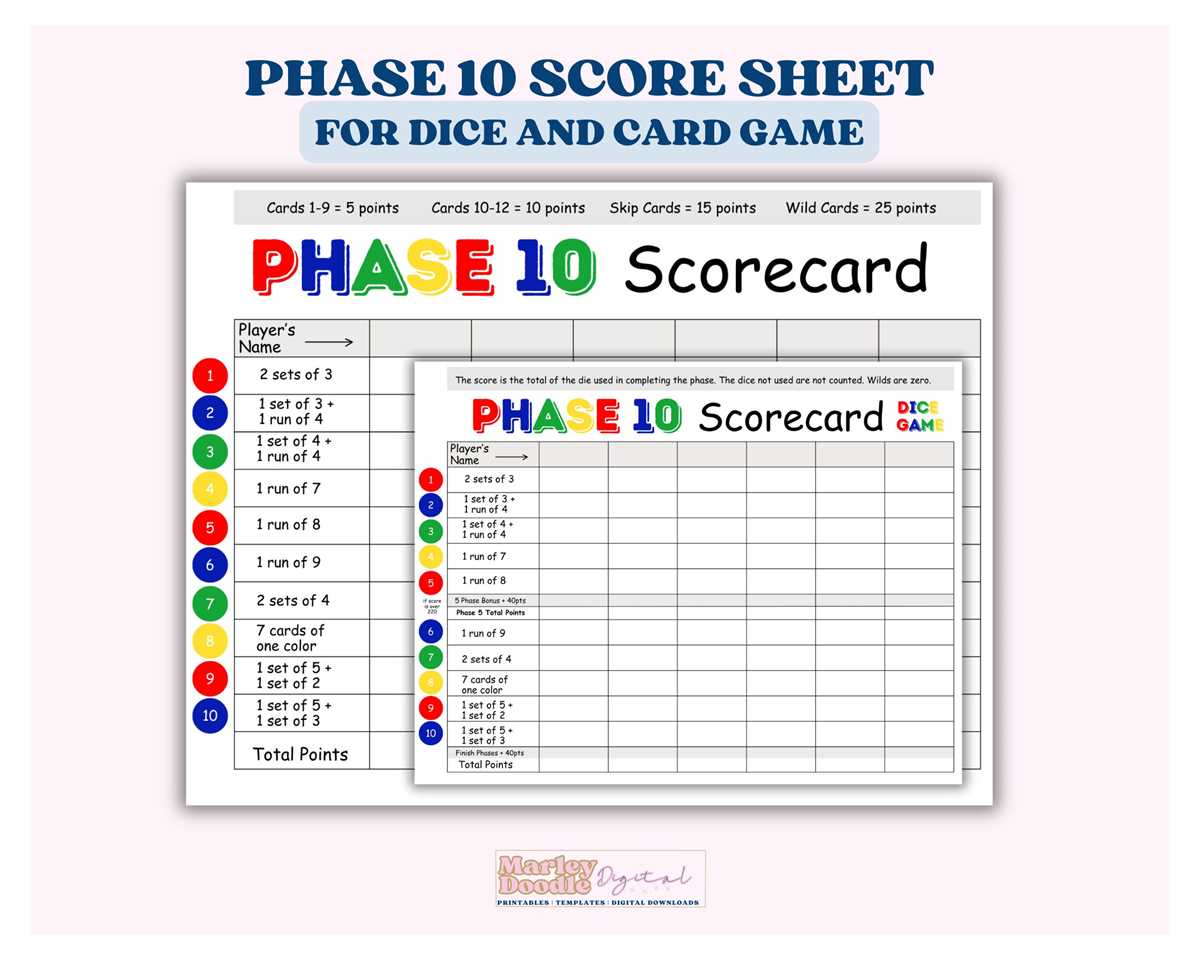
If you’re seeking to create a more personalized experience for your next card game session, custom card sets are a quick and easy way to bring fresh energy. Whether you’re hosting a family gathering or having a friendly competition, you don’t need to rely on store-bought options. With a few simple materials, you can print out a custom deck that perfectly suits your game setup.
Start by downloading ready-made templates, which provide pre-designed formats tailored to specific games. These can save you time and ensure you have all the necessary elements laid out correctly. After downloading, check the specifications for the paper size and printing settings to ensure your cards print in high quality. Using a heavier paper stock or card material will give the cards more durability, making them suitable for repeated use.
To add a more creative touch, consider customizing the designs. You can change the card faces with personalized images or themed graphics. Programs like Photoshop or even free online design tools allow you to modify layouts with ease. For example, adding custom text or images that reflect the game’s theme or your own preferences can make the game feel more unique.
Once you’ve printed and cut the cards, you’re ready to enjoy a custom experience. You can laminate them to ensure they last longer or simply keep them in a protective sleeve. Don’t forget to organize them properly for easy access during play. These simple steps will elevate your gaming sessions without needing expensive pre-made decks.
Playing with Customized Cards: Creating Your Own Set
Designing your own set of cards for the popular numbers game offers a simple yet engaging way to enhance your gameplay experience. With a basic set of rules and a few templates, you can make your own cards for home play. A great approach is to adapt existing resources to match the style and needs of your group, whether you’re a casual player or someone who enjoys experimenting with variations. Instead of purchasing additional card sets, print customized versions that fit perfectly with your game style.
Many websites provide downloadable templates designed for easy printing, allowing you to create unique decks. These cards are often available in high-resolution formats, ensuring that they are crisp and readable. Some even include additional spaces for you to mark progress or adjust card numbers as needed. By downloading one of these options, you can use a standard home printer to produce as many cards as you like–ideal for multiplayer sessions or large groups.
Make sure to select a quality paper stock that will withstand repeated shuffling and handling. Thicker paper will last longer and reduce the chance of tearing. If you want a more professional finish, you might want to laminate the cards or print them on glossy cardstock. Laminating can add durability and give your deck a polished look that feels like a store-bought set. Consider mixing up the design by using bold colors or adding personalized symbols for an extra touch of fun.
Once your cards are ready, organize them according to their specific numbers or challenges. A clear layout ensures quick recognition during play and smooth game flow. Don’t forget to print a reference sheet for any rules or special instructions. It can be a helpful guide, especially for new players. Having a custom deck at your fingertips not only adds variety to your game but also gives it a fresh and exciting twist every time you play.
How to Print Phase 10 Game Cards at Home
To print the cards for the game at home, begin by downloading a high-quality template for the cards. You can find free templates online, but make sure they are designed with the correct dimensions and card layout to match the official version.
Next, use a durable paper stock for printing. Opt for cardstock or heavier weight paper, as it will ensure your cards last longer and are easier to shuffle. A weight between 80-110 lb (216-297 gsm) works best for this purpose.
Adjust your printer settings for the best results. Select “high quality” print mode in the printer preferences to ensure the colors and text are sharp. If your printer allows, use the “borderless” option to avoid any unsightly edges on your printed cards.
After printing, you may want to cut the cards neatly. Use a paper cutter or precision scissors for straight cuts. To avoid jagged edges, make sure to measure each card before cutting. A cutting guide can help maintain uniformity across all cards.
If you want to add extra durability, consider laminating the printed cards. Laminating sheets are available at most office supply stores and can be applied using a standard home laminator. This will make your cards resistant to wear and tear.
Finally, organize the cards by category and number. Each set of cards should be sorted according to its group–whether it’s by color or value. Keeping everything in order will help when you start your next game session.