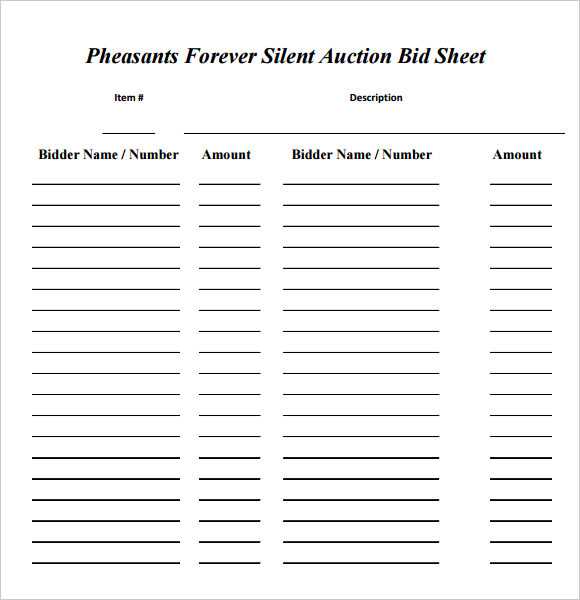
Start by selecting a simple tracking form that will allow participants to write their offers clearly. Ensure that the format includes necessary details like item names, bidder information, and a space for writing the offer amount.
Look for templates that allow for easy modification and customization. You may want to add sections for tracking additional details, such as bidder contact information or a column for starting prices. This ensures smooth operation, especially in events with a high number of participants.
Once the template is ready, ensure it is easy to read and update. Organize the forms in an order that matches the flow of your event. Consider printing multiple copies so that attendees can fill them out quickly without confusion.
Creating a Bid Tracking Template for Your Event
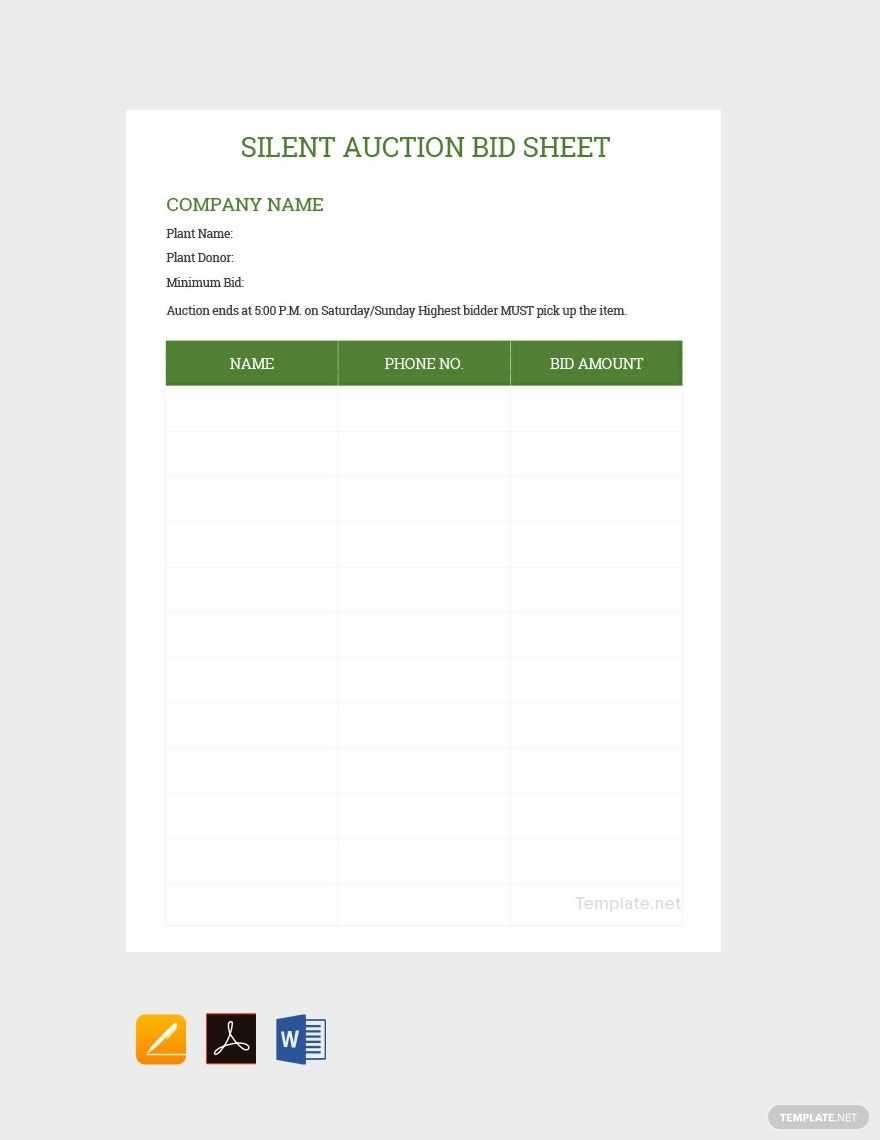
To design a tracking form, start by adding columns for the item description, bidder’s name, contact information, and the current offer. This will make it easy for event organizers to monitor the progress of each item and the highest bid in real-time.
Make sure the template includes a section for starting prices or reserve prices, which can help clarify the expected value for each item. This is particularly important for items that may have high value or significance to the event.
Ensure there is enough space for multiple offers per item. This allows participants to continue bidding throughout the event, ensuring that the process remains smooth without creating confusion.
- Consider adding a section to mark when an item is closed, so organizers can easily see when bidding ends.
- Include a space for special notes or instructions related to an item, such as the date of item pickup or delivery details.
Use a clean and easy-to-read font to make sure all participants can clearly see their entries. This will prevent mistakes or misunderstandings during the bidding process.
If you plan on having a large number of items, consider dividing the template into separate sections for different categories or auction groups. This helps keep everything organized and manageable for both bidders and event staff.
For added convenience, make the template available in digital format, so it can be filled out electronically and updated quickly. This also reduces the need for physical copies and makes tracking bids easier during the event.
After the event, collect and organize the completed forms, and be sure to document the final bid amounts. This will help in confirming the winners and ensuring that all items are properly accounted for and distributed.
How to Download and Access a Bid Tracking Form
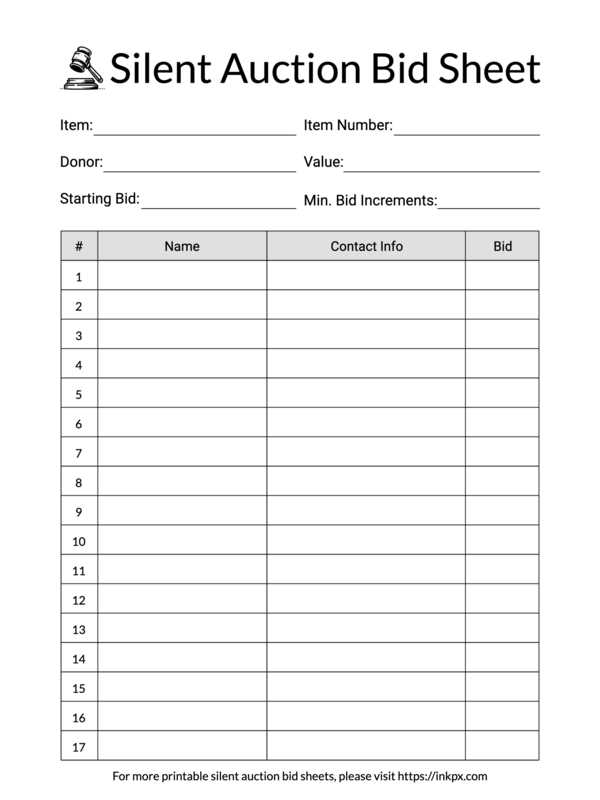
To access a bid tracking form, start by visiting a trusted website that specializes in event planning resources. Search for the relevant category, such as “event tracking forms” or “bidding sheets,” to find templates specifically designed for tracking offers at your event.
Once you have located the desired form, check for download options. Many platforms offer the document in a PDF format, which is easy to save and print. Make sure the version you select matches the number of participants or items in your event.
Some websites may require creating an account before allowing you to download the forms. If so, follow the registration process to gain access. Alternatively, some sites provide instant downloads without any registration needed.
If you need to customize the document, choose a template that allows editing. Many resources offer downloadable files in Word or Excel formats, enabling you to adjust the layout, add fields, or change the design to fit your event needs.