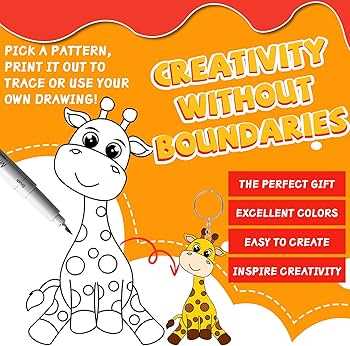
If you’re looking to make custom charms, keychains, or miniatures, using shrinking material is an excellent choice. Begin by selecting a high-quality sheet of shrinkable plastic, which is compatible with your printer. Ensure that the plastic you use is specifically designed for printing, as not all shrink films are suitable for this purpose. Many types of shrinking sheets come in transparent or frosted varieties, allowing you to create vibrant and detailed designs.
Before printing, test your design size. Remember, when the plastic shrinks, it can reduce the size by about 50-70%, depending on the brand. To avoid overly small results, it’s a good idea to enlarge your designs slightly. Additionally, adjusting the print settings on your printer, such as using a higher DPI (dots per inch), ensures your designs remain sharp and clear as they shrink. Experiment with different graphic software to enhance your artwork before transferring it onto the shrinking film.
Once your design is printed, carefully cut out the shapes. You can use scissors, a craft knife, or a punch to achieve the desired cut. After cutting, place the shapes on a baking tray and follow the manufacturer’s instructions for baking. The plastic will curl as it heats up, but it should flatten out after a short period. Keep a close eye on the process to avoid overbaking, which can cause the plastic to warp or burn.
Finally, once your creations have cooled, you’ll be left with durable, miniature versions of your designs. These items can be turned into jewelry, accessories, or even decorative pieces. With the right materials and careful attention to detail, the process of transforming artwork into miniature objects becomes an enjoyable and rewarding experience.
Guide to Using Shrinky Dinks Printable Paper
Start by selecting the right material for your project. Look for high-quality shrinking sheets designed for printing, ensuring they are compatible with your printer. If you’re using inkjet, make sure the material is optimized for that type of printer to prevent smudging or ink absorption issues.
Next, prepare your design. It’s crucial to account for the shrinkage effect–when the plastic shrinks, it reduces by about 50-70% in size. Increase the dimensions of your artwork before printing to avoid the final result being too small. Adjust the resolution on your printer settings for crisp details that remain intact after shrinking.
Once your design is ready, load the shrinking sheets into the printer. Be sure to follow the manufacturer’s guidelines for loading the material properly to ensure a smooth print. Also, test your printer settings on a smaller scale to check the quality and size of the print before committing to the full sheet.
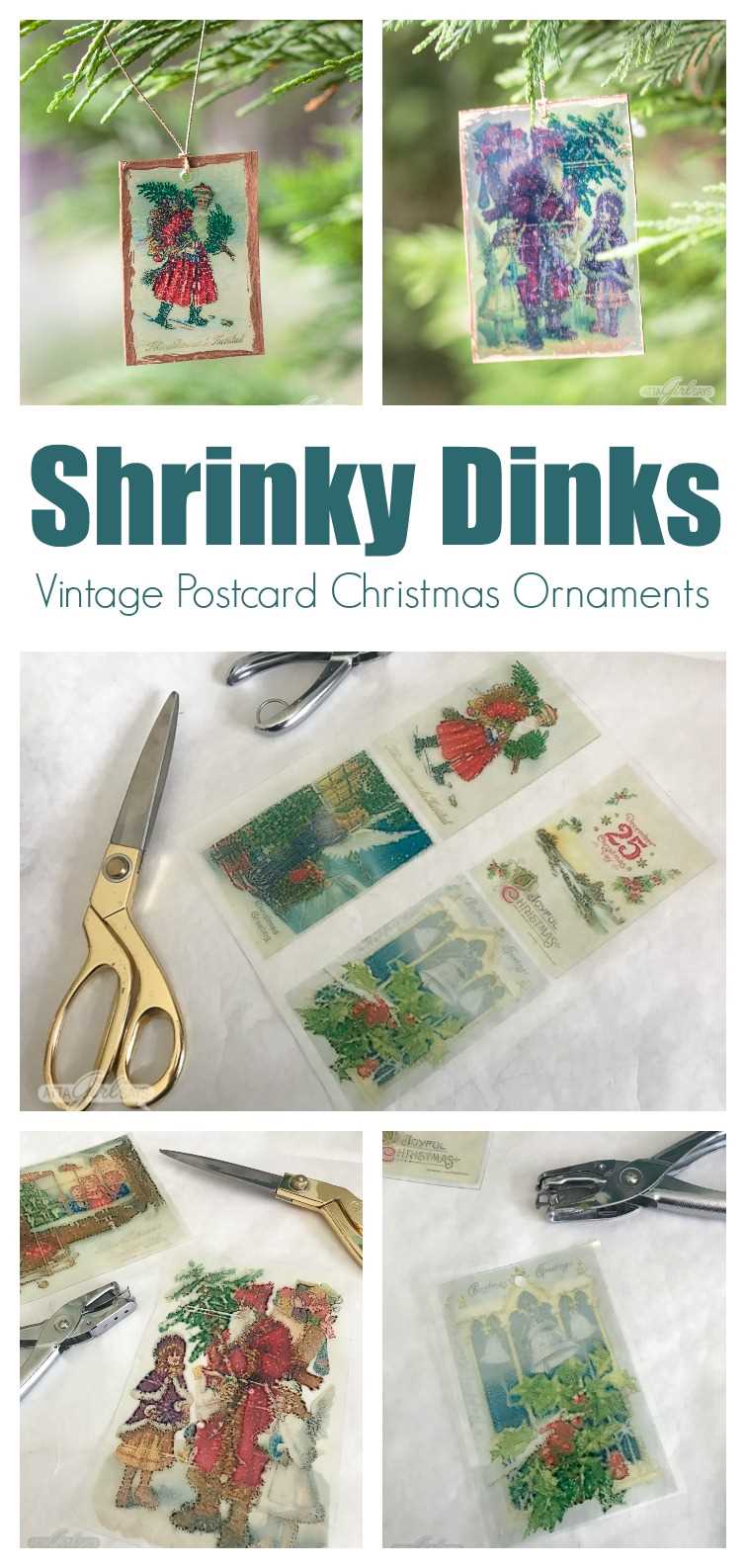
After printing, carefully cut out the shapes. Use sharp scissors or a craft knife for precise edges. Avoid using dull tools, as they can cause uneven cuts. If you’re making small items like jewelry or charms, a hole punch may be helpful for adding a hole for threading a chain or ring.
Place the cut shapes on a baking tray, ensuring they are flat and spaced out. Preheat your oven according to the material’s instructions, typically between 300-350°F (150-175°C). Keep a close watch while baking–plastic will curl up before it flattens out. Allow it to bake for the recommended time, usually 2-3 minutes.
Once the items have finished baking, let them cool down on the tray. They will harden and become durable. Be careful not to touch them until they have fully cooled, as they may still be soft and prone to distortion if handled prematurely.
Once cooled, you’ll be left with durable, miniature versions of your designs. These can be used for creating jewelry, keychains, or decorative items. The results are a fun and unique way to turn your creativity into tangible, functional objects.
How to Choose the Right Shrinky Dinks Printable Paper for Your Project
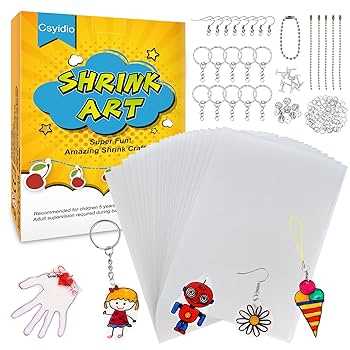
Consider the type of project you’re working on. For jewelry, charms, or intricate designs, opt for a thinner, more flexible material that allows for finer details. If you’re creating larger or sturdier items, such as keychains or buttons, choose a thicker, stronger option to ensure durability after shrinking.
Look at the material compatibility with your printer. Some shrinking sheets are designed specifically for inkjet printers, while others are optimized for laser printers. Make sure to check the product specifications to avoid issues with ink adhesion or poor print quality.
Another important factor is the shrink ratio. Typically, shrinking materials reduce to about 50-70% of their original size. However, different brands or types of sheets may shrink at different rates. Always check the shrinkage percentage on the packaging and adjust your design size accordingly to achieve the desired final result.
The finish of the shrinking material matters depending on the effect you want to achieve. If you prefer a glossy look, choose a shiny finish material, which reflects light well and offers a smooth texture. For a more matte appearance, select a non-glossy version, which provides a more subtle and refined finish.
Consider the ease of use. Some shrinking sheets are pre-printed with guides or templates, making it easier to create your designs. If you’re new to this craft, these pre-marked sheets can be very helpful in achieving accurate results, but for those more experienced, blank sheets allow for complete creative freedom.
Lastly, review the customer reviews and feedback for the product you are considering. Users often share valuable insights about the shrink rate, print quality, and overall experience. This feedback can help you avoid common mistakes and select the best material for your project.