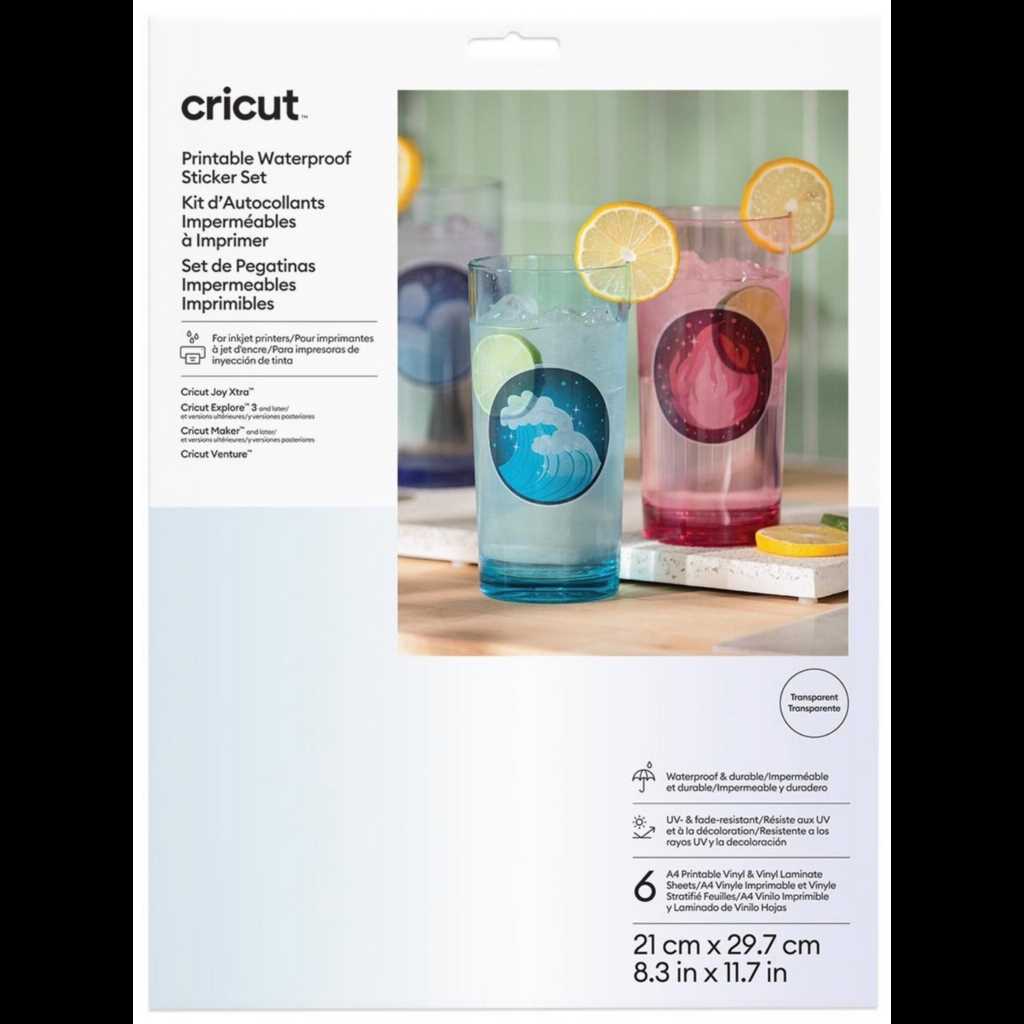
For long-lasting designs that can withstand moisture, using specific materials is crucial. Laminating the artwork and selecting premium sheets ensures durability even when exposed to water. A good printer also plays a significant role in enhancing color quality and resistance.
Choosing the right adhesive paper is important to make sure your creations adhere to various surfaces without peeling off. Look for papers designed for outdoor use or those marked as resistant to smudging and fading over time. Pay attention to paper weight as well–it can affect the final texture and feel of your custom-made decals.
If you’re looking to avoid the hassle of cutting and arranging the designs yourself, consider professional printing services. These services offer a range of options for durable, high-quality designs that are ideal for business or personal projects. Many online platforms provide affordable rates, fast shipping, and customizable sizes to meet your needs.
Printable Waterproof Sticker Set
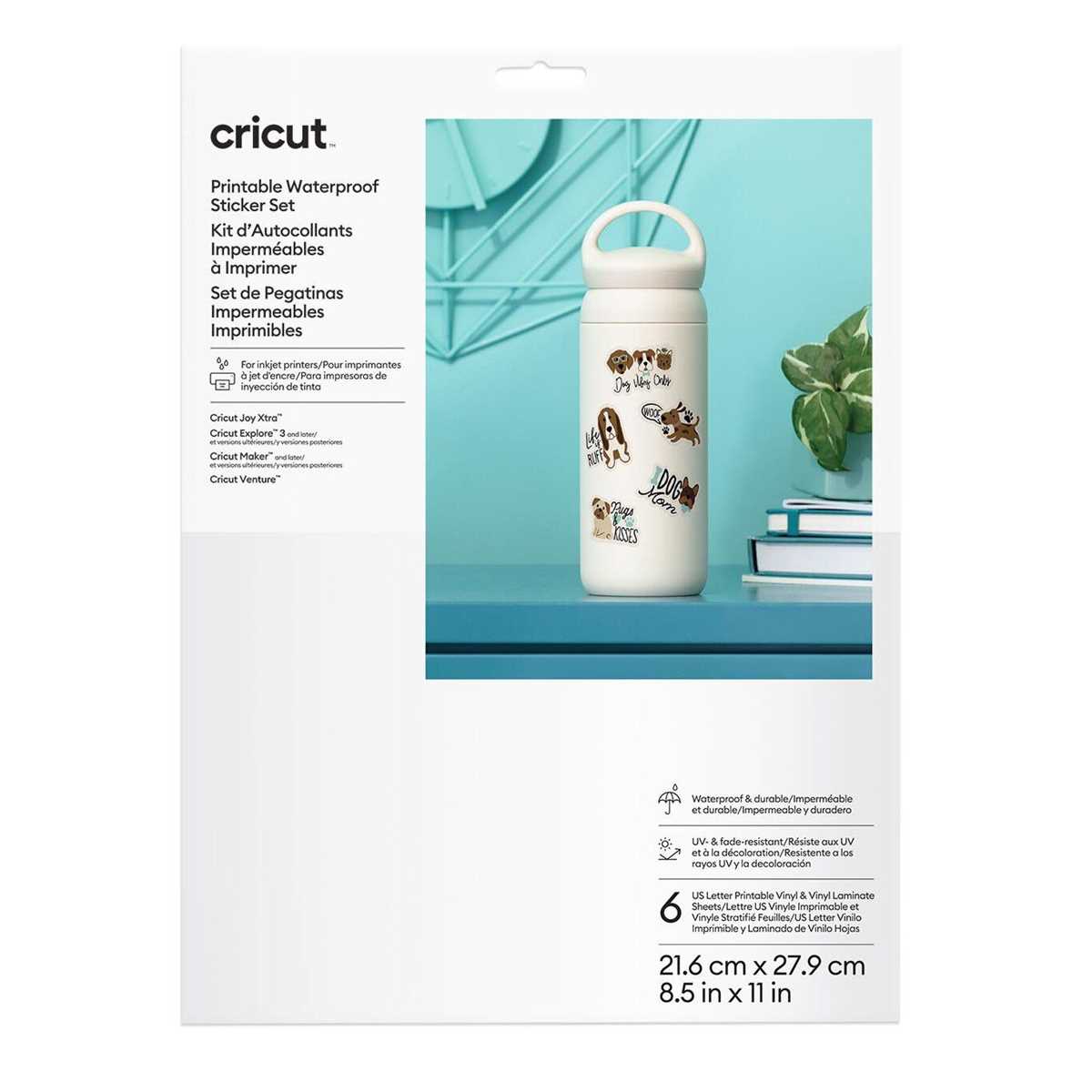
Selecting high-quality materials for your designs ensures long-lasting durability, even in wet conditions. Invest in papers designed specifically for external use to maintain clarity and color integrity. These materials are resistant to fading, smudging, and peeling when exposed to moisture.
Choosing the right ink is equally important for preserving your artwork. Pigment-based ink works best for creating prints that are resistant to water and fading. Unlike dye-based ink, which can be easily washed away, pigment ink will stay vibrant and intact for longer periods.
When printing your designs, make sure to use a printer capable of handling heavy-duty paper and specific coatings. Inkjet and laser printers are most commonly used, but make sure to check the printer’s specifications before attempting the task. Some printers may require extra settings or papers for optimum results.
Ensure that the adhesive used for your project is suitable for the surface you plan to apply it to. Some adhesives work better on plastic, while others are more effective on glass or metal. Testing your stickers on a small surface area first can prevent damage or poor adhesion.
For those looking for a more professional finish, consider purchasing a laminator. Laminating your designs after printing can further protect them from water and weather conditions. This added layer not only makes the material more durable but also enhances the visual appeal of the finished product.
If you’re printing a large number of designs, using a commercial printer may be a time-saving solution. Many printing services offer customization and can produce large runs of waterproof creations in a short period. This allows you to focus on the design process while leaving the technical aspects to experts.
Be mindful of the size and cut of your creations. Some designs may require precise cutting tools or even a die-cut machine to achieve the right shape. This extra step ensures that your designs have clean, sharp edges, adding a professional touch to your work.
Finally, store your creations properly before applying them. Keep your printed pieces in a dry, cool area to prevent damage from humidity before you use them. Packaging them securely can help ensure that they arrive in perfect condition, ready for use whenever needed.
How to Design Custom Waterproof Stickers for Personal Use
Start by choosing a design software that suits your skill level and needs. Software like Adobe Illustrator or free alternatives like GIMP can help you create detailed, high-resolution images. Make sure to create your designs in a vector format to ensure they scale well without losing quality.
For the design itself, consider the final size of your creations. Choose shapes and graphics that fit well within the desired dimensions. Avoid overly intricate details, as they can become difficult to reproduce clearly on smaller prints. Keep in mind that bold, simple designs tend to look better once printed and applied to surfaces.
When selecting colors, go for a palette that contrasts well to make your designs stand out. Bright, high-contrast colors generally work well for designs that need to be seen from a distance or in low-light conditions. Also, avoid using too many colors as this can make the overall design look cluttered.
Once your design is ready, save it in a high-quality format suitable for printing, such as PNG or PDF. Be sure to leave some space around the edges of your design to avoid cutting into important details during the trimming process. A bleed area ensures a cleaner finish when cut out.
Finally, consider adding a protective layer over your designs. If you’re working on a computer, use a laminating service or a protective spray to seal your creation once it’s printed. This layer will increase the durability of your designs, ensuring they stay intact in various environments.