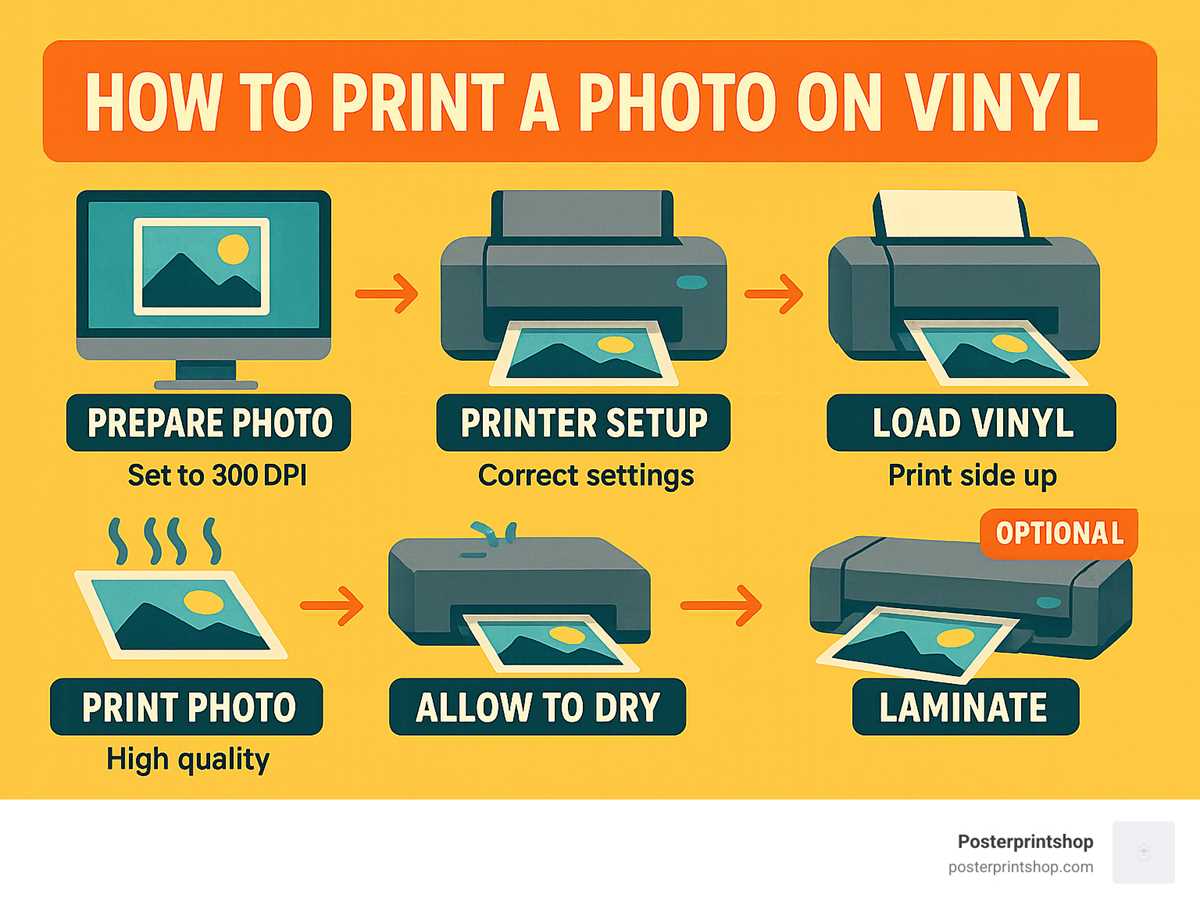
Start by selecting the right material that works well with your home or office printer. You’ll need adhesive-backed sheets designed for custom designs, which are available in a variety of finishes such as matte, glossy, or clear. These sheets are compatible with both inkjet and laser printers, offering you the flexibility to choose based on your available equipment.
Once you’ve selected your material, download or create a design. Many websites offer free or paid templates that you can personalize for your needs. Ensure your design fits the paper size and printer settings to avoid any alignment issues. It’s also important to use high-quality images to get crisp results when printed.
After printing, make sure the ink has fully dried before cutting or applying. You may also want to laminate the design to ensure durability, especially if it will be exposed to weather or frequent handling. The process is simple, but attention to detail will ensure your custom creations last longer and look their best.
Printable Vinyl Printer Guide
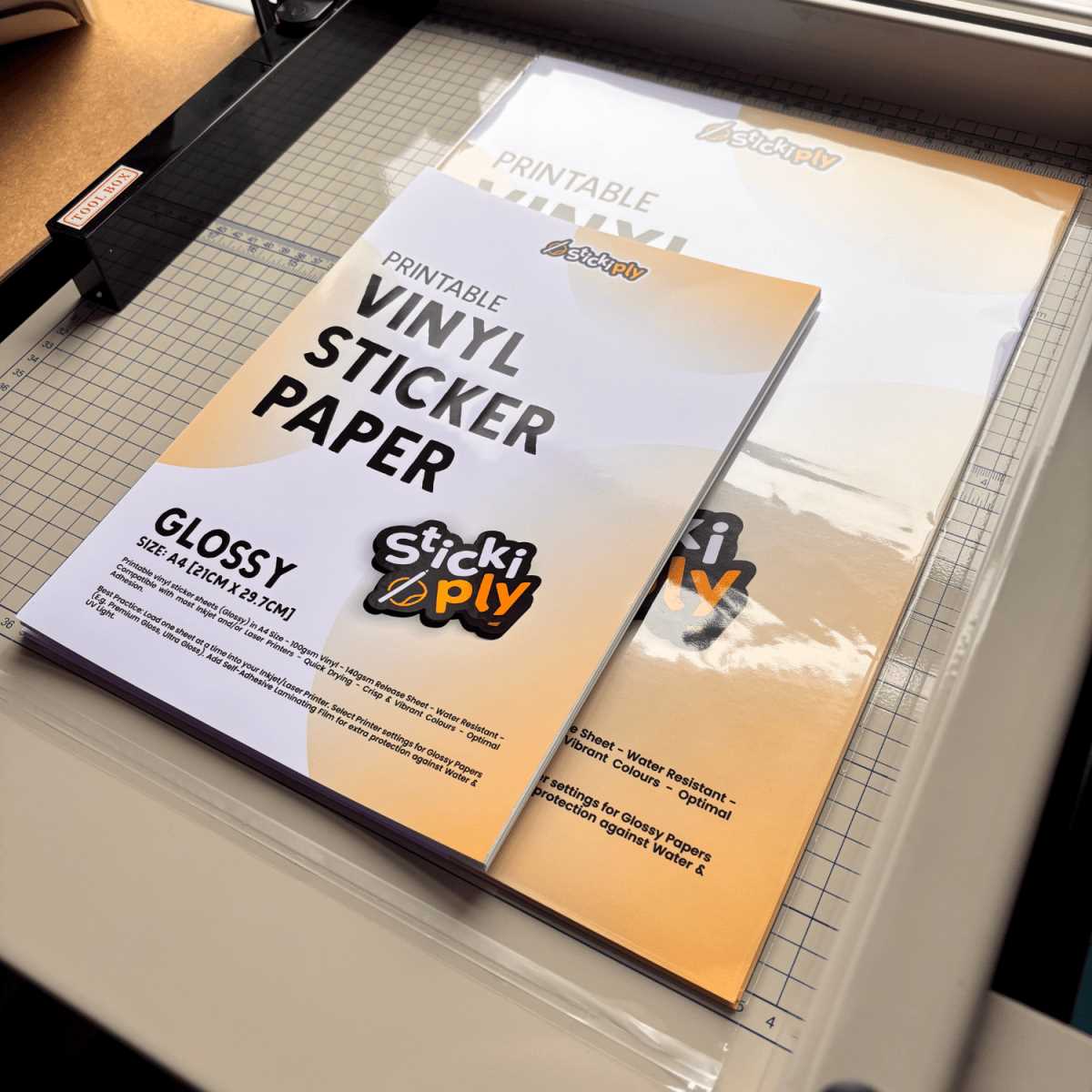
For smooth, high-quality results, use adhesive sheets that are designed for your specific type of machine. These sheets come in various finishes such as glossy, matte, and transparent, each suitable for different applications like decals or labels. Before you start printing, adjust your machine settings to match the material, ensuring optimal ink distribution and preventing smudging.
After printing, let the design dry completely to avoid any ink smudging. If you’re creating outdoor decals or items that will undergo wear and tear, consider adding a protective laminate layer. This will help protect your design from fading, scratches, or moisture, extending the longevity of your project. Cutting out the shapes can be done with a sharp craft knife or a precision cutting tool for clean edges.
Choosing the Right Vinyl for Your Printer
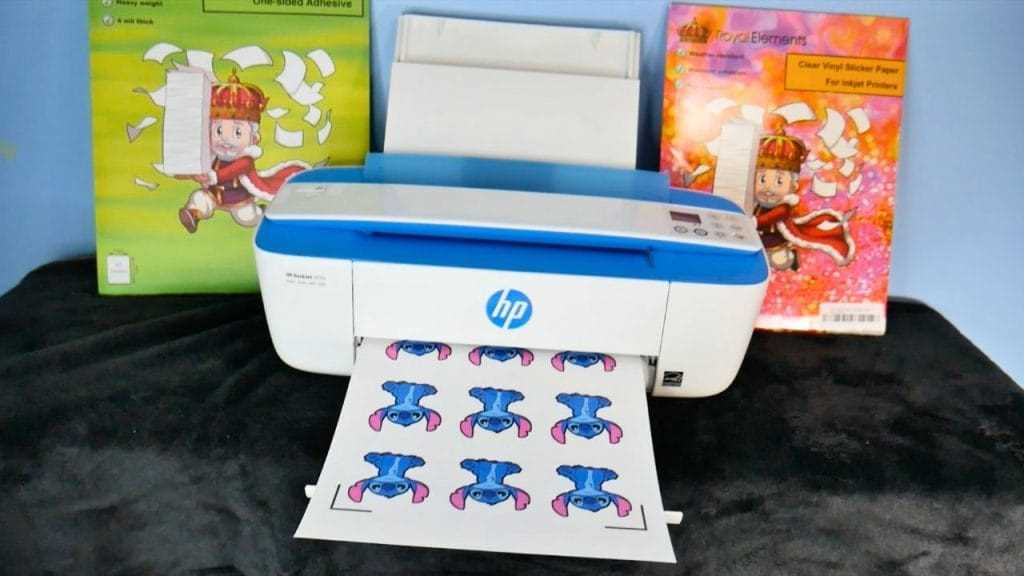
Select the material that matches your intended use. For indoor applications, choose a lightweight, smooth finish for a crisp look, while for outdoor use, opt for thicker sheets with weather-resistant qualities. Consider the type of ink your device uses–whether it’s inkjet or laser–since this can affect the print quality and durability of the final product.
Make sure the sheet size fits your equipment, as some printers may not support larger formats. It’s also important to check the adhesive backing. For projects requiring repositionable designs, select a removable adhesive. If permanence is necessary, choose permanent adhesive-backed sheets that will securely bond to surfaces without peeling over time.
If you’re working with multiple colors or intricate designs, look for a material that allows for easy cutting and weeding. Opt for products specifically designed for custom shapes, as these will reduce waste and ensure better precision. Choosing the right thickness will also help your prints handle wear and tear effectively, especially for items like decals or labels that may face frequent handling.