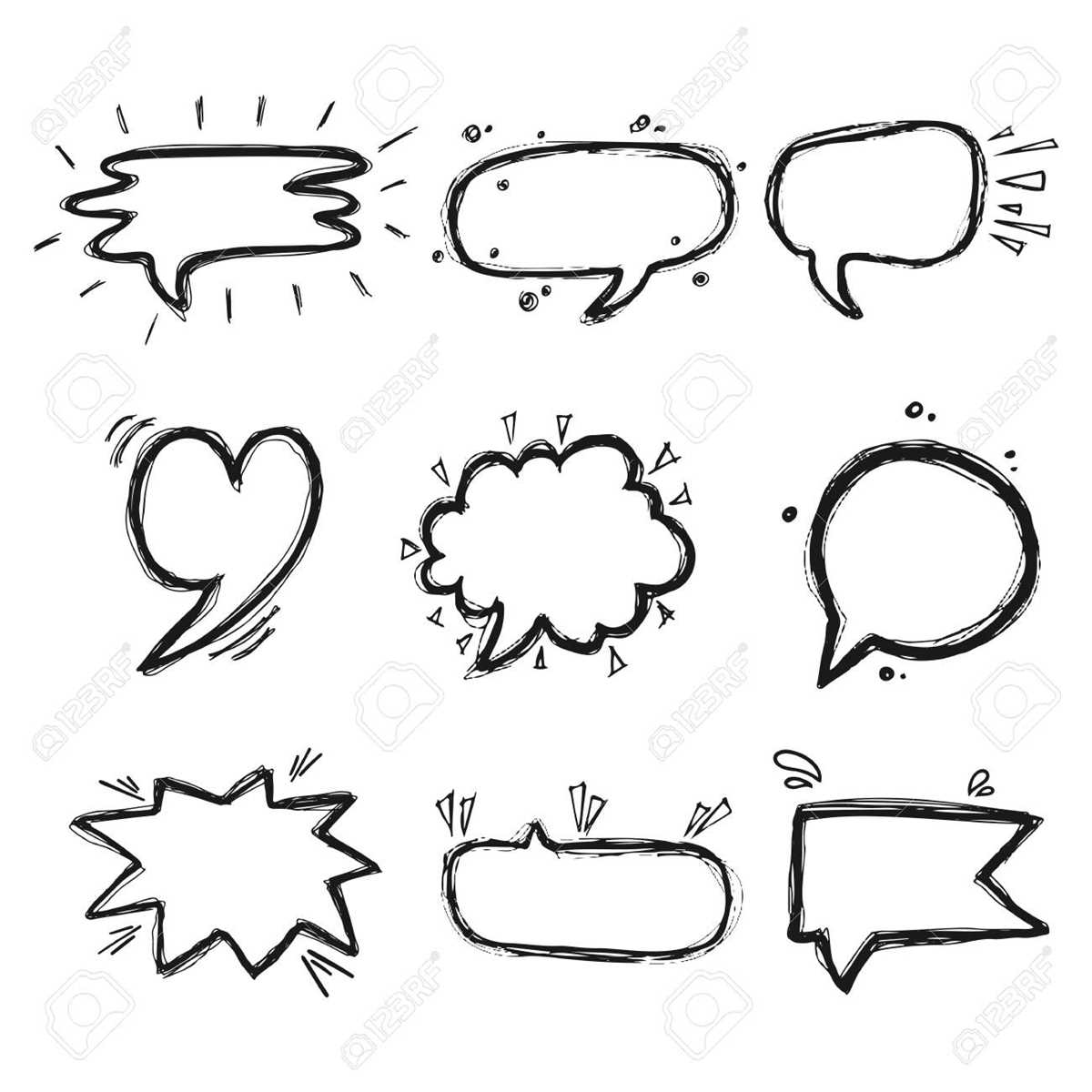
To enhance your creative work, incorporate speech and thought icons as visual aids to represent communication and inner dialogue. These elements are perfect for comics, presentations, and any project requiring clear representation of thoughts and conversations. Using these icons can make your content more engaging and easier for the audience to follow.
Download customizable templates of these speech and thought shapes, and tailor them to your project’s style. Whether you’re creating a digital design, a story, or a classroom resource, these icons provide a quick and effective way to visually communicate ideas. They allow you to add context, emotion, and meaning, enriching the experience for your audience.
For added creativity, modify the design of the icons to reflect different tones and moods. You can adjust their size, shape, and color to match the emotion behind the words or ideas. For instance, angular shapes could suggest tension, while rounded shapes may imply calmness. Customizing these elements ensures they fit seamlessly with your project’s overall tone and message.
Using Speech and Idea Clouds in Your Creative Work
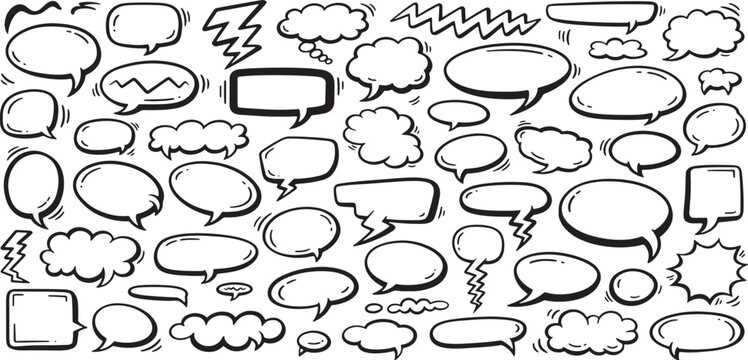
Start by selecting the appropriate shape for the message you want to convey. A rounded design works well for calm or reflective statements, while a jagged or spiked shape can indicate surprise or intensity. These icons help convey emotion and context that the words alone may not fully express.
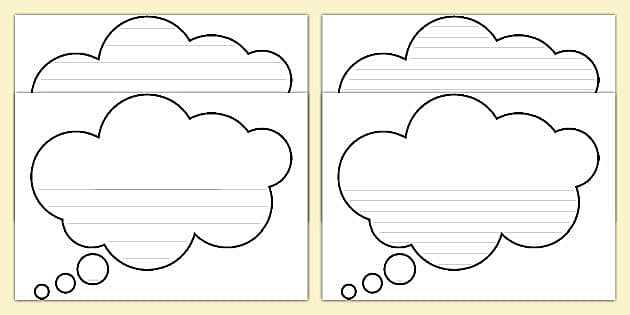
Next, consider the size of the icons in relation to your project. If you’re working on a comic or graphic novel, larger shapes can emphasize key moments, while smaller ones are useful for subtle dialogue or inner thoughts. The size of the icon can direct the viewer’s attention and help guide the flow of the narrative.
When adding these shapes to your work, position them carefully to maintain a natural flow. For conversations, place the shapes near the characters who are speaking or thinking. For inner dialogue, place the shapes closer to the character’s head to reinforce the idea that the words are internal. The placement creates a visual rhythm that mirrors the storytelling flow.
To make the most of these elements, experiment with different fonts and styles for the text inside the shapes. Bold or italicized fonts can highlight important words, while a playful or quirky font style can add humor or personality to the message. Matching the text style with the icon design enhances the overall impact of the visual element.
Consider adding color to the icons to reflect different moods or situations. For instance, using blue or green can evoke calmness or reflection, while red or yellow may indicate urgency or excitement. By adjusting the colors, you can further emphasize the tone of the message and align it with the atmosphere of your project.
Finally, keep a collection of these shapes on hand for easy access in future projects. Having a variety of designs ready to use–ranging from simple to more elaborate styles–allows for greater flexibility and creativity. You can modify the shapes to fit any type of content, ensuring that they enhance rather than distract from your message.
How to Use Speech and Idea Shapes in Creative Projects

Begin by selecting the right visual shape for your project. For comics or graphic novels, choose a design that fits the tone of the conversation or thought. Rounded shapes are ideal for calm or neutral statements, while sharp-edged designs convey intensity or urgency. Adjust the style to match the mood of the dialogue or idea being expressed.
Consider incorporating these visuals into presentations to visually represent key ideas. Place the shapes near relevant content to highlight specific points. For example, use them for quotes or important statements to ensure the audience’s attention is drawn to the main message. This can be a great way to break up dense information and make your presentation more engaging.
Incorporating these elements into storyboards or scripts adds depth to your visual storytelling. Place the icons above characters or scenes to indicate what is being said or thought, making it easier for others to visualize the narrative. This also helps collaborators understand the flow of ideas and dialogue without having to read through lengthy descriptions.
For digital designs or websites, use these shapes as interactive elements. Consider turning them into clickable icons that pop up with additional information or insights. This interactive use keeps the audience engaged and adds a dynamic element to your design, making it both functional and visually appealing.
Finally, experiment with different fonts and colors inside these shapes. Choose fonts that fit the overall tone of your project, whether it’s formal, playful, or dramatic. Pairing the right font with a color scheme that reflects the emotions of the message can elevate your creative work and make it even more impactful.