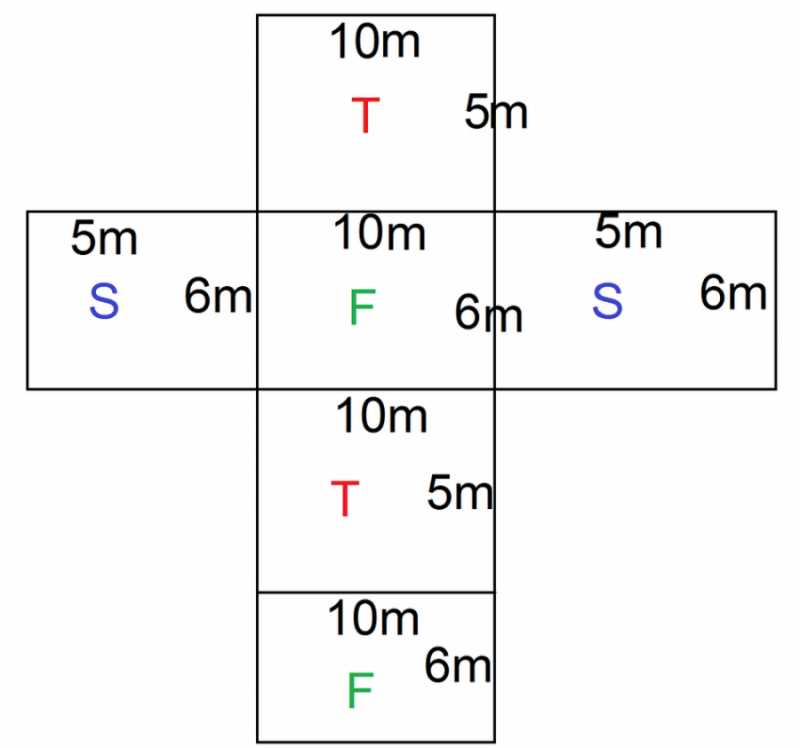
Start by selecting an appropriate design for your box. The flat pattern should consist of six connected rectangular shapes that can be folded to form the three-dimensional object. Ensure that each side is proportionate and lines are marked clearly for precise folding.
Once you have the design, print it on a sturdy material like cardstock to ensure durability. After printing, cut along the edges carefully using scissors or a craft knife for precision. It’s important to follow the crease marks to avoid any misalignment while folding.
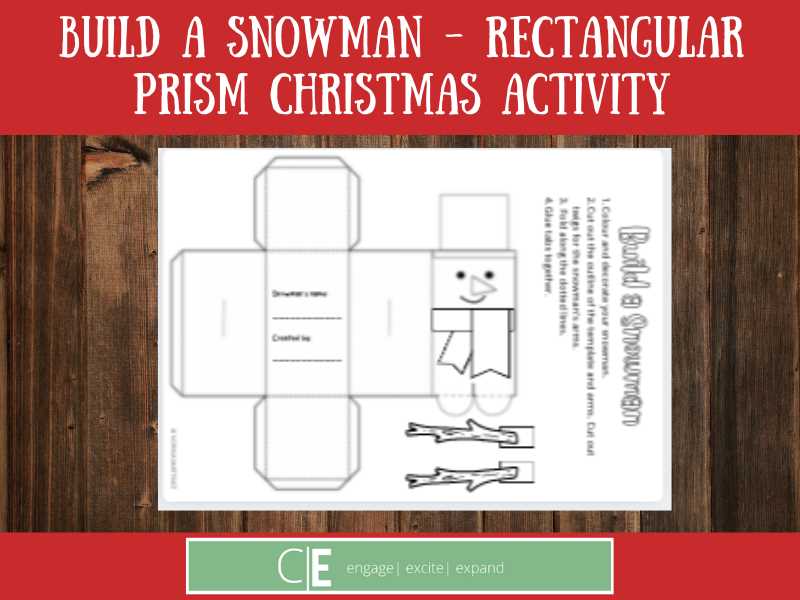
After cutting and folding, the sections should come together easily. Use glue or double-sided tape to secure the edges. Make sure each joint is firmly held to create a strong, well-formed box. This method can be applied for educational models, crafts, or geometry demonstrations.
Practice is key in perfecting the process. If the folds aren’t perfect initially, don’t worry–simply adjust your technique. Once completed, this model can serve as a great visual aid for understanding three-dimensional shapes or as a functional object for organizing small items.
Detailed Guide on Using a Box Template
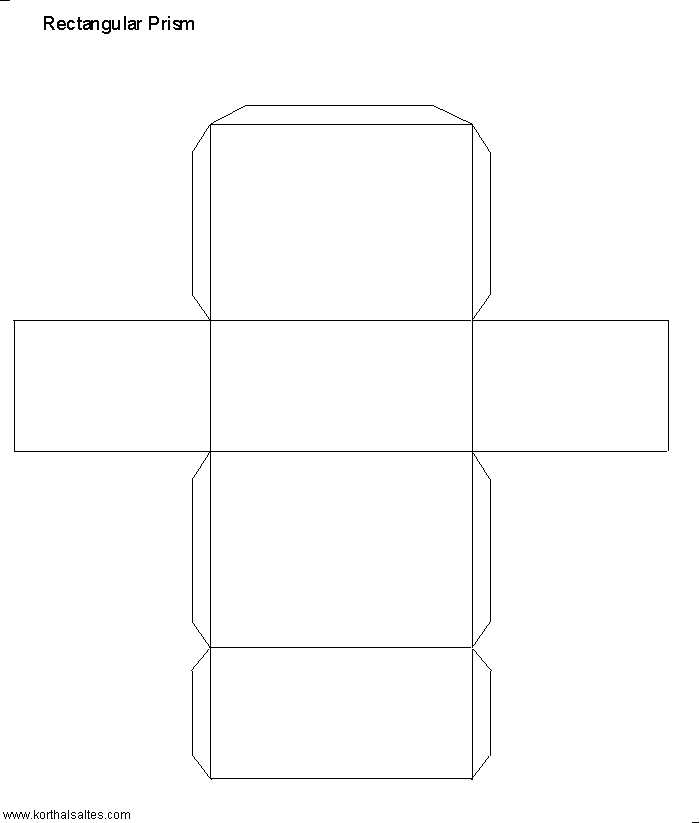
Begin by selecting a flat design for the shape that will fold into a box. This design should consist of six connected shapes, typically rectangles, which will form the sides of the box. Make sure that the edges align properly, as any misalignment can lead to an uneven structure when folded.
Print the design onto sturdy paper or cardstock. This will give the final object more durability and help it hold its shape better. Choose a high-quality printer setting to ensure that the lines and edges are sharp and clear, making it easier to cut and fold accurately.
Carefully cut along the edges of the design using scissors or a craft knife. Precision is key at this stage to ensure that the sections fit together perfectly. If you make any mistakes, simply use a fresh design template to avoid problems during assembly.
After cutting, start folding the shape along the crease lines. Take your time and be precise with the folds to ensure that the structure will hold together well. You may want to use a ruler or bone folder to make the folds cleaner and sharper, which will help the box maintain its shape when assembled.
Use glue or double-sided tape to secure the edges together once the folds are made. Apply the adhesive to the tabs and press them firmly against the adjoining sides. Be sure to hold them in place until the glue dries or the tape sticks completely to ensure a strong bond.
If you find that the box isn’t perfectly aligned or the folds don’t line up exactly, make adjustments by re-folding or trimming the edges slightly. This is a common part of the process, especially when working with 3D shapes, so don’t worry if it doesn’t come out perfectly the first time.
This technique is ideal for educational models, creative projects, or even small storage solutions. Once assembled, the box can serve as a visual aid for understanding 3D geometry, as a container for organizing items, or as part of a craft project. By practicing and refining the folding and assembling technique, you can create a precise and functional object every time.
How to Download and Print a Box Template
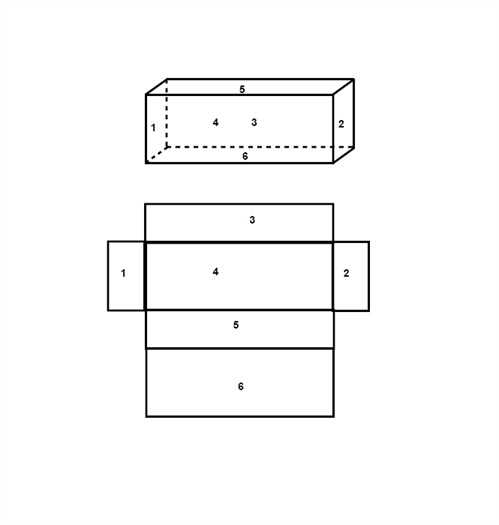
Visit a reliable educational website or search for a template on an online resource that offers geometric shapes. Many sites offer free resources for creating 3D models, so look for one that matches the specific shape you want to create. Ensure the template is the correct size for your project before proceeding.
Once you find the right design, look for a “Download” button or link on the page. Typically, templates are available in PDF or PNG format. Select the desired format, and the file will either open directly in your browser or download automatically to your device.
After the file is downloaded, open it using a PDF viewer or image editing software. Make sure the print settings are adjusted for the correct paper size, typically A4 or Letter. This is important to ensure the design fits perfectly on your sheet of paper without being resized incorrectly.
Print the template using a high-quality printer for clear, crisp lines. Avoid using standard printer paper; opt for heavier cardstock to give the final model more stability. After printing, you can cut out and assemble the model according to the included instructions.