Start by downloading a well-designed form template that allows you to collect necessary approvals for students or participants. Choose one that fits the activity, whether it’s for a field trip, extracurricular event, or any off-site activity. You can easily customize these documents by adding the event details, dates, and any specific instructions for parents to review.
Once you have the form ready, print it out for distribution. Make sure the space for signatures is clearly marked, and include a contact section for parents to reach out if they have questions. Adjust the layout so that all relevant information is visible and easy to read.
When collecting signed forms, set a clear deadline and follow up with reminders to ensure that all required documents are returned on time. You can store completed forms in a folder or digitally by scanning them for easy access. This process helps keep all consent materials organized and ensures that you’re fully prepared for the event.
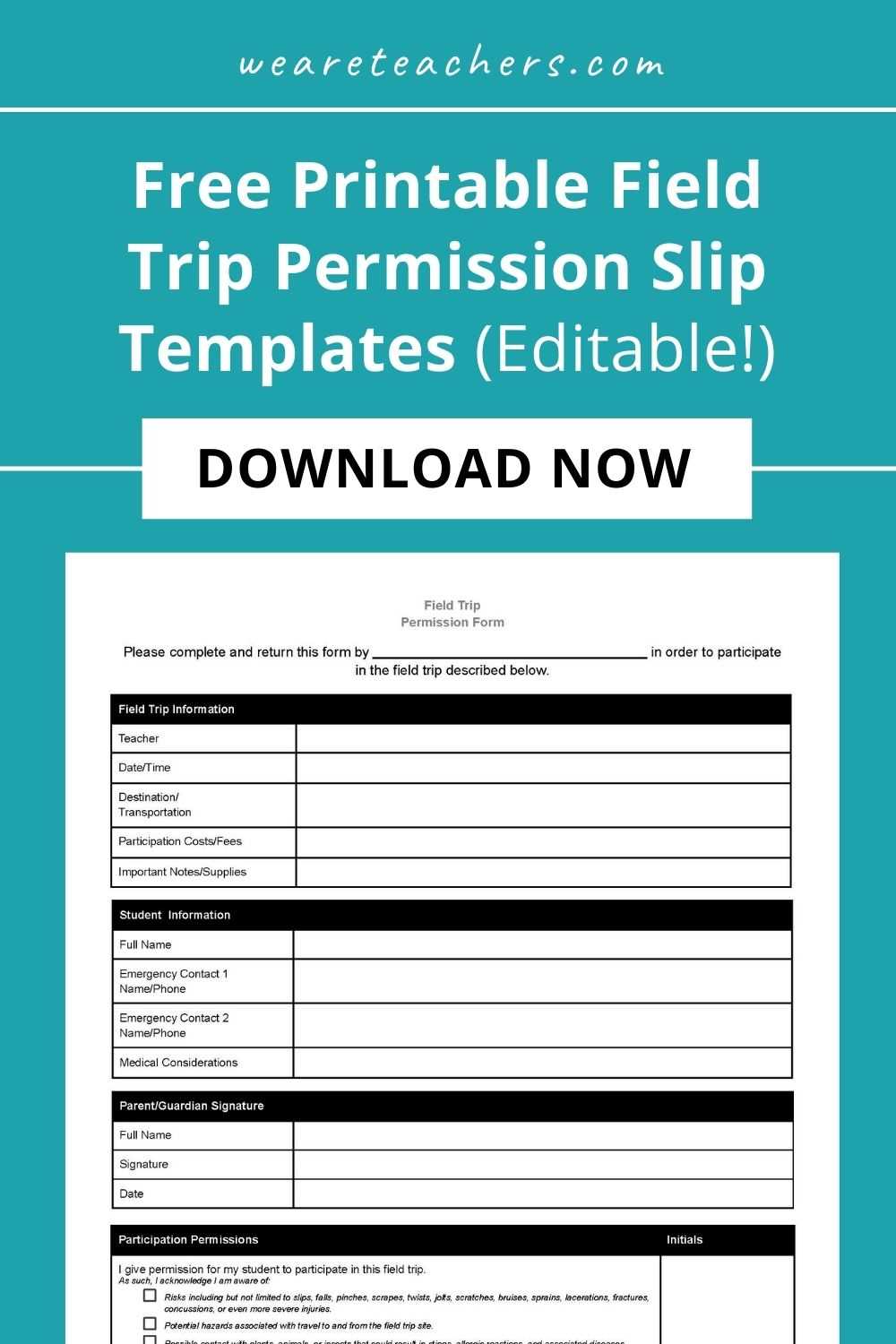
How to Create and Use Consent Forms for Events
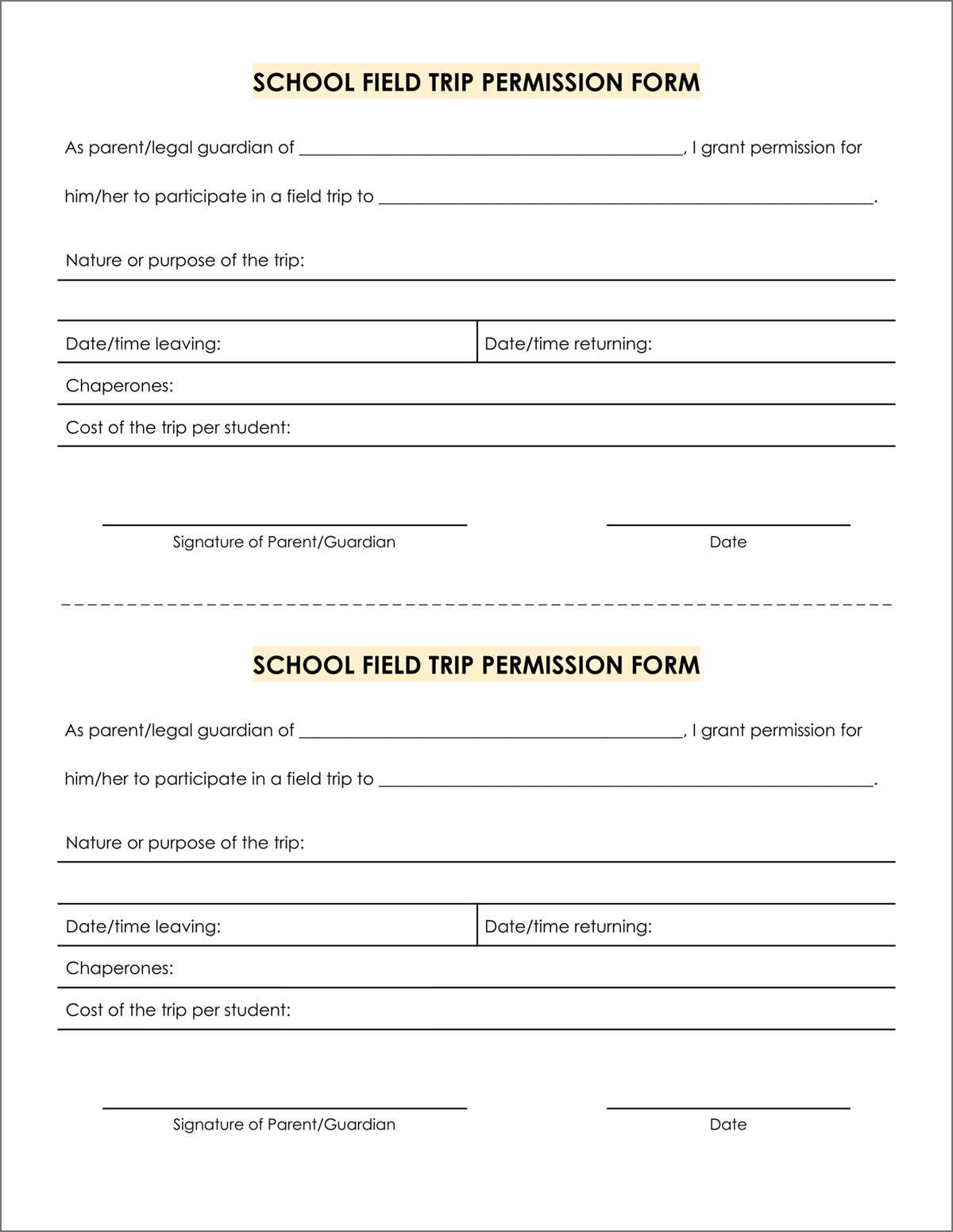
For any school or event activity requiring parental consent, start by creating a clear and concise document that includes all necessary information. Ensure the form includes sections for the child’s name, event details, date, and a specific area for the parent’s signature. This makes the process straightforward for parents and ensures all relevant details are covered.
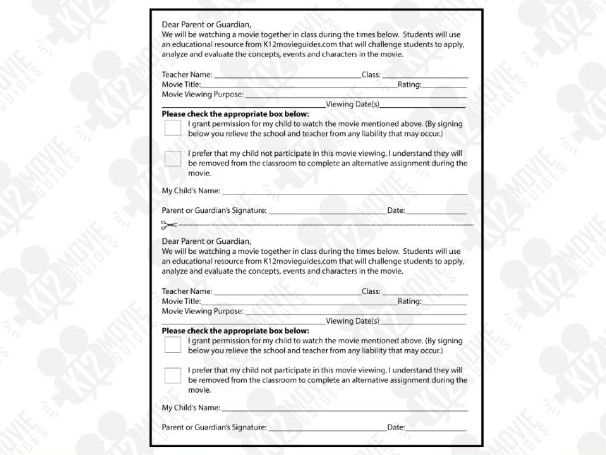
Design the form to be easily readable. Use a simple layout with bold headings for each section and enough space for parents to fill in the required information. You can include a checklist to clarify what permissions are being granted, such as transportation, participation, or emergency medical treatment. This eliminates any confusion and makes the form easy to follow.
Once the form is ready, print it in a suitable size for handing out. If you’re dealing with a large number of participants, consider printing several copies at once to save time. Ensure the printed forms are of good quality to withstand handling and ensure that all the text remains legible after being signed.
Distribute the forms well in advance of the event to give parents ample time to review and sign them. Include a deadline for submission and send reminders as needed. This helps ensure that all required approvals are collected before the event, reducing the risk of last-minute issues.
Once collected, store the signed forms securely, either physically in a locked location or digitally by scanning and saving them. This ensures you have all necessary approvals for the event and makes it easy to access the documents if needed for future reference. Keep a backup in case of loss or damage.
How to Customize and Print Consent Forms for School Events
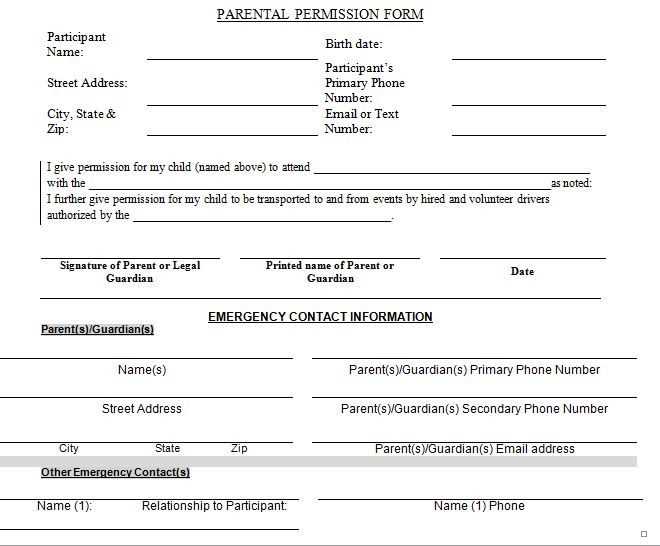
Start by choosing a template that suits the nature of the event, whether it’s for a field trip, sports activity, or after-school program. Customize the form by adding relevant details like the event’s name, date, location, and any special instructions for the parents. This ensures that the form provides all necessary information in one place.
Adjust the font size and style to make sure the form is easy to read. Use bold headings for sections such as “Emergency Contact Information” and “Medical Conditions” to help parents quickly locate and fill out the required details. You may also want to add a checklist for additional permissions or authorizations, such as photo consent or transportation approval.
- Use a professional-looking template with clear, structured sections.
- Include a signature line with a date field for both the parent and student.
- Ensure enough space for emergency contacts and other critical details.
After customizing the form, print it on standard letter-size paper or larger if the event requires more information. You can adjust the print settings based on the number of copies you need. Once printed, review each form to make sure everything is legible and all sections are included before distributing them to parents for signatures.