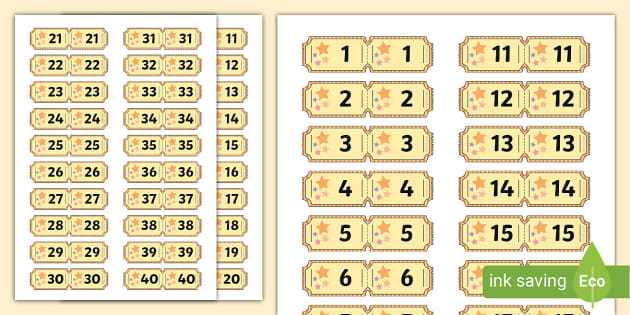
Use a PDF layout with automatic sequence fields to generate consecutive numbers from 001 to 500 or higher without manual editing. Set the document to A4 or US Letter and keep scaling at 100% to prevent misaligned cut marks. Place the serial code on both the main slip and the detachable stub to simplify verification during prize draws.
Choose 160–250 gsm paper stock to prevent tearing during handling, and include a perforation line positioned 25–30 mm from one edge for easy separation. Maintain a margin of at least 10 mm around all edges to avoid trimming off text or codes. Use black ink for numbering to improve readability under indoor lighting.
Test one sheet before bulk production to confirm alignment, perforation depth, and sequence accuracy. Check that each entry form includes fields for participant name and contact details, limited to two short lines to preserve space for the serial mark.
Printable Numbered Raffle Tickets
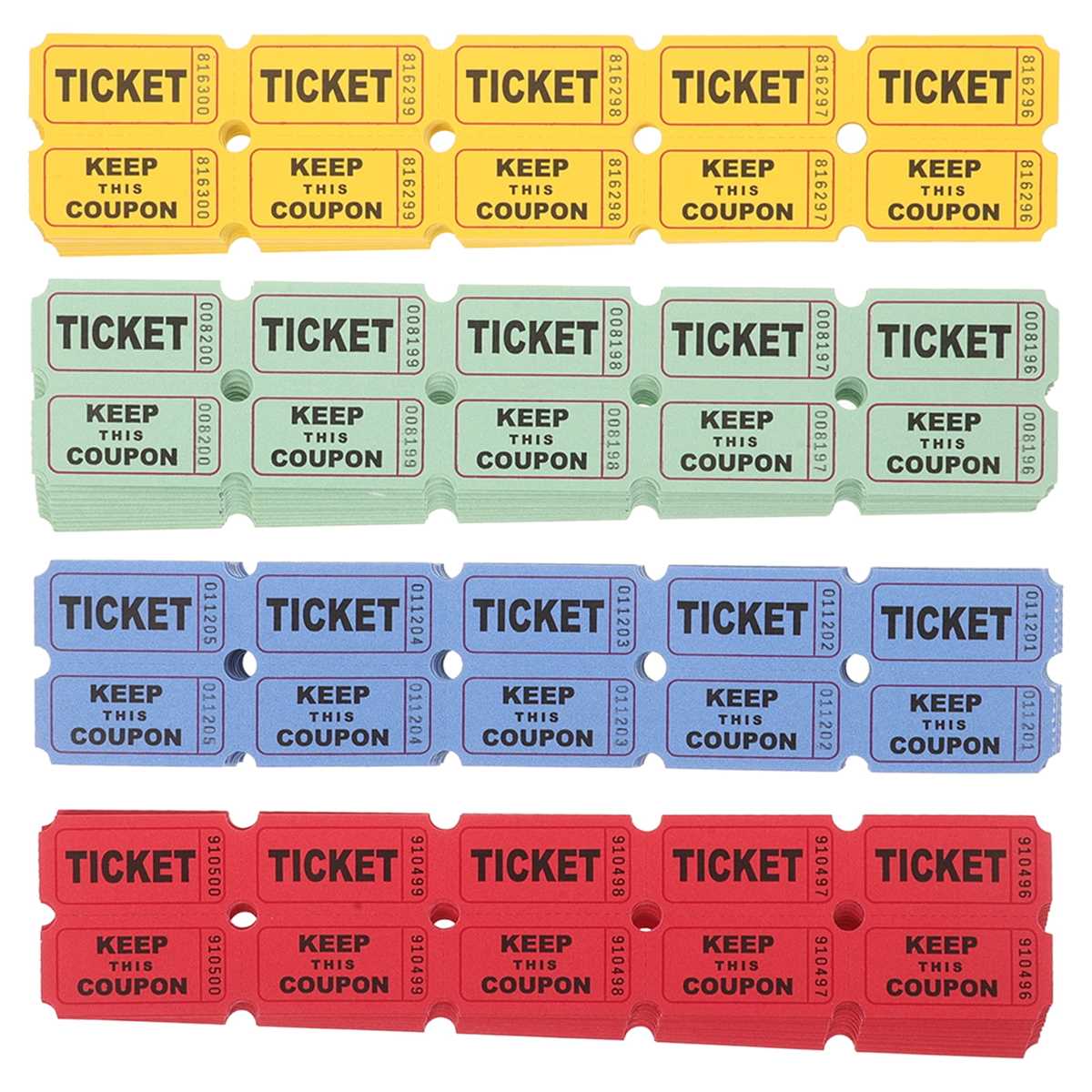
Use a PDF template with automatic serial sequencing to generate continuous codes such as 0001–1000 without manual input. Place each code in two positions: on the main entry slip and on the detachable stub. Keep font size for the serial mark between 14–18 pt for quick visual verification during prize draws.
Set page layout to A4 or US Letter and arrange 8–12 entry slips per sheet to reduce paper waste. Maintain 3–5 mm spacing between cut lines to prevent trimming errors. Disable page scaling in printer settings to keep alignment accurate.

Include a perforation guide 25–30 mm from the stub edge for clean separation. For small-scale production, use a rotary perforation cutter; for larger batches, order pre-perforated stock. Paper weight between 160 and 250 gsm prevents bending while remaining easy to tear.
Add fields for participant name and phone or email, limiting text lines to preserve space for the serial code. Keep background graphics light so dark ink remains readable under indoor lighting conditions.
Before mass production, print one test sheet and confirm that sequence order matches the sales log. Check trimming accuracy with a metal ruler and verify that each detached stub clearly displays its matching code.
How to Generate Consecutive Numbers Without Repeats in Ticket Templates
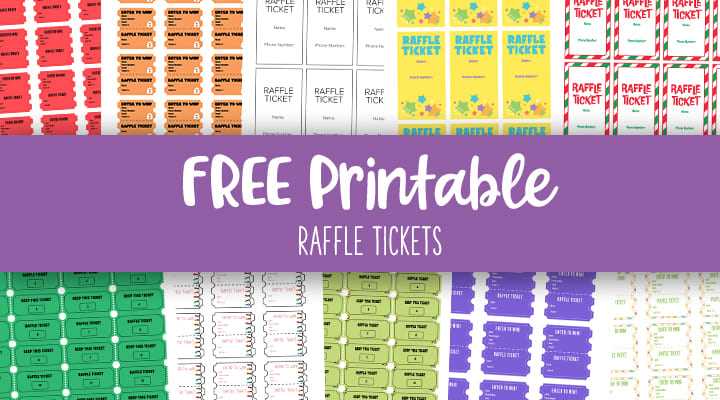
Use a spreadsheet with an auto-fill sequence formula to create a continuous series such as 0001–0500, then import the data into your layout file via mail merge. Apply a fixed digit format (for example, four digits with leading zeros) to keep all entry slips visually aligned.
In spreadsheet software, follow these steps:
- Enter the first value, such as 0001
- Use a formula like =TEXT(ROW(A1),”0000″) or drag-fill incrementally
- Extend the series to the required quantity
- Sort the column to confirm ascending order
- Export as CSV for merge placement
In design programs that support data merge, assign the serial field to both the main slip and its detachable stub. Lock the text box position to prevent accidental shifting between pages.
Before final output, run a proof batch of 10–20 sheets and verify that the first and last codes on each page follow the correct order. Check for skipped values or duplication by comparing the printed range with the original spreadsheet list.
For large volumes above 1000 units, divide the sequence into smaller ranges such as 0001–0500 and 0501–1000 to reduce file processing errors and simplify tracking during draw registration.