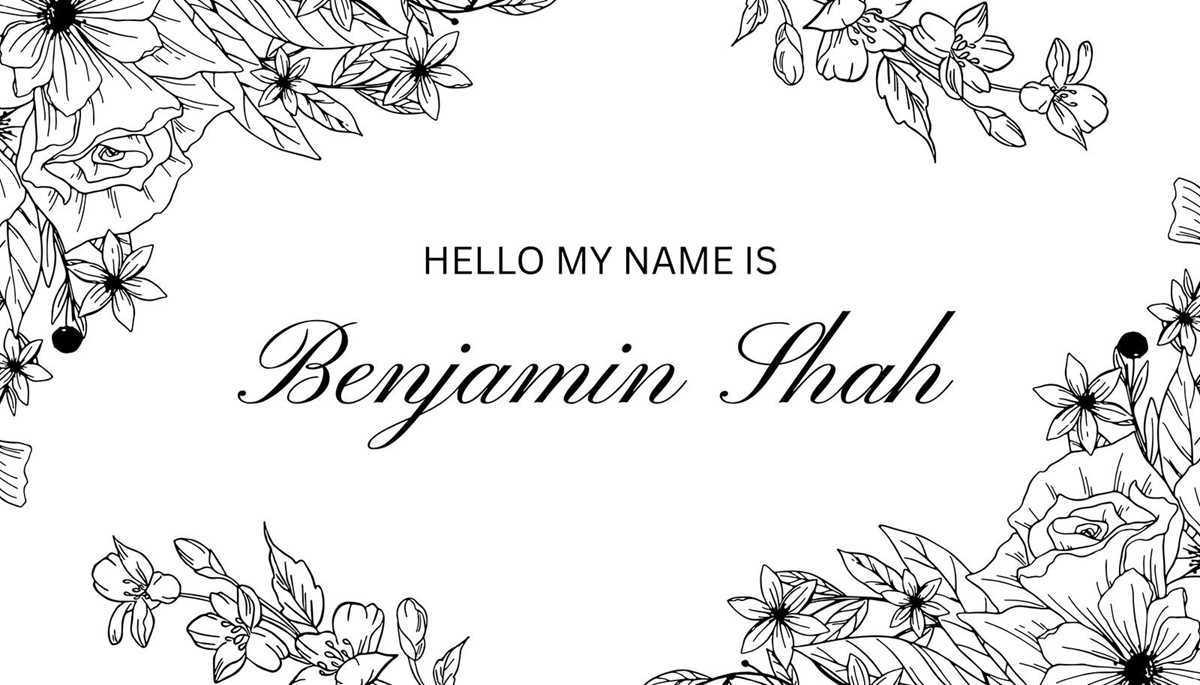
For events, creating personalized identification labels is quick and simple when you use pre-made designs. You can easily modify text and adjust layout for your specific needs. The process is straightforward and can be done in a few easy steps, whether you are hosting a conference, workshop, or seminar.
First, select a format that fits the purpose of your gathering. For professional events, a clean design with clear, legible fonts works best. Choose a color scheme that aligns with your brand or event theme. If you plan to print in bulk, make sure to opt for designs that fit the standard 3.5 x 2 inch size or similar common dimensions.
Next, pay attention to the quality of paper. Sturdy card stock or glossy paper is often the best choice for durable labels. Use a printer that can handle thicker paper to avoid issues during printing. If you’re unsure about compatibility, check your printer’s specifications or do a test print on regular paper first.
Finally, always consider the design layout. While text is the main focus, adding a logo or other graphical elements can enhance recognition. Ensure the design leaves enough space around the text for readability. Using templates available online can save time while offering the flexibility to add your unique touch.
Customizing Your Identification Labels for Any Event
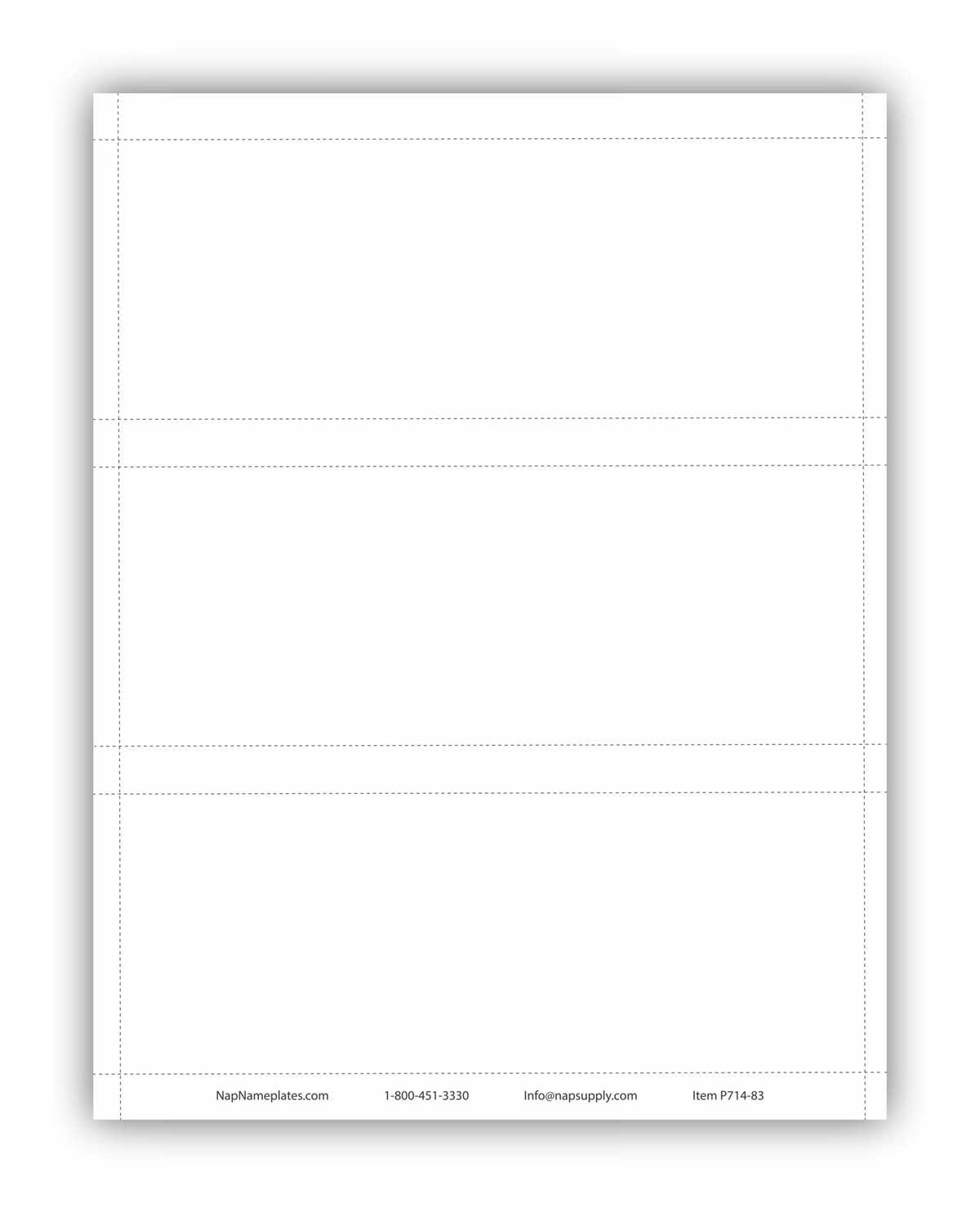
To get the best results, choose a label size that fits your event’s purpose. Standard sizes like 3.5 x 2 inches or 4 x 3 inches work well for most gatherings, but make sure the dimensions match the badges or holders you plan to use. A mismatch can lead to wasted materials or poor presentation.
When adjusting the layout, make sure there is enough space around the text to ensure clarity. Avoid overcrowding the design with too much information. A clean, minimal layout with just the name, title, and organization or event name is usually sufficient. If more details are required, consider using a smaller font or adding a second line for extra information.
In terms of color, pick shades that align with the event theme or company branding. Dark text on a light background is easiest to read, but you can opt for more colorful or gradient backgrounds if it suits the tone of the event. Just make sure the contrast is strong enough for legibility from a distance.
For printing, use a high-quality printer and opt for thicker paper, such as card stock, to ensure durability. If you’re printing large volumes, consider professional printing services to save time and maintain a consistent quality across all badges. Always print a test copy before running a large batch to check that everything aligns properly and is readable.
How to Customize a Printable Name Tag Template for Events
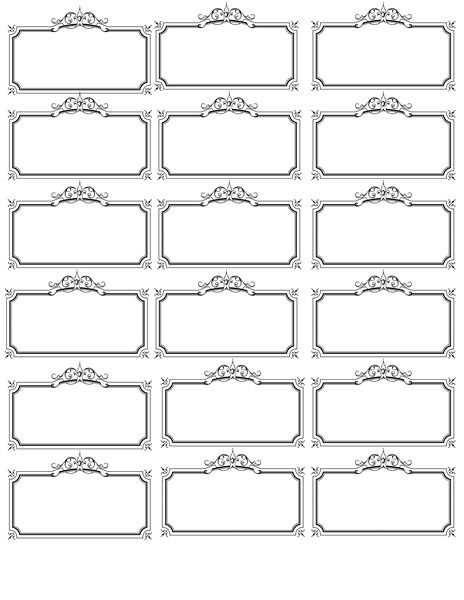
Start by selecting a design layout that suits your event’s theme. For formal gatherings, opt for a simple, professional style with a clean font. If the event is casual or creative, feel free to experiment with colors and patterns that align with the atmosphere you want to create. Many tools offer pre-made designs where you can easily adjust text and visuals.
Ensure the text you input is clear and easy to read. For readability, choose a font size that is large enough to be legible from a distance, but not too large that it overpowers the rest of the design. Stick to standard fonts like Arial or Helvetica for a clean and professional appearance, or use more decorative fonts for informal events.
Next, customize the details on the label. Typically, you’ll need to include the individual’s first and last name, their role or title, and the event name. You may also want to add a logo or graphic to reinforce branding or the event’s theme. If you’re creating labels for a conference, consider adding company names or session titles as additional information.
For a more personalized touch, include a design element such as a border or icon that aligns with the event’s color scheme. For example, if the event’s color palette includes shades of blue and white, using a matching border or icon in those colors will create a unified look. However, avoid overwhelming the label with too many design elements that could detract from the main information.
Once your design is ready, ensure it fits the correct dimensions for your printing material. Measure your badge holders to confirm the label will fit properly without getting cut off. Make sure there is enough space around the text for clear visibility, and verify that the label is centered correctly on the page.
Finally, before printing, test your design on a single sheet of paper to make sure everything aligns properly. Check that the text is readable, the colors are accurate, and that the label fits within the holder. After confirming that the label looks good, proceed with printing your labels in bulk, using quality materials for durability.