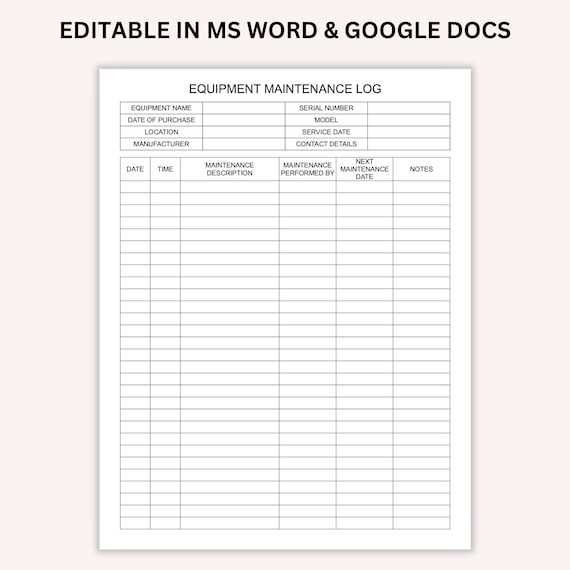
Start by organizing all your repair and service tasks in a consistent and clear format. Use a structured document to record dates, details of the work done, costs, and service providers. This method ensures you have all relevant information at your fingertips whenever you need it.
For an easy-to-use system, consider a sheet with columns for the service type, description, date, next due date, and any additional notes. This format helps to track ongoing requirements and provides a quick reference for past maintenance, which can save time and money when issues arise.
To keep everything in order, make sure the document is accessible and regularly updated. Digital options like spreadsheets or cloud-based tools allow you to store and access your records on multiple devices. Keep your logs organized by category, whether it’s for household appliances, vehicles, or equipment, to make tracking even more efficient.
How to Organize and Track Repairs Efficiently
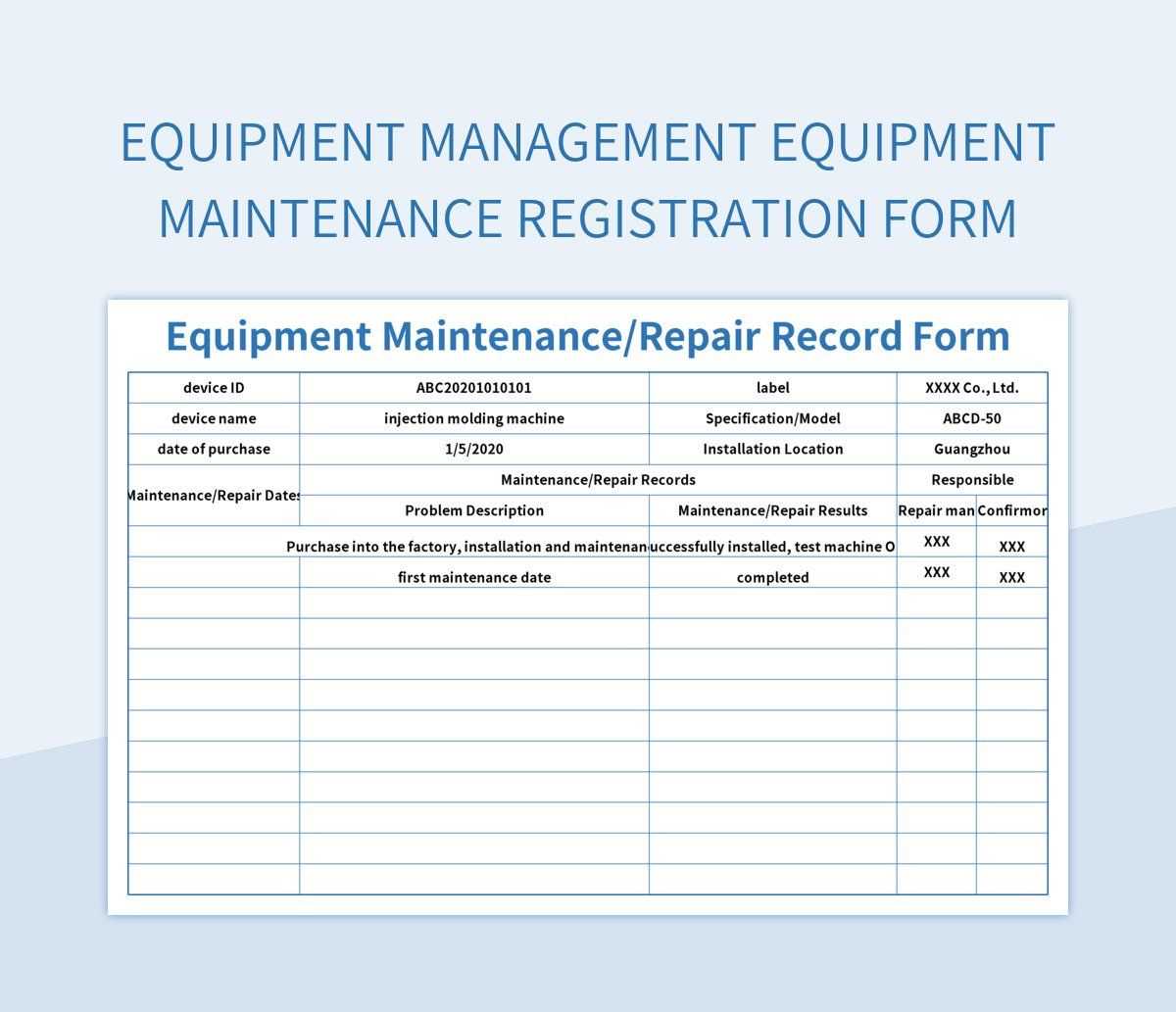
Begin by structuring your document with clear columns for each task. Include a section for the type of service, date performed, next service date, and a description of the work done. This format makes it easy to reference past actions and ensure that future needs are addressed in a timely manner.
If you’re tracking multiple assets, such as household appliances or vehicles, create separate sections for each. This allows for better organization and prevents confusion between different types of equipment. Ensure that every service is logged with specific details to avoid any ambiguity later.
Consider adding a column for costs. This will help you keep an eye on the expenses associated with upkeep, allowing you to track whether certain items are becoming more expensive to maintain over time. It also helps with budgeting and future planning.
For long-term tracking, include a column for warranties or service agreements. This ensures that any covered repairs are easily referenced, preventing unnecessary expenses. You can also set reminders for warranty expiration dates to make sure you don’t miss out on free repairs or replacements.
When it comes to digital tools, using a spreadsheet is highly effective. Online platforms such as Google Sheets or Excel offer templates that you can customize to suit your needs. These tools allow for easy updates, and many have built-in functions for sorting and filtering entries.
If you prefer physical records, make sure to print and store them in a binder for easy access. Grouping them by category and keeping them in labeled sections will ensure you can quickly find the information you need without wasting time searching.
Regularly update your document to ensure accuracy. Set a recurring reminder to log services as soon as they are completed. Keeping everything up to date will prevent missed tasks and keep your assets in top condition.
Lastly, make sure to keep your records secure, especially when dealing with valuable assets. Whether digital or physical, ensure your logs are easily accessible to you but protected from unauthorized access. This will keep your information safe and well-organized for future use.
How to Customize a Maintenance Log Template for Your Needs
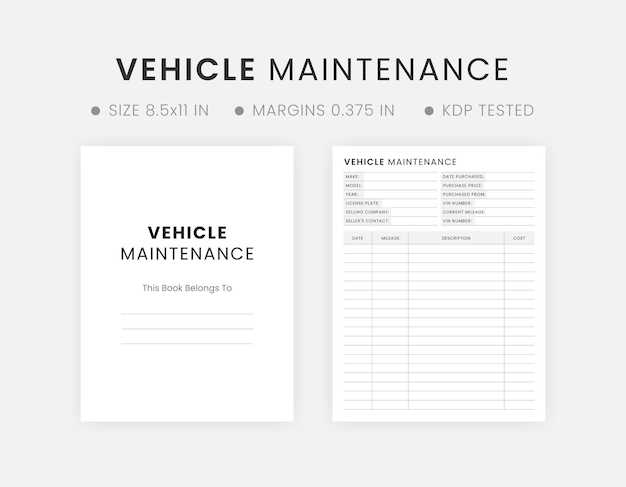
Start by determining the specific types of tasks you need to track. For instance, if you’re managing multiple items like appliances, vehicles, or equipment, create distinct categories for each. This allows you to stay organized and ensures that you’re tracking the appropriate details for each asset.
Next, decide which information is most useful for your purposes. Common columns to include are service date, service provider, work performed, cost, and next due date. You may also add notes or warranty information for further clarity. Adjust these columns based on what’s relevant for the items you’re maintaining.
If you prefer visual clarity, use color coding to differentiate between completed and upcoming tasks or to highlight priority repairs. This method helps you quickly spot what needs attention. Adding checkboxes for completed tasks can also improve the organization and tracking process.
For ongoing projects, consider adding a column for tracking the frequency of repairs or services. This will help you determine whether an item requires more frequent attention over time and allow you to plan accordingly. Customizing your tracking sheet based on specific needs makes it easier to manage and more efficient for long-term use.