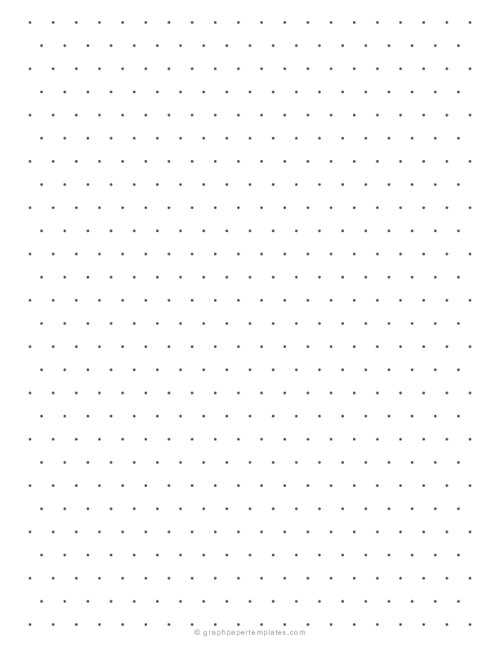
If you’re working on projects that require accurate 3D drawings, using a hexagonal grid with angled lines is a great tool to help you visualize depth. This grid system is especially useful for sketching and designing complex shapes, like architectural models or geometric patterns, where spatial precision matters.
The hexagonal structure provides a framework for drawing in multiple dimensions at once. With a series of consistent lines arranged in 120-degree angles, the grid enables you to map objects in perspective, making it easier to represent depth on a flat surface. You can scale your designs to fit various project sizes or detail levels depending on your needs.
To get started, simply download a template that suits your specific requirements. Many online resources offer customizable formats, allowing you to choose between different sizes, line thicknesses, and even color schemes. These customizable options ensure that you get the right layout for your project, whether it’s for technical drawings, artwork, or any other task requiring precision.
How to Use Printable Isometric Graph Paper for 3D Sketching
To get started with 3D sketching, choose a template with the right grid density. A finer grid with smaller triangles is ideal for detailed designs, while a larger grid works best for broader sketches. Make sure your grid is evenly spaced to maintain proportional accuracy in your sketches.
Place the object or shape you want to draw at the center of the grid. Start by outlining the basic shapes of the object using the angled lines as your guides. These lines help simulate depth by positioning your drawing elements along a defined 3D axis. This ensures your design looks consistent in perspective from all angles.
Use the intersections of the grid as reference points for measuring distances. This will allow you to maintain proportionality and symmetry in your sketches. Take advantage of the grid’s geometric structure to sketch symmetrical shapes like cubes, pyramids, or other geometric forms with ease.
For more complex objects, break them down into smaller components. Sketch basic shapes first, then connect them using the grid’s lines to add depth and dimension. This method reduces errors and makes it easier to visualize the 3D structure as you add more detail.
Adding shading to your 3D sketch can enhance the depth perception. Use the grid lines as a guide for determining the light direction and shadow placement. By shading the appropriate sections, you can further emphasize the three-dimensional qualities of the object.
After completing the initial design, review the placement of all elements. Make adjustments as necessary, refining the proportions and angles to achieve a balanced and accurate final result. The grid’s structure helps you make these adjustments systematically without losing the intended perspective.
Finally, practice regularly to improve your skill in using the grid for 3D sketching. With time, you’ll be able to quickly create complex designs with precision, and the grid will become an invaluable tool for your drawing and drafting needs.
Choosing the Right Printable Isometric Graph Paper for Your Project
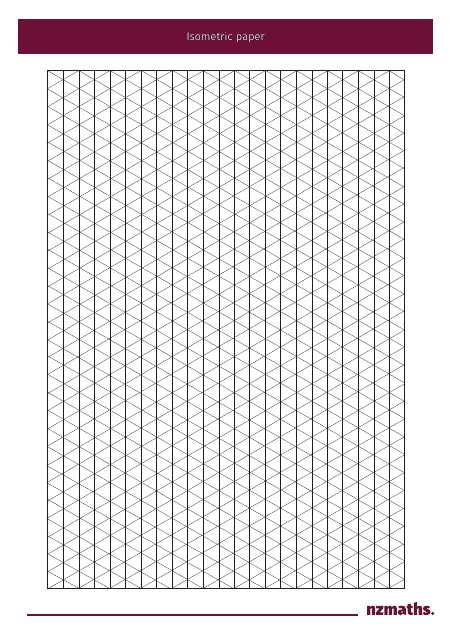
Start by considering the scale of your project. For small, detailed designs like mechanical parts or intricate illustrations, choose a grid with smaller angles and tighter spacing between lines. This allows for precise control over small elements. On the other hand, if your project involves larger designs or architectural drawings, a grid with wider spacing will be more appropriate, as it provides a clearer overview.
Different types of grids can impact the visual accuracy of your sketches. Some templates feature a uniform layout, while others include lines for different perspectives. A grid with multiple angle options is useful for projects that need flexibility in representing various views of an object, such as a 3D model that you want to show from multiple angles.
| Grid Type | Best For | Line Spacing |
|---|---|---|
| Small Angle Grid | Detailed designs, technical illustrations | Closer spacing, fine details |
| Wide Angle Grid | Larger designs, architectural plans | Wider spacing for clarity |
| Perspective Grid | Complex 3D models, multi-view sketches | Variable angles for depth |
Make sure the grid format fits your specific drawing tools as well. If you’re using digital software or CAD tools, ensure that the grid’s dimensions align with your virtual workspace settings. For hand-drawn sketches, select a template that suits the paper size you’re working with, so you can draw comfortably without having to resize or adjust your layout constantly.