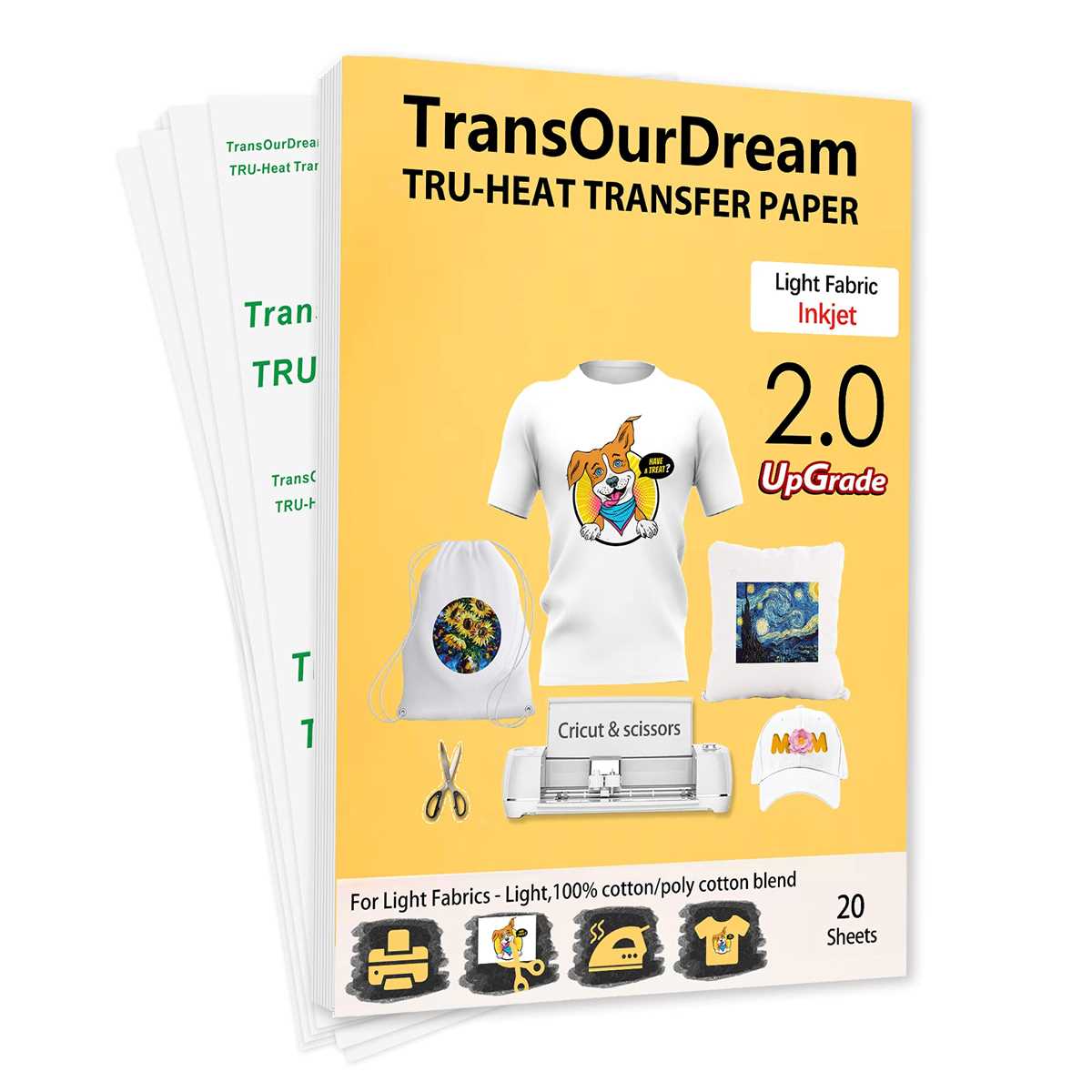
If you’re looking to customize clothing, bags, or other fabric items, using transfer sheets is one of the most straightforward methods. For best results, choose a sheet that is compatible with your printer type, whether inkjet or laser. Inkjet sheets typically offer more vivid colors, while laser options may provide a sharper finish.
Before starting, ensure that your design is properly mirrored in the software. This is critical for transferring the image correctly onto fabric. A design printed without mirroring will appear reversed after application, which can be a frustrating mistake. Also, adjust your printer settings to the highest quality to ensure sharp lines and rich tones.
When applying the design, use a heat press for the most consistent results. While household irons can work in a pinch, a press will apply even pressure and temperature, minimizing the chance of uneven transfers or peeling. Make sure to follow the temperature and time guidelines that come with the transfer sheets, as these can vary depending on the brand.
Printable Heat Transfer Paper
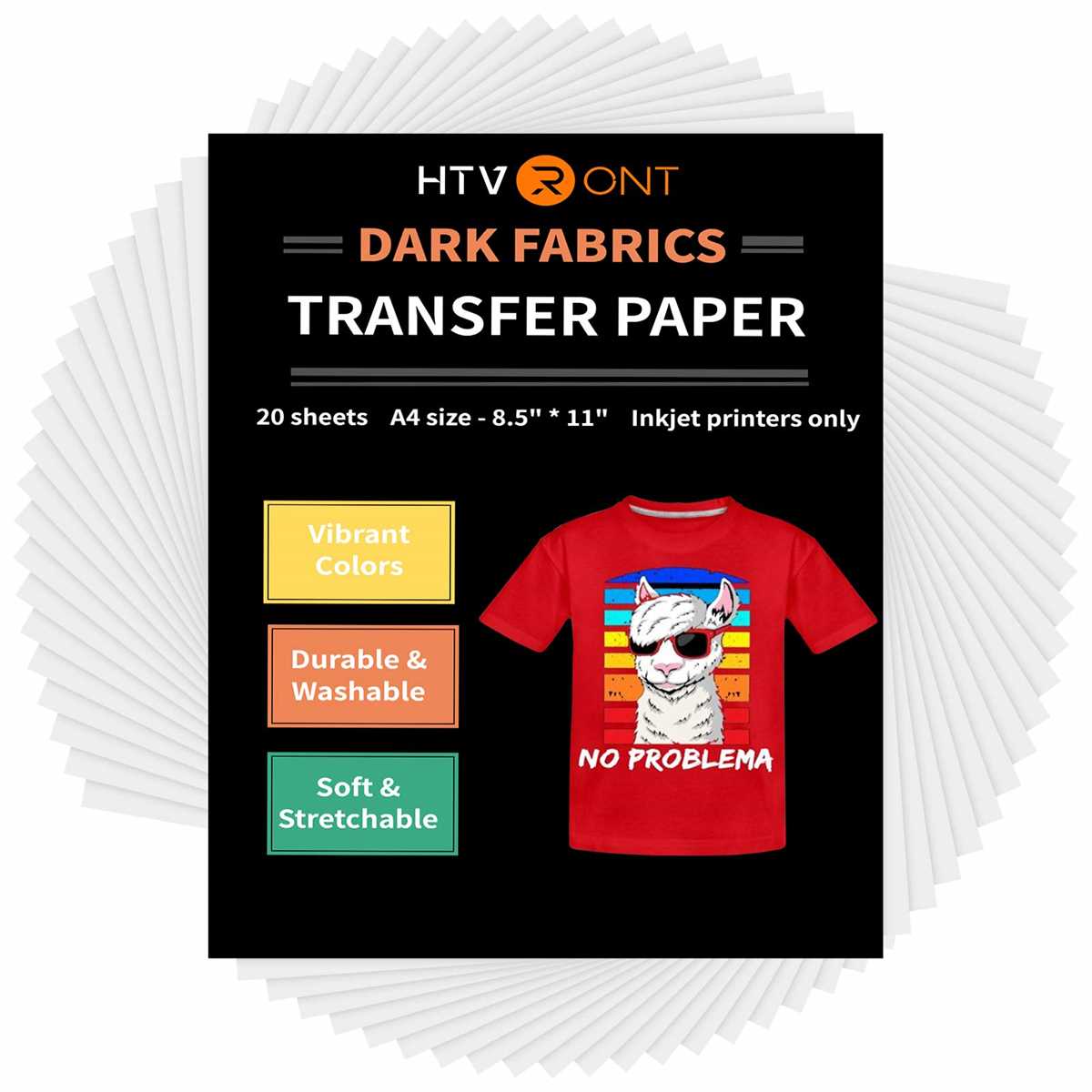
Choose the right type for your project: inkjet or laser. Inkjet sheets typically offer rich, detailed prints, while laser options tend to give more durability and are ideal for transferring onto dark fabrics.
Before printing, adjust your design to fit the desired surface size. Always mirror your image, as this is crucial for ensuring the print appears correctly when applied to the material.
Ensure your printer settings are optimized for maximum print quality. Set the print resolution to the highest level and select the appropriate media type for your transfer sheets. This will reduce pixelation and ensure your image remains sharp and clear.
Once the design is printed, trim the edges to reduce excess material. The less paper left around your design, the cleaner the final result will be. Trim as closely as possible without cutting into the design itself.
To apply the image, use a heat press rather than an iron if possible. A heat press provides even, consistent pressure and temperature, which minimizes common issues like incomplete transfers or misalignment.
Test a small section of fabric with the transfer to check for compatibility and durability before proceeding with larger projects. This helps to avoid wasting materials and ensures the desired result.
After pressing, allow the material to cool completely before handling. This prevents the design from smudging and ensures the adhesion is solid. Proper cooling also helps prevent peeling over time.
Choosing the Right Printable Heat Transfer Paper for Your Project
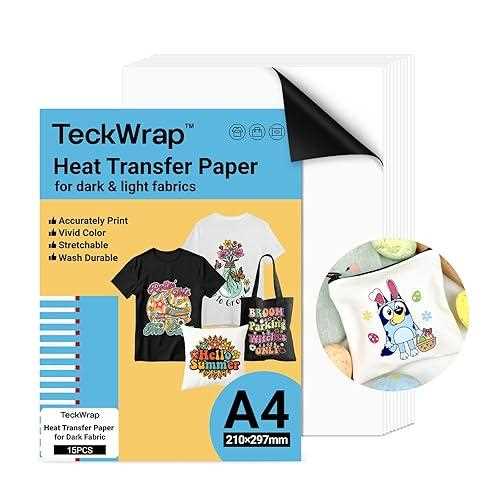
Selecting the right type for your project is key. For light fabrics, choose a transparent medium that blends seamlessly with the fabric color. For dark textiles, opt for a white backing sheet that ensures your design stands out clearly.
If you’re working with an inkjet printer, make sure the product is designed specifically for that printer type. Using sheets that aren’t made for inkjets can result in smudging or poor color quality.
Consider the fabric type. Cotton and polyester are the most common choices for successful transfers. Synthetic fabrics may require a special formula, so always check the product specifications before purchasing.
- For cotton fabrics, opt for a soft, smooth finish transfer medium.
- For polyester or synthetic blends, choose a more durable, higher temperature resistant option.
Evaluate the weight of the transfer material. Lighter sheets are more flexible, but heavier options tend to last longer and are more durable after multiple washes.
If you plan to print designs with a lot of detail, ensure the medium allows for fine lines and clear edges. Test sheets from various brands, if possible, to determine which produces the sharpest results for your specific needs.
Lastly, check the instructions regarding temperature and time settings for applying the design. Some brands require more heat or longer pressing times to adhere correctly to different fabrics, so knowing these details in advance can prevent mistakes.