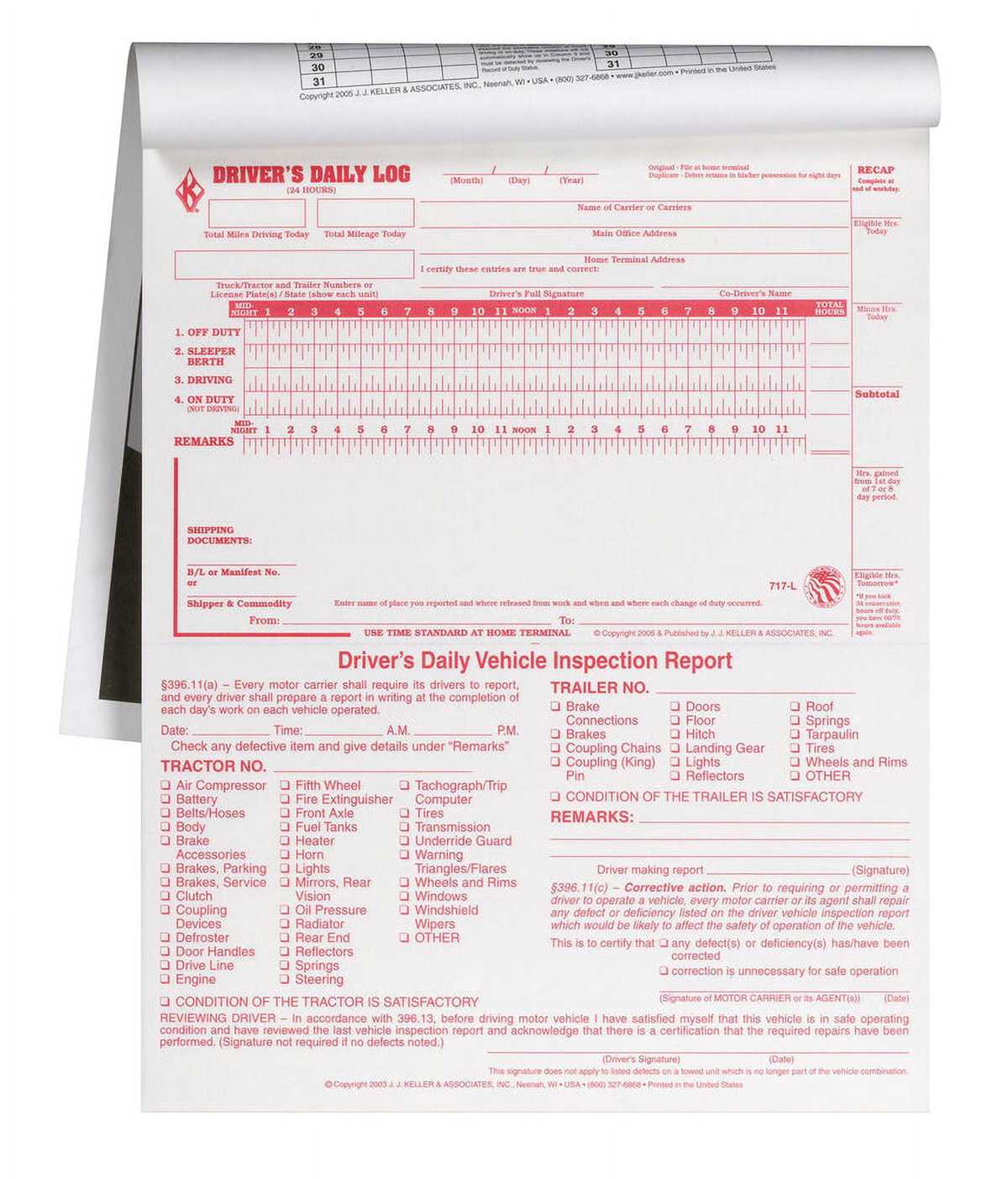
Start by including details like the date, mileage, and purpose of each trip. Record the starting and ending times to track driving hours, which is especially important for business purposes. You can also note fuel consumption, maintenance, or any vehicle-related issues encountered along the way.
For consistency, use a standardized template that allows you to input information easily. This reduces the chance of forgetting key data or making errors when documenting multiple trips. A well-organized system will save you time and ensure you can retrieve necessary details without hassle.
If you’re using these records for tax deductions or expense claims, make sure to include both personal and business-related entries. Keep track of how much you use the vehicle for work purposes to calculate potential deductions at the end of the year. Regularly updating your records is important for accurate calculations.
For digital versions, consider using spreadsheet tools or mobile apps designed for vehicle tracking. These options allow you to store information in one place, making it easy to analyze trends, manage data, and generate reports quickly.
Printable Vehicle Usage Tracking Guide
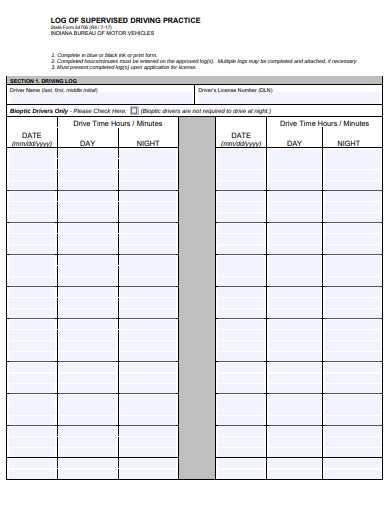
Start by creating a consistent template to record each trip. The basic fields should include the date, time of departure and arrival, distance covered, and purpose of the trip. Additionally, add a section to note any expenses, such as fuel costs or toll fees, to keep everything organized in one place.
If you plan to use this for business, clearly mark whether the trip was personal or professional. This distinction is vital for tax purposes and helps with proper expense reporting. For a more thorough system, consider adding space to record any vehicle maintenance done or issues encountered during the trip.
To streamline this process, set up a simple chart with rows for each entry. This can be done in a spreadsheet for digital tracking or on a printed sheet for hand-written records. Keeping a set of these forms in your vehicle ensures that you can document trips on the spot, making it easier to maintain accurate records.
If you prefer an automated solution, there are many apps available that allow you to input data directly from your phone. These can generate detailed reports and help you track patterns over time, providing an easier way to manage multiple vehicles or drivers within one system.
How to Create a Detailed Vehicle Trip Record for Personal Use
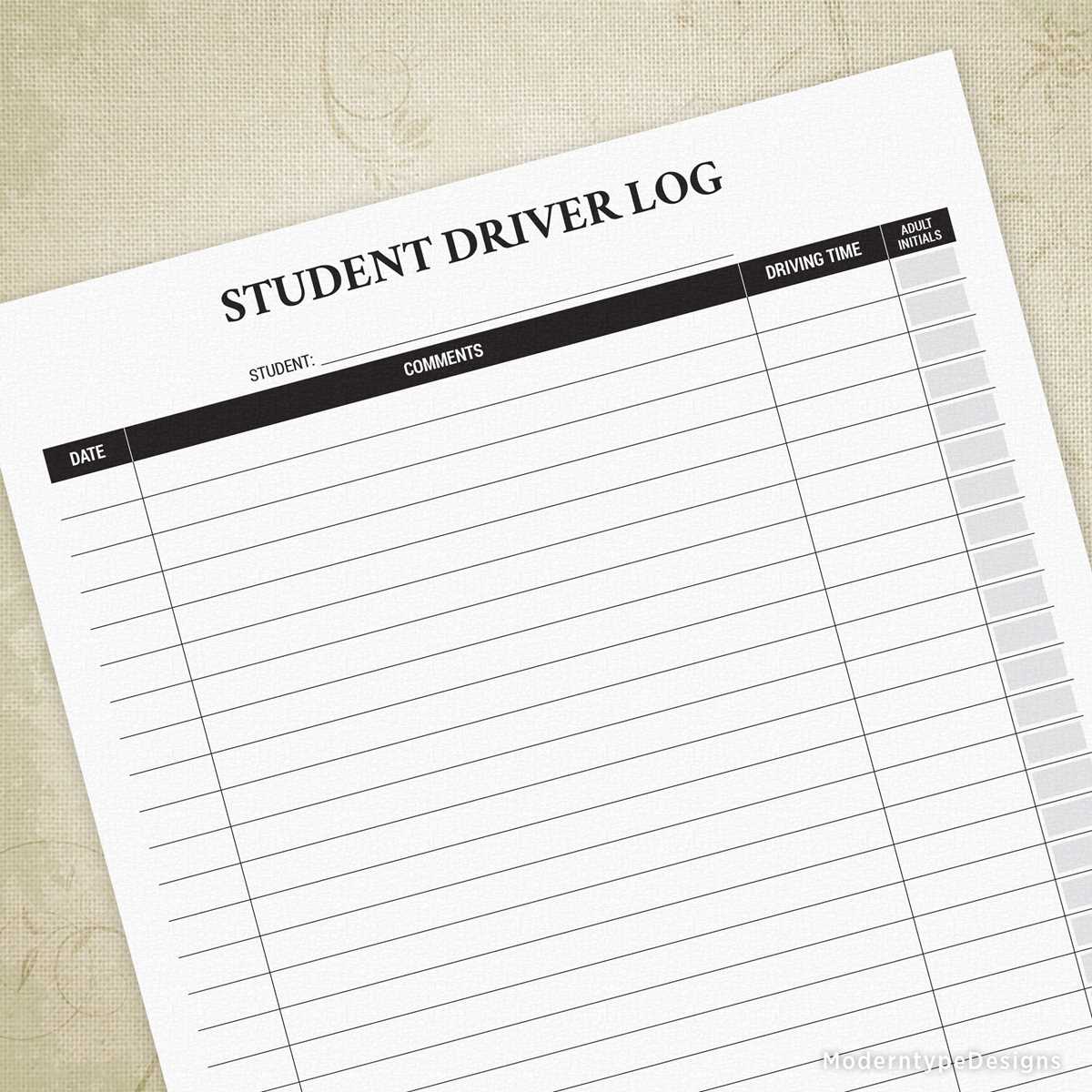
Begin by setting up a clear template for tracking your trips. Include the date and time of departure, destination, and the route taken. Having this information organized will help keep track of mileage and trip details easily. Consider a dedicated section for the total distance covered, as it will provide a quick overview of your travel habits.
In addition to basic trip details, add a column for the purpose of each trip. This can include categories like errands, commuting, leisure, or other personal reasons. By organizing trips this way, you can see where the majority of your time and resources are spent.
If you plan on tracking expenses, make sure to leave space to record fuel costs, parking fees, and toll charges. Include a section for maintenance, too, such as oil changes or tire rotations, so you can correlate any issues that arise with specific trips. This level of detail helps maintain the vehicle in top condition and aids in future budgeting.
For those who travel frequently, create a section for noting road conditions or unusual circumstances, such as traffic delays or weather conditions. These notes can help you identify patterns that affect your driving habits and help adjust your travel strategies over time.
Another useful section is for fuel efficiency tracking. Record the number of gallons purchased and the miles driven to calculate average miles per gallon. This will help monitor the efficiency of your vehicle over time and assist in planning future fuel budgets.
For those with multiple vehicles, create separate sections for each car. This will allow you to monitor the performance and costs associated with each vehicle individually, making it easier to compare their efficiency and overall cost of ownership.
Once the structure is set, decide whether to use a physical record or a digital solution. If using paper, keep the log in a secure and easily accessible place within your car. For a digital version, there are various apps that can automatically track mileage and expenses, generating reports for easy analysis.
Finally, review your records periodically to ensure the accuracy of the data. Regularly checking on your habits, vehicle condition, and fuel usage will provide a more complete picture of your driving practices and make managing your vehicle’s upkeep and expenses easier in the long run.