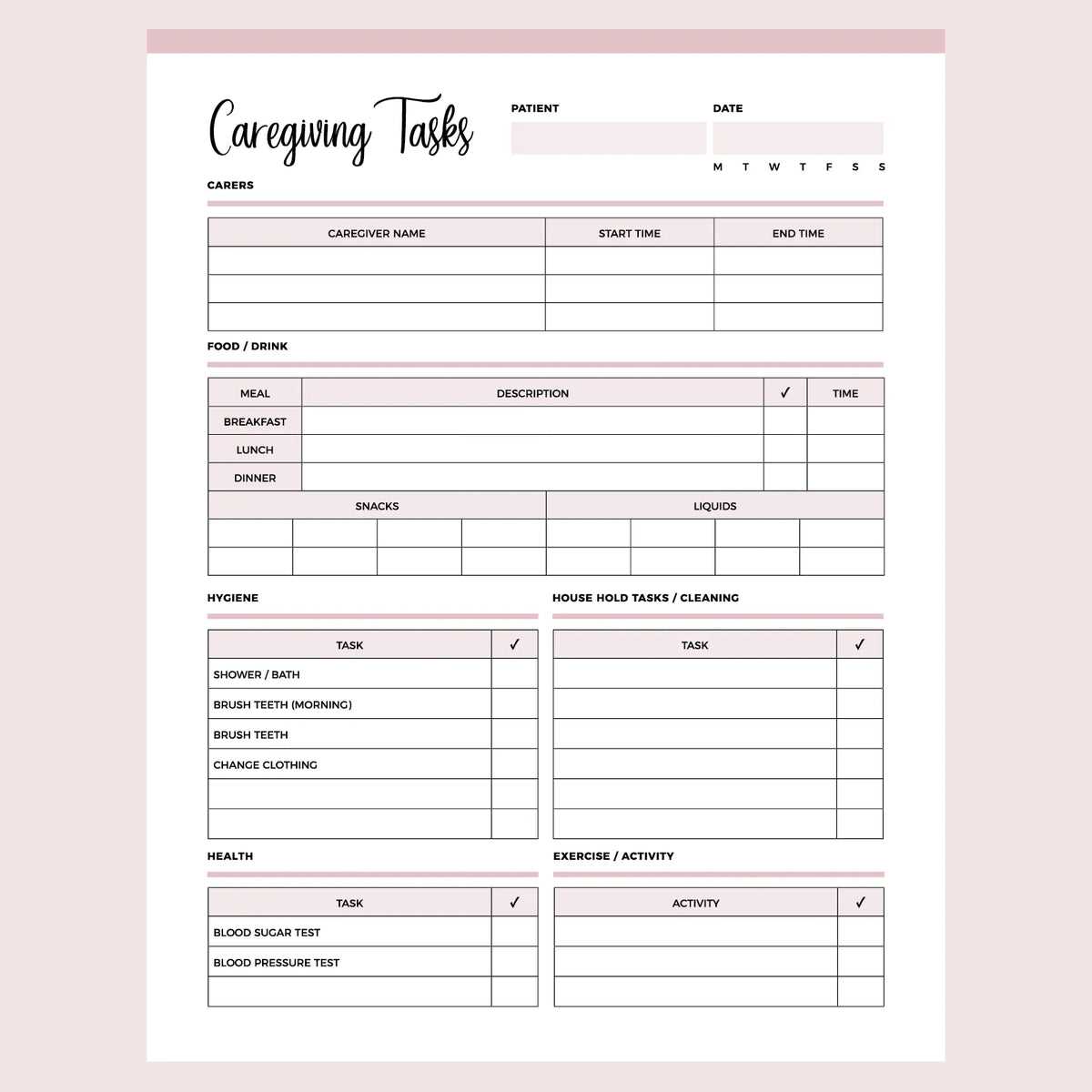
Start each day with a clear plan by using a well-organized task sheet. This simple tool can help you stay focused on what truly matters and keep distractions at bay. A structured layout with clearly defined priorities ensures you tackle the most important activities first, leaving you with a sense of accomplishment at the end of the day.
To create your own, break down your responsibilities into manageable steps. For instance, instead of listing vague tasks like “work on project,” detail specific actions, such as “research topic for project” or “write 500 words.” This method makes it easier to track progress and maintain momentum throughout the day.
Using this approach consistently will not only improve your time management but also reduce mental clutter. Organizing your tasks into blocks and leaving space for notes or additional actions can help you stay on track and adapt as new priorities arise. By investing a few minutes to plan, you’ll save hours in productivity.
Organizing Tasks for Better Focus
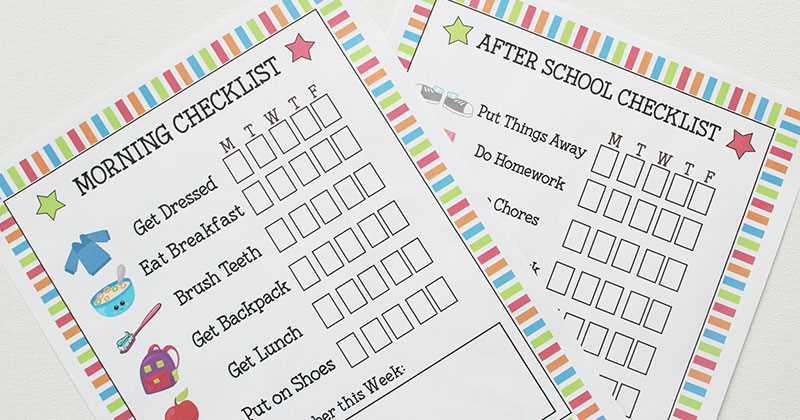
To maintain focus, start by breaking your to-dos into manageable parts. Instead of vague entries like “work,” list exact tasks such as “respond to emails” or “finish report draft.” This creates a clearer picture of what needs to be done and helps you stay on track.
Another helpful step is prioritizing. Label each item with a simple system like “A” for urgent tasks and “B” for those that can wait. When you have a mix of immediate and less critical actions, it becomes easier to allocate your time and avoid distractions.
As the day progresses, check off completed items. This small act of crossing off tasks gives you a sense of accomplishment and motivates you to continue working through your list. Be sure to leave space for additional notes or adjustments throughout the day.
At the end of the day, take a moment to reflect on what’s left to do. If tasks remain unfinished, don’t stress. Simply carry them over to the next list. With consistent use, you’ll find it easier to plan and keep track of your objectives, improving both focus and productivity.
How to Create a Customizable Task Organizer
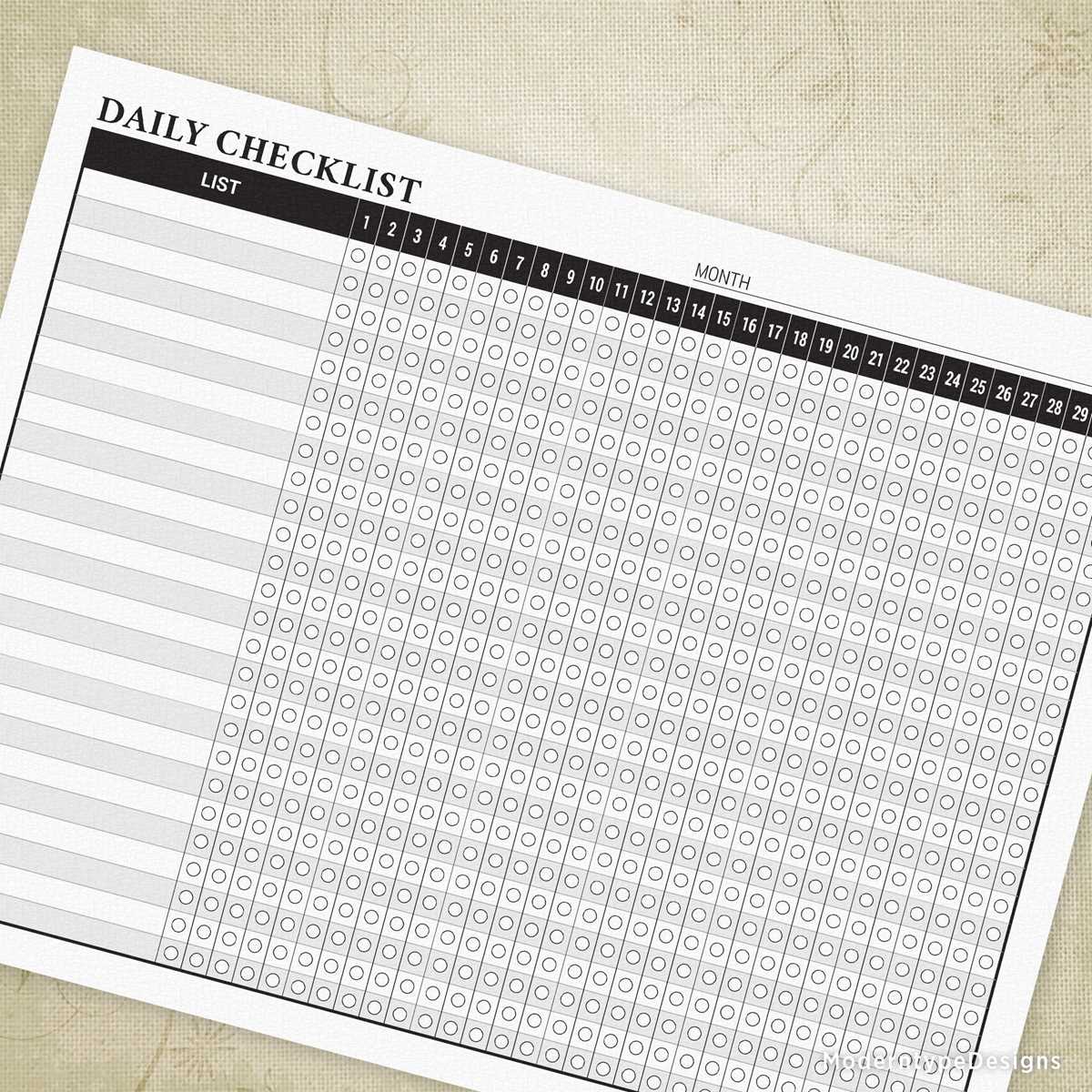
Start by identifying the specific tasks you need to track. Whether it’s for work, personal errands, or household chores, knowing what to include will help you design a layout that meets your needs. Write down each category of tasks separately to create clear sections.
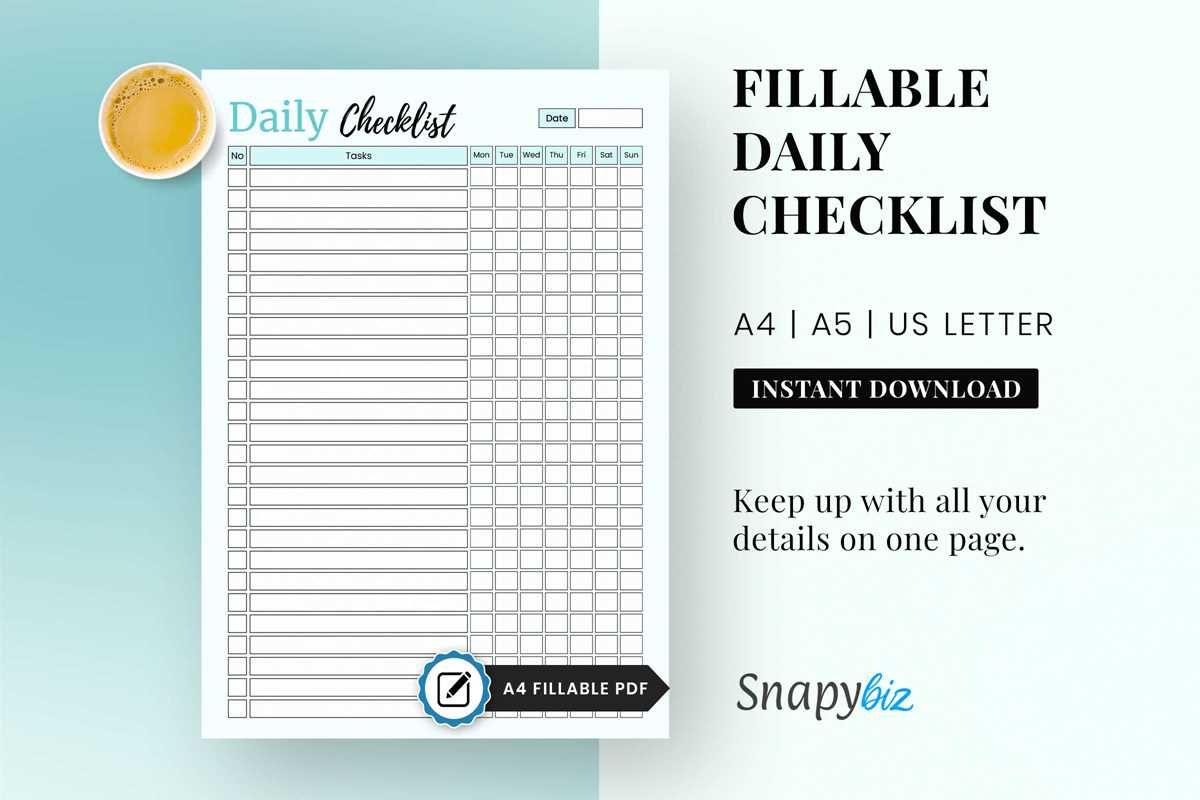
Next, choose a layout format. For simplicity, you can divide your sheet into time slots, priority levels, or task categories. For example, you could have sections for “morning,” “afternoon,” and “evening” or categorize tasks as “urgent,” “important,” and “optional.”
Consider using a table format to keep everything organized. Columns can be used to track the task name, its deadline, status, and additional notes. This allows you to stay focused on your goals and easily spot tasks that need more attention.
- Column 1: Task description
- Column 2: Priority level
- Column 3: Deadline
- Column 4: Status (e.g., completed, in progress, not started)
For further customization, add checkboxes next to each task. These simple markers give a visual cue for progress and provide a sense of completion once the task is done. You can also use color codes to represent different levels of urgency or importance.
Make space for additional notes or reflections. This can be especially helpful if you need to adjust or reorganize tasks during the day. A small section for reminders or updates allows flexibility for changes that happen unexpectedly.
Once the layout is set, print a few copies. Test it for a couple of days to see how well it works for you. If something doesn’t seem right, adjust the sections, colors, or categories to improve functionality and make it more user-friendly.
Finally, save the template digitally so you can print fresh copies whenever needed. A digital version will also allow for easy edits in the future as your tasks and priorities change.