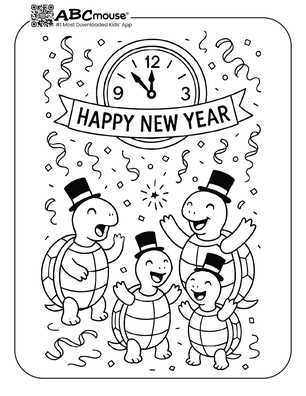
Begin by selecting fun and festive templates that can be used for holiday crafts. Simple line art featuring themes like fireworks, champagne glasses, or party hats can be easily downloaded and printed. These designs are perfect for adding a personal touch to your celebrations.
After choosing your favorite illustrations, adjust the size based on your specific project needs. You can create greeting cards, party invitations, or even use the designs for home decor by resizing the images to fit frames or banners. Ensure the resolution is high enough (at least 300 dpi) for crisp prints that will stand out.
If you’re working with children or looking for a more creative experience, try adding color to the designs yourself. Use colored pencils, markers, or even watercolor paints to bring the images to life. This hands-on activity not only enhances the fun but also allows you to create unique items for your holiday gatherings.
Printable New Year’s Coloring Pages
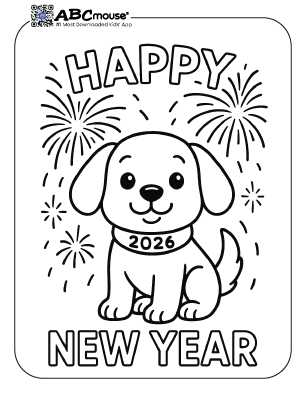
Start by choosing simple holiday designs with clear lines and festive elements. Opt for illustrations that include symbols like fireworks, party hats, clocks, and champagne glasses, which are easy to print and customize.
When selecting designs, check for high-resolution files to ensure crisp printing. A resolution of 300 dpi is ideal for maintaining image quality, especially if you’re printing larger designs like posters or banners.
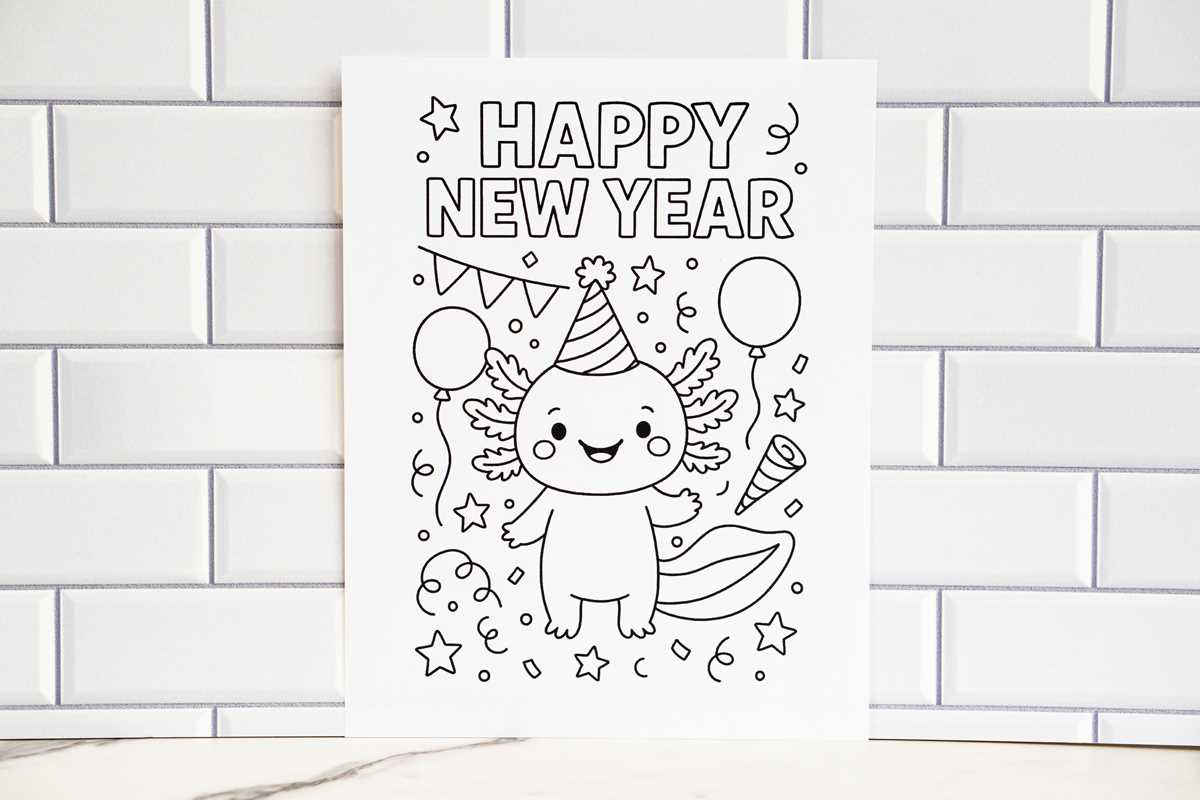
After downloading your chosen designs, adjust the size on your computer to fit your specific project needs. You can scale them up or down, depending on whether you’re making cards, posters, or smaller decorations for the home.
If you’re working on a craft with children, try printing multiple copies of the same image so they can each add their personal touch. This makes for an engaging activity, whether you’re coloring together or creating unique projects for family and friends.
Consider using different paper types depending on the project. Standard copy paper works for quick and easy prints, while heavier cardstock gives a more durable finish, perfect for decorations or keepsakes.
Once printed, take your designs to the next level by adding color. Experiment with different coloring tools like markers, crayons, or even digital methods to make the designs stand out. For a more sophisticated look, use colored pencils for a smooth finish.
For larger projects, think about arranging multiple designs into a larger collage or banner. You can also create personalized gift tags or greeting cards by cutting out the designs and adding embellishments like ribbons or glitter to enhance the final product.
How to Download and Print New Year’s Designs
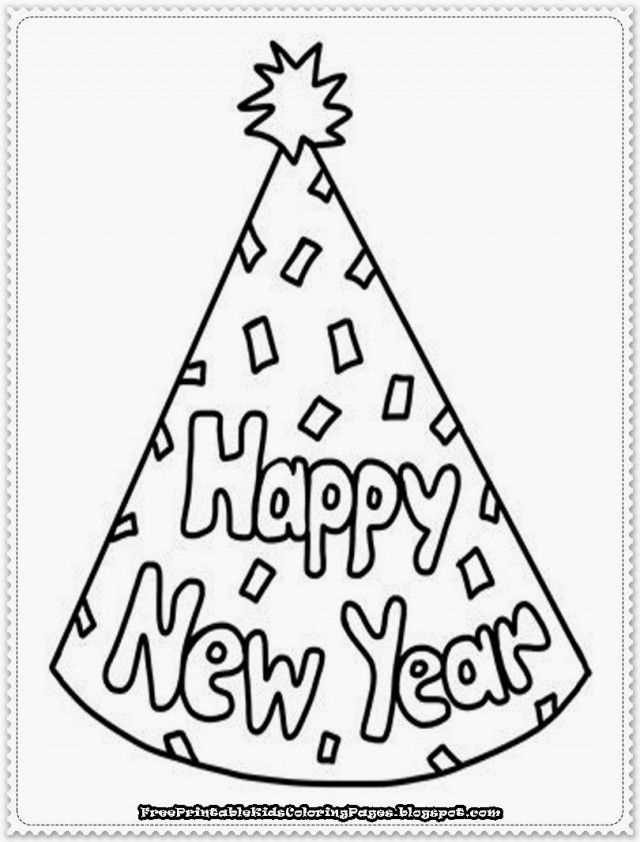
To download a design, simply find a trusted website offering holiday templates. Once you locate the image, click the download link to save the file to your device. Most sites provide JPG or PDF formats, which are ideal for printing. If the file is a ZIP archive, extract it to access the design before proceeding.
After downloading, open the file on your computer and select the print option. Adjust the size if necessary, ensuring it fits your desired project. Make sure your printer settings are configured for the best quality (300 dpi for clarity) and use appropriate paper, such as standard or thicker cardstock, depending on your project’s needs.