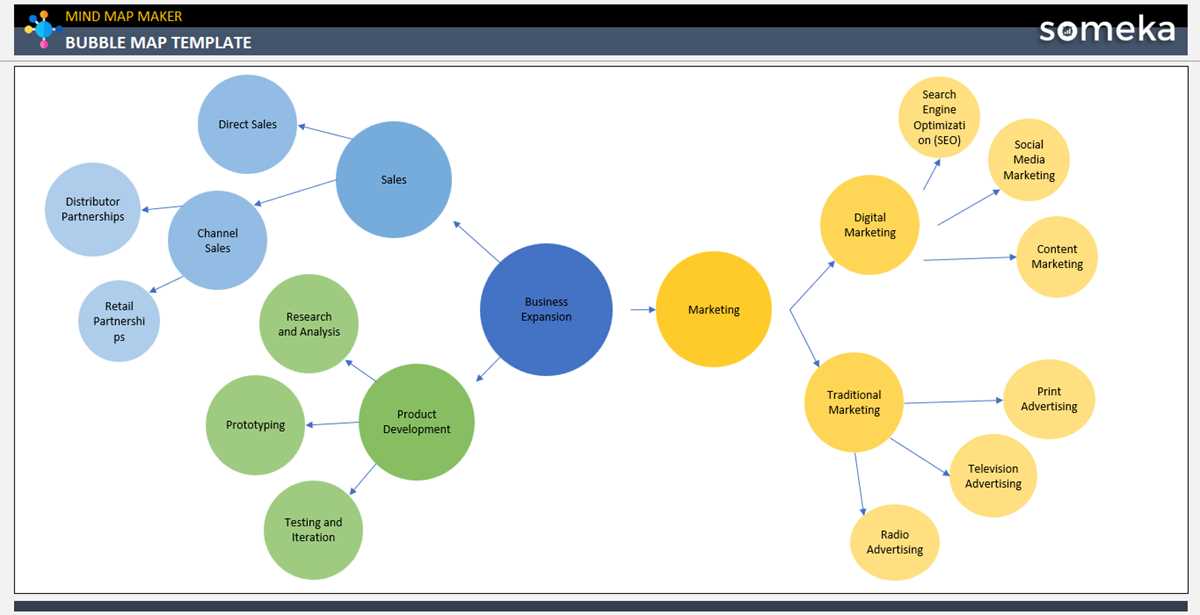
Start by selecting a template that suits your project or lesson. This structure will help you visually organize concepts, making it easier to identify relationships between ideas. Choose a format with a central point surrounded by related ideas to create clear connections.
Use different shapes or colors to distinguish main ideas from supporting points. This helps with visual categorization and improves comprehension. Try grouping related terms together and adding arrows or lines to show connections.
For group activities, encourage students to contribute their own ideas to the visual organizer. This can be done by having them write down or draw their thoughts on sticky notes, which can then be placed in the corresponding areas of the diagram. This hands-on activity reinforces learning through interaction.
Printable Bubble Map
Begin by selecting a clear, simple template for organizing ideas. Use a large central circle to represent the main topic, with surrounding circles to hold related concepts. This method visually connects ideas and encourages logical thinking.
Customize the organizer by adding colors or symbols to differentiate between different categories of ideas. For example, use blue for facts, red for questions, and green for solutions. This color-coding helps reinforce categorization and makes the organizer visually engaging.
Incorporate both text and images. Allow children or students to add pictures next to the words to deepen understanding and make the activity more interactive. For example, if the main topic is “animals,” they could draw or paste pictures of the animals that fit within different categories.
For group activities, distribute printed copies of the diagram and let participants collaborate by adding their ideas in each section. This turns the organizer into a shared tool, where each person contributes their knowledge, leading to better collective learning.
After completing the map, use it as a review tool. Have students refer to their work in discussions or use it to guide further activities. This not only reinforces the concepts but also helps with recall and retention over time.
How to Create a Map for Brainstorming
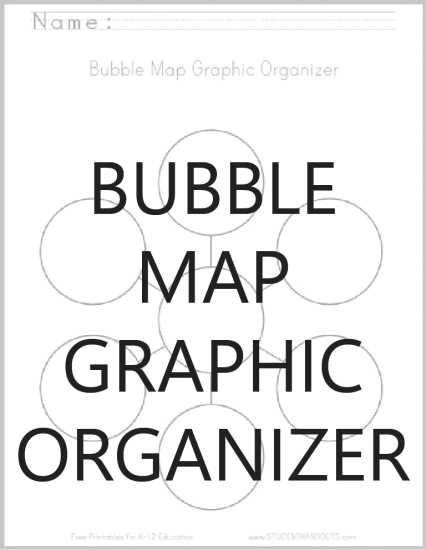
Start by drawing a central circle in the middle of a blank page. This will represent the core idea or topic you want to brainstorm about. Make sure the circle is large enough to write or draw inside it clearly.
Next, draw several smaller circles surrounding the central one. These will represent related ideas, categories, or subtopics. Ensure that each smaller circle is connected to the center by a straight line to show the relationship.
Label each surrounding circle with a brief word or phrase that encapsulates the idea it represents. Keep these labels short to avoid clutter. You may also choose to use symbols or images inside the smaller circles to add more clarity or visual interest.
Now, add additional circles around the smaller ones. These can be used to expand upon each subtopic with more detailed points or related concepts. Use this step to branch out ideas in a way that helps you explore all aspects of the topic.
If you’re working in a group, have each participant add their own ideas in separate circles around the existing ones. This allows everyone to contribute and helps generate a variety of perspectives on the same subject.
Consider color-coding the circles to visually group related ideas. For example, use different colors for categories like facts, opinions, and questions. This will make it easier to identify connections and highlight the most important elements.
After completing the map, review the structure and adjust any connections that may need further clarification. This visual organization will help you identify patterns, refine concepts, and create a clear path for further exploration of the topic.