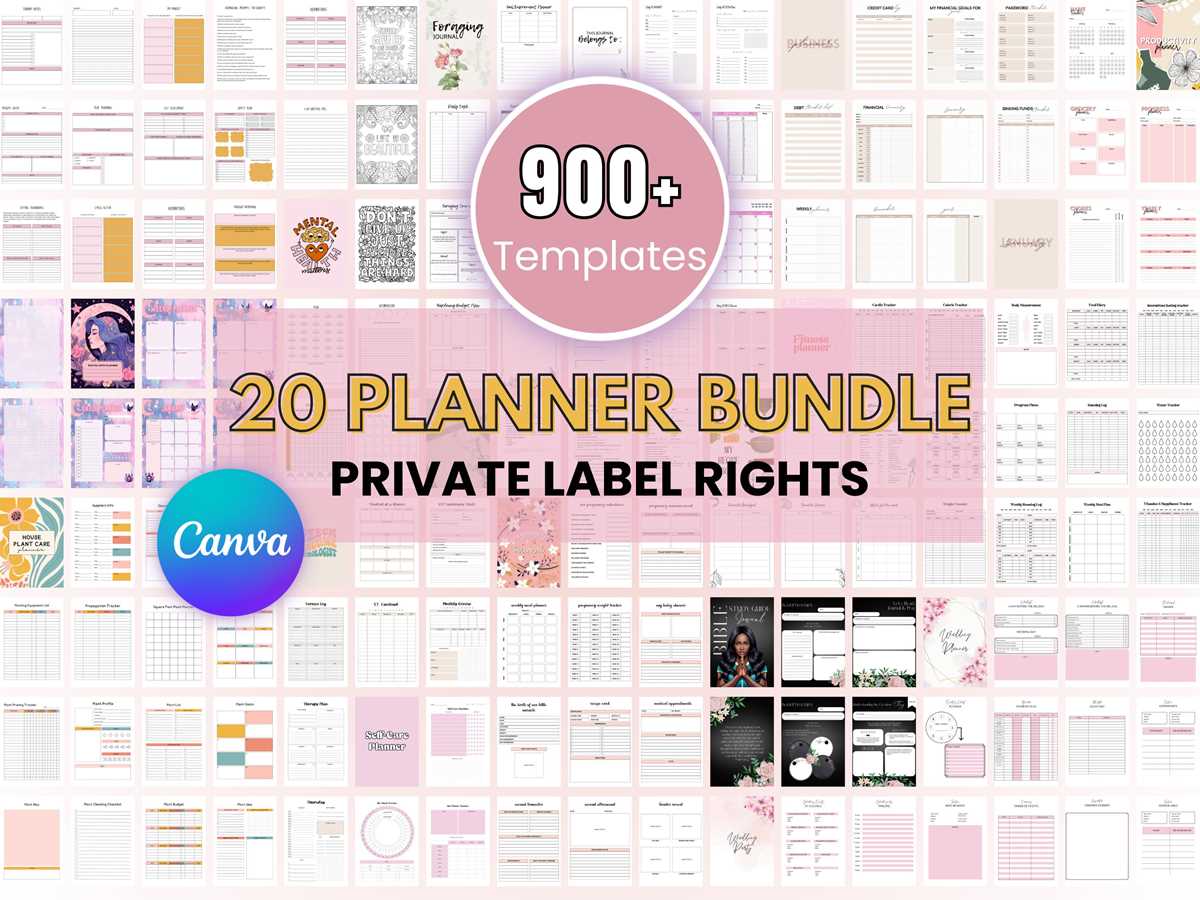
Choose a curated catalog of ready-made digital templates and launch sales within days, not months. Sellers who enter this niche with a focused product line (20–50 themed files) typically validate demand faster than those uploading hundreds of random items. Prioritize high-intent categories such as budgeting worksheets, wedding planners, classroom activities, and wall art – these consistently show strong buyer activity across major marketplaces.
Profitability depends on smart positioning and customization. Generic files rarely convert well without modification. Adjust color palettes, typography, and page layouts to match a specific audience segment – for example, minimalist entrepreneurs, busy parents, or teachers in early education. Data from marketplace trends shows that niche-specific designs can outperform generic ones by 2–4× in conversion rate. Package products into themed bundles priced between $9 and $27 to increase average order value.
Distribution matters as much as design quality. Upload your digital downloads to at least two platforms (for example, an independent ecommerce site plus a major creative marketplace) and optimize listings with keyword-rich titles and preview mockups. Use a 5–7 image preview set showing real-life usage scenarios – listings with lifestyle previews typically receive significantly higher click-through rates. With consistent weekly releases and targeted promotion on Pinterest or short-form video platforms, many creators reach their first steady sales within 60–90 days.
PLR Printables Store: Practical Setup and Growth Guide
Pick a narrow, high-demand niche first and build your digital product shop around it within 48 hours. Use keyword tools to target phrases with 500–3,000 monthly searches and low competition (KD under 30). Upload 12–20 ready-to-use PDF designs at launch so the catalog looks credible. Price single items between $2.99 and $5.99 and bundle packs at $9–$19 to increase average order value. Use editable source files (Canva or PowerPoint) as a premium upsell priced 40–70% higher than the base download.
Structure your storefront for fast conversion rather than aesthetics. Place the main category grid above the fold and limit top navigation to five items max. Each product page should include:
- 3–5 preview images showing real-life usage
- File specs (size, format, pages) in bullet form
- Instant download confirmation text near the buy button
- One bundle cross-sell placed directly under the price
Traffic growth depends on volume publishing and platform leverage. Upload at least 5 new designs weekly for the first 90 days; shops that reach 150+ listings typically see algorithm lift on marketplaces. Repurpose each design into three formats (A4, US Letter, fillable PDF) to multiply inventory without new artwork. Drive early sales through Pinterest pins (5 per product) and short-form videos showing the file in use; aim for 30 pins per week and track saves-to-click ratio above 3%. Reinforce retention by offering a monthly themed bundle via email, targeting a repeat purchase rate of 20% or higher within the first six months.
How to Choose High-Quality PLR Printables That Can Be Resold Without Legal Risks
Always verify the license terms before downloading any ready-made digital sheets intended for resale. Look for a clear commercial-use statement that explicitly allows redistribution, modification, and resale without attribution requirements. If the license text is vague or missing, treat the file as restricted. Reliable providers usually include a downloadable license PDF and specify whether use on marketplaces like Etsy or Shopify is permitted.
Check the design quality at a technical level, not just visually. Files should be delivered in high-resolution formats such as 300 DPI PNG, PDF, or fully editable source files (for example, AI, PSD, or Canva templates). Blurry typography, uneven margins, or low-resolution graphics indicate mass-produced assets that may already be oversaturated in the market. Zoom to 200–300% and inspect line sharpness and font rendering; professional-grade files remain crisp at high magnification.
Investigate originality signals before committing to resale. Reverse image search key elements of the layout and scan major marketplaces to see how widely the same design appears. If identical planners or worksheets appear dozens of times, pricing power will be weak and platform moderators may flag duplicates. Prefer bundles that allow customization–editable text fields, layered graphics, and color control–so your final version differs visibly from the base file.
Review the creator’s reputation and documentation depth. Trustworthy sellers provide preview pages, detailed file inventories, font licensing notes, and update histories. Absence of font licensing is a common legal trap: many decorative fonts used in templates are free only for personal use. Confirm that either the fonts are included with commercial rights or that the design uses system fonts you can legally redistribute.
Keep a compliance folder for every asset you plan to sell. Save the original license, purchase receipt, creator name, and the date of download. If a marketplace requests proof of rights, you will be able to respond quickly with documentation. This habit reduces takedown risk and protects your product listings over time.