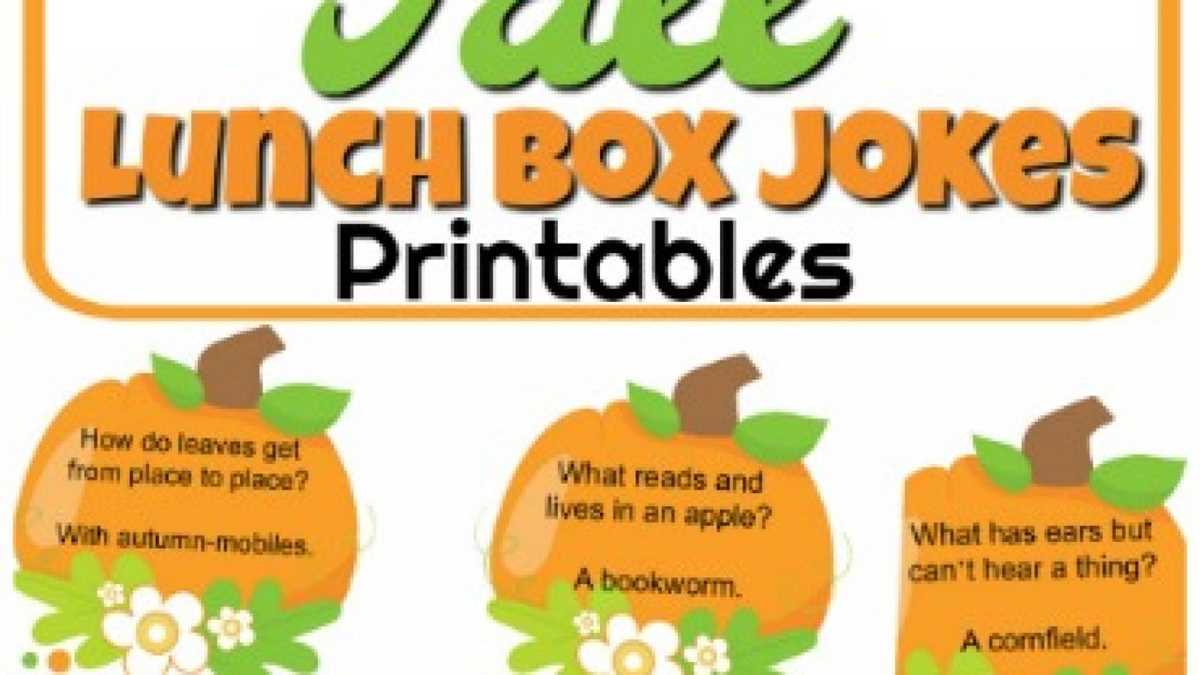
Print small humor cards on 8.5×11 inch paper, cut them into 2×3 inch rectangles, and slip one into your child’s meal bag each morning. A set of 30 short punchlines fits neatly on a single sheet, reducing paper use and allowing you to prepare a full month of daily notes in one sitting.
Choose large, clear fonts such as Arial or Calibri at 14–16 pt for easy reading during a short lunch break. Keep each line under 15 words and avoid complex wordplay for children under seven. For older elementary students, simple puns and school-themed riddles work well and can spark conversations with classmates.
Use 160–200 gsm cardstock if you want the inserts to resist spills and bending inside a backpack. A paper cutter provides straight edges and saves time compared to scissors when preparing multiple sets. Store the finished stack in a small envelope near your kitchen counter so you can grab one quickly during busy mornings.
Rotate themes weekly–animals, food, science facts with a funny twist–to maintain interest. Adding a short handwritten note on the back personalizes the card and strengthens connection without adding extra cost or preparation time.
Lunchbox Jokes Printable
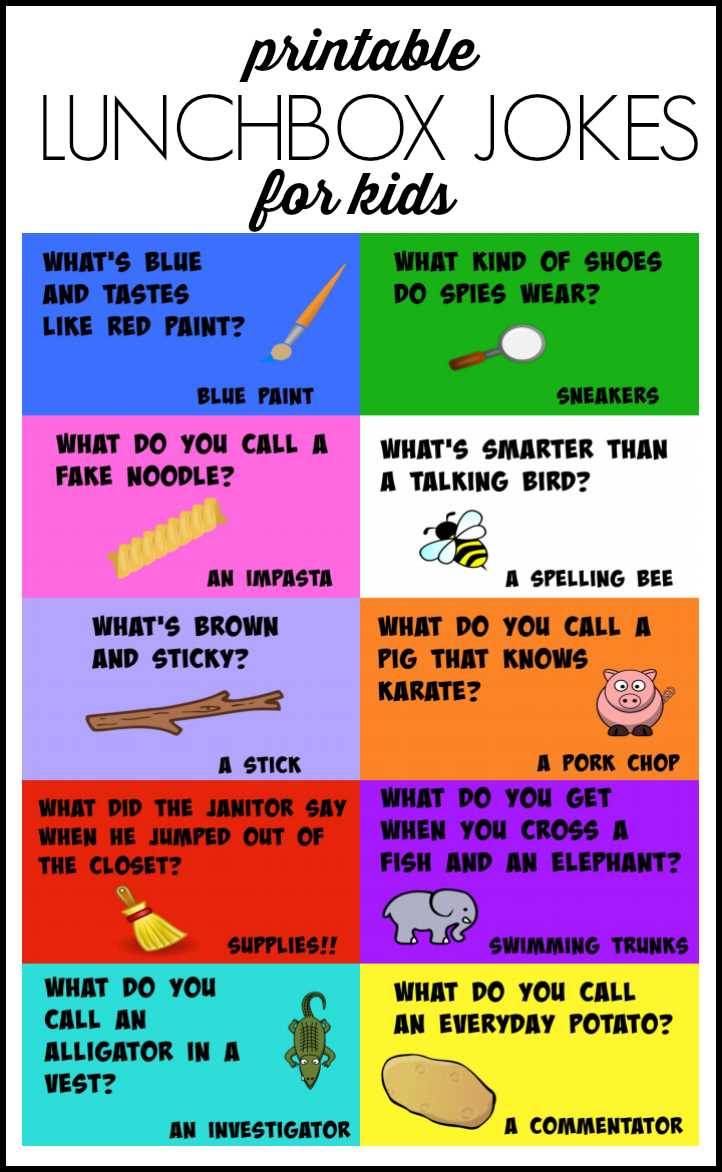
Create a one-page PDF with 12 short punchlines arranged in a 3×4 grid, each card sized 2.5×3 inches for easy cutting and storage. Keep margins at 0.5 inches to prevent trimming errors and use black ink only to reduce printer cartridge use. Save the file in high-resolution format (300 dpi) so text remains sharp after multiple copies.
Write humor lines with clear structure: one setup sentence and one short punchline. Aim for 8–14 words total. For ages 4–6, use simple riddles such as animal or food themes; for ages 7–10, add light wordplay tied to school subjects like math or science. Avoid sarcasm and cultural references that may confuse younger readers.
Print on 65 lb cover stock if the notes travel in insulated meal bags with ice packs. Laminate only if you plan to reuse the cards weekly; otherwise, plain cardstock keeps preparation quick and flexible. Store finished cards in labeled envelopes by theme to rotate them across a four-week cycle without repetition.
Update the collection every two months by adding 10–15 new lines and removing those that no longer get a reaction. Track favorites by asking your child which quips they shared with classmates, then expand similar styles in the next batch.
How to Create and Format Lunchbox Joke Cards for Easy Printing
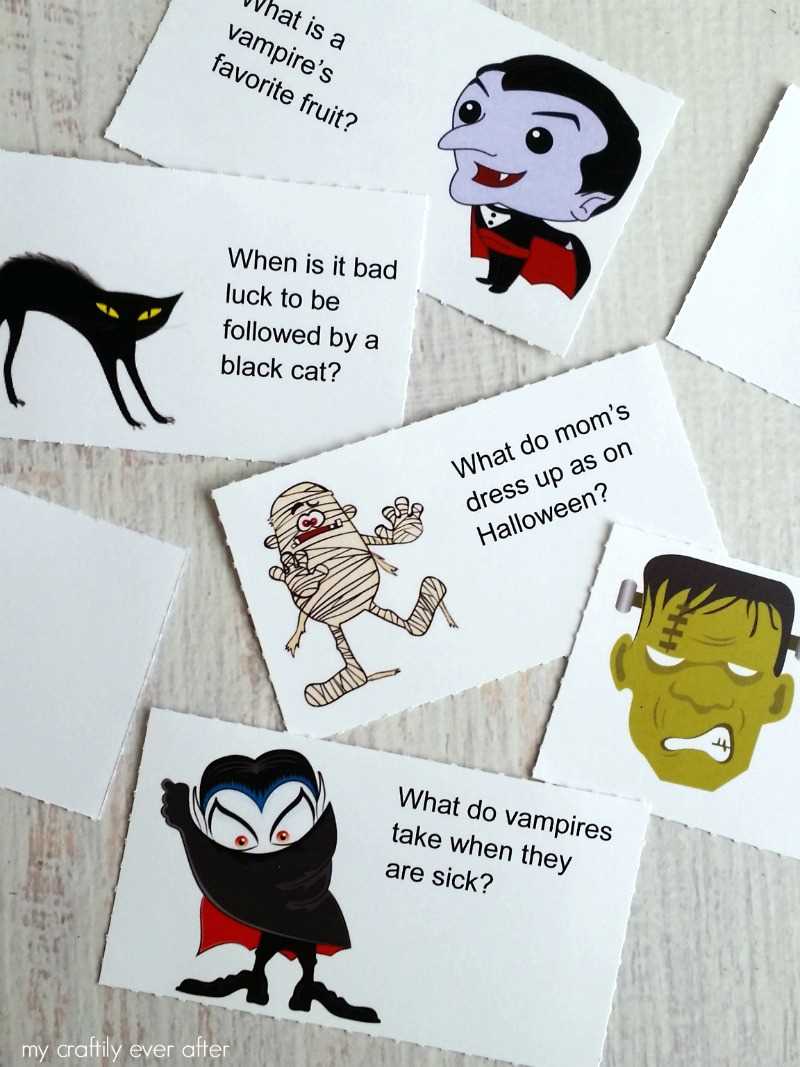
Set your document size to US Letter (8.5×11 inches) and divide the page into a 3×4 table to produce 12 equal cards per sheet. Keep each cell at 2.5×3 inches and add 0.25 inch internal padding so text does not crowd the edges after trimming.
Use a clean sans-serif font such as Arial, Helvetica, or Calibri at 14–16 pt for children under eight and 12–14 pt for older students. Limit each humor line to two short sentences with a clear break between setup and punchline. Avoid decorative typefaces that reduce readability once cut into small rectangles.
Align text to the center horizontally and vertically within each cell. Set line spacing to 1.1–1.2 to keep the content compact without overlapping descenders. Keep margins consistent across all cells to prevent uneven white borders after slicing the sheet.
Export the file as a high-quality PDF at 300 dpi. Disable automatic scaling in the print dialog and select “Actual Size” to maintain accurate card dimensions. Print a single test page and measure one card with a ruler before producing multiple copies.
Choose white or light pastel cardstock between 160 and 200 gsm for durability inside meal bags. If using standard 80 gsm paper, consider backing each card with colored stock using a glue stick to increase stiffness.
Cut sheets with a guillotine paper trimmer for straight edges and uniform sizing. Stack up to five pages at once only if your cutter supports that thickness; otherwise, trim individually to avoid shifting lines.
Store finished humor notes in small labeled envelopes by theme–animals, school subjects, food puns–and keep them in a dry drawer near your packing area for quick daily access.