
To create large cut-out designs for arts and crafts, start by selecting an appropriate pattern that matches the size and complexity of your project. Whether you are decorating for a party or working on a school craft, having a clear, easy-to-cut shape can make the process much smoother. A scalable design ensures you can modify the image based on your material’s size.
Printing the shape on standard paper can limit the size, but using tools to adjust the scale will allow you to fit it on larger sheets. Many printers today offer an option to customize the print size, or you can use software to divide the image into sections that can be pieced together. This method allows you to work with big designs while maintaining crisp, clean edges.
Once printed, the shape can be used in various ways–whether for window displays, wall decorations, or as part of a custom stencil. If you want to create multiple pieces, simply print the shape several times or adjust it for use with different materials like foam board or cardboard for more durable results.
How to Create a Perfect Shape for Your Crafting Project
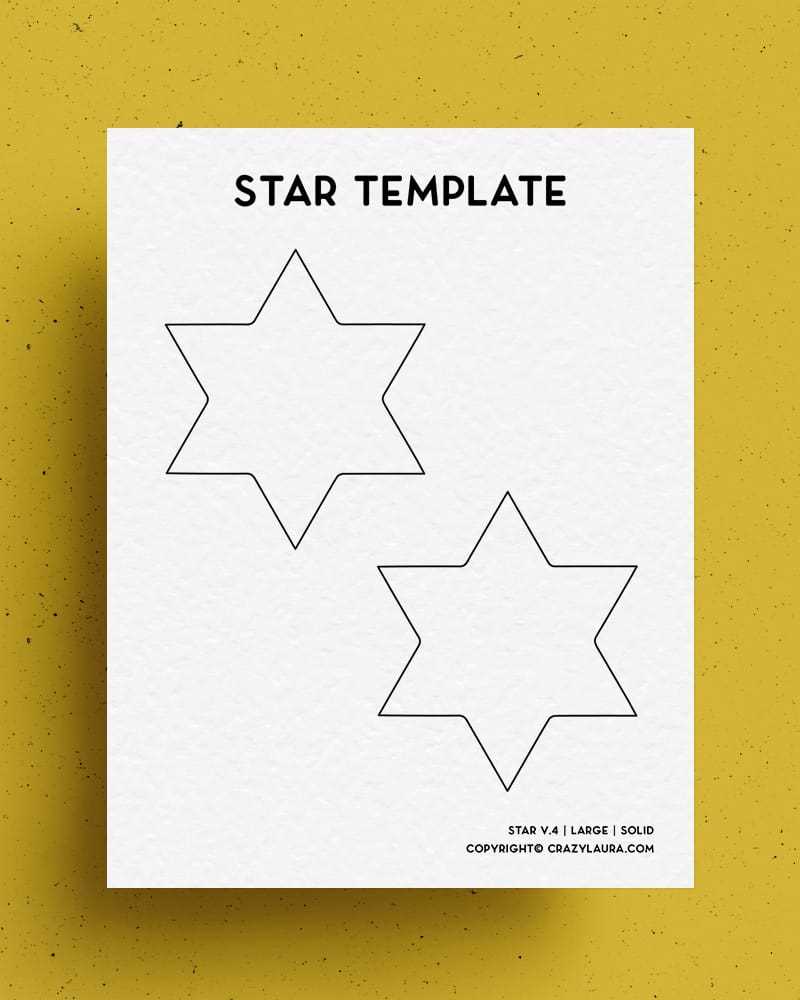
Begin by selecting a clear, crisp outline for your design. If you’re using a digital version, ensure the edges are well-defined to avoid jagged cuts. If you’re drawing it by hand, use a ruler for straight lines and a protractor for precise angles.
Once your shape is ready, print it on paper. If your printer can’t handle large sheets, use a tool to scale the design appropriately. Divide it into smaller sections that fit within your printer’s size capacity. After printing, align the sections to form the complete shape.
Consider using high-quality paper for sharper edges, especially if you’re making multiple cuts. Heavier cardstock or even construction paper may be required for more durable crafts. Make sure the material matches the intended use for the design.
If your shape requires precision, use a craft knife instead of scissors. A sharp blade will give you a clean, professional finish, especially around smaller sections or intricate details. Pair it with a self-healing cutting mat to protect your workspace.
After cutting, you can reinforce the shape for more robust applications. Using a spray adhesive or double-sided tape can help secure the design on your final project, ensuring it doesn’t shift during assembly or use.
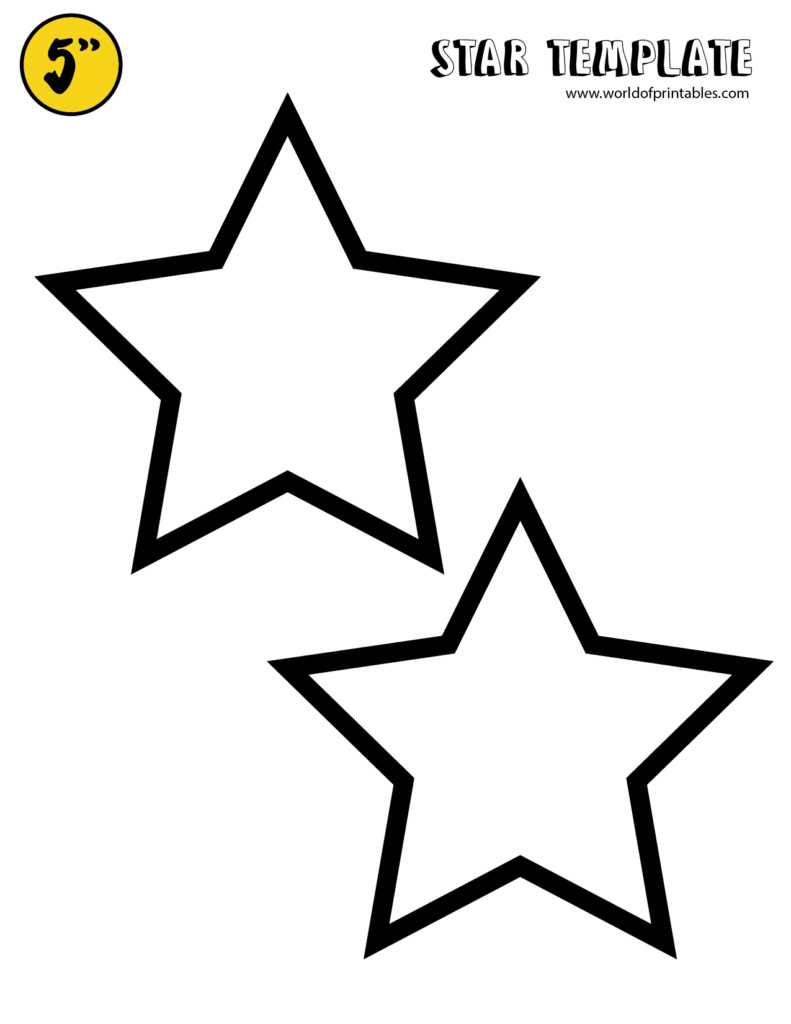
For a more refined look, consider adding textures or patterns to your design. Simple techniques like stamping, embossing, or using glitter can elevate the basic shape, making it more visually interesting.
If you want to use the shape repeatedly, think about laminating it. This adds durability, making the shape reusable for stenciling or creating multiple copies for other crafts. Laminating will also make the design water-resistant for outdoor projects.
Finally, experiment with different color schemes or finishes. Depending on the craft, you might want a matte, glossy, or metallic finish. Try using paint, markers, or even fabric to cover the edges and add depth to the overall design.
How to Adjust the Design for Different Sizes and Projects
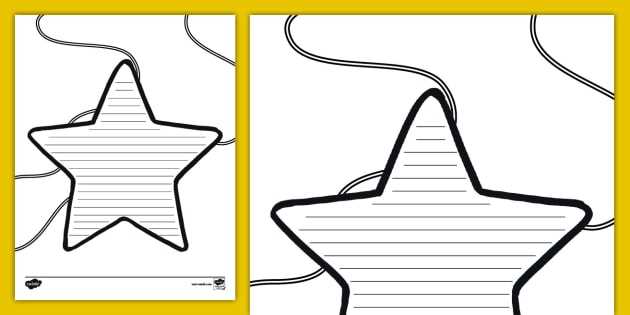
To modify the shape for different dimensions, begin by measuring the area where the design will be used. If you need a large version for wall decorations, use a scaling tool to increase the design size without compromising the proportions. Ensure that the edges remain smooth when enlarging.
If you’re working with smaller projects, such as gift tags or cards, reduce the design’s size proportionally. Use software like Photoshop or GIMP to maintain clarity when shrinking the image, ensuring the edges stay sharp and the details remain visible.
For complex designs with fine details, be mindful of resolution. When you scale up, reduce the resolution if necessary to avoid pixelation. On the other hand, when shrinking, increase the resolution to maintain clean lines and prevent blurriness.
When printing on large paper, check that the design fits within the printer’s paper limits. If your printer cannot accommodate the full size, split the design into sections that can be printed on multiple sheets. Afterward, align and tape the sections together to form a complete shape.
If you plan to use materials like cardboard or foam board, increase the size slightly to allow for the thickness of the material. This adjustment ensures the cut-out remains proportional after being transferred to sturdier materials.
For projects requiring intricate cutting, such as creating stencils, opt for a more detailed design. This will allow you to cut out smaller areas with precision. Adjusting the thickness of the lines can help simplify the cutting process and improve accuracy.
Lastly, when creating large displays or decorations, consider adjusting the color or texture of the shape to fit the theme. A larger design can be enhanced with paint, glitter, or fabric, while smaller versions may benefit from more subtle textures or finishes.