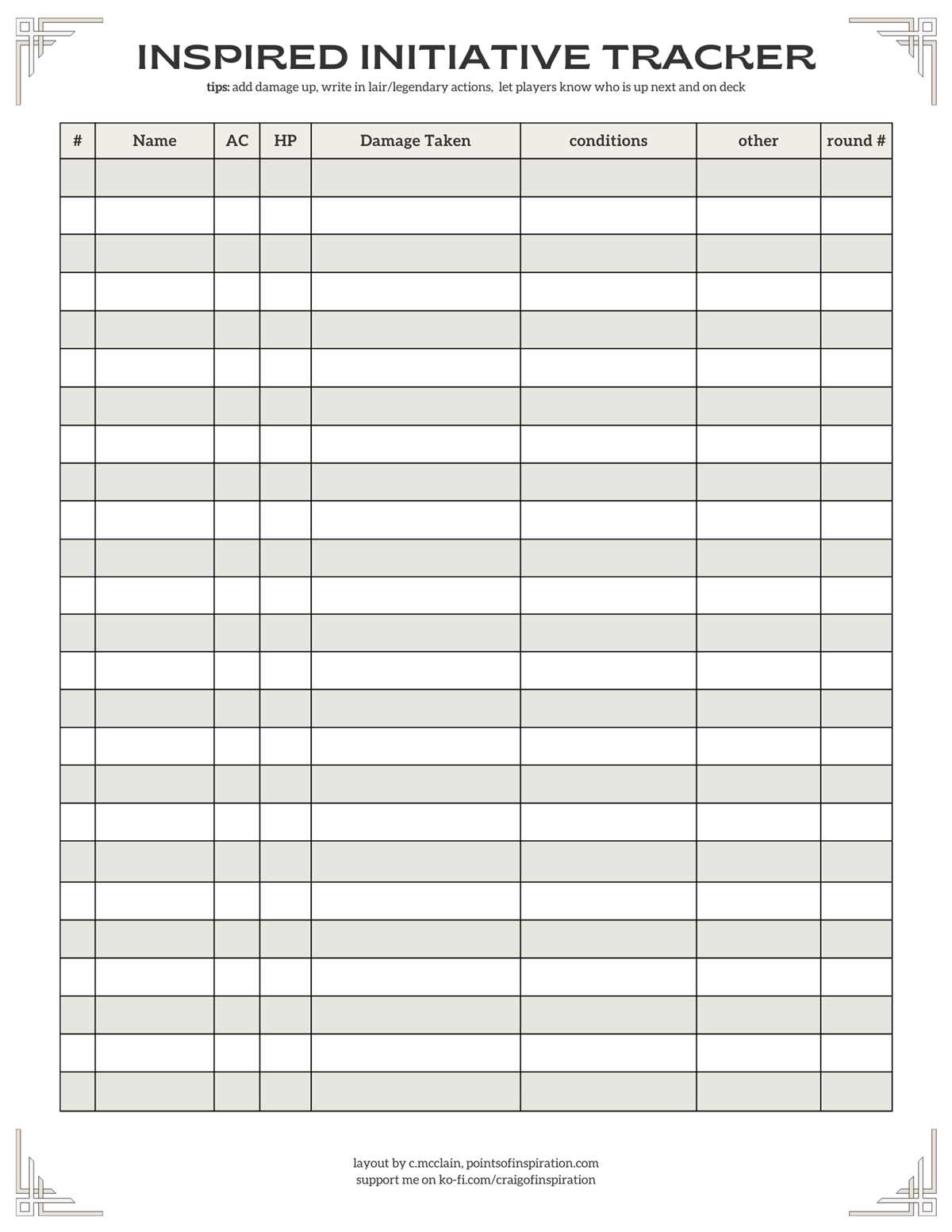
If you’re managing multiple characters in your D&D 5e campaign, a clear way to organize turn order is a must. One of the easiest methods is by using a printed system to track the sequence of actions. This approach minimizes confusion during combat and ensures smooth gameplay, especially in larger battles where tracking everyone’s turn becomes complex.
To create a practical and simple sheet, focus on listing the names of all combatants along with their initiative rolls. Add columns for conditions, status effects, and any other information relevant to the current round. This will help you quickly update and manage the turn order without flipping through pages or getting distracted by notes. You can design it to suit your specific table preferences, from simple grids to more elaborate layouts with space for notes.
Pre-made designs are widely available online, but customizing your own offers several benefits. You can tweak it to match your table’s playstyle, adding details like visual reminders for the Dungeon Master or additional spaces for special actions. If you’re running multiple campaigns or one-shots, having a template that suits different scenarios is invaluable. The key is to make it streamlined so that it doesn’t slow down gameplay but enhances it by providing an easily accessible reference during each round.
Creating an Efficient Combat Sheet for D&D 5e
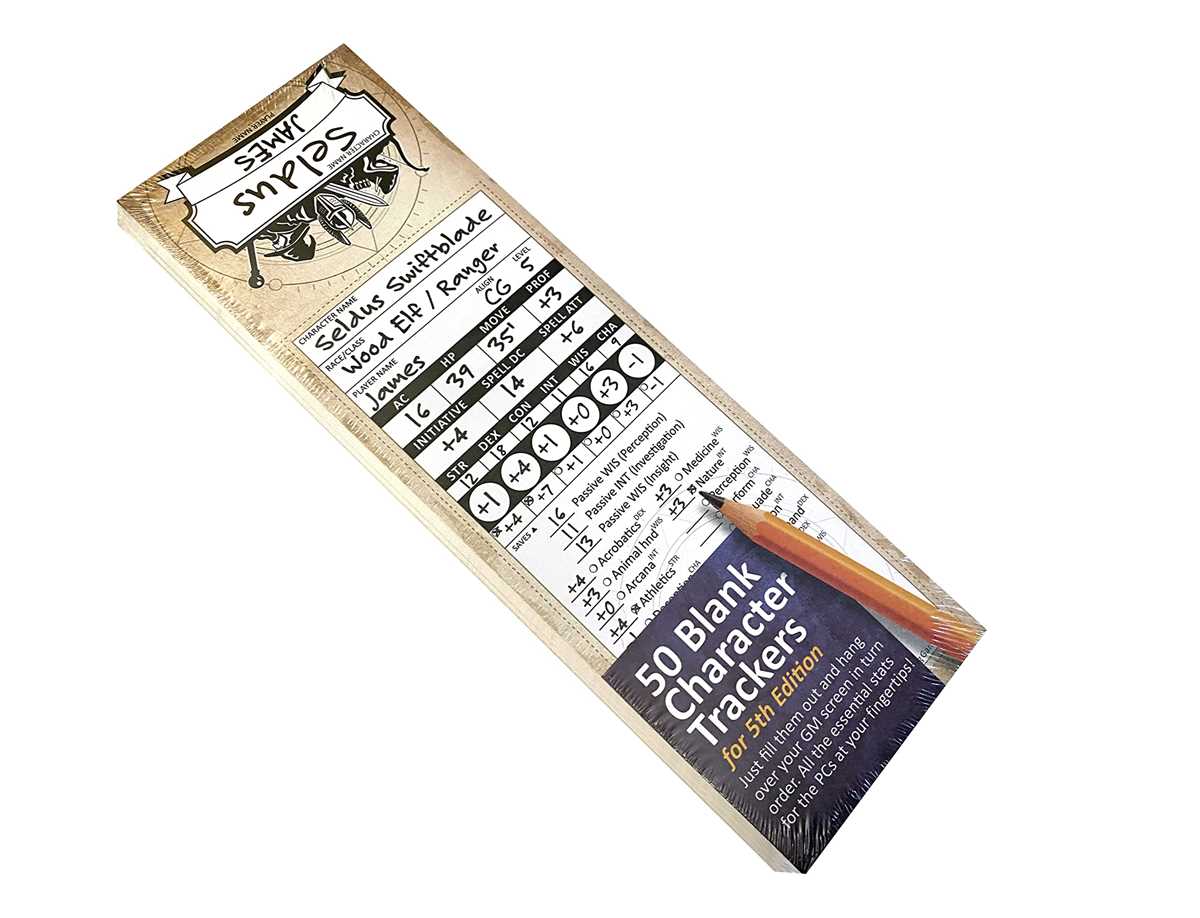
To improve your gameplay flow, it’s crucial to set up a sheet that clearly lists all characters in combat with a designated spot for their action turns. A simple grid format works well–list characters on the left and available columns for turn order, status effects, and actions across the top. This layout allows quick reference and keeps the pace of the game moving smoothly.
Consider adding visual elements like color-coded sections for different types of effects (e.g., buffs in green, debuffs in red). This enables quick identification and reduces the time spent hunting for details during combat. A quick glance should be enough to know which character is affected by which condition or ability.
When designing your sheet, account for all the potential variables that might affect a combat round. For example, include columns for things like “Reaction” or “Concentration” to track ongoing effects. Having these categories helps avoid confusion when players need to resolve actions that involve complex rules, like opportunity attacks or concentration checks.
Customization is key. For a more detailed setup, incorporate an area for each character’s health points and a section for marking temporary hit points or damage taken. This can be particularly helpful for players who tend to forget to update their health or who use unique abilities that change their stats frequently during battle.
Using pre-made designs can be helpful, but they might not cater to all the specific needs of your campaign. For example, if you run a game with a lot of enemies or NPCs, it might be helpful to have an expanded section for tracking additional combatants without cluttering the space. You could add extra columns for environmental effects or specific tactics for your foes.
When printing your combat sheet, make sure it’s easy to update. Using erasable ink or dry-erase markers can save you time and effort, especially in long campaigns. This also allows for quick adjustments in the heat of battle, like changing a character’s turn order or marking a temporary condition.
To minimize distractions during play, avoid cluttering your sheet with too much text or extra rules. Keep the design simple and focus on the most relevant information. Too many additional details can make the sheet harder to read, slowing down gameplay when players need it most.
Lastly, always have a backup copy available. Combat can sometimes be chaotic, and having an extra sheet on hand means you won’t lose your progress if something goes wrong. A well-organized sheet ensures that everyone can focus on the game rather than on managing their characters’ turns.
How to Create a Custom Printable Initiative Tracker for 5e
Begin by choosing a layout that suits your table’s needs. A grid with rows for each combatant and columns for turn order, actions, and conditions is a solid start. Ensure there’s enough space for all the players and any NPCs. If you run larger encounters, consider adding additional rows or expanding the sheet to accommodate everyone.
Decide what information to include in each section. The primary columns should cover character names, roll results, and turn order. Add extra fields for things like temporary hit points, saving throws, and status effects. These extras are especially helpful in longer battles, where keeping track of changing conditions is necessary for smooth gameplay.
Use a spreadsheet program like Excel or Google Sheets to design your sheet. Start with a simple table format, and customize it by adding borders, colors, or bold text to highlight important columns. Consider using alternating row colors for better readability, or use different text sizes for player names and their turn order to make the sheet more visually appealing.
If you prefer offline tools, you can design the sheet in Word or a graphic design program. Start with a blank canvas and build from scratch. Include labeled areas for every key element, such as player names, combatant turns, and any additional notes. Printable sheets allow you to easily handwrite any changes, so leave space for quick modifications.
Once your sheet is designed, print it out and make sure it’s easy to read. Test it by running a short encounter, checking if everything is clear and easily editable. Adjust the size of columns or text as needed. For better durability, print on thicker paper or laminate your sheet for repeated use with dry-erase markers.