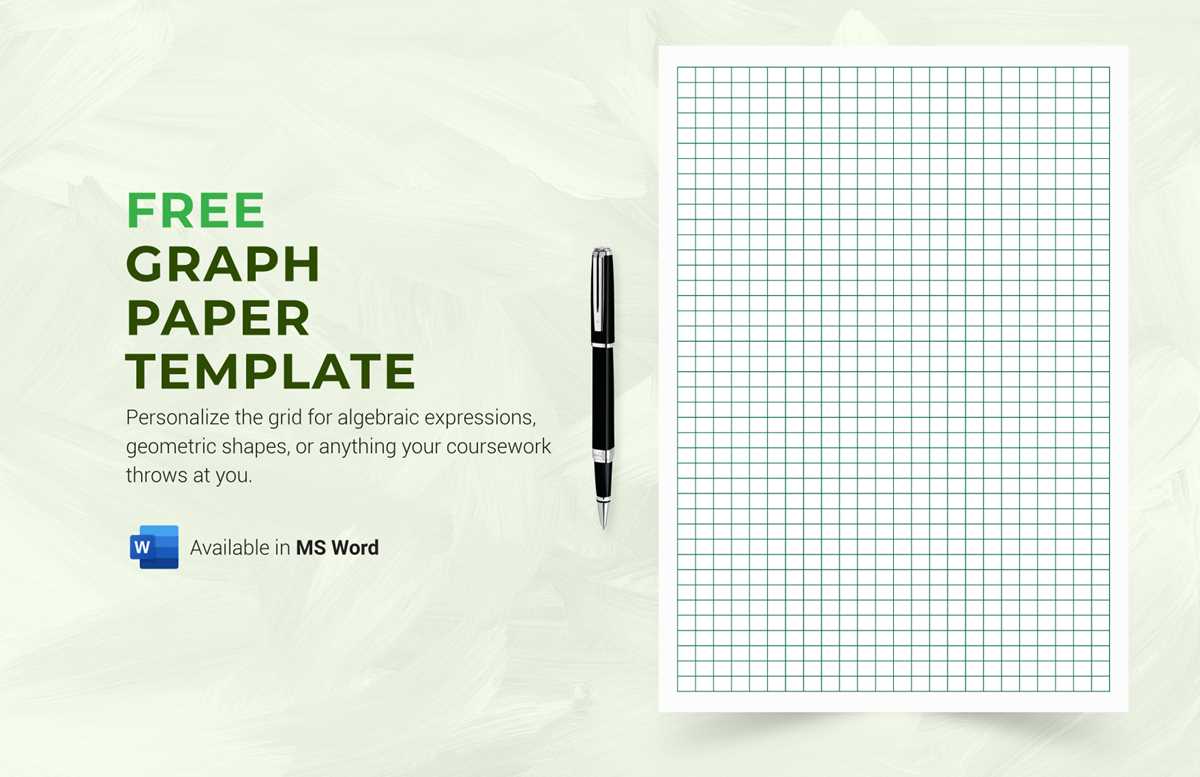
To create accurate designs or assist with calculations, download high-quality templates that feature evenly spaced grids. These templates are available in A4 size, making them convenient for printing at home or in the office. The downloadable files are typically offered in PDF format, ensuring compatibility with most printers and devices.
Once downloaded, print the grid templates directly onto your preferred paper type. Using thicker paper, like cardstock, can help with durability, especially for long-term use. For more specialized tasks, such as architectural drawings or technical sketches, opt for a finer grid density to achieve the desired precision.
Graph Paper A4 Templates for Download and Printing
If you’re looking for a quick and convenient way to create grids for various projects, downloading an A4-sized template is a great solution. These templates can be found in PDF format and can be printed directly from your home or office printer. A4 templates are commonly used for a range of activities like mathematics, engineering designs, and even artwork.
Before downloading, ensure that the template fits your specific needs. You can find various types, from standard grids with large squares to fine gridlines ideal for detailed work. Choose the one that matches the precision required for your task, such as larger squares for basic plotting or smaller squares for technical sketches and detailed graphs.
Once downloaded, open the file on your device and check the layout. Make sure that the scale and grid spacing are correct for your printing preferences. If you’re unsure about the format, adjust the print settings to ensure the design is printed at the right scale. Most printers will allow you to customize the paper size to match your A4 template.
Printing the template is straightforward. Simply load your printer with A4-sized paper, select the correct paper type in the print settings, and ensure the print quality is set to high. For tasks that require durability, you may want to print on thicker stock paper. This helps preserve the quality of your work and ensures that the grid lines remain sharp over time.
For users who need multiple copies, printing in bulk is simple. After adjusting the settings for the first sheet, many printers allow you to replicate the grid design multiple times on a single page. This is perfect for projects that require several grids, such as math problems or design layouts, saving both time and resources.
How to Download A4 Graph Paper Templates
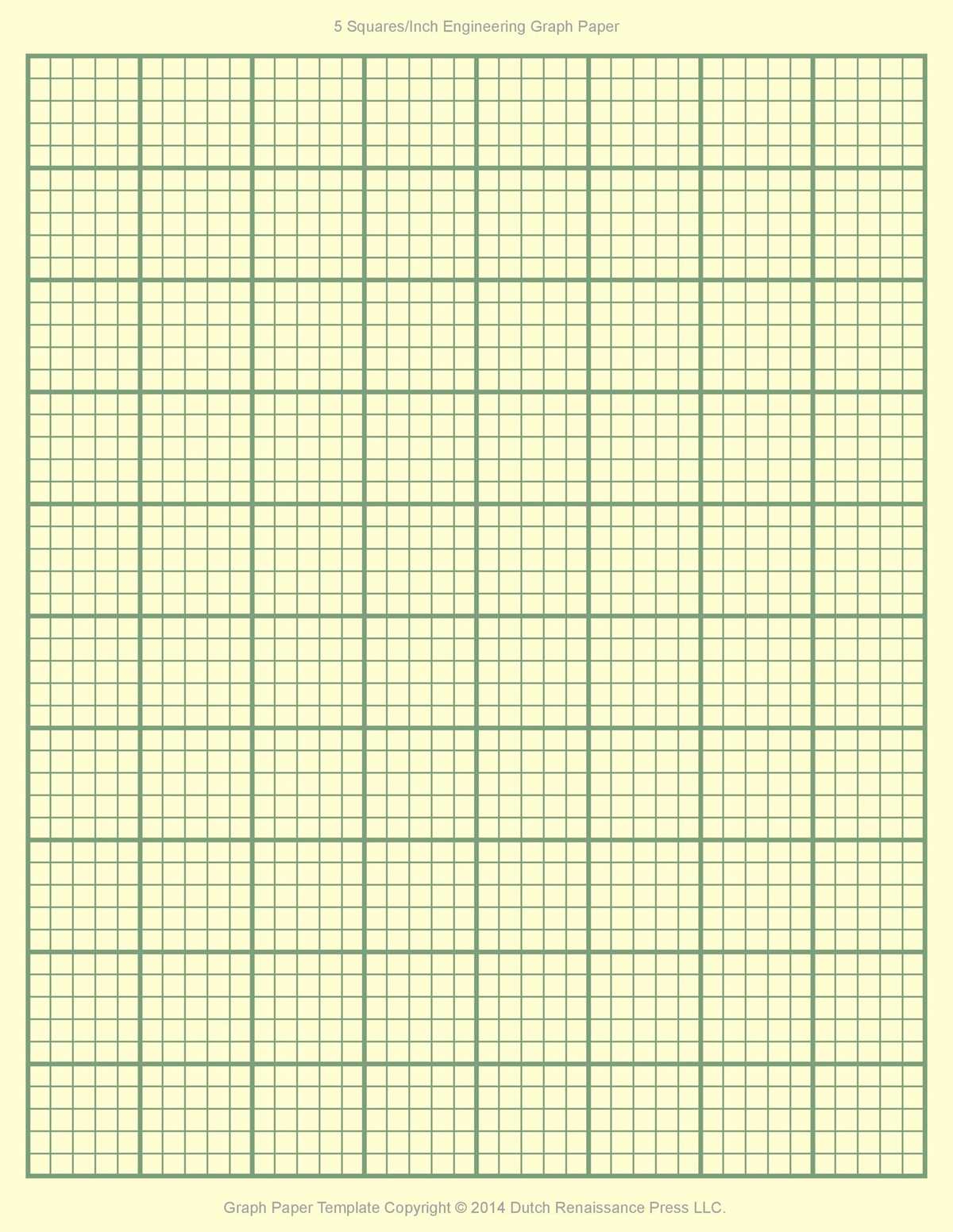
To get started, search for A4 grid templates online. There are many websites offering free resources that can be downloaded instantly. Look for trusted platforms that provide a variety of grid sizes to suit your specific needs, whether it’s a basic grid or one with more intricate lines for technical purposes.
Once you’ve selected a template, ensure it’s in PDF format. This ensures the grid will be printed at the correct scale and dimensions. PDF templates are also widely compatible with various devices, making it easy to access and print from your computer, tablet, or phone.
After downloading the file, check if there are any specific instructions for printing. Some templates may have recommendations on adjusting your print settings, such as scaling or margins, to ensure the grid aligns properly on your A4 paper. It’s a good idea to double-check these instructions to avoid any misalignment when printing.
Open the downloaded PDF file and preview it to confirm that it matches your requirements. If everything looks good, go ahead and print a test page to check how the grid appears. Adjust your printer settings as needed for optimal print quality, ensuring that the grid is sharp and clear.
If you’re unsure about the print settings, use the “Fit to Page” option on your printer’s dialog box. This will scale the grid to match the A4 paper size. Some printers might automatically detect the correct size, but double-checking this option will guarantee the grid fits the page correctly.
For users who want to save time, printing multiple grids on a single sheet can be done through the print settings. Many modern printers allow you to choose how many copies of the grid you’d like per page. This is ideal for projects requiring several grids, such as planning diagrams or organizing data.
Lastly, keep the downloaded files organized on your device for easy access in the future. Creating a folder specifically for your grid templates can save you time when you need a new template for another project. This way, you’ll always have a variety of options available without needing to search again.