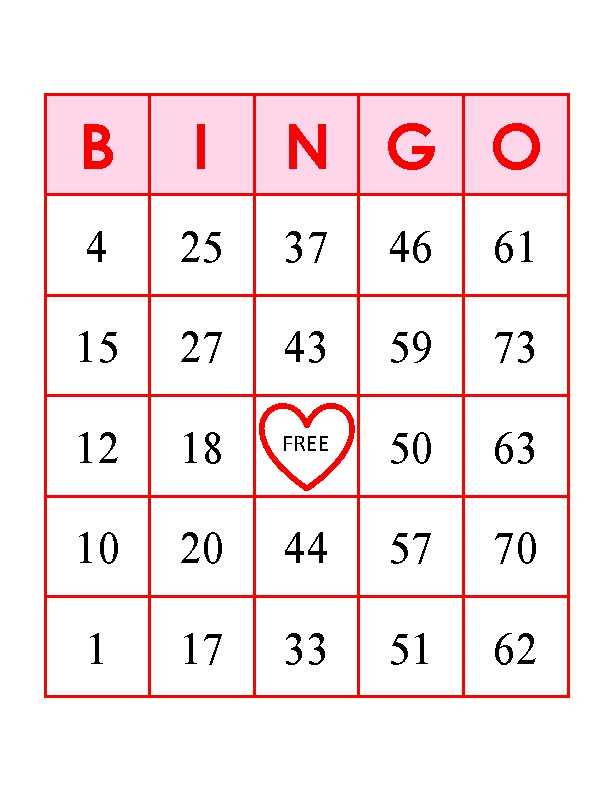
If you’re planning a gathering where participants will enjoy a fun and engaging number-matching activity, preparing your set ahead of time is a must. A great way to ensure everyone is ready to play is by printing pre-arranged number grids, each featuring a unique combination from 1 to 75. Whether you’re hosting a family event, a fundraising activity, or a school celebration, these templates are perfect for keeping the fun flowing.
For those hosting large groups, the ability to print multiple sets in a matter of minutes can save valuable time and ensure no one is left without a grid. Simply select from various designs that best suit your event’s theme–there are countless options available that range from basic layouts to more creative and visually appealing versions.
When preparing these number arrangements, it’s key to ensure each one is distinct and offers a fair chance for every participant. Customizing the patterns or spacing between numbers can make the activity even more exciting, as participants anticipate the unique combinations they will encounter. Adjusting the design to your specific event needs will elevate the experience for everyone involved.
HTML
How to Create Customized 1-75 Number Grids
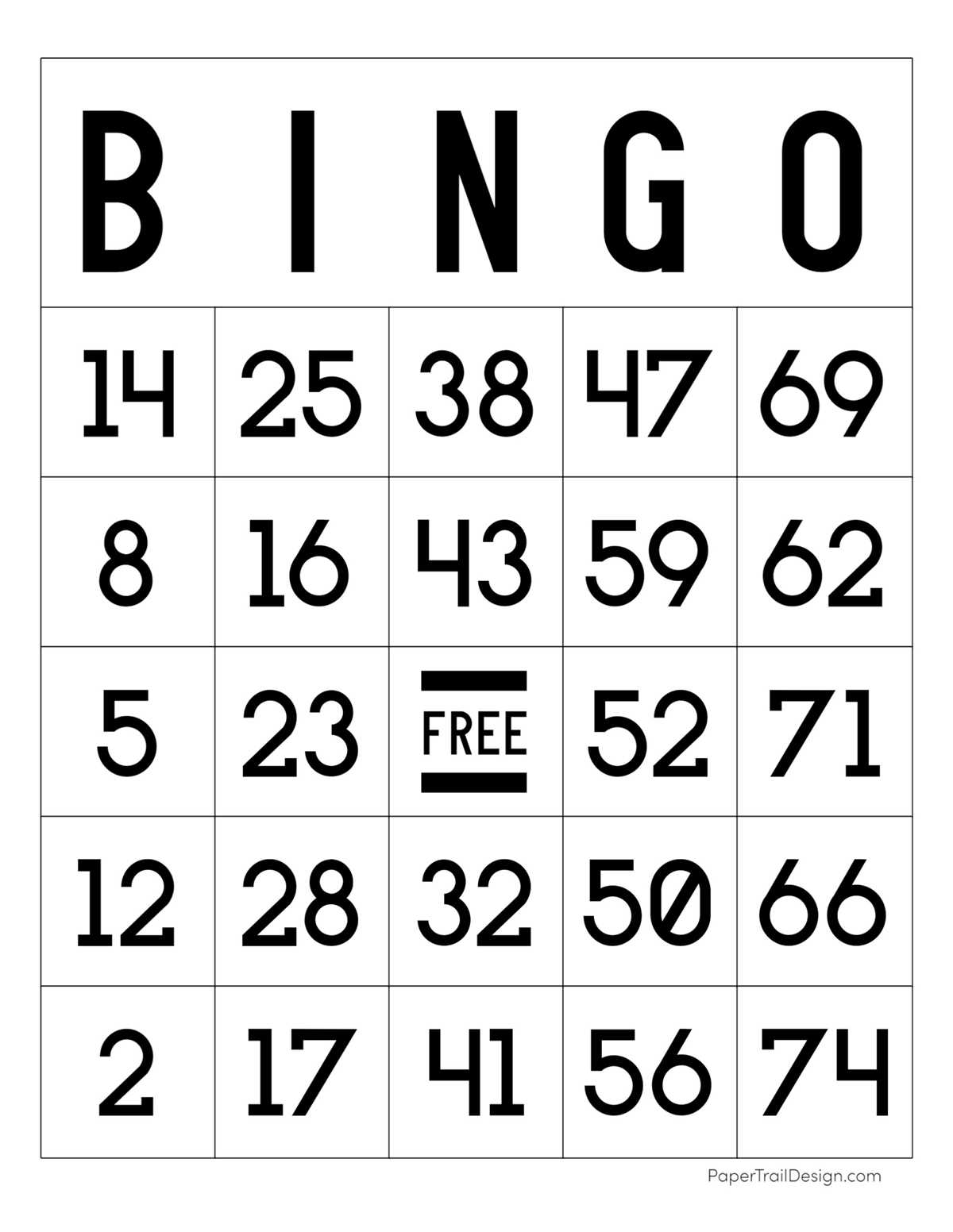
Start by designing a 5×5 grid with 25 spaces, leaving the center square marked as “Free” or blank. This layout works best for any event involving numbers from 1 to 75, and it keeps gameplay consistent. Each square should be filled with a number from the designated range, ensuring that no number is repeated within a single grid.
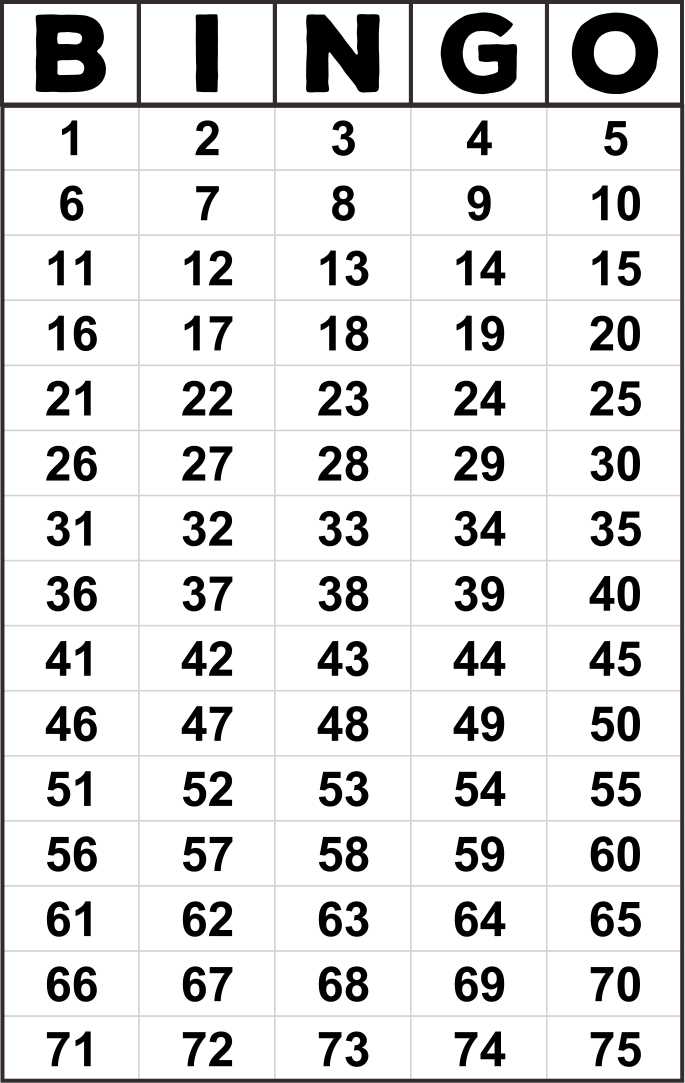
To distribute the numbers across the grid, divide them into five sections: 1-15, 16-30, 31-45, 46-60, and 61-75. Assign each set of numbers to its own column. For example, the first column should only contain numbers between 1 and 15, the second column numbers between 16 and 30, and so on. This method keeps the grid organized and helps players identify the numbers more easily.
Using a spreadsheet tool can speed up the process of creating multiple grids. You can randomize the numbers using functions like “RAND” or “RANDBETWEEN” to ensure that each sheet is different. Once randomized, format the cells to resemble a grid, adding a clear distinction for the central space. This allows you to print as many copies as needed with minimal effort.
If you’re organizing a group event, include simple instructions at the top of each grid. These should briefly outline how to play and explain the rules of the game. Consider adding visual cues or a legend to clarify what each number range represents, especially if the participants are unfamiliar with the format.
During the game, hand out tokens or markers to help participants track their progress. This can make it easier for them to stay engaged and maintain focus. Consider offering prizes or small incentives for the first person to mark off a full row or complete the entire grid. These simple touches can elevate the overall experience for everyone involved.
HTML
How to Create Custom Bingo Cards for Your Event
Begin with selecting the range of numbers or symbols you’d like to feature. Choose a set that fits the theme of your gathering, such as using numbers from 1 to 75 or specific images. Ensure the values or pictures align with your event’s purpose and guest preferences.
Use a random number generator or custom tools to fill in your grid. If you’re working with images, pick visuals that are easy to distinguish and match your event’s tone. Avoid overcomplicating the design with too many similar symbols.
Focus on grid size. The most common layout is a 5×5 grid, but you can adjust based on the type of event. A larger grid can be used for longer sessions or more complex activities, while a smaller one is ideal for quicker games.
Be sure to add a central free spot if your design allows it. This space helps maintain game flow and offers players a slight advantage, ensuring the game remains exciting throughout.
Once your grid is ready, ensure the layout is clear and easy to print. Align text and images in each box for a uniform appearance. You can use basic design software or an online generator to arrange everything neatly.
Test your final product. Print a sample to confirm that all numbers, letters, or images are legible and properly aligned. Verify the print settings to ensure consistency across multiple copies.
Consider adding personal touches such as event-specific symbols, names, or messages to make the activity more engaging. Small details can enhance the experience for participants and create lasting memories.
Lastly, make sure you prepare enough copies for all guests, including a few extras in case of mistakes. Double-check the number of participants and plan accordingly to avoid running out.