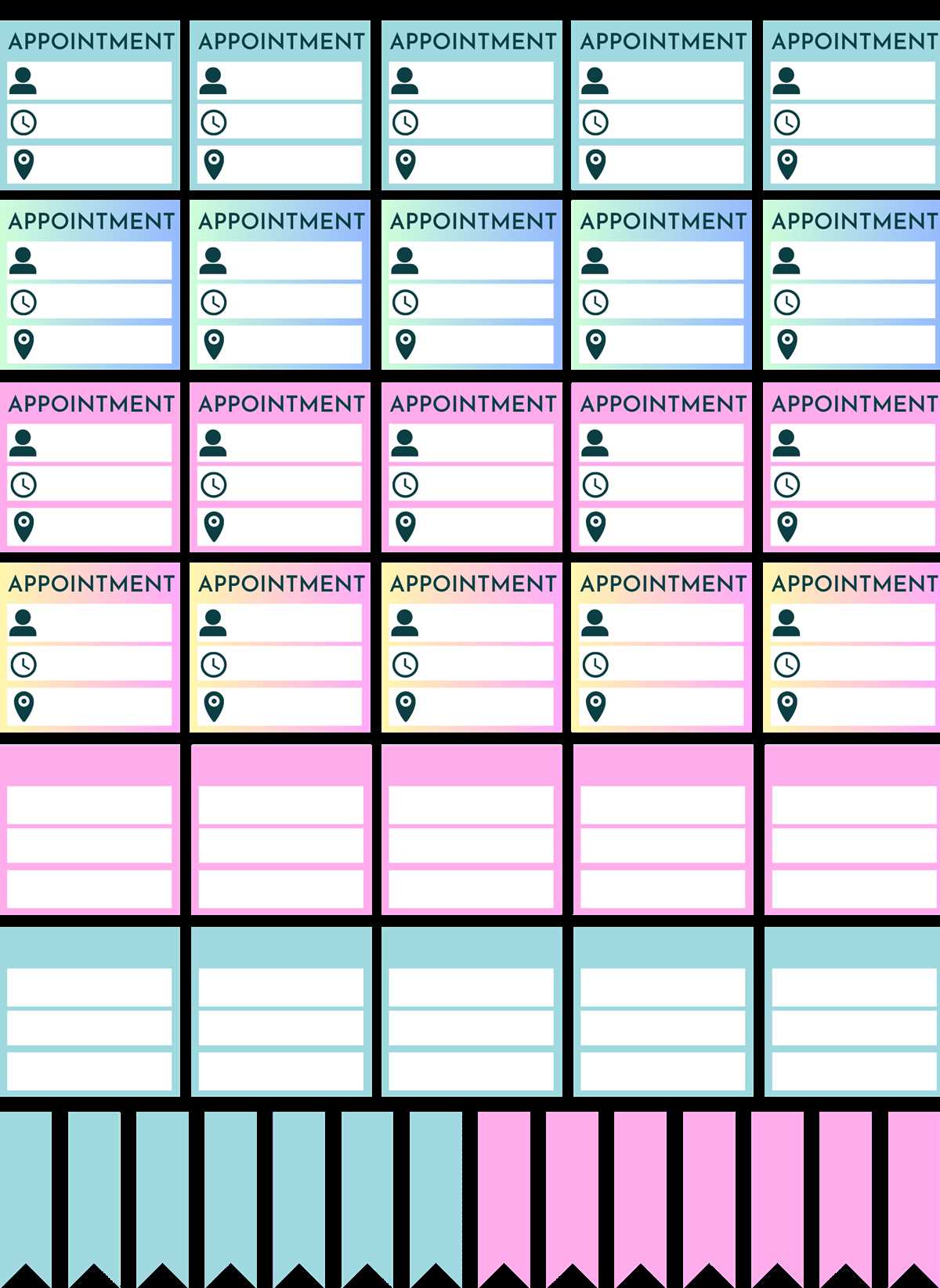
Using customized embellishments in your schedule helps you stay on top of tasks and adds a personal touch to your organizational system. Downloading these templates can significantly improve the layout of your agenda or calendar, making it visually appealing and easy to navigate. Whether you need labels, decorative elements, or specific markers for important dates, you can find a wide range of styles to match your taste.
To get started, simply choose the designs that align with your preferences and print them on high-quality paper. This allows you to seamlessly integrate the elements into your daily or weekly layouts. Ensure that the paper weight matches the type of binder or notebook you’re using to avoid issues with ink bleeding or paper damage. With the right tools, you can create a personalized and efficient organization system.
Many designs also offer editable features, giving you the freedom to adjust them to your specific needs. Whether you are preparing for a busy week or creating a long-term plan, these enhancements will make the experience more engaging and motivating. Enjoy crafting a space that reflects your unique style and supports your goals with these practical yet fun solutions.
Creative Tools to Enhance Your Organizational System
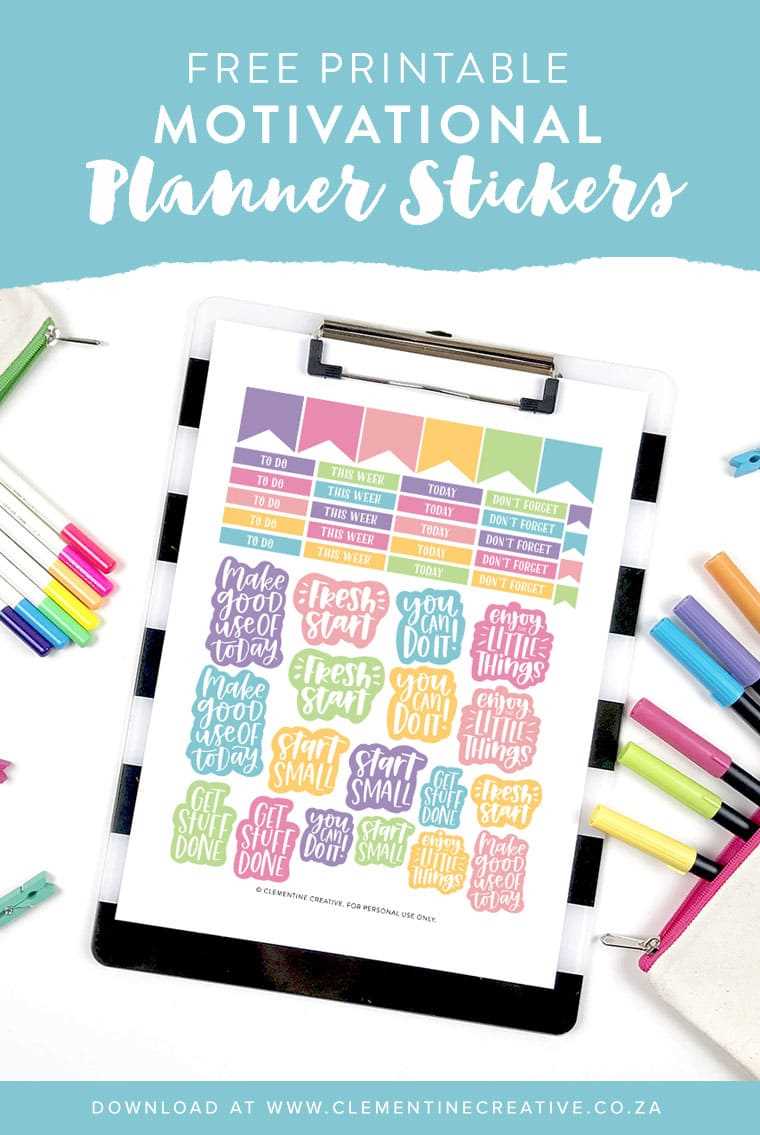
Start by selecting a design that aligns with your aesthetic preferences. Consider color schemes, icons, and shapes that will complement your existing organizational layout. By integrating fun visuals, you’ll not only stay organized but also make your schedule more enjoyable to manage.
To achieve the best results, print the designs on quality paper that suits your binder or notebook. It’s important to choose a paper that prevents ink from bleeding through and provides durability. Opt for a heavier weight paper for added sturdiness and longevity in daily use.
Once printed, carefully cut out the elements with scissors or a paper cutter for clean edges. This step ensures that each item fits perfectly into the spaces of your notebook, calendar, or organizer. You can also use adhesive squares or double-sided tape to attach them securely to your pages.
If you prefer a more personalized experience, consider editing the templates before printing. Many options allow for customization, so you can add your own text, adjust the layout, or even resize the designs to suit your needs. This flexibility helps tailor the embellishments to your exact specifications.
Another tip is to print a few sets of designs in different styles. By mixing and matching, you can create varied looks for each section of your planner, making each area of your schedule stand out. This approach can help differentiate between categories like appointments, personal reminders, or deadlines.
Keep in mind that these designs are not limited to daily planners. You can also use them in journals, to-do lists, or even scrapbooks. By getting creative with how and where you use these decorative elements, you can further enhance your organizational tools and make them more versatile.
Finally, consider storing extra copies of your chosen designs for later use. Organize them in a dedicated folder or file for easy access when you need to refresh your system. Having a variety of pre-cut designs available allows you to stay on top of your schedule without extra effort each time.
By following these simple steps, you can transform your organizational tools into a visually appealing and functional resource that boosts both productivity and creativity. Start adding customized designs today and enjoy a more engaging and motivating experience while managing your tasks and goals.
How to Find the Best Designs for Your Organizer
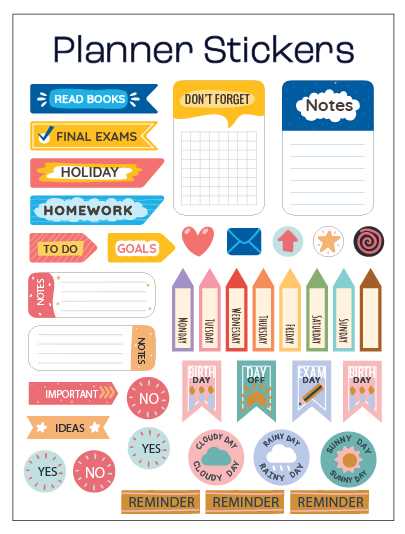
Start by browsing various online platforms that specialize in decorative elements for organizational tools. Websites dedicated to creative resources often offer a wide range of styles, from minimalist to elaborate designs. Make sure to check if the resources allow for customization to ensure they align with your specific needs.
Consider your personal aesthetic and functionality requirements. Choose designs that not only look appealing but also serve a practical purpose. For example, icons for deadlines, tasks, and reminders should be visually distinct, so you can quickly differentiate between categories when glancing at your schedule.
Look for themes that match your preferences, whether it’s bold patterns, subtle colors, or motivational quotes. By selecting a theme that resonates with you, you’ll find it easier to stay engaged with your organizational system. You can even mix and match different themes to create a personalized look.
Finally, always check reviews or feedback from other users to ensure the quality of the designs. While some may look great at first glance, user experiences can provide insight into how well the images print and fit in your chosen format. Don’t hesitate to try different sources until you find the ideal fit for your needs.