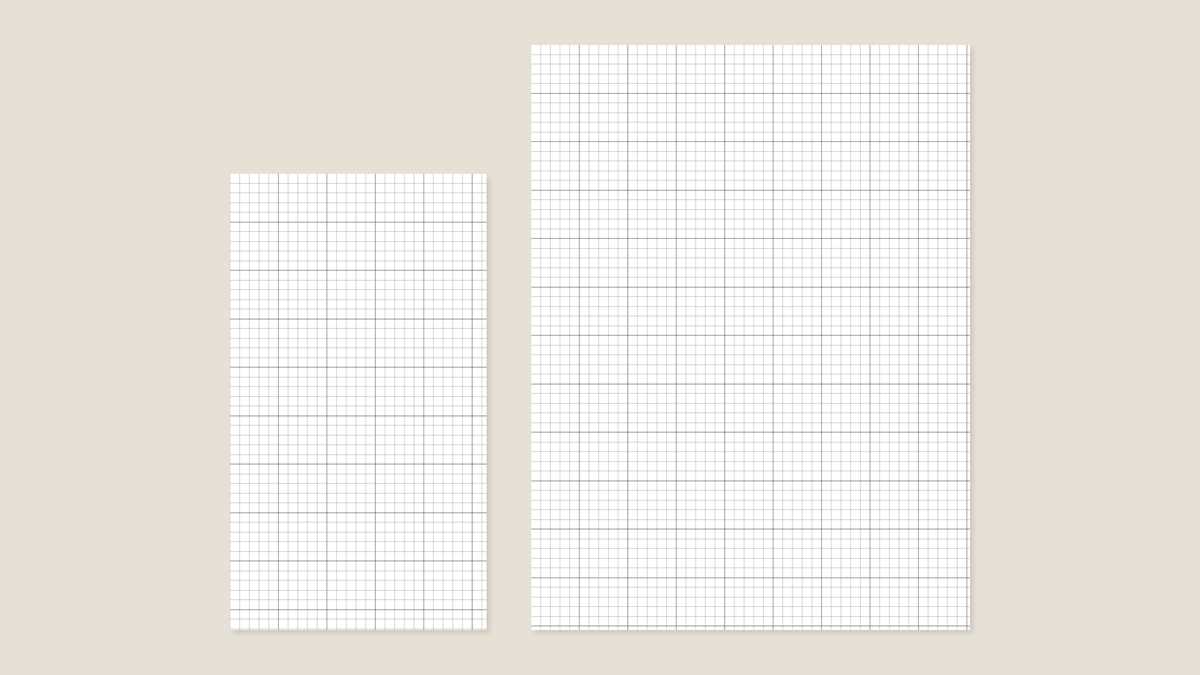
To create precise drawings or diagrams, using a grid system is key. If you need a reliable medium for technical illustrations, you can easily generate this type of grid at home. By printing the right format, you can get the same high-quality sheets typically used by professionals. With a few simple adjustments, the sheets can be tailored to suit your specific needs, whether for architectural plans, mechanical drawings, or mathematical designs.
Start by choosing the correct grid type. Some sheets come with a simple square grid, while others have more complex designs like isometric or polar grids, which are useful for 3D models. Make sure your printer settings are optimized for sharp lines and accurate proportions to avoid distortions. You can also adjust the scale depending on the size of the project to ensure the grid lines are legible and appropriate for your work.
Once printed, these grids provide a clean canvas for sketching, drafting, or detailed calculation work. They offer clarity for measurements and help maintain accuracy. Whether you are working on an intricate design or a basic drawing, printed grid sheets provide the structure needed for precision and ease of use.
How to Choose the Right Technical Grid for Your Project
When selecting the appropriate grid sheet for your work, first assess the scale and complexity of your design. For projects that require detailed measurements or calculations, choose a sheet with a finer grid to help you accurately position elements. A smaller grid will provide more precision, especially for intricate diagrams, while larger grids work better for simpler sketches or general outlining.
If you’re working on a project that involves 3D visualization, opt for a grid with a specialized design, such as isometric or polar. These grids allow for proper alignment and depth perception, helping you maintain proportions while creating perspective-based drawings. For straightforward 2D diagrams, a simple square grid is typically sufficient.
The weight and texture of the material are also important factors. For a more durable experience, select a thicker sheet of high-quality stock to avoid paper tears or smudging. If you’re using markers or pens, choose a smooth, high-quality finish to ensure clean lines. For digital design projects, consider using a grid template that mimics the characteristics of physical grids, so you can replicate the same structure on a screen.
Lastly, consider the purpose of the grid. If you need reusable grids, look for options that are specifically designed for that, like laminated grids or digital templates. These allow for multiple uses, especially for professional projects. For one-time use or personal sketches, regular grid sheets will suffice. Select the type that best aligns with your project requirements to ensure accuracy and ease of use throughout the design process.
Step-by-Step Guide to Printing Technical Grid Sheets at Home
Start by selecting the correct grid design for your needs. Ensure that the grid pattern matches the project you’re working on, whether it’s a square, isometric, or polar layout. Many online resources offer downloadable templates, which can be easily modified to suit your specifications.
Once you’ve chosen the right design, download the file and open it using a program like Adobe Reader or any other PDF viewer. Ensure that the document is sized correctly for your printer’s capabilities. If the template is too large, adjust the dimensions or scale to fit your printer’s paper size, typically A4 or letter size.
Before printing, check your printer settings. Opt for a high-quality print mode to achieve crisp lines and a clear grid. If your printer offers the option, select a ‘fine’ or ‘best’ print quality to ensure accuracy. Also, select “borderless” printing if the grid extends to the edges of the paper.
Load your printer with high-quality stock. For the best results, use thicker paper, ideally 80 gsm or higher, which will prevent the paper from tearing or wrinkling during use. If the printer does not support thicker stock, adjust the print settings to accommodate a heavier sheet.
Once the settings are configured, print a test page. This will allow you to check the alignment, grid size, and print quality. Adjust any settings if the test page is misaligned or unclear, and reprint if necessary.
After printing, carefully cut the grid sheet to fit your workspace or bind it into a notebook, if needed. A paper cutter is the most precise tool for this task, ensuring straight lines and perfect edges. Avoid using scissors for a cleaner cut.
Store your printed sheets properly to prevent damage. Keep them flat and avoid folding, as creases can distort the grid lines. If you plan to use the grids frequently, consider laminating them for added durability, making them reusable for future projects.