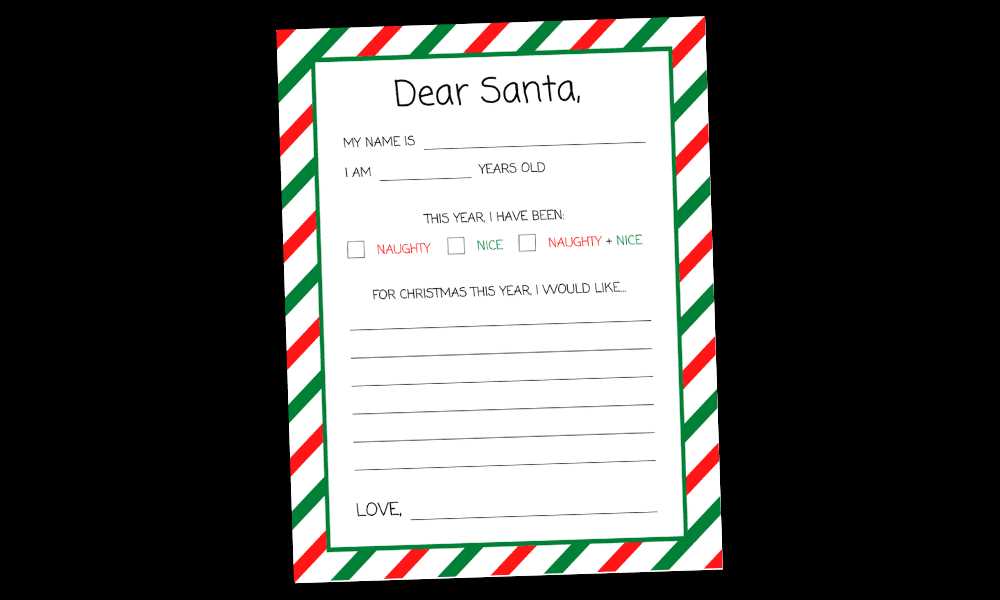
Download a high-resolution PDF letter sheet addressed to Father Christmas in A4 or US Letter size and print it on 100–120 gsm paper for smooth handwriting. Choose a version with wide-ruled lines (12–14 mm spacing) for early writers or standard ruled lines (8–10 mm) for older children to match their skill level.
Select designs that include structured sections such as gift wishes, good deeds list, and holiday promises to guide content and reduce blank-page hesitation. Provide both lined and blank variants so children can either focus on text or add drawings in a dedicated illustration box measuring at least 8 x 8 cm.
Print one test page in draft mode to confirm margins and alignment before producing multiple copies. Store completed letters in C5 envelopes labeled with each child’s name and date to create a keepsake collection that can be revisited in future holiday seasons.
Dear Santa Free Printable Letter Templates
Download a holiday letter sheet addressed to Father Christmas in PDF format with 300 DPI resolution and clear margins set to 10–15 mm to prevent clipping during home printing. Choose layouts that include structured sections such as wish list lines, space for achievements, and a signature field to guide children through writing without confusion.
Select age-appropriate designs: wide-ruled lines (12–14 mm spacing) for preschool and early elementary levels, standard ruled lines (8–10 mm) for older children. Look for versions that provide both color and black-and-white options to allow coloring with pencils or markers. A dedicated drawing frame of at least 7 x 7 cm gives room for illustrations while keeping text organized.
Print on 100–120 gsm paper for smooth writing and durability. Test one page before producing multiple copies, confirm “actual size” scaling in printer settings, and store finished letters in labeled envelopes with the child’s name and year to create a dated holiday archive.
How to Download and Print a Dear Santa Letter in PDF Format
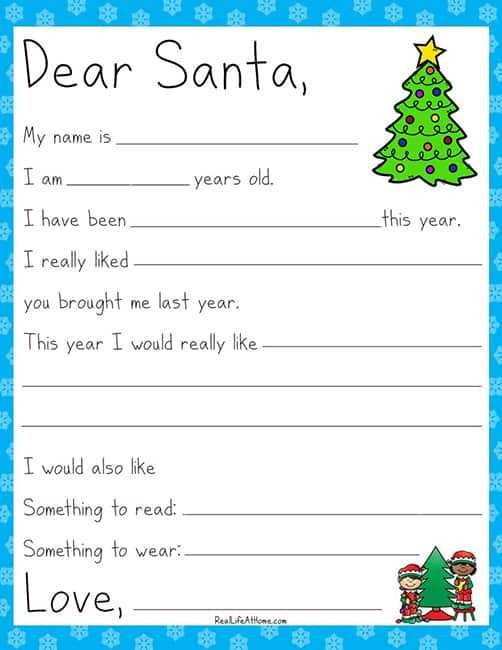
Select a PDF file labeled for A4 or US Letter size with 300 DPI resolution and vector text to maintain sharp lines during printing. Confirm file size does not exceed 15–20 MB to avoid slow downloads on standard home connections.
Before saving, check preview images for clear margins (at least 10 mm on each side) and structured writing sections. Look for layouts that include:
- Wide or standard ruled lines based on age group
- A dedicated wish list area
- A small drawing frame
- Space for name and date
Download the document directly in PDF format rather than JPG or PNG to prevent scaling distortion. Save it with a descriptive file name such as “holiday_letter_A4_2026” to avoid confusion with other seasonal materials.
Open the file in a PDF reader that allows manual scaling control. Disable automatic “fit to page” and choose “actual size” to keep proportions accurate. This prevents shrinking of writing lines and decorative borders.
Print one test page on standard 80 gsm paper to confirm alignment and spacing. If margins appear uneven, adjust printer settings by selecting borderless mode only if the design supports it.
Once alignment is verified, switch to 100–120 gsm paper for final copies. Store unused sheets flat in a dry folder to prevent curling, and prepare envelopes labeled with each child’s name and year for organized distribution.