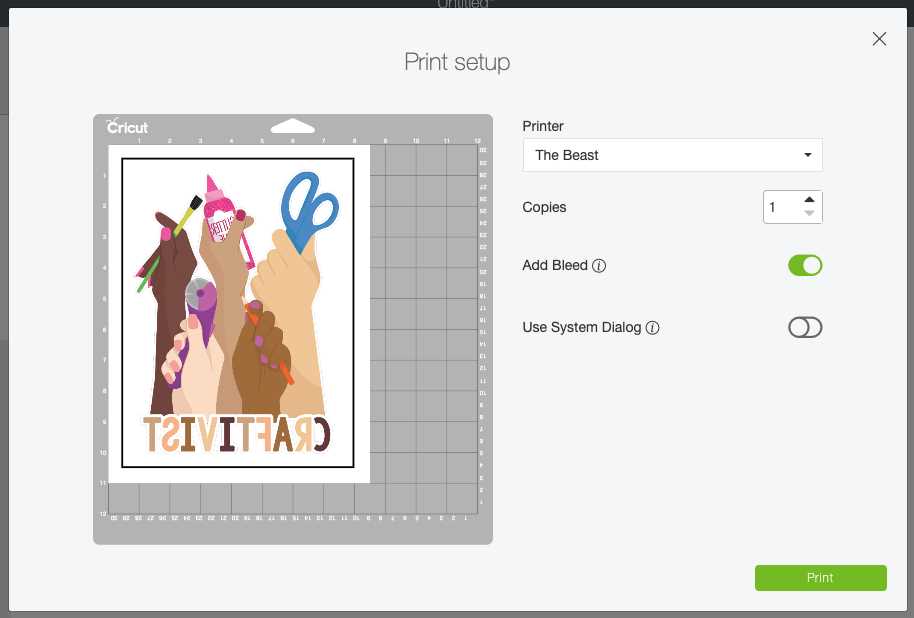
Set your artwork to RGB color mode at 300 DPI and keep the design within the 6.75 x 9.25 inch cut area before sending it to the cutting software. This prevents registration mark errors and ensures accurate contour cutting. Flatten all layers into a single image file so the machine reads the project as one print then cut element.
Use light-colored transfer sheets compatible with inkjet printers and load them into the tray with the coated side facing the correct direction. Select high-quality photo settings and disable paper scaling. Allow the sheet to dry for at least 10 minutes before placing it on the cutting mat to avoid smudging.
Apply the transfer to cotton or cotton-blend fabric prewashed without fabric softener. Preheat the garment for 5 seconds to remove moisture, then press at 300–315°F (150–155°C) for 10–15 seconds with firm, even pressure. Let the carrier cool completely before peeling to prevent lifting edges.
How to Set Up Your Design in Cricut Design Space for Printable Iron On
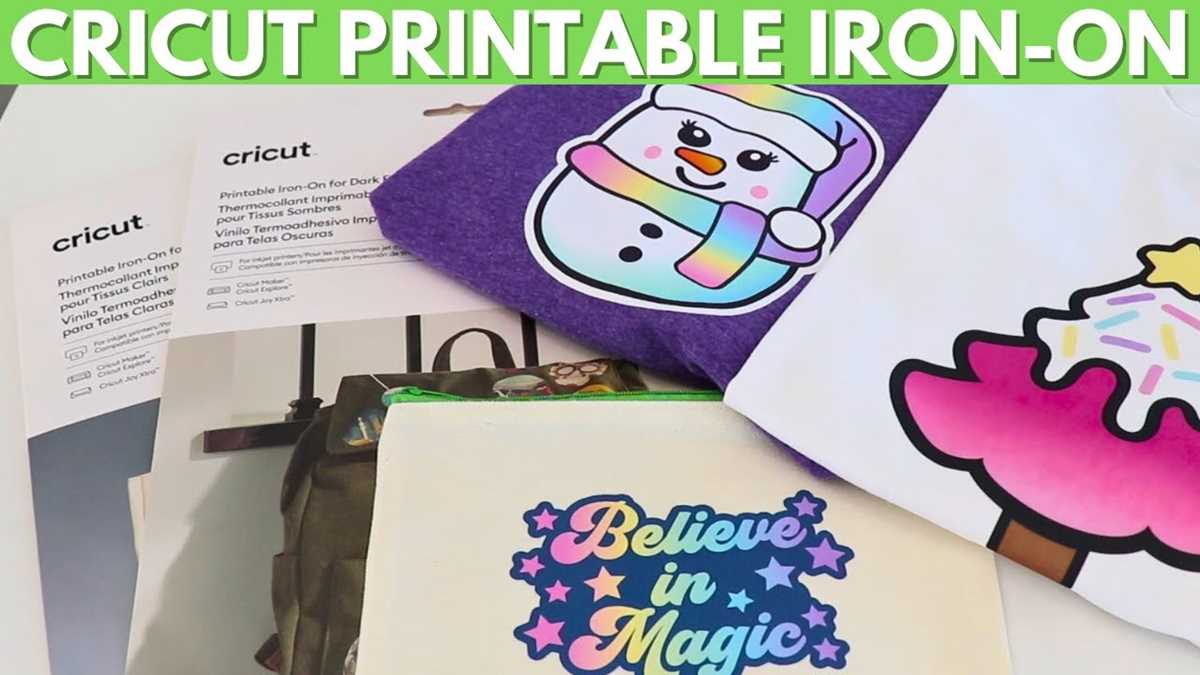
Upload your artwork as a high-resolution PNG with a transparent background and select the option that treats the file as a single flat image for print then cut. Keep the canvas size within 6.75 x 9.25 inches to fit inside the registration boundary, and set the resolution to 300 DPI before importing to avoid pixelation on fabric.
After placing the graphic on the canvas, resize it using the lock icon to maintain proportions and enter exact width measurements in inches for precise placement on a shirt front or tote panel. Use the alignment tools to center the design horizontally, and position it 2–3 inches below the collar line for adult garments or 1.5–2 inches for youth sizes.
Flatten all visible layers into one composite image so the software generates a single cut outline around the printed area. Check that bleed is enabled during the make process; this adds a slight color margin around edges and prevents thin white borders after cutting.
Switch material settings to light fabric transfer sheets and confirm that the correct blade type is selected in the device menu. Run a small test cut on scrap material to verify depth and pressure before sending the full project to print and cut.
How to Print and Cut Cricut Printable Iron On Correctly
Select high-quality photo settings in your printer dialog and disable scaling so the registration marks remain accurate. Load the transfer sheet with the coated side facing the correct direction and print one copy at 100% size. Let the ink dry flat for at least 10–15 minutes before placing the sheet on a standard grip mat to prevent smearing and tracking errors.
- Place the sheet in the top left corner of the mat and smooth it firmly to remove air bubbles.
- Insert the mat straight into the machine to keep the optical sensor aligned with the black registration box.
- Choose the material profile for light fabric transfer sheets and keep default pressure for the first run.
- After cutting, bend the mat slightly to release the sheet without curling edges.
- Check that the blade has cut through the film layer but not the backing; adjust pressure by +2 or −2 only if needed.
How to Apply Cricut Printable Iron On with a Heat Press or Iron
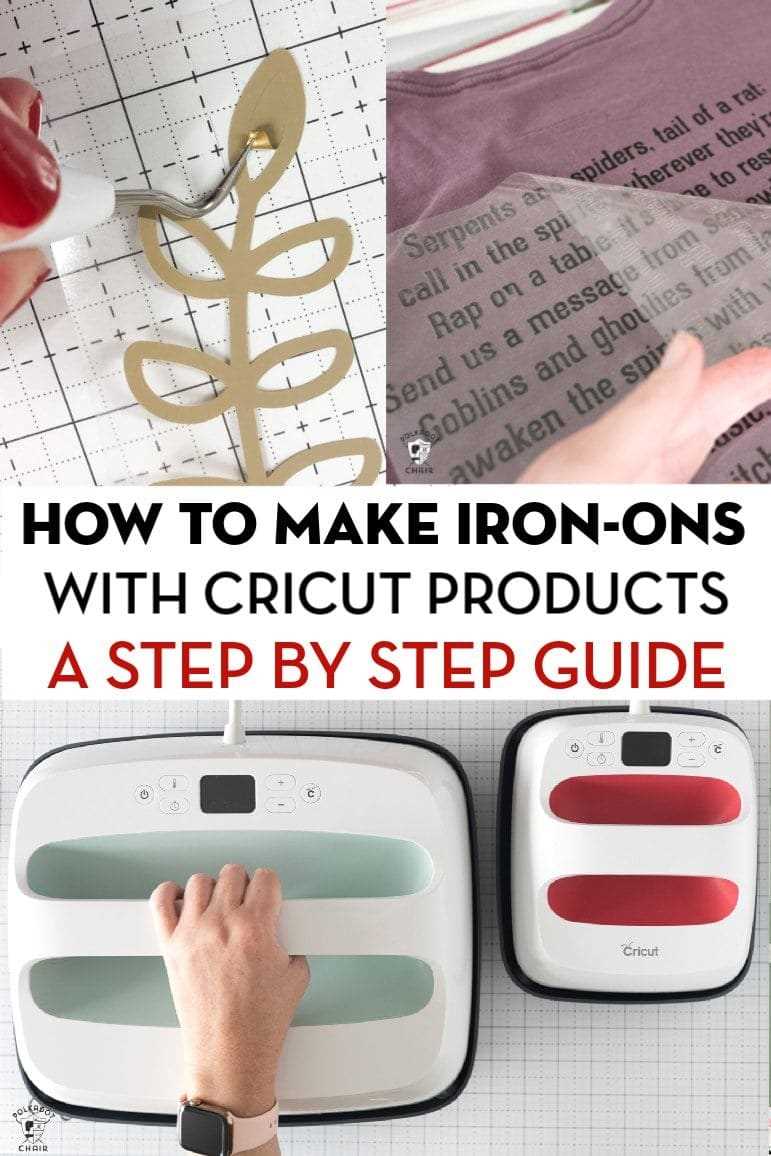
Preheat the garment for 5 seconds to remove moisture and wrinkles before positioning the transfer. Set a heat press to 300–315°F (150–155°C) for cotton or cotton blends, and reduce to 285°F (140°C) for polyester to prevent scorching.
Place the design face up on the fabric and cover it with a protective parchment sheet. Apply firm, even pressure for 10–15 seconds per section using a press set to medium pressure, around 40–60 psi if adjustable.
If using a household heat tool, switch off steam and set the temperature to the highest dry cotton setting. Press down with both hands, holding steady pressure for 15 seconds on each area without sliding, then lift and reposition to cover the full graphic.
Allow the carrier sheet to cool completely before peeling. Remove it slowly at a 45-degree angle, watching for lifted edges. If any section separates from the fabric, place the protective sheet back on top and apply heat again for 5–7 seconds.
Check adhesion along thin lines and corners by lightly rubbing the surface with your fingertip after cooling. Proper bonding should feel smooth with no raised edges or bubbling.
Turn the garment inside out and press from the reverse side for another 5–10 seconds to reinforce the bond, especially on thicker fabrics such as sweatshirts or canvas totes.
Wait 24 hours before washing. Use cold water, mild detergent, and air dry or tumble on low. Avoid bleach and high heat to maintain color clarity and prevent cracking over time.