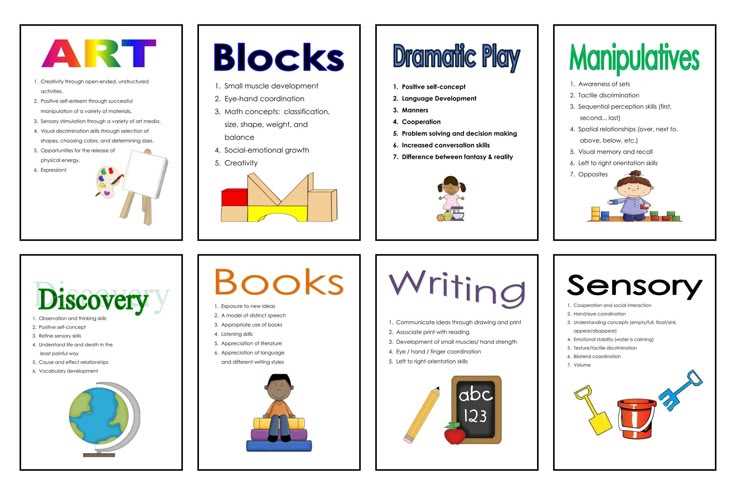
For better organization and communication in your teaching environment, consider using visual aids that guide students through daily activities and tasks. These tools can be a great way to provide clear, immediate directions and reminders. Download a set of well-designed visuals tailored to different purposes, from labeling areas to offering instructions or rules for easy reference.
Choose resources that are simple to understand yet detailed enough to ensure they serve their purpose effectively. Opt for high-resolution templates that can be printed without losing clarity. If the visual is going to be used frequently, ensure that it’s printed on sturdy paper or laminated to withstand wear and tear over time.
Additionally, make the most of these resources by customizing them to fit your specific needs. Whether you’re creating a series of directional labels for different sections or organizing materials for activities, these visual tools can streamline processes. Display them in visible areas for easy access and interaction, and rotate them as needed to keep the space dynamic and engaging for students.
Organize and Label Your Space with Visual Tools
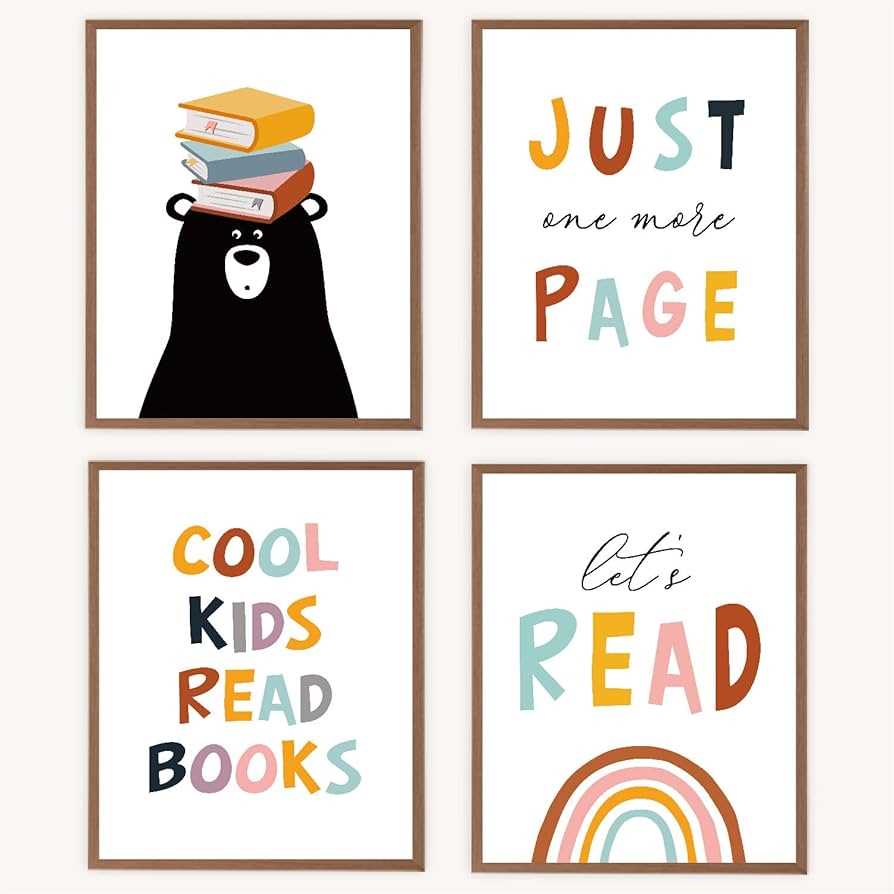
Begin by selecting clear and simple templates that represent common tasks or areas in your learning environment. Use labels for sections such as the reading corner, activity stations, or supplies, making it easier for students to navigate and stay focused. Ensure that the designs you choose are easy to read from a distance and use contrasting colors to enhance visibility.
Choose durable materials to print your templates on, such as thicker paper or cardstock, which will hold up better under daily use. If the signs will be placed in high-traffic areas, consider laminating them for extra protection against wear and moisture. Laminated visuals can be reused and easily cleaned if necessary.
If you plan on using visual cues to communicate classroom rules or instructions, use icons or simple images that everyone can quickly interpret. This method is especially useful for younger students or those with different learning styles. A visual guide for important reminders like “Quiet Zone” or “Cleanup Time” helps reinforce positive behavior.
For larger spaces, print your visuals in poster format to ensure they are visible from every corner of the room. A bigger display can catch attention and serve as an ongoing reference for the entire group. You can hang them at the front of the room or in spots where they’re easy to reach and interact with.
Consider making custom signs that reflect your unique teaching needs. For example, print out labels for various supplies or equipment, marking specific areas for books, art supplies, or educational games. This level of organization keeps materials accessible and tidy, minimizing disruptions and saving time.
Another idea is to create a set of directional signs that help students understand the flow of the day. For instance, include arrows to guide them from one activity to the next. Having clear visual transitions makes it easier for students to follow the schedule and reduces confusion.
Keep your printed visuals engaging by using a variety of fonts and colors, but avoid cluttering the space with too many words. The simpler and more consistent the design, the easier it will be for students to comprehend and follow. Stick to a few key designs for each category to avoid overwhelming the space.
Once you have your visuals printed and displayed, monitor their effectiveness. Are students able to follow the directions? Do they use the labels and cues to help themselves? If not, try adjusting the layout or design to make the visuals more intuitive or add more examples to clarify their meaning.
How to Choose the Right Visual Cues for Your Space
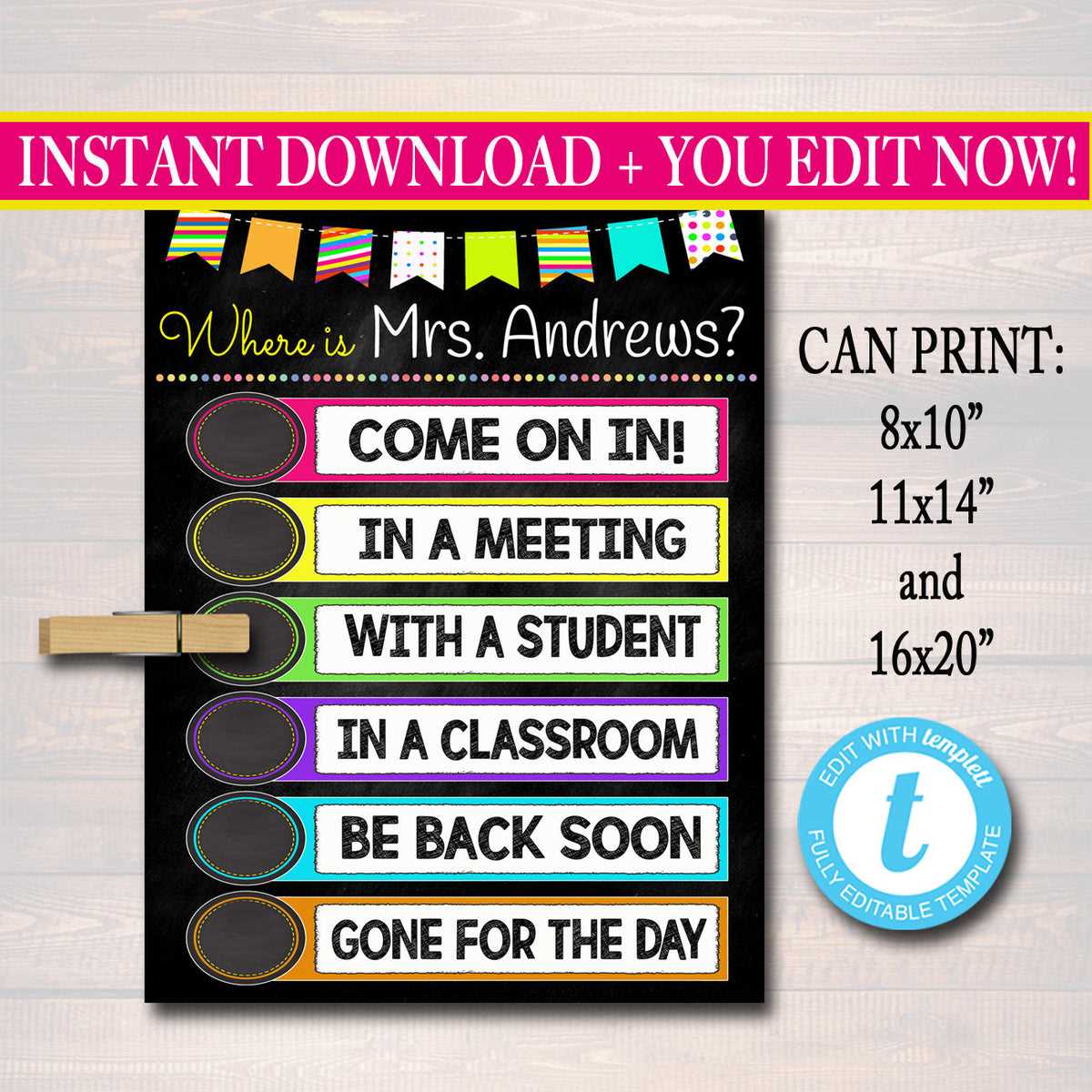
Start by assessing the purpose of the visuals you need. Are they meant to guide students through their tasks, mark areas, or communicate rules? Identifying the primary function will help narrow down your options and ensure you select the most suitable designs.
Next, consider the age group and learning styles of the individuals in your space. For younger students or those with different learning needs, use simple icons and bold, legible fonts. For older students, more detailed visuals or text may be appropriate. Ensure the designs are easy to understand at a glance, without unnecessary complexity.
Color selection plays a significant role in readability and attention. Opt for high-contrast combinations to make the visuals stand out. For example, bright colors like yellow and red against darker backgrounds tend to be more noticeable, especially from a distance. Avoid using too many colors in one design, as it can become overwhelming.
Durability is another factor to keep in mind. If the materials are going to be used frequently or placed in high-traffic areas, select high-quality paper or laminated options to ensure longevity. This will prevent fading or damage over time, keeping the visuals intact for longer periods.
- Choose a simple design that communicates the message clearly.
- Pick colors that are easily readable and avoid overly bright combinations.
- Use images and symbols that are universally understood.
Lastly, ensure that the visuals align with the overall theme or decor of your space. While functionality is key, aesthetics also matter. Well-designed materials can make the environment more welcoming and cohesive. Keep your space organized and consistent by selecting visuals that complement each other in terms of style and color.