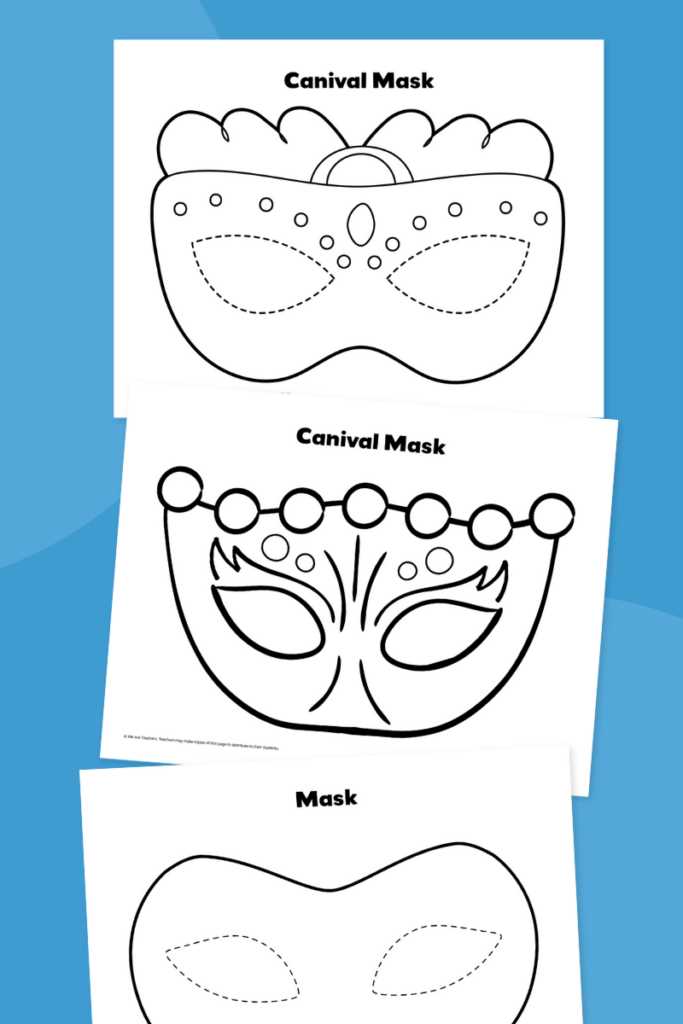
Choose a high-resolution face outline (at least 300 DPI) before sending it to your printer; this guarantees sharp edges and prevents pixelation during cutting and decoration. For best results, use matte cardstock between 180–220 gsm, which keeps the shape firm while remaining easy to trim with standard scissors.
A well-designed neutral face form should include clearly defined eye openings, a centered nose guide, and balanced proportions across the oval. Files sized for A4 and US Letter reduce scaling errors and save time during setup. If the design will be painted, lightly sanding glossy paper or choosing uncoated stock helps acrylic and marker ink adhere without smearing.
For classroom activities, theater props, or craft sessions, prepare multiple copies and pre-score folding points around the nose bridge. This small step improves comfort and gives the finished piece a more natural contour. Store the digital file in PDF format to preserve alignment and avoid unexpected resizing when reopening on another device.
Blank Mask Printable: Practical Guide for Selection and Use
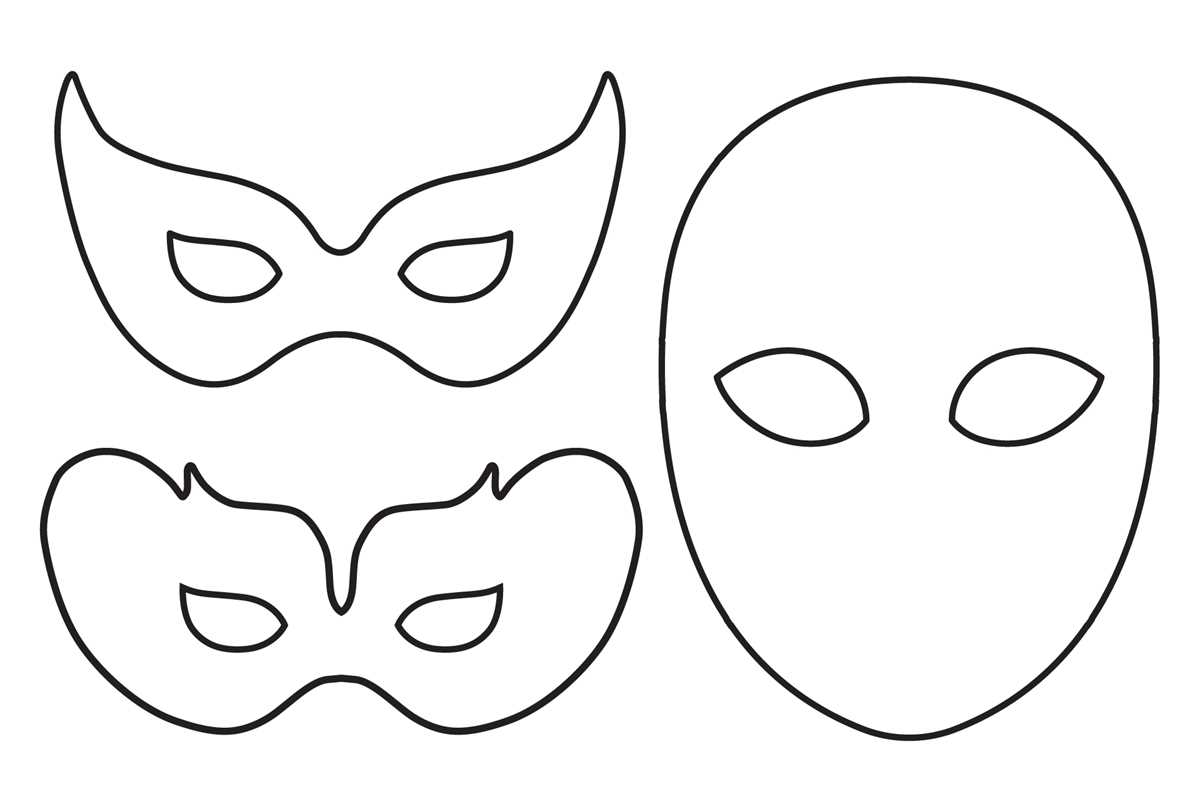
Choose a face template with thick outlines and minimal inner details if the goal is easy customization with markers or paint. Thin-line designs often bleed after printing on standard 80–100 gsm paper, while bold contours remain visible even after coloring. For children’s crafts, pick versions sized between 18–22 cm in height; this range fits most faces without trimming and reduces paper waste.
Paper choice directly affects durability. Lightweight office sheets (80 gsm) work for quick coloring tasks, but for wearables use 160–220 gsm cardstock or matte photo paper. If the design will be cut and worn, laminate the sheet or glue it onto thin cardboard. A small test print at 50% scale helps verify line clarity and printer alignment before committing to full-size output.
When preparing the file for print, adjust these parameters:
- Set scaling to 100% (disable “fit to page”).
- Use grayscale mode to avoid faint lines from color conversion.
- Choose high-quality print mode (at least 600 dpi).
- Keep margins at 5–10 mm to prevent edge clipping.
After printing, cut openings with a precision knife rather than scissors if clean eye holes are required. For wearable crafts, punch holes 8–10 mm from each side and thread 3–5 mm elastic cord; this spacing keeps tension balanced across the face. If the template is meant for wall art or classroom projects, mount it on colored backing paper to increase contrast and visibility from a distance.
Store unused templates flat in a dry folder and label versions by size and paper weight. For repeated use in workshops, keep a master digital file and a laminated reference copy showing recommended cutting lines. This approach reduces reprints, keeps proportions consistent across batches, and speeds up preparation for future creative sessions.
How to Choose the Right Blank Mask Printable Template for Different Projects
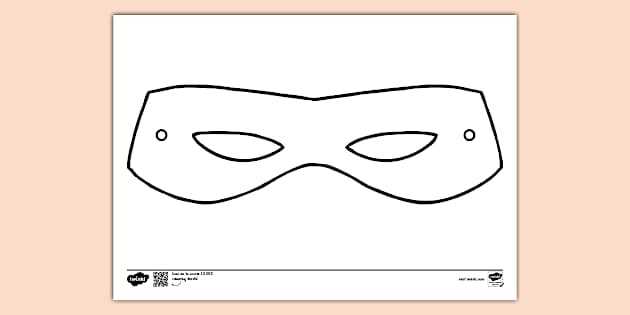
Select a face template with the correct dimensions for your project first. For children’s crafts, choose designs sized between 18–20 cm in width so they fit standard A4 paper without scaling. For cosplay or theatrical use, pick full-scale versions that match real head proportions (usually 22–24 cm wide). Incorrect sizing leads to distortion after printing and extra trimming work.
Material compatibility should guide your choice next. Thin office paper (70–90 gsm) works for quick classroom activities, while cardstock in the 180–250 gsm range holds shape better for parties or photo props. If the file includes fold lines, confirm they are at least 0.5 pt thick so they remain visible after printing on heavier stock. Projects involving paint or glue benefit from templates with wider margins to prevent warping.
Pay close attention to the level of detail in the facial outline. Simple silhouettes with fewer than 25 edge points cut cleanly with scissors and suit young users. Intricate contours, layered eye openings, or decorative perforations require a craft knife and steady hands; they are better suited for hobbyists or stage departments. Zoom the preview to 200% and check whether the edges appear smooth rather than pixelated.
File format matters more than many expect. Vector formats such as PDF, SVG, or EPS maintain crisp edges at any scale, while low-resolution PNG or JPG files can blur when enlarged. Aim for artwork exported at 300 DPI or higher. If the project involves digital editing, choose versions with separate layers so colors and shapes can be modified without redrawing the entire form.
Consider the intended decoration method before downloading. Templates with large open areas suit painting and marker work, while designs featuring engraved guides help with rhinestones, feathers, or vinyl. For classroom coloring, look for thick black outlines (at least 2–3 px) so the borders remain visible after kids add color.
Check the cut and assembly instructions included with the template package. Quality files provide alignment marks, elastic band holes spaced about 1.5 cm from the edge, and clear fold indicators. If these guides are missing, you will spend extra time measuring and punching holes manually, which slows down group activities.
Finally, match the visual style to the event theme rather than picking the first available option. Minimal geometric designs fit modern parties and STEM workshops, while ornate theatrical shapes suit performances and themed celebrations. Keeping size, material, detail level, and file quality aligned with the project prevents wasted paper and produces a cleaner finished piece.