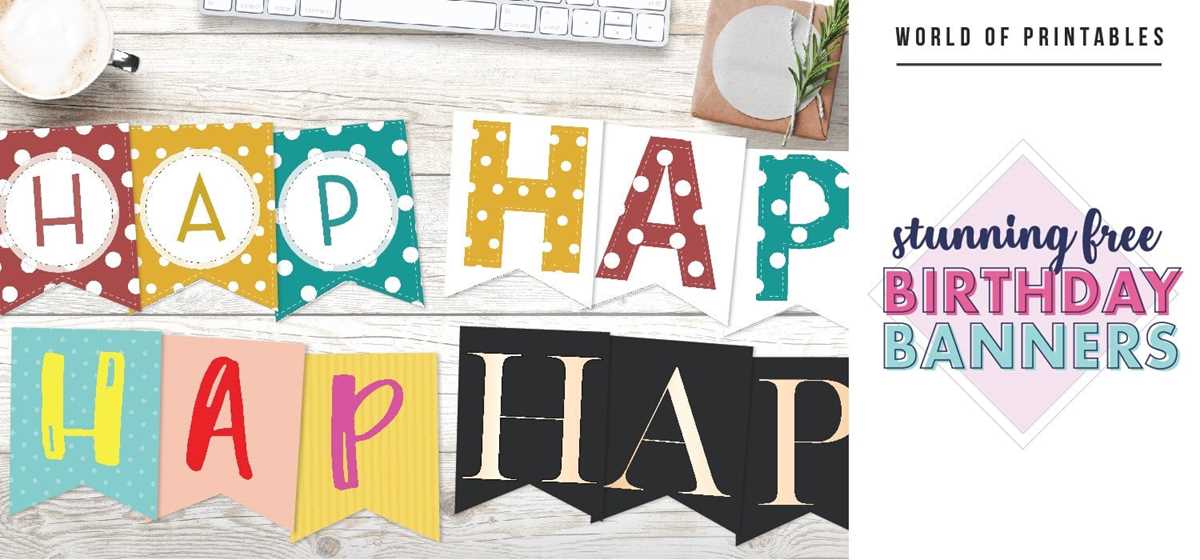
Choose high-resolution party posters sized 8×10 or 11×14 inches to avoid pixelation and unnecessary reprints. Files with at least 300 DPI provide crisp text and clean graphics, especially for home inkjet printers. For larger displays, select scalable PDF formats so the layout stays sharp when enlarged to A3 or 16×20 inches.
Well-designed celebration placards help guests instantly understand the theme, schedule, or photo booth instructions. Minimalist layouts with bold sans-serif fonts (such as Montserrat or Open Sans) remain readable from 2–3 meters away, which matters for busy party spaces. Color palettes should match the event mood: pastel sets work well for children’s gatherings, while black-and-gold combinations suit adult evenings.
Material choice also affects the final look. Standard 200–250 gsm matte cardstock reduces glare under indoor lighting, while glossy paper makes bright graphics pop in photo zones. For outdoor use, laminate the sheet or mount it on foam board at least 3 mm thick to prevent curling. Thoughtful preparation of these decorative sheets saves setup time and creates a polished atmosphere without hiring a designer.
Party Wall Art Templates
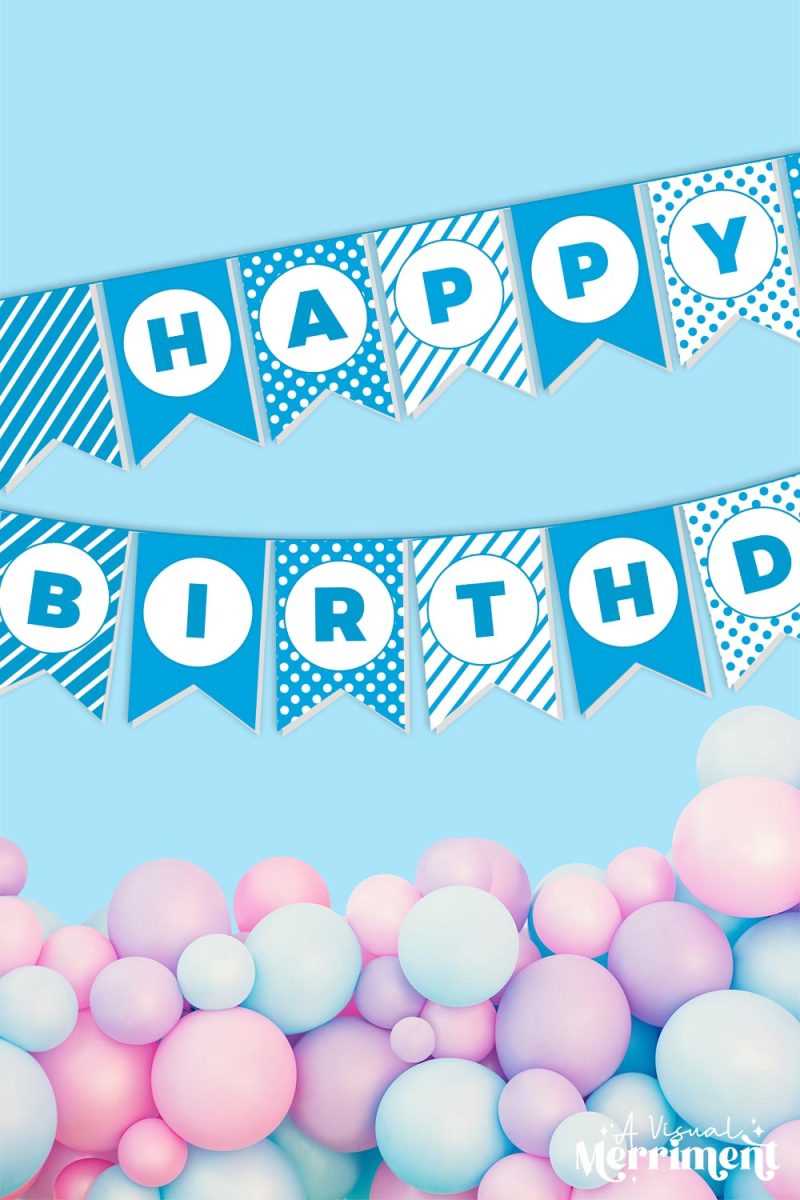
Choose high-resolution celebration posters (300 DPI) and set your home printer to “best quality” to avoid blurry edges and dull colors.
For a polished result, pick designs that match the event palette and adjust the file size before sending it to paper. Standard formats such as A4 (210×297 mm) and US Letter (8.5×11 in) work for most home setups, while larger formats like A3 create stronger visual impact near the cake table or entrance. Use thick matte paper between 180–250 gsm; glossy stock can reflect light and reduce readability in photos. Before final output, check margins (at least 5 mm) so no text gets trimmed. Recommended workflow:
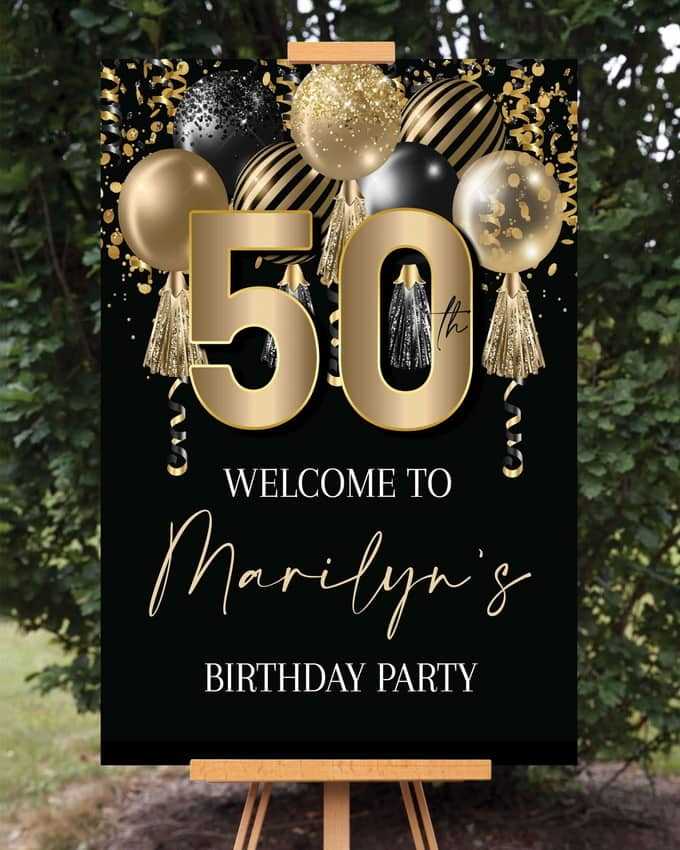
- Download files in PDF or PNG at full resolution.
- Open the file in a viewer that allows “actual size” printing.
- Run a small test on plain paper to verify colors and alignment.
- Switch to heavy cardstock for the final version.
- Trim with a metal ruler and craft knife for straight edges.
Place finished posters strategically: one near the dessert area, one at the entrance, and smaller copies on tables. For reuse, laminate sheets with 80–125 micron film or slide them into acrylic holders; this keeps colors intact and prevents curling during humid indoor gatherings.
Where to Download High-Quality Birthday Signs Printable for Free or Low Cost
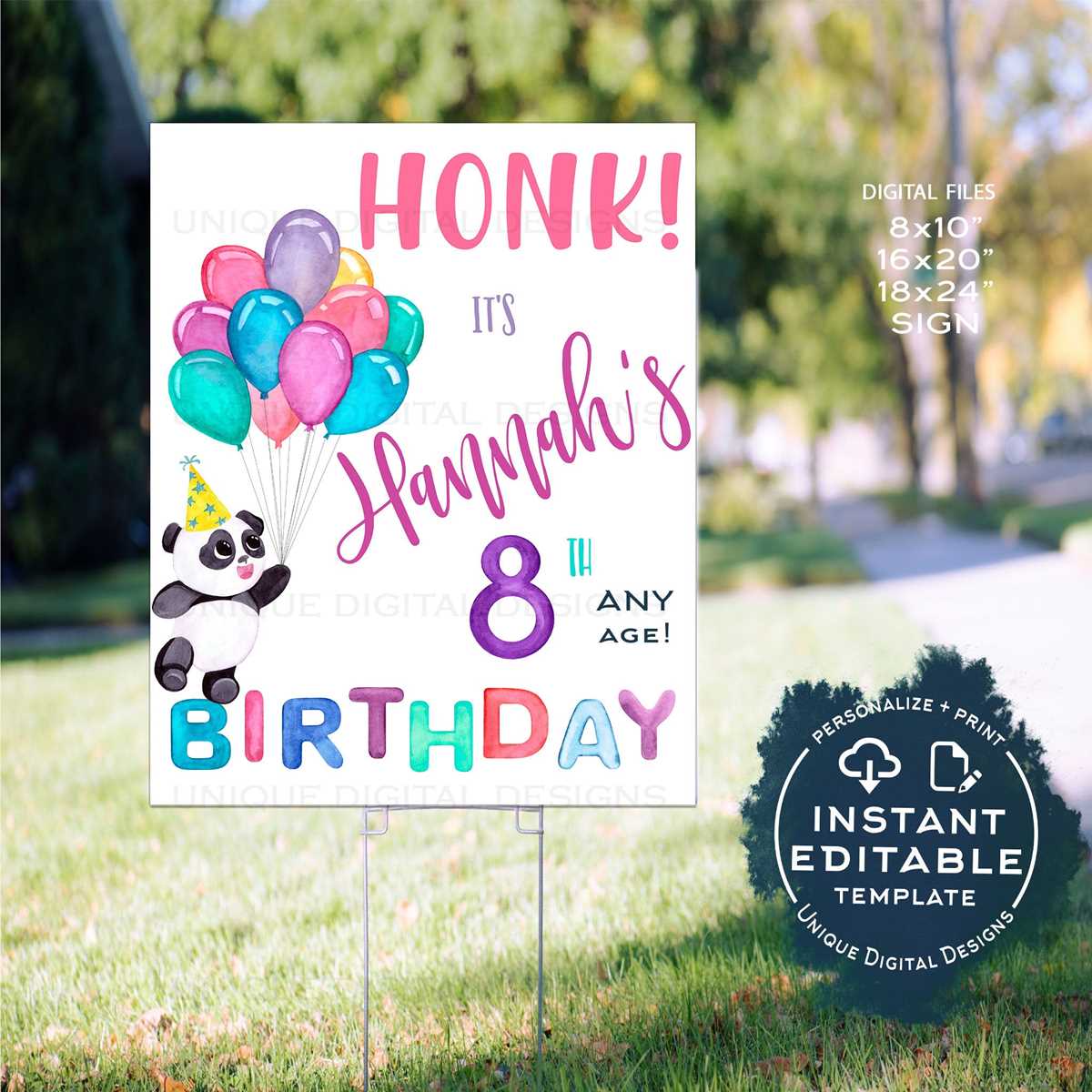
Download ready-to-print party posters from Canva and Adobe Express first – both platforms offer hundreds of editable celebration templates in PDF and PNG formats at no charge. Canva’s free tier includes drag-and-drop editing, custom size export, and access to over 250,000 free design elements. Adobe Express provides fewer free layouts but allows high-resolution export up to 300 DPI, which is suitable for home or shop printing. Filter by keywords like “party poster,” “celebration banner,” or “age milestone decor” to avoid irrelevant results.
For budget-friendly premium artwork, check Etsy and Creative Market. Many independent designers sell downloadable party wall art for $2–$6, often bundled in multi-size packs (8×10, 11×14, A4). Etsy’s search works best with phrases such as “editable party wall art” or “custom celebration poster.” Creative Market usually delivers more polished typography and layered files (PSD, AI), which helps if you plan to tweak colors or fonts before printing.
If you want completely free files without registration, visit Freepik, Printablee, and MusePrintables. Freepik hosts thousands of vector party graphics in AI, EPS, and high-quality JPG formats; many require attribution unless you have a premium account. Printablee focuses on simple ready-to-use sheets, while MusePrintables offers themed packs (kids, adults, milestone ages). Always check resolution – aim for at least 300 DPI or vector format to avoid blurry results.
Teachers and parents often overlook Teachers Pay Teachers, which has a surprisingly large library of celebration décor files. Many creators upload free samples alongside paid classroom bundles. Use the price filter set to “Free” and sort by rating (4.5+ stars recommended). Files typically come in US Letter and A4 sizes, which saves resizing time.
Before downloading, review three technical details: resolution (minimum 300 DPI for sharp prints), file type (PDF for direct printing, PNG for simple edits, SVG for cutting machines), and color mode (CMYK preferred for professional printing). Avoid low-resolution JPGs under 2000 pixels on the longest side – they often look soft when printed larger than A4.
For the lowest cost per design, combine free templates from Canva with paid graphic elements from Creative Market (many cost $1). This approach gives you custom-looking party décor without paying for full premium layouts, and it works well for repeated events where you only need to change the name, age, or color palette.