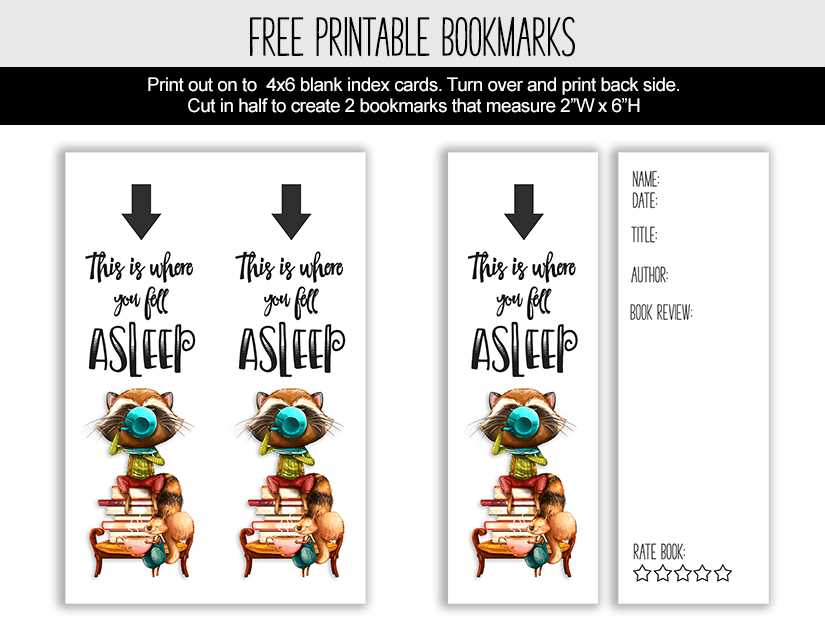
If you’re looking for a way to add a personal touch to your reading experience, creating your own placeholders for books is a fun and simple option. With just a few materials and a printer, you can have custom placeholders that not only serve their purpose but also showcase your creativity. Whether you prefer a minimalist design or a more intricate one, the options are limitless when it comes to designing your own.
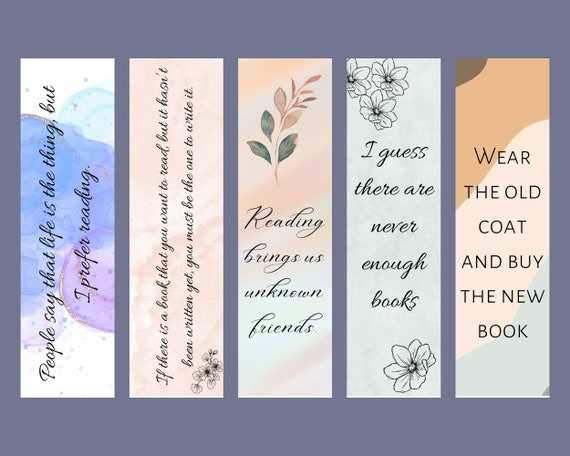
To begin, choose your preferred size for these placeholders. Common dimensions are 2 inches by 6 inches, but feel free to adjust based on your needs. From there, pick out patterns, colors, and themes that match your style or current interests. You can even add quotes or inspirational messages to make your placeholders stand out more. Once you’ve selected your design, use a template or a simple design tool to print them out.
For those who want a more durable option, using cardstock paper or laminated sheets will ensure your placeholders last longer. The beauty of creating your own placeholders is the flexibility you have in terms of customization. You can print them on a variety of materials and adjust them as often as you like without the need for expensive products. Just print, cut, and start enjoying your new reading accessories.
Bookmark Printable Guide
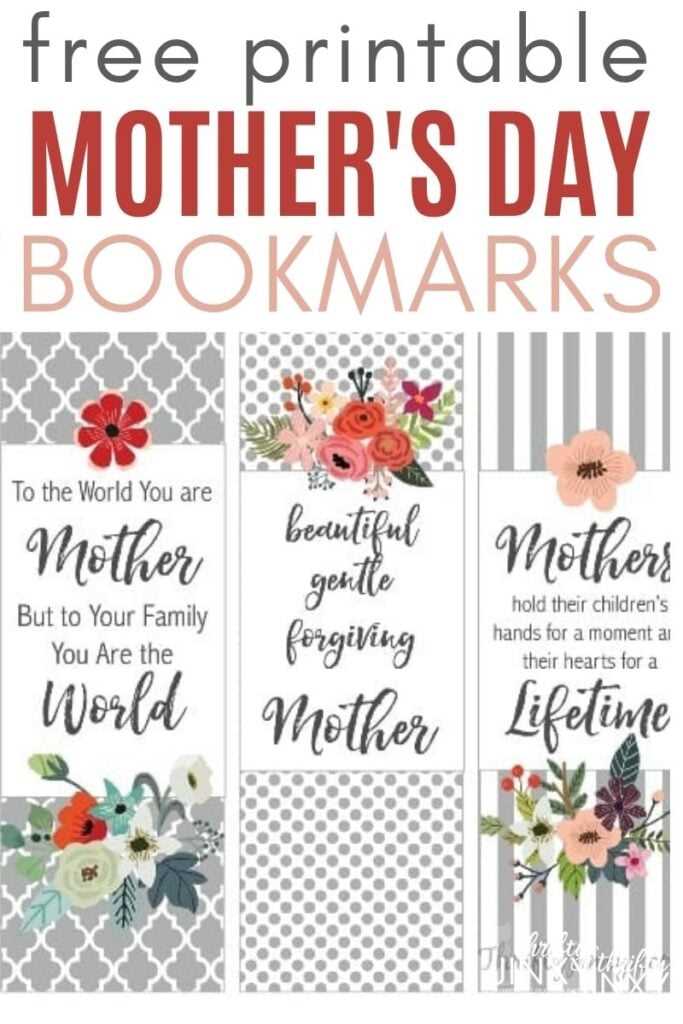
Begin by selecting a durable paper type. For a more rigid result, opt for cardstock with a weight of 200-300 gsm. This will ensure durability, especially for bookmarks that are intended for frequent use.
Design your template using software like Adobe Illustrator, Microsoft Word, or any tool that allows for precise measurements. A standard size of 2” x 6” (5.08 cm x 15.24 cm) works well, but you can adjust this based on personal preference. Consider adding rounded corners for a more polished look.
When adding design elements, focus on clarity. Avoid overwhelming the space with too many details. Simple patterns, a motivational quote, or even a subtle image can give the item personality without making it too busy.
Once your design is ready, ensure it is aligned correctly for printing. For best results, use a color printer and make sure your settings are configured to match the paper size. Check the preview to verify that everything fits perfectly on the page.
If you want to add a personal touch, consider laminating the item after printing. This process extends its lifespan and prevents wear and tear, especially on bookmarks that are regularly handled. A self-adhesive laminate sheet is a great option for quick application.
Lastly, cut out the shape with a craft knife or scissors. Take your time for a clean, even cut. You can also use a corner punch tool to round off the edges, giving the design a polished, professional finish.
How to Create Custom Printable Bookmarks

To make unique personalized strips of paper for your reading sessions, open a design program or a simple word processor. Use a document size of 2×6 inches or similar dimensions to keep your creations compact and easy to cut out. If you’re working with a program like Canva, start with a blank template and ensure margins are minimal to maximize the design area.
Choose a theme or concept before you begin designing. Whether it’s a literary quote, a photo, or abstract art, having a clear idea helps streamline the design process. Select elements that fit within the given size, making sure the text or graphics remain legible and well-positioned.
For text, experiment with fonts. A script or serif typeface might give a more elegant look, while a bold sans-serif can make a striking statement. Make sure the contrast between background and text is strong enough for easy reading. Avoid cluttering the space–sometimes, less is more.
Incorporating images or icons can add a personal touch. Use high-resolution graphics or illustrations to avoid pixelation when scaled down. You can find free-to-use resources or upload your own photos to enhance the design.
Once your layout is complete, review it for any spacing or alignment issues. Adjust if needed to ensure everything looks balanced. Pay attention to the size of borders or edges, as this can impact the final look once the bookmarks are trimmed.
Next, choose the right paper for printing. Cardstock provides durability, making your creations last longer, while standard printer paper is a good option for casual designs. Select a high-quality print setting to bring out the colors and details of your design.
After printing, carefully cut the strips along the guidelines, making sure edges are straight and neat. A paper cutter or scissors with a fine tip can help achieve precision. If you want extra durability, consider laminating the final result.

For added flair, punch a hole at the top and tie a ribbon or piece of string for a decorative finish. These small details give your handmade items a professional touch and make them perfect for gifting or keeping for personal use.