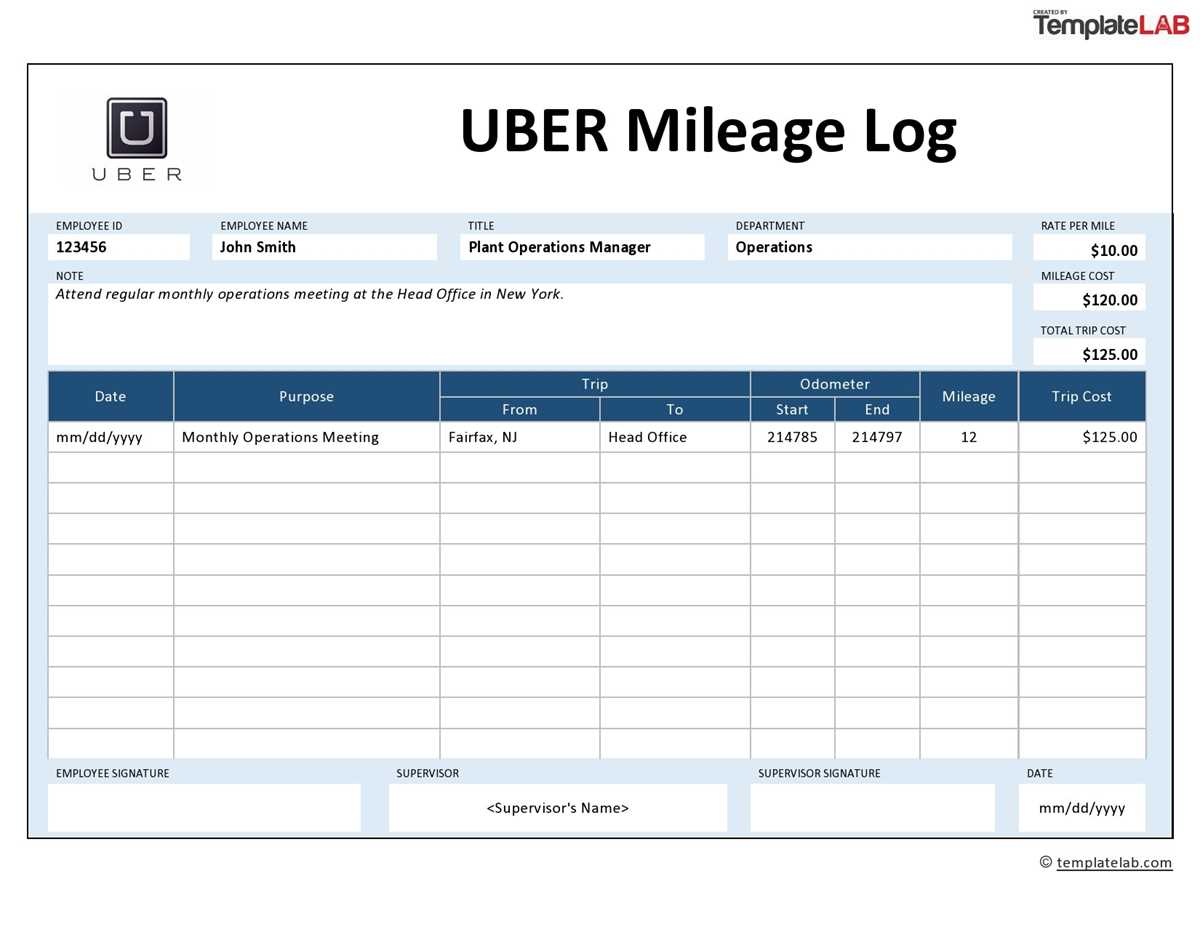
A well-designed vehicle usage tracker should capture date, start and end locations, purpose of the trip, odometer readings, and total distance in a single view. Choose a layout that fits on one page and allows at least 20–30 entries per sheet; this reduces paperwork while keeping records audit-ready. Drivers who record trips immediately after each drive typically report error rates below 3%, compared with over 15% when entries are filled in later from memory.
For tax deductions and reimbursement claims, consistency matters more than complexity. Use a clean driving record form with clearly separated columns and a running distance total at the bottom of the page. A monthly summary line helps reconcile fuel receipts and maintenance costs without cross-checking multiple documents. Black-and-white versions are preferable because they copy cleanly and remain readable after repeated printing or scanning.
Keep several blank travel sheets in the glove compartment so entries can be made before leaving the vehicle. Paper formats remain popular among small business owners and freelancers because they require no battery, no app access, and provide a physical backup during audits. A properly maintained trip register can support mileage deductions, client billing, and fleet oversight with minimal administrative overhead.
Mileage Log Printable
Download a ready-to-fill driving record sheet in PDF format and keep it in your vehicle’s glove compartment. Use a layout with clearly marked columns for trip date, starting odometer, ending odometer, purpose, and total distance. A single A4 page typically fits 25–30 entries, which covers about one month for most drivers who track business travel. Choose black-and-white formatting to reduce ink usage and ensure the document remains readable when photocopied.
Select templates that calculate distance automatically after you enter the two odometer values. This reduces manual math errors and speeds up weekly reviews. Many well-designed forms include a summary row at the bottom where you can total the distance driven for business versus personal use. For tax documentation, keep at least one sheet per month and store completed pages chronologically in a labeled binder.
Use a consistent recording habit: fill the sheet immediately after each trip, not at the end of the week. Drivers who delay entries often misreport odometer readings by 5–15%, especially during busy workdays with multiple short trips. Keep a pen clipped to the printed sheet or use a small clipboard mounted in the car to remove friction from the process.
Choose paper weight of at least 90–100 gsm if you plan to keep records for several years. Thin paper tears quickly and ink may bleed through when stored in warm vehicles. If the document will be handled frequently, laminate a master copy and write on it with a fine dry-erase marker, then transfer totals weekly to a clean archive sheet.
Review your records monthly and compare the total distance against vehicle service intervals. For example, if your car requires maintenance every 10,000 km and your sheets show you average 2,500 km monthly for work trips, schedule service checks every four months to stay ahead of wear. This practice links record-keeping directly with vehicle care.
Keep digital backups by scanning each completed page at 300 dpi and naming files using a clear pattern such as “2026-03 driving record.” Store copies in cloud storage and on a local drive. Paper copies satisfy auditors, while scanned versions protect against loss from spills, fading, or misplacement.
How to Structure a Printable Mileage Log for IRS-Compliant Recordkeeping
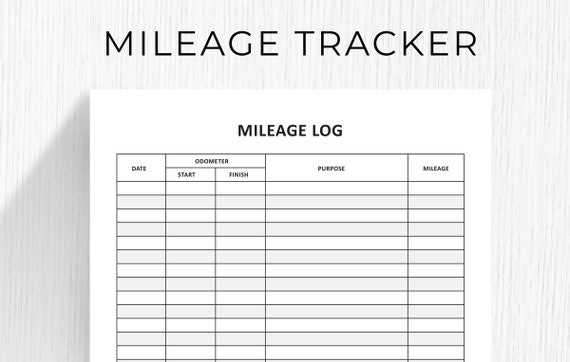
Use a dated trip register with clearly separated columns for day, origin, destination, business purpose, odometer start, odometer end, and distance driven. The Internal Revenue Service expects contemporaneous records, so the form must allow entries to be made immediately after each drive rather than reconstructed later.
Arrange the sheet in a left-to-right workflow that mirrors how drivers capture data in real time. Place the date field first, followed by trip details, and reserve calculation fields toward the right margin. This reduces entry mistakes and supports audit readability.
Include these core data fields without abbreviations:
- Full calendar date of travel
- Starting location (city and state)
- Ending location (city and state)
- Specific business reason (client visit, supply pickup, etc.)
- Odometer reading at departure
- Odometer reading at arrival
- Total distance for the trip
Add a running annual summary section at the bottom of each page. The IRS commonly checks whether totals reconcile across the year, so provide lines for cumulative business distance, personal use distance, and combined vehicle usage. Keep the math visible rather than hidden in formulas.
Design spacing for handwritten clarity. Each row should be at least 0.35 inches high, and numeric columns should align right to make discrepancies obvious. Avoid crowded grids; auditors favor legible paper records over dense layouts that invite corrections.
Provide a monthly vehicle snapshot area. This block should capture odometer reading on the first day of the month, reading on the last day, and the computed monthly difference. This cross-check helps prove that trip entries match the vehicle’s actual movement.
Use a certification line at the end of the document where the driver signs and dates the record. The IRS gives greater weight to signed contemporaneous documentation than to unsigned worksheets. Place the signature field after the annual totals to confirm the accuracy of the entire record.
Keep the format strictly monochrome and printer-friendly. Use thin grid lines, a portrait layout, and page numbers (for example, “Page 1 of 12”) so multi-page records stay organized during an audit review. Consistency across every sheet matters more than visual styling.