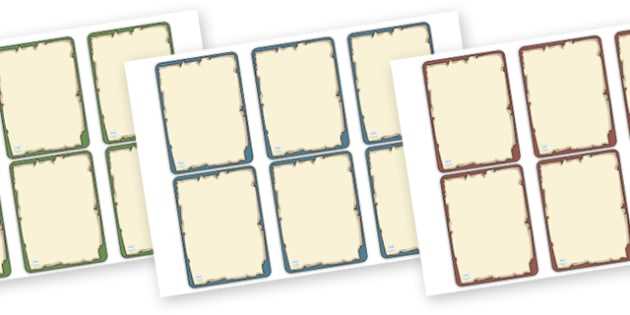
Start by selecting high-quality templates for your deck. Look for designs that fit your project’s purpose, whether it’s for a game, gift, or promotional material. Ensure the dimensions match the standard card size for easy printing and handling. If you’re creating a deck for personal use, you can also customize these templates to fit a particular theme or aesthetic.
Next, customize the layout. Use design software or online tools to add images, text, or custom elements. Pay attention to font sizes, colors, and placements to ensure readability and visual balance. If your deck includes multiple sets or categories, organize the elements clearly to avoid clutter. Keep the design simple yet engaging.
Once your design is ready, it’s time to print. Use thick, durable paper or cardstock to ensure the cards are sturdy enough for repeated use. Adjust your printer settings to ensure high-quality resolution, and print a test copy to check for color accuracy and alignment. After printing, carefully cut out each card using a paper cutter or scissors for clean edges.
How to Choose the Best Blank Playing Cards for Printing
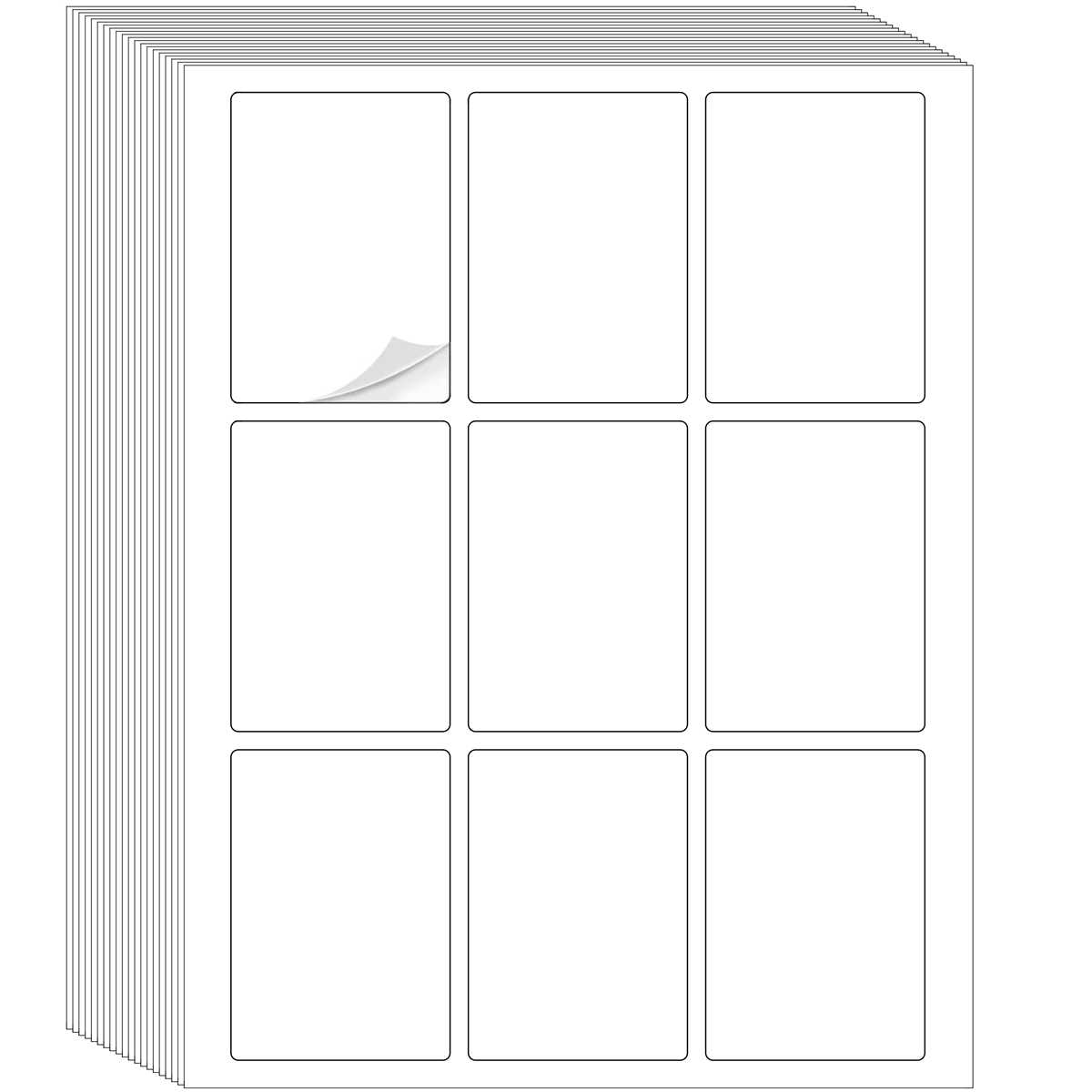
Start by selecting the right material. Look for heavyweight cardstock that’s durable enough to handle regular use without bending or tearing. A thickness of 300gsm to 350gsm is ideal for most custom decks, providing the perfect balance between sturdiness and flexibility.
Next, choose a smooth finish. Cards with a matte finish are great for writing on, while gloss finishes enhance color vibrancy. If you’re creating a design with lots of images, a glossy finish can make the colors pop, but be mindful of glare when handling the cards.
Ensure the size of the cards matches your intended use. Standard decks typically measure 2.5 inches by 3.5 inches, but you may need a custom size if you’re creating a game or project with different requirements. Make sure the card dimensions are compatible with your printer’s settings for a seamless print experience.
Check for pre-cut options. Some suppliers offer pre-cut card sheets, which saves you time when printing and cutting. If you’re planning to cut the cards yourself, look for cards with easy-to-follow guidelines for cutting, ensuring that the edges are even and professional-looking.
Consider the weight of the cards. For a more premium feel, choose heavier card stock. If the cards will be used in a game with frequent handling, a heavier stock will last longer and withstand wear and tear better than lighter options.
Review the texture of the cards. Some custom card decks have a linen or textured finish, which gives the cards a more refined feel and makes them easier to shuffle. If you prefer a smooth feel, opt for card stock that doesn’t have a textured surface.
Finally, check if the supplier offers any customization options. Some offer pre-designed templates, while others allow you to upload your own artwork. Choosing a supplier with customization options can save you time and ensure the cards are tailored to your exact needs.
Step-by-Step Guide to Designing Custom Playing Cards
Begin by choosing the dimensions of your deck. Standard sizes for most custom decks are 2.5 inches by 3.5 inches, but you can adjust this based on your project needs. Ensure the dimensions match your printer’s capabilities to avoid resizing issues later on.
Next, select a design tool that suits your skills. You can use graphic design software like Adobe Illustrator or more accessible online tools such as Canva. These platforms provide templates and user-friendly tools to help you customize your deck efficiently.
Start designing the front of your deck by choosing a background color or pattern. If you are going for a minimalist design, opt for a solid color or simple geometric patterns. For more intricate designs, consider using detailed artwork or custom illustrations.
Once the background is set, decide where to place text, numbers, or symbols. Ensure the font size is legible and properly aligned with the design. Consider the font style–bold fonts work well for titles, while lighter fonts can add a more delicate touch to small text elements.
After finalizing the front, design the back of your deck. It’s important to create a symmetrical design so the cards are reversible. This ensures the cards have a consistent look, no matter how they are shuffled or turned over during use.
Review your design for consistency. Make sure all the elements are aligned properly, and there’s a balance between images, text, and white space. Ensure that all visual elements are clear and not crowded to maintain readability and visual appeal.
Once satisfied with your design, prepare for printing. Check the resolution of your images and text to ensure they are sharp. Print a test copy on regular paper before committing to higher-quality stock to ensure everything aligns and looks as intended.