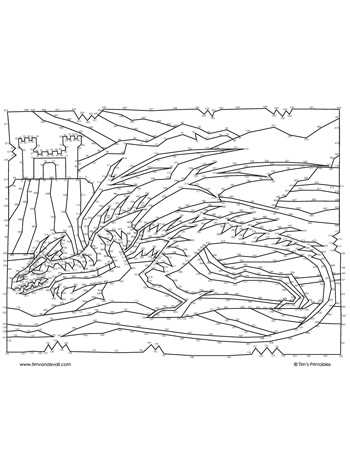
Choose high-density connect-the-points worksheets with at least 200–500 numbered markers if the goal is to sharpen concentration and fine motor control in older children or adults. Materials with this level of complexity typically require 20–45 minutes of continuous attention, which supports persistence and visual sequencing skills far better than simple 1–50 activities.
Unlike basic children’s pages, intricate number-link puzzles often incorporate non-linear numbering, mirrored segments, and tightly spaced coordinates. These features increase cognitive load and help train pattern recognition. For best results, print sheets on A4 or US Letter paper using 100–120 gsm stock; thinner paper tends to wrinkle during extended pencil work, while heavier stock allows clean erasing without surface damage.
For structured progression, select sets that gradually move from 150 points to 600 or more. This stepwise increase maintains engagement while preventing frustration spikes. Pair each worksheet with fine-tip pencils (0.5 mm or 0.7 mm) to keep lines precise in dense areas. When used three times per week, many educators report noticeable improvement in hand steadiness and visual tracking within four to six weeks.
Well-designed printable puzzle sheets also double as low-cost enrichment for classrooms and home study. Look for collections that include thematic images–animals, architecture, or geometric scenes–because recognizable end pictures raise completion rates. Storing finished pages in a dated folder helps track progress and builds motivation through visible improvement over time.
Advanced Dot to Dot Printables: Practical Guide for Creation and Use
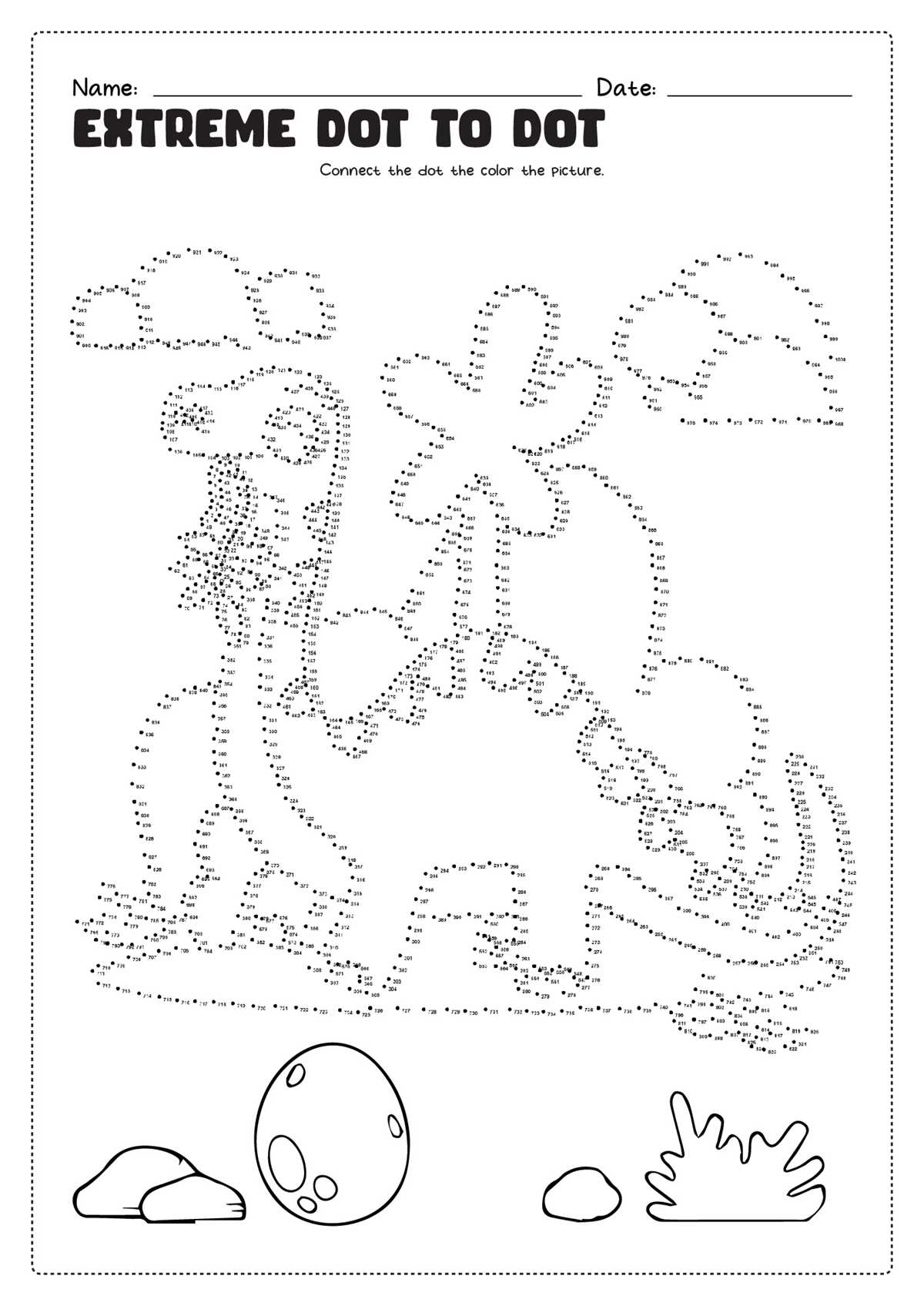
Define the final illustration first and map at least 250–600 numbered points along its contours to achieve a challenging connect-the-points worksheet suitable for older learners. Use vector software such as Adobe Illustrator or Inkscape to place markers at equal intervals of 3–6 mm; this spacing keeps lines smooth while preventing visual clutter. Number sequences should follow the natural drawing flow (clockwise around shapes, top-to-bottom for vertical elements) to reduce user confusion. For complex images, separate layers for foreground and background paths help maintain clarity during editing and allow quick adjustments before exporting to high-resolution PDF (300 DPI minimum).
During classroom or home use, control difficulty by modifying three variables: total point count, curve density, and numbering gaps. For example, a 300-point animal outline with continuous numbering suits ages 8–10, while 500+ points with occasional skipped numbers (e.g., counting by twos or fives) better fits teens and adults. Print on matte paper (90–120 gsm) to prevent marker bleed, and leave at least 12 mm margins for binding or hole punching. Encourage users to trace lightly in pencil before inking; this reduces correction time and improves line accuracy. Store finished sheets in transparent sleeves so they can double as coloring pages or reference models for freehand drawing practice.
How to Design High-Complexity Dot to Dot Printables That Remain Solvable
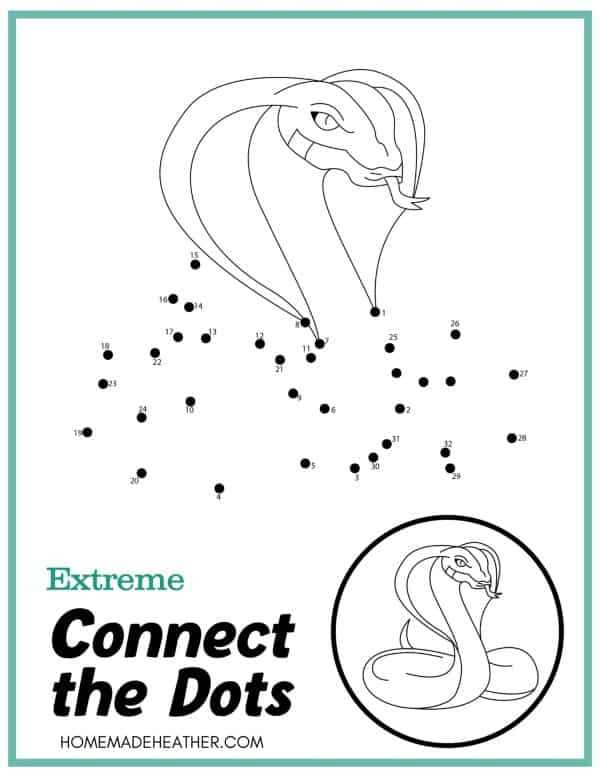
Limit the maximum gap between consecutive points to no more than 12–15 mm; beyond this distance, solvers lose visual continuity and error rates rise sharply. Maintain a clear numeric flow by grouping sequences into logical segments (for example, 1–150 for outline, 151–300 for interior detail) and avoid crossing lines within the same numeric range. Use progressive density: begin with wider spacing in the outer contour and tighten spacing only where fine detail is required.
Complexity should come from structure, not confusion. Keep the total count high (500–1200 points works well for expert audiences) while preserving predictable directional movement–long zigzags or abrupt reversals increase abandonment. Apply micro-landmarks every 40–60 numbers, such as subtle curvature shifts or small shape cues, so solvers can self-check without seeing the final image. Test print at actual size and verify that number labels remain legible at 6–8 pt minimum; anything smaller forces guessing rather than reasoning. If multiple regions converge, stagger the numbering paths instead of interweaving them tightly, and leave at least 1.5× line thickness of white space between nearby segments. A final proof pass should measure average solve time with real users; if more than 8% of testers misconnect the same segment, redraw that section with smoother directional flow rather than adding hints.