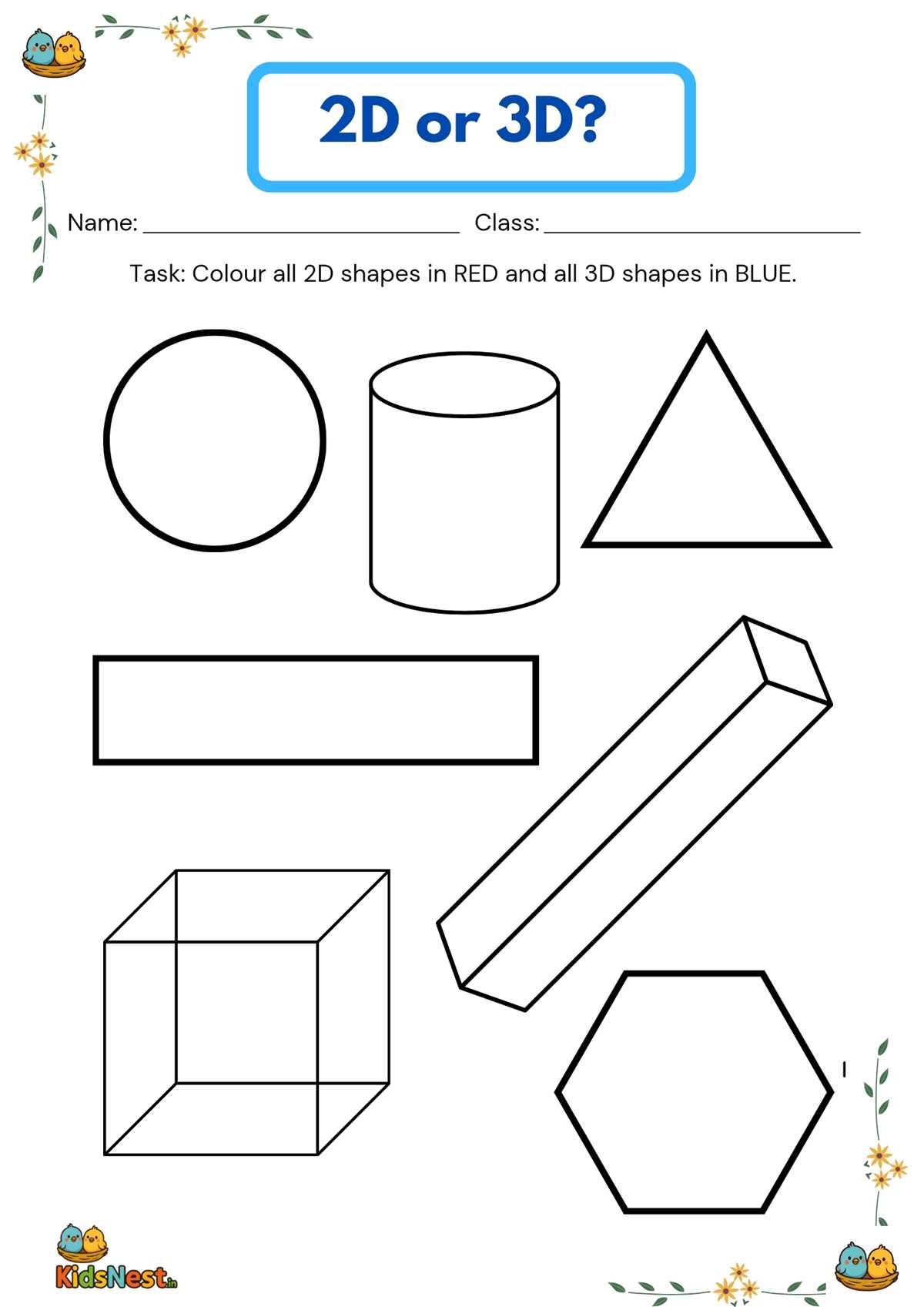
Start by downloading geometric models to help children understand three-dimensional concepts. These designs can be easily printed and cut out for hands-on learning experiences. They provide an engaging way to visualize and explore volume, surface area, and the relationships between different figures.
Look for files that offer both simple and complex figures, such as cubes, pyramids, and spheres. These models will allow students of varying ages to practice assembling and manipulating structures, building spatial awareness. Make sure to choose high-resolution templates for clear, detailed prints.
Once you have the files, printing them on sturdy paper will make the process easier and more durable. Thicker paper will ensure the pieces hold their shape as students work on building the models. Some designs may include fold lines, making the assembly process simpler for younger children.
After printing, encourage creative exploration. Have children color or decorate their models to add a fun and artistic element to the educational process. You can also use these models for group activities, allowing students to collaborate on building more complex structures.
Printable 3D Models
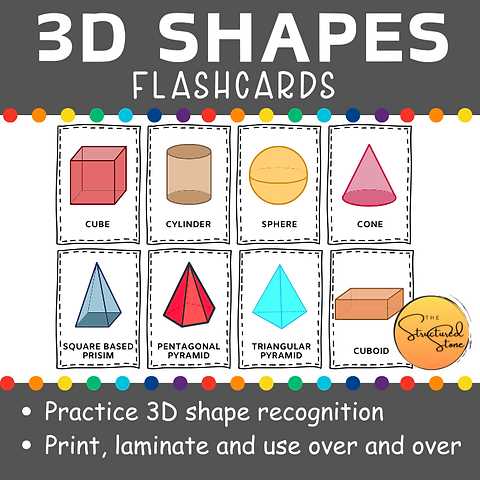
Download geometric models to help visualize and understand 3D figures. These models can be cut out and assembled to create solid structures, ideal for hands-on activities in the classroom or at home.
Focus on finding a mix of simple and complex forms. Start with cubes and pyramids for beginners and gradually introduce more intricate designs like cylinders or tetrahedrons as understanding increases. This progression allows students to build a strong foundation before tackling more challenging projects.
Use thick paper when printing these designs for better durability. Thicker stock prevents models from bending or tearing easily, making them more suitable for repeated handling. Choose a printer setting with high resolution to ensure sharp and clear edges on all pieces, allowing for more precise assembly.
After printing, encourage students to color or decorate their models. This creative aspect makes learning more engaging and allows students to personalize their designs while reinforcing the geometric concepts being studied.
If you want to integrate more advanced learning, incorporate activities that involve comparing the different models. Ask students to explore the surface areas and volumes of each structure, helping them relate the physical models to mathematical equations.
These models not only teach geometry but also enhance fine motor skills. As students cut, fold, and assemble the pieces, they practice hand-eye coordination and spatial reasoning, skills that will be useful in many areas of learning.
How to Download and Print 3D Model Templates for Learning
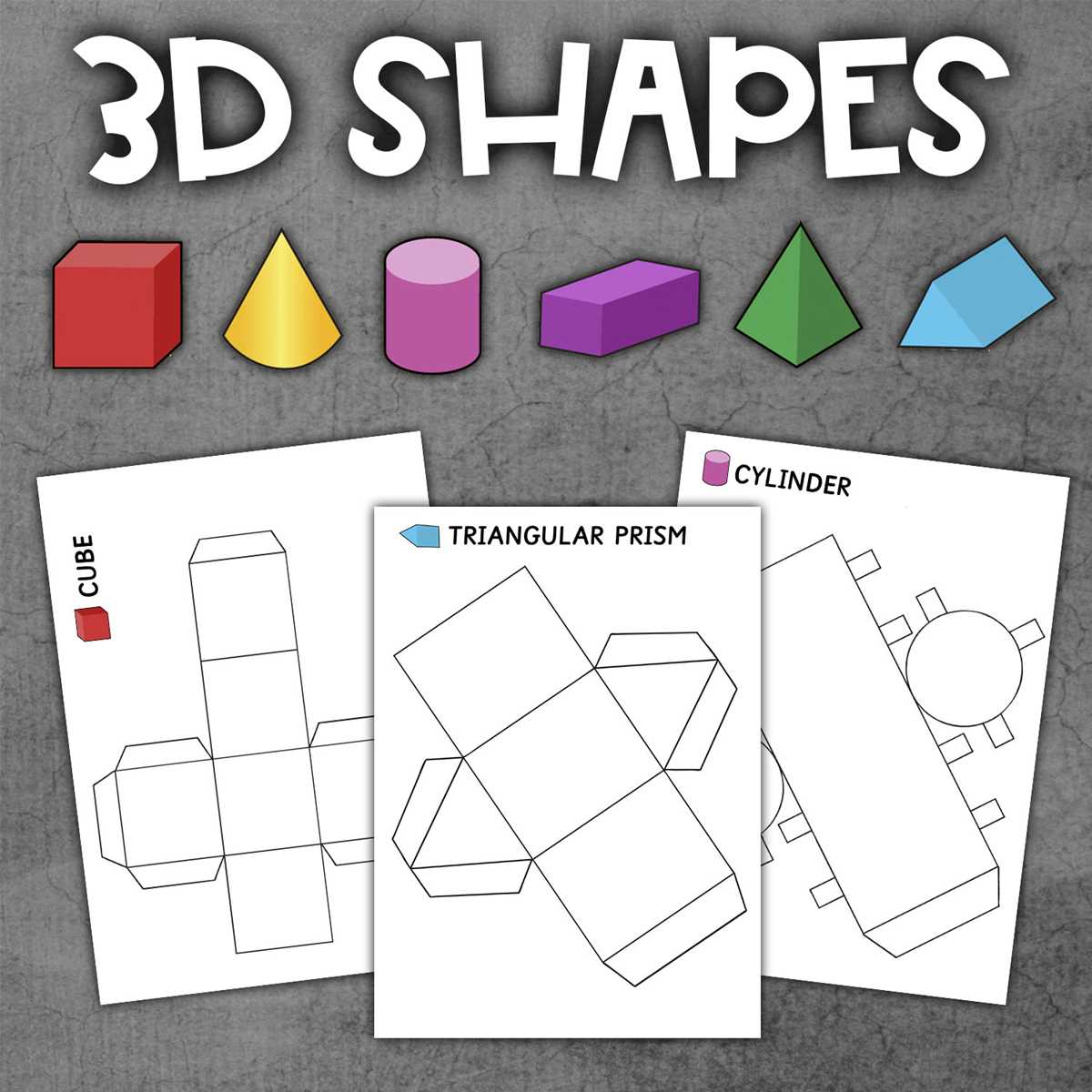
Start by selecting a reliable educational website that offers free geometric figures for download. Many platforms provide high-quality templates specifically designed for learning. These resources often allow you to download a variety of models, from basic cubes to more complex objects like pyramids and spheres.
Once you’ve found the designs you want, ensure the file format is compatible with your printer. Most websites offer downloads in PDF or PNG format, which are commonly supported by most printers. After downloading, check the file size and resolution to ensure the images will print clearly and without distortion.
Before printing, make sure your printer settings are adjusted to high resolution. This ensures that all edges are crisp and clear, which is especially important for precise assembly. Avoid using the “draft” or “low quality” settings, as this can lead to blurred lines that make cutting and folding more difficult.
- Select the “Best” print quality in the printer settings for clear and sharp details.
- Ensure the paper size is set to standard letter or A4 size to match the model template.
- Choose color printing for better contrast, especially if the design includes multiple parts to cut and assemble.
After printing, gather your scissors, glue, and any other necessary materials for assembly. Some designs may include fold lines, making it easier to build 3D models by simply folding along the marked lines. For more complex models, you might need to use glue to secure the pieces together.
Once assembled, these models can be used to explore geometry concepts such as volume and surface area. For added learning, encourage students to measure the figures and calculate the dimensions based on their constructions. This turns a simple craft activity into an interactive lesson.
Finally, store these models for future use. You can laminate them for durability or even keep a digital copy to reuse later. This way, you’ll have a range of figures readily available for future educational activities and projects.