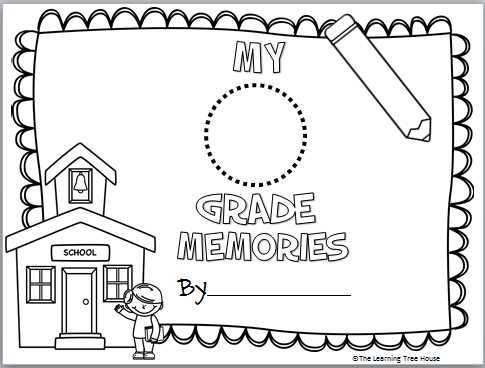
If you’re looking to organize and display signatures, start by selecting a template designed for this purpose. Choose a clean layout with enough space to ensure the autographs are clear and well-presented. You can easily find templates online that allow for customization to match the theme or style of your collection.
Once you have your template, adjust the size and format to suit your needs. Whether you’re creating a keepsake for a special event or organizing a series of signed items, make sure the design fits your project. A sturdy, high-quality paper will ensure that the signatures last and maintain their integrity over time.
Consider using digital tools to customize the layout. Adding text, dates, or event details can make each piece more personal and meaningful. For added flexibility, you can print multiple copies of the template, ensuring you have enough for all your desired signatures, and even experiment with different color schemes to match the occasion or theme of your collection.
Printable Autograph Pages Guide
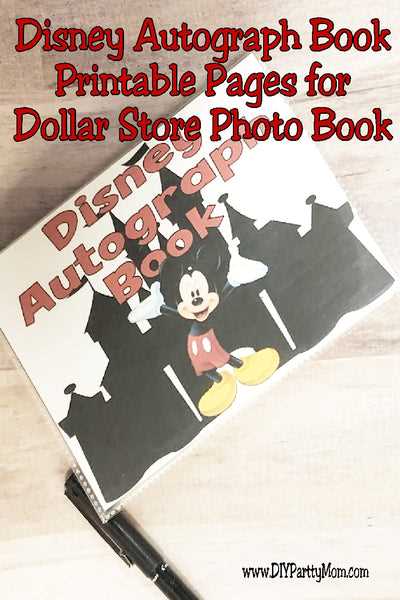
Select the right template based on your needs. If you’re organizing signatures from a specific event, make sure there’s enough space to accommodate each person’s name and message. Templates come in various styles, including simple lines or creative designs, allowing for customization depending on the theme of your collection.
Once you have your template, check the print settings for your paper size and layout. It’s best to print one test copy before doing multiple prints to ensure everything aligns properly. Adjust margins and scaling as needed to avoid cutting off any important details or signature spaces.
If you plan to collect signatures over time, it’s a good idea to keep a few extra copies of the template. This ensures that you’ll always have enough on hand for future events or meetings. Printing a few templates in advance also allows you to experiment with different layouts and designs, giving you flexibility in the future.
When it comes to paper selection, thicker cardstock or heavyweight printer paper works best for durability. If you’re creating a keepsake or memory book, opt for archival-quality paper to preserve the signatures for years to come. This paper type is also ideal for handling multiple writing instruments, such as pens, markers, or brushes.
Consider customizing the template with additional elements. You can add a personal message or include a logo for the event or organization. Some templates allow for these changes digitally before printing, while others may require you to write in the details by hand after printing.
Once printed, carefully cut or trim any excess edges. If you’re planning to store your signatures in a binder or scrapbook, consider using sheet protectors or binders to keep the pieces intact and prevent damage over time. If you prefer displaying the signatures, framing the completed templates is a good option.
Finally, make sure you use appropriate tools for signing. Gel pens or permanent markers are ideal choices for signatures as they prevent smudging and maintain clarity. Be mindful of the placement of each signature to ensure everything fits neatly within the designated space, allowing for a clean and organized final product.
How to Print and Customize Autograph Pages for Collecting
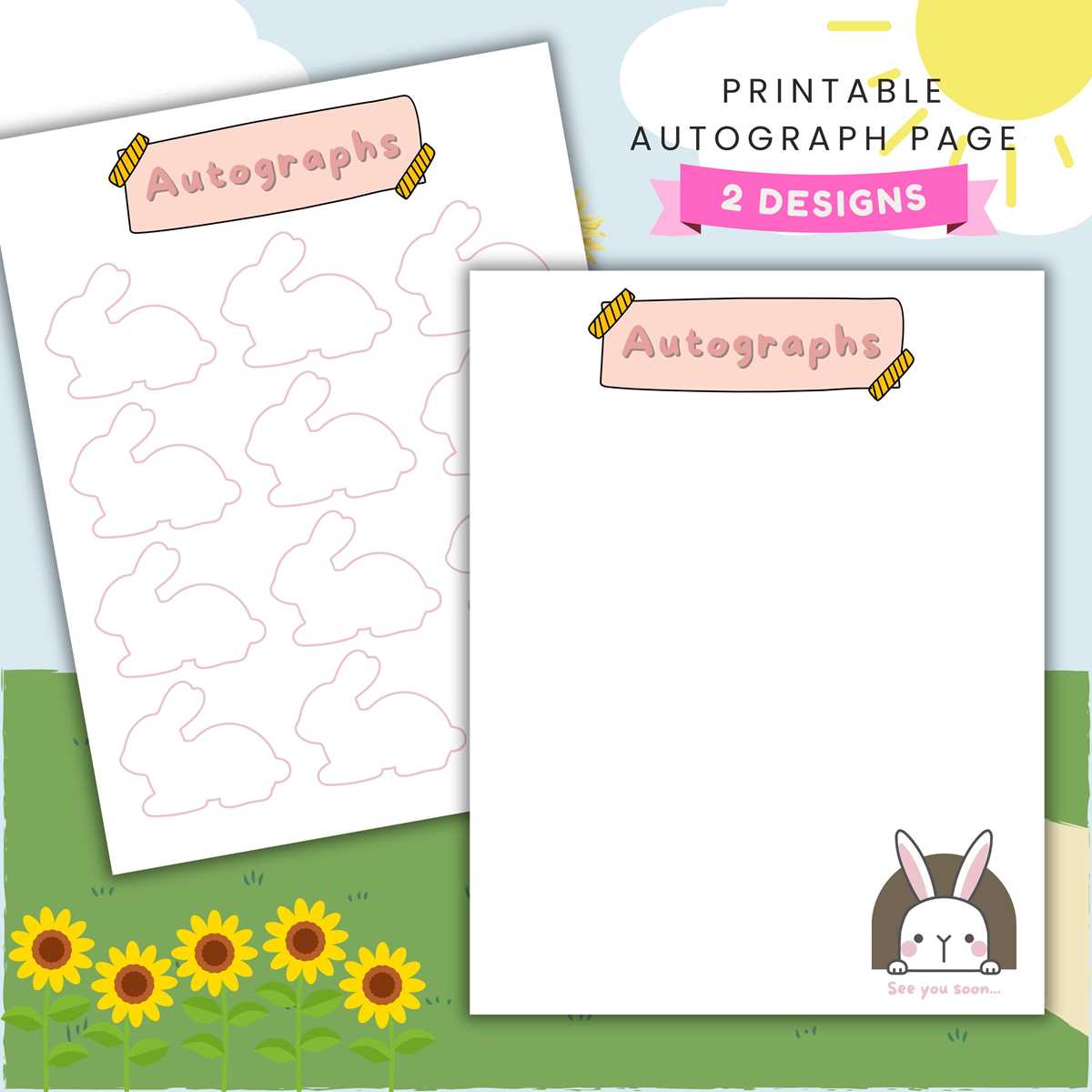
Start by selecting a design template that matches the theme of your collection. Some templates offer simple lines for names, while others have decorative elements or headers that can add a unique touch. Download a high-resolution file to ensure the printed version is sharp and clear.
Before printing, adjust the settings on your printer to match the paper size and orientation. If you’re using a non-standard paper type, like cardstock, make sure your printer supports it. Print a test copy to ensure everything aligns properly before printing multiple copies.
To customize the layout, use a PDF editor or graphic design software to add personalized elements. This could include text, logos, or specific date ranges for the event. Ensure the fonts are legible and fit within the spaces provided on the template to maintain a neat and professional appearance.
After printing, use high-quality pens or markers to collect signatures. Permanent ink ensures the names remain visible over time. Store your finished designs in protective sleeves or frames to prevent damage and keep them in good condition for future display or reference.