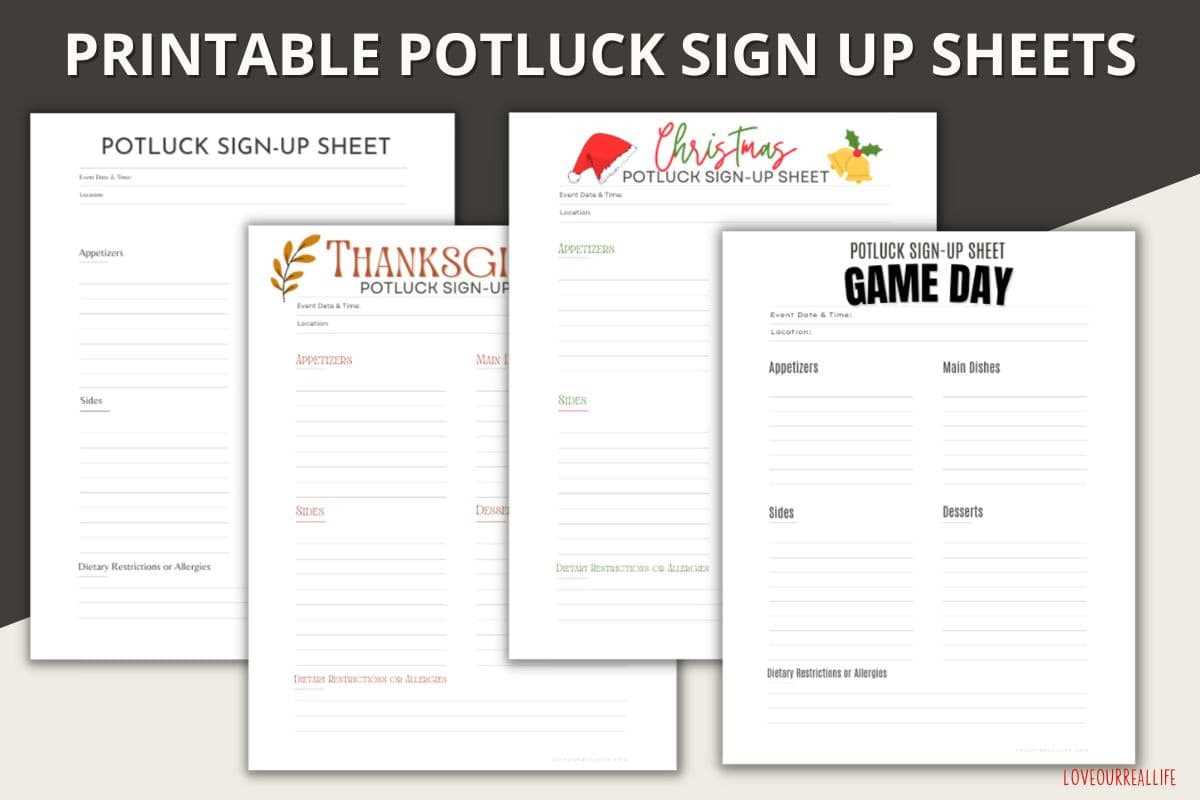
To keep track of attendees or participants, use a clear and concise registration form that anyone can quickly fill out. This document should be organized in a way that highlights the necessary fields, such as name, contact information, and time slots. Adjust the format based on the event’s needs, whether it’s a seminar, workshop, or group activity.
Ensure the layout is simple and easy to follow. Include enough space for multiple people to sign up without feeling crowded. Using a table format with clearly labeled columns is a great way to allow for quick sign-ups and prevent confusion. For larger events, consider adding a section for special requests or notes, making it easier to accommodate specific needs.
For accessibility, make sure the form is legible on any device or print size. When designing, use readable fonts and keep the design minimal. Adding clear instructions can reduce errors and make the process smoother for everyone involved.
Free Registration Forms for Easy Event and Meeting Organization
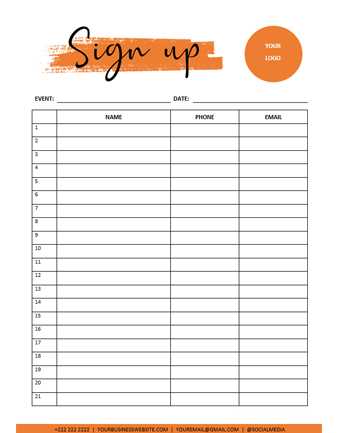
For seamless event coordination, begin by creating a structured registration form that is easy to read and complete. Each entry should clearly indicate the necessary information, such as names, contact details, and preferred times. Organizing the form with columns for each data type ensures smooth sign-up and reduces confusion for participants.
Consider tailoring the design based on the event size. For smaller gatherings, a basic form with fewer fields will suffice. However, larger events may require additional space for multiple categories, such as meal preferences or session choices. Keeping the layout simple and concise will ensure it’s user-friendly for all attendees.
- Use bold headings and section dividers to separate different categories of information.
- Leave enough space for participants to write comfortably, particularly for longer names or detailed contact information.
Make sure that the document is legible and easy to print or share digitally. Opt for a standard paper size and ensure the font size is appropriate for reading without strain. If sharing electronically, save the form in a PDF format to maintain formatting consistency across all devices.
In addition to basic information fields, include a section for notes or special requests. This helps organizers address any unique needs or preferences that may arise. It’s particularly useful for accommodating attendees with specific dietary restrictions or accessibility concerns.
Finally, after your form is set up, double-check the alignment and spacing to ensure there are no issues when printing or viewing on various devices. A well-organized form increases the likelihood of efficient data collection and makes the process smooth for both organizers and participants.
How to Customize Registration Forms for Different Events
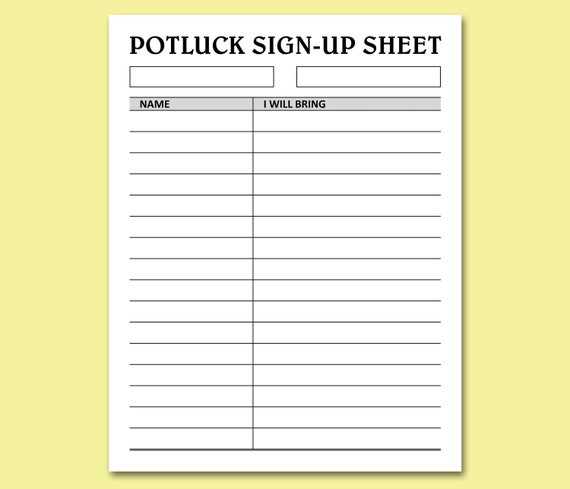
Start by determining the type of information you need for each event. For a casual gathering, you may only require names and contact details. However, for a conference or workshop, you’ll need to include additional fields such as preferred sessions, dietary restrictions, or special accommodations. Tailoring the form for the event ensures you collect the right details.
If you’re organizing a volunteer-driven event, include columns for time slots or specific roles. This allows participants to choose their responsibilities, making scheduling more efficient. The form should be structured to fit these needs, with clear labels for each role and time period available.
- For conferences or seminars, add checkboxes for different session choices.
- For workshops, provide fields to select topics or indicate skill levels.
For larger events, create space for additional details like group registrations or team assignments. Include a section for group leaders to input team names and total members, ensuring the registration process runs smoothly for all participants.
Consider how the form will be filled out. If participants are likely to use their phones or tablets, optimize the layout for mobile devices. Avoid overly complex tables and keep the fields large enough for easy typing or selection on small screens.
If your event includes a fee or payment, incorporate a payment section with options for credit card information or payment methods. Be sure to leave a space for confirming payment, along with a checkbox to indicate whether the registration is complete.
- Provide a confirmation section at the end, where participants can check a box to confirm their registration.
- Offer an option for email notifications, so attendees receive instant confirmation of their registration.
Finally, review the form for clarity. Ensure that all fields are easy to understand, and that instructions are concise. A well-organized and simple registration form reduces errors and ensures a smooth registration experience for all participants.