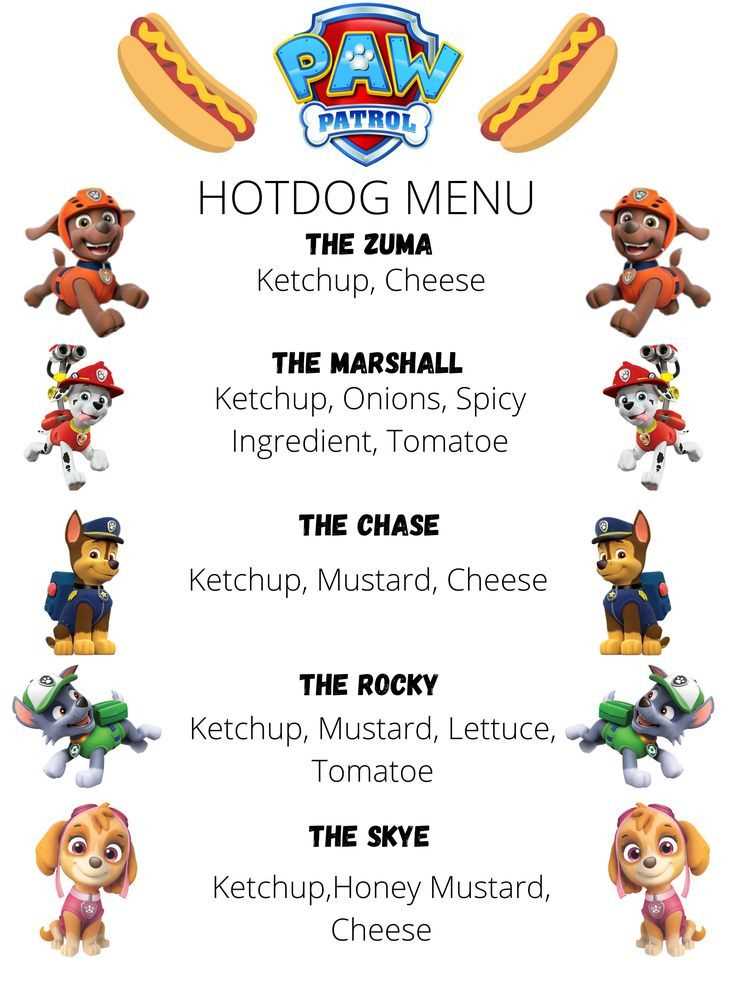
Start by choosing a design that fits the vibe of your event. Select an eye-catching layout with clear sections for various toppings, sauces, and sides. A simple design with bold headers for each category makes it easy for guests to customize their creations.
For added personalization, include fun descriptions next to each option. For instance, label a spicy sauce as “Firecracker Kick” or a cheese topping as “Melted Bliss.” This will spark curiosity and enhance the overall experience for your guests.
Don’t forget to leave space for any special items you want to include. Whether it’s a seasonal topping or a guest favorite, having a section for limited-time offerings will make your station even more unique. Once your layout is ready, print it in a size that fits your display area and clearly visible for guests.
Designing Your Toppings and Add-ons Display
For a more interactive experience, create a well-structured list of toppings and sides. Make sure to categorize items like sauces, cheeses, and vegetables separately. This allows guests to quickly find what they need without confusion.
Consider adding a “Build Your Creation” section that guides people on the best flavor combinations. For example, pair smoky barbecue sauce with cheddar cheese or a spicy relish with jalapeños. Including suggestions like these can make the experience more enjoyable and help guests who may be unsure of what to choose.
Choosing the Right Layout for Print
When selecting the layout for printing, ensure it’s not only visually appealing but also practical. Use large, clear fonts for each topping category. If space allows, consider adding icons next to each item for quicker identification, like a small pepper icon for spicy options.
Opt for a print size that works well with the area you’re displaying the information. A standard 8.5″ x 11″ sheet of paper works for most settings, but if your event has a larger guest list, you might want to print it on a bigger sheet for visibility from a distance.
Customizing the Design for Your Event Theme
If you’re hosting a themed event, incorporate colors and fonts that align with the theme. For a BBQ event, use earthy tones like browns and reds. For a summer party, consider bright, bold colors like yellow and orange. Customizing the design adds personality and makes the display part of the atmosphere.
Additionally, you can add a fun element by including themed descriptions for your toppings. For instance, label a creamy sauce as “Mellow Magic” or a zesty salsa as “Tropical Fire.” This little touch can spark interest and make the experience more memorable.
How to Design Your Own Toppings Display
Begin by organizing the items into categories for easier browsing. Group toppings like vegetables, sauces, and cheeses separately. This structure will help guests quickly navigate through the options and make their choices more efficiently.
Use a clean and simple design with bold headers for each category. Incorporate icons or small images next to each topping for easier identification. For example, a small chili pepper icon for spicy sauces or a cheese wedge icon for dairy toppings will give guests a quick visual reference.
Choose colors and fonts that fit the theme of your gathering. For a more casual vibe, opt for playful fonts and bright colors. For a more formal event, you can go for classic fonts with a minimalist design in neutral tones, ensuring everything looks cohesive and professional.
Finally, make sure to leave space for any special items or seasonal toppings you want to feature. Adding a “Featured” or “Seasonal Special” section can make your display feel fresh and encourage guests to try new items they may not have considered otherwise.