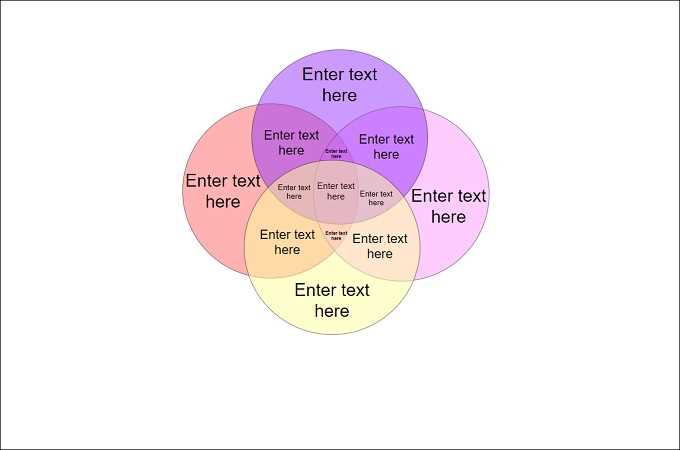
Start by selecting a template with the correct number of sections based on your needs. For comparing two categories, a simple two-circle model works well, while three circles provide more complex comparisons. The more sections you need, the more challenging it becomes to clearly display information, so be sure to balance complexity with readability.
Once you’ve chosen the template, you can easily modify it to suit your specific data. If you’re working on a project that requires textual information within each section, most models allow for text boxes or editable fields. This feature is helpful when you need to label the intersections or add notes to explain the comparisons.
For the actual printing, ensure your document is sized appropriately. Many templates are designed for letter-sized paper, but if you’re printing larger diagrams, check the print settings to scale the image as needed. Ensure the image resolution is high enough to maintain clarity when printed on larger sheets.
Another important step is to consider the design elements. If the template includes colors or patterns for different sections, make sure they are visually distinct and help emphasize the data. Avoid overly busy designs that could detract from the clarity of the information you want to highlight.
Lastly, if you’re working on a presentation or report, integrate these charts into your documents or slides with ease. Many templates allow for exporting into formats like PNG or PDF, so they can be seamlessly added to various document types. This helps in presenting your findings in a structured and easy-to-understand format.
Free Templates for Easy Comparison and Analysis
Selecting a template designed for easy comparison is an excellent way to simplify the process of analyzing overlapping sets of data. Many ready-to-use options offer clear boundaries, labeled sections, and intuitive spaces for detailed notes. Choose a design that fits your specific comparison task, whether it’s for contrasting two or more ideas or visualizing the relationships between them.
For maximum impact, opt for templates that provide distinct color schemes or customizable sections, allowing for straightforward visual interpretation. Once you’ve selected a suitable layout, you can adjust the size, label the intersections, and input key data into the sections. This approach is particularly useful for projects that require quick decision-making or for those looking to clearly highlight areas of overlap or distinction.
How to Choose the Right Diagram for Your Data
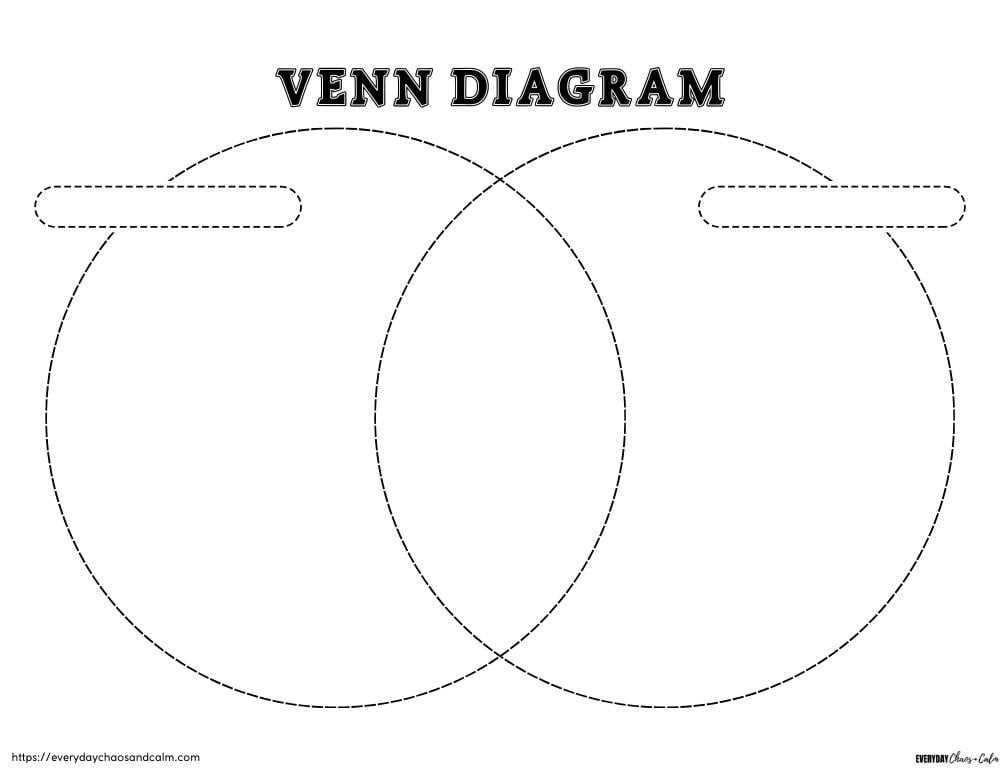
To select the appropriate visualization tool, assess the number of categories you need to compare. If you’re working with just two groups, a simple two-circle design will suffice. For more complex comparisons, such as three or more sets, opt for a multi-circle model that allows you to visually represent shared and distinct elements.
Consider the level of detail required for your analysis. If precise intersection data is needed, choose a diagram with clearly labeled sections that let you easily differentiate between shared and unique elements. For simpler tasks, a basic overlapping model without excessive segmentation might be enough.
Another important factor is customization. Look for designs that allow you to modify colors and labels for easy interpretation. This ensures the diagram remains clear and relevant to your specific task. Additionally, templates with adjustable sizes offer flexibility for varying data amounts and presentation formats.