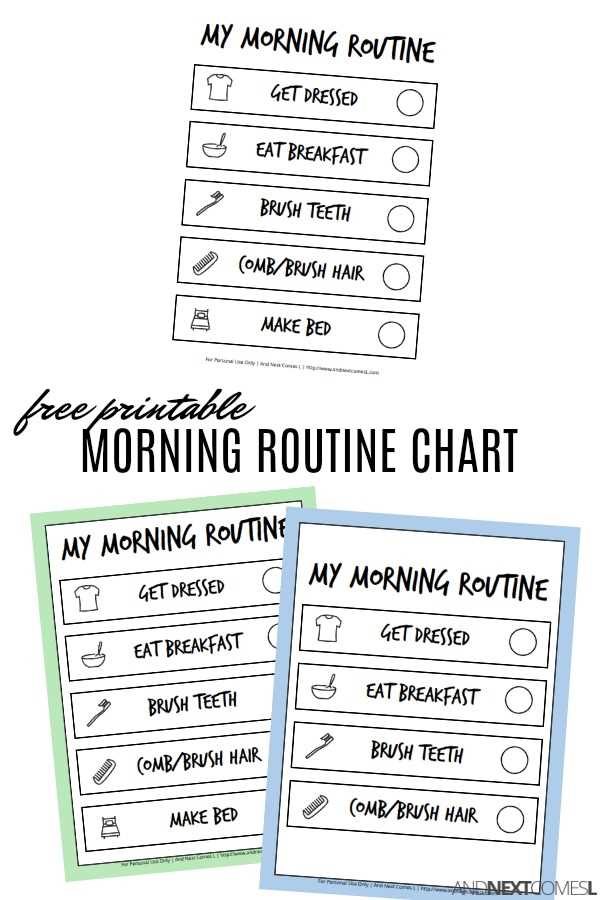
If you’re looking to streamline your day-to-day activities, creating a structured plan can be a game-changer. Start by selecting a template that suits your needs, whether it’s for personal use, family schedules, or even professional tasks. These templates can help break down complex tasks into manageable sections, offering a clear visual guide that makes staying on track much easier.
When picking out a template, focus on one that is flexible and can be adapted for various purposes. Templates that allow for easy customization–such as filling in time slots, adding tasks, or adjusting for different time zones–offer maximum utility. Choose simple designs with clear space for writing and visual elements that make your schedule both functional and engaging.
To get the most out of these templates, consider creating daily, weekly, or monthly variations depending on your needs. Having multiple versions for different time frames can prevent feeling overwhelmed by a single, all-encompassing list. Additionally, keep in mind that the templates should be practical and easy to update as new tasks or changes arise. Once you’re ready, print the schedule, or save it digitally, and use it to stay organized and achieve your goals more efficiently.
Guide to Customizable Daily Schedules
To enhance organization, choose a layout that suits your specific needs. A daily planner can help break down your day into time blocks, offering a visual guide for tasks and activities. Ensure the design allows for adding personal tasks and adjusting it as your day evolves. A clear, easy-to-read structure is key to making it effective.
Consider selecting templates that offer flexibility. For instance, some designs include time slots, while others may be more general, allowing you to fill in the gaps. It’s important that the layout matches your style–whether you prefer something minimalistic or one that includes color coding and visuals. This will make sticking to a schedule more enjoyable.
Don’t limit yourself to one type of schedule. Some people find having separate templates for different tasks helpful, like one for morning routines and another for evening tasks. Others prefer a single, overarching chart that covers all activities. Having options available lets you adapt based on the type of tasks you’re handling.
Incorporating visual elements can boost efficiency. Add icons or symbols next to specific tasks, which can help prioritize key activities and make the schedule more engaging. For example, a checkmark or a star next to important items can make them stand out. The more intuitive your layout, the easier it will be to follow.
For long-term use, a digital version might be a good option. This way, you can easily modify it and adjust your tasks in real time. Many digital scheduling tools can sync across devices, making it a great option for those who are always on the go. If you prefer something tangible, printing and using it on paper can help maintain focus throughout the day.
Lastly, always remember that these templates are not rigid. Feel free to modify and personalize them. Customize colors, fonts, and add personal notes where necessary. The more tailored the schedule is to your life, the more likely you will stick with it and see its benefits.
How to Customize Schedules for Different Needs
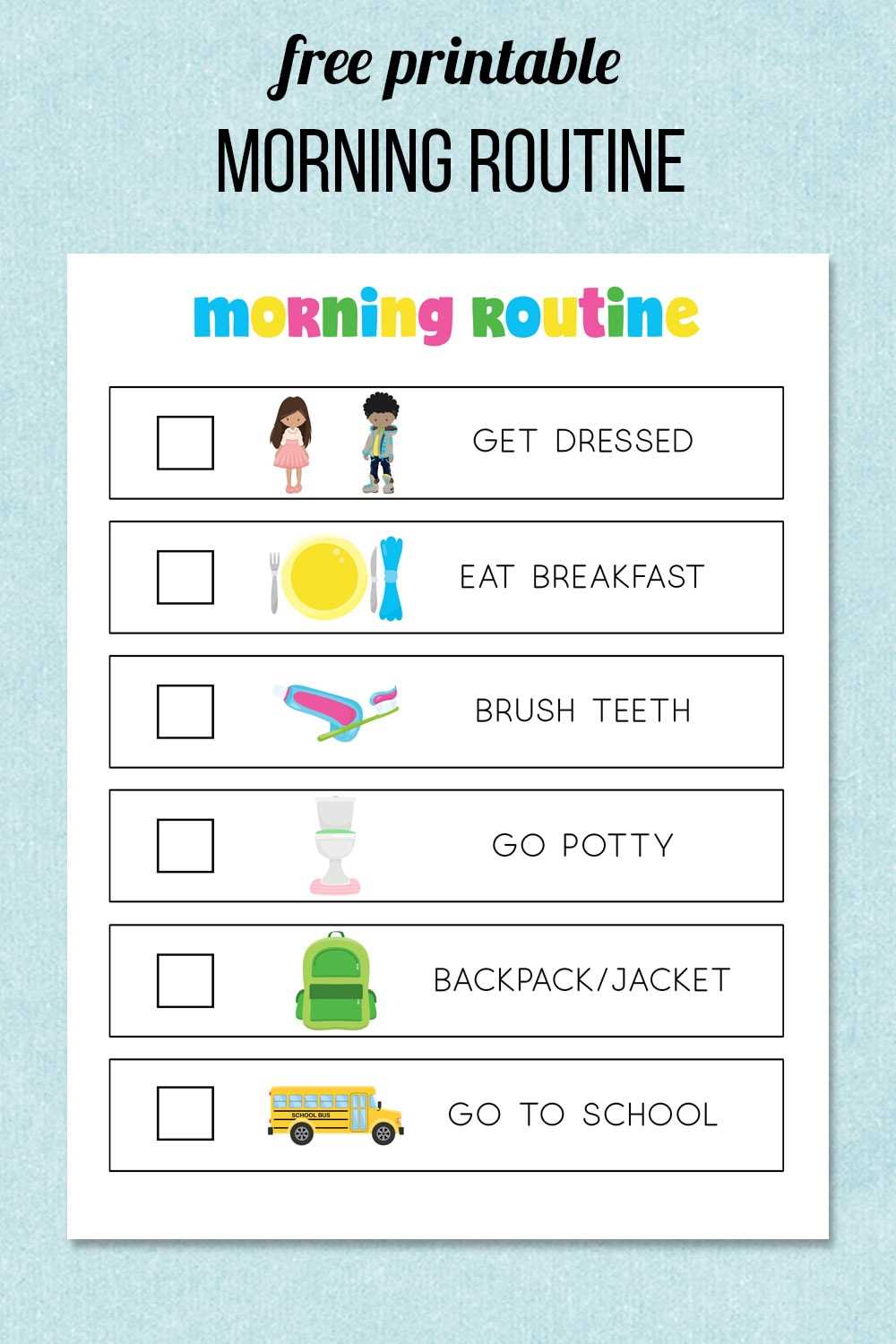
Adjust the time blocks to fit your specific daily structure. For example, if you have a job with irregular hours, create a flexible template with sections for work, breaks, and personal time. For children or family use, include visual elements like icons or color-coded sections to represent different activities, making it easier for everyone to follow. You can also add sections for reminders or motivational quotes to keep you engaged.
Another important aspect is prioritizing tasks. Customize your planner by adding priority levels, such as high, medium, or low, next to each activity. This helps focus on the most important tasks first, ensuring productivity. You can also incorporate checkboxes or progress bars to track accomplishments, giving a sense of satisfaction as each task is completed. Tailoring the layout to your needs will keep you organized and motivated.