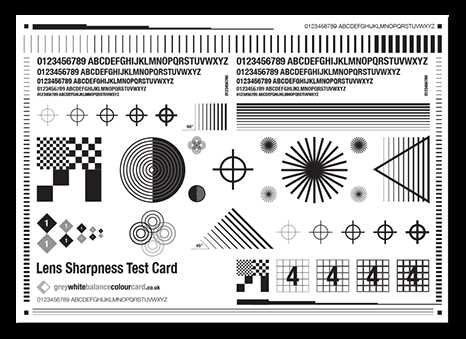
Print a neutral gray reference sheet at 100% scale on matte paper and use it to set a custom color reference in your camera before shooting. A surface with 18% reflectance provides a stable midpoint between shadows and highlights, allowing the sensor to calculate accurate color temperature under tungsten, daylight, LED, or mixed lighting.
Choose a file prepared with RGB values close to 118,118,118 for standard 18% gray and disable printer color management to avoid automatic tone shifts. Use pigment ink and thick paper (200–250 gsm) to reduce warping and glare. Glossy stock can create specular highlights that distort readings, especially under direct light sources.
Fill the frame with the gray sheet during calibration, avoid overexposure, and keep ISO low to reduce noise in the reference shot. For video, record a short clip with the target positioned where the subject stands, then apply the sampled neutral point during color grading. This method keeps skin tones consistent and shortens correction time in post-production.
Printable White Balance Card
Download a neutral gray reference template with 18% reflectance and print it at 100% scale without resizing. Disable printer color correction, set paper type to matte, and select the highest quality mode to keep RGB values close to 118,118,118 for accurate color sampling.
Use thick matte stock between 200 and 300 gsm to prevent bending and reduce glare. Glossy surfaces reflect direct light sources and can shift the sampled temperature by several hundred Kelvin, especially under LED panels or mixed indoor lighting.
Before shooting, place the gray target in the same light as your subject and fill at least 60–80% of the frame with it. Avoid clipping highlights; histogram peaks should sit near the center. Set ISO as low as possible to reduce noise in the reference exposure.
- Keep the sheet perpendicular to the lens axis
- Avoid shadows from your body or camera
- Do not mix light sources during calibration
- Repeat the process after changing location or lighting setup
For DSLR and mirrorless cameras, access the custom color setting in the menu, select the captured reference frame, and confirm the new preset. For cinema cameras, record a short clip with the gray sheet and store it as a scene reference.
During editing, use the eyedropper tool on the neutral area of the frame. In RAW processors, adjust temperature and tint until RGB channels align closely in the histogram. Skin tones should fall along the standard vectorscope line without green or magenta bias.
- Import footage or photos
- Locate the reference frame
- Sample the neutral surface
- Copy settings to the rest of the sequence
Replace the sheet once it shows stains, fading, or color shifts from sunlight exposure. Store it in a protective sleeve and keep it flat to maintain consistent readings across multiple sessions.
How to Print a White Balance Card with Correct Scale and Neutral Gray
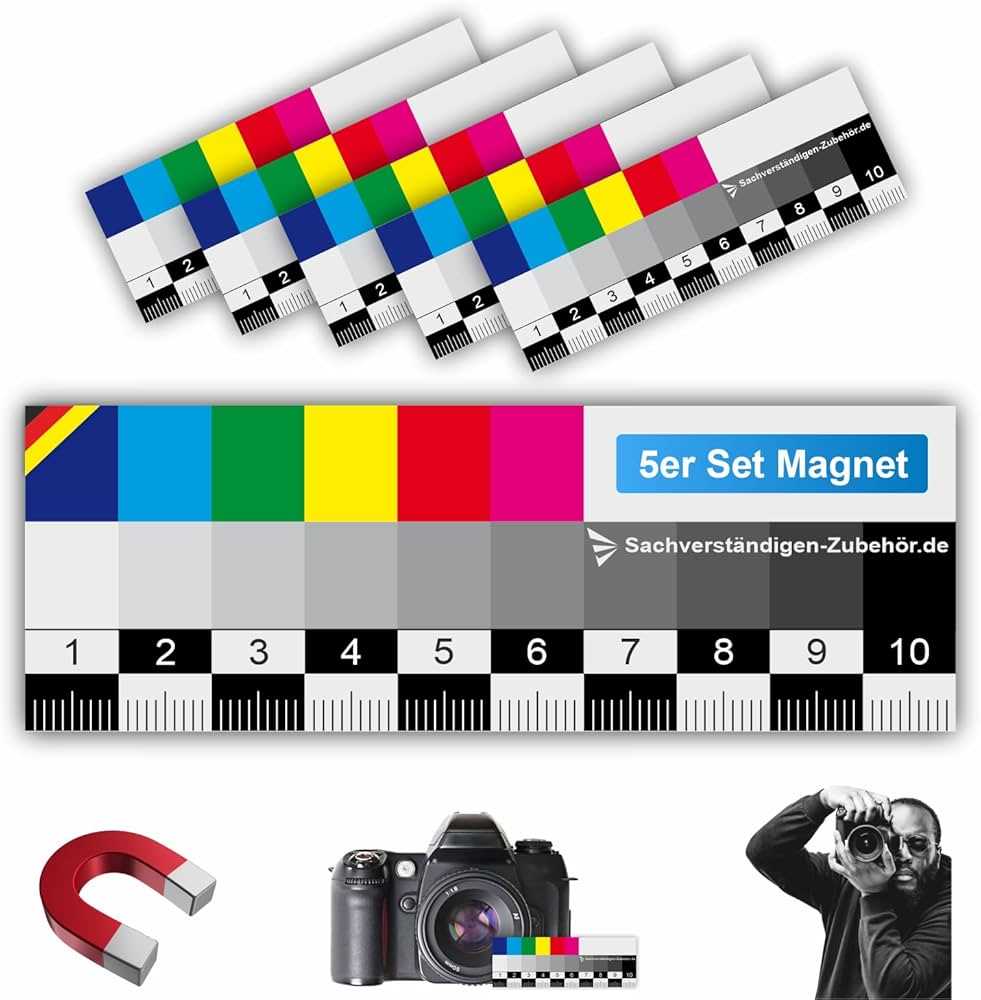
Set the file to print at 100% scale with no resizing or “fit to page” options enabled. Any automatic scaling changes the reference area and may introduce interpolation artifacts that alter tone values.
Use a template built around 18% reflectance gray with RGB values near 118,118,118 in sRGB color space. Confirm the document profile before printing and disable printer-side color adjustments to prevent unwanted shifts toward warm or cool tones.
Select matte paper between 200 and 300 gsm to minimize surface reflections. Gloss coatings create specular highlights that distort exposure readings and color sampling, especially under direct LED or tungsten sources.
Choose pigment-based inks rather than dye-based inks if available. Pigment inks maintain stable density over time and resist fading from UV exposure, reducing the risk of drift in your neutral reference.
In the print dialog, set quality to high and turn off automatic contrast, enhancement, or photo optimization features. These functions often increase saturation or modify midtones, pushing the gray patch away from its intended reflectance level.
After printing, measure the patch with a color picker tool by photographing it under daylight and sampling the image. The RGB channels should remain closely aligned; differences greater than 3–5 values indicate a visible color cast that requires reprinting with corrected settings.
Trim the sheet carefully and mount it on a rigid backing to keep it flat during use. Warped or curved surfaces reflect uneven light, leading to inconsistent calibration results across frames.