If you’re looking for a way to stay organized while reading, a personal log is a great option. It helps you monitor your reading habits, set goals, and track your progress easily. Begin by finding a layout that suits your style–whether you prefer columns for title, author, and date completed, or more detailed sections that note your thoughts on each title.
Customize your tool to include additional information like your rating system or a section for memorable quotes. This way, not only will you have a clear view of what you’ve read, but also an organized list that reflects your preferences and interests.
Once you’ve selected your format, ensure it’s easy to access whenever you start a new book. You can print it out and store it with your reading materials, or keep it on your phone or computer for quick updates. Staying consistent with your entries will help you develop a regular habit, and soon you’ll have a complete record of your literary adventures.
How to Create and Use a Reading Log
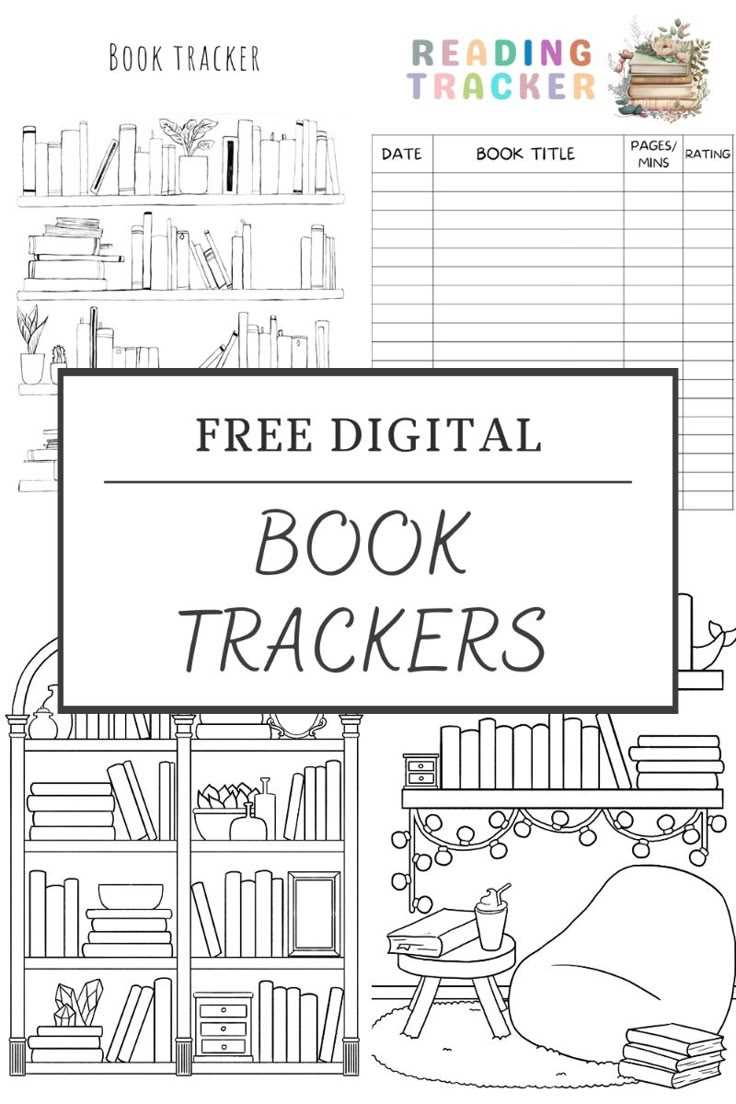
Start by selecting a layout that suits your reading goals. A simple format with columns for the title, author, and completion date can keep your progress organized. If you prefer more details, include sections for your thoughts, ratings, or quotes that stood out. These additions will help you reflect on what you’ve read and why it resonated with you.
To make it easy to update, keep your log either on paper or digitally. A physical version can be placed with your reading materials, while a digital version allows for quick and accessible updates across devices. Whatever format you choose, remember to consistently update it to track your progress and build a clear record of your reading history.
How to Customize Your Reading Log Template
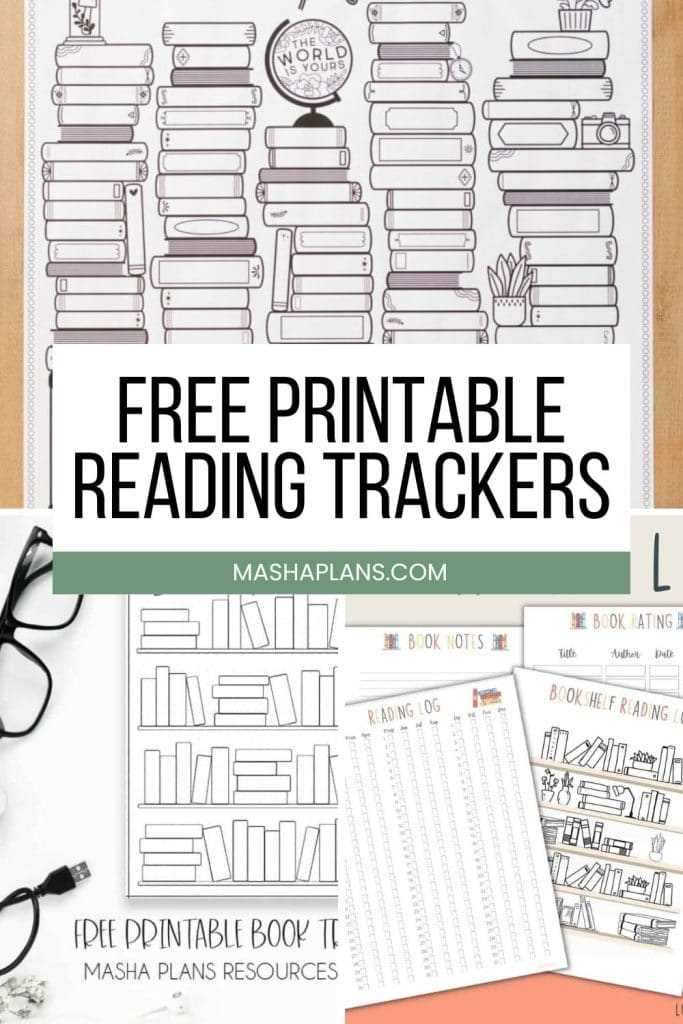
Start by deciding which categories are most relevant to your tracking needs. Basic sections should include the title, author, and start and finish dates. For a more detailed log, you can add spaces for a personal rating, genre, and specific notes about the content, themes, or characters.
Consider adding a column for your progress, such as pages read per day or chapters completed. This will give you a visual representation of how quickly you’re moving through each title. If you prefer more interaction with the material, include space for writing short summaries or memorable quotes as you read.
For visual appeal, use colors to organize or highlight different genres or categories. For example, fiction could be one color, while non-fiction is another. This will help you quickly identify the types of books you’ve read and create a more dynamic log.
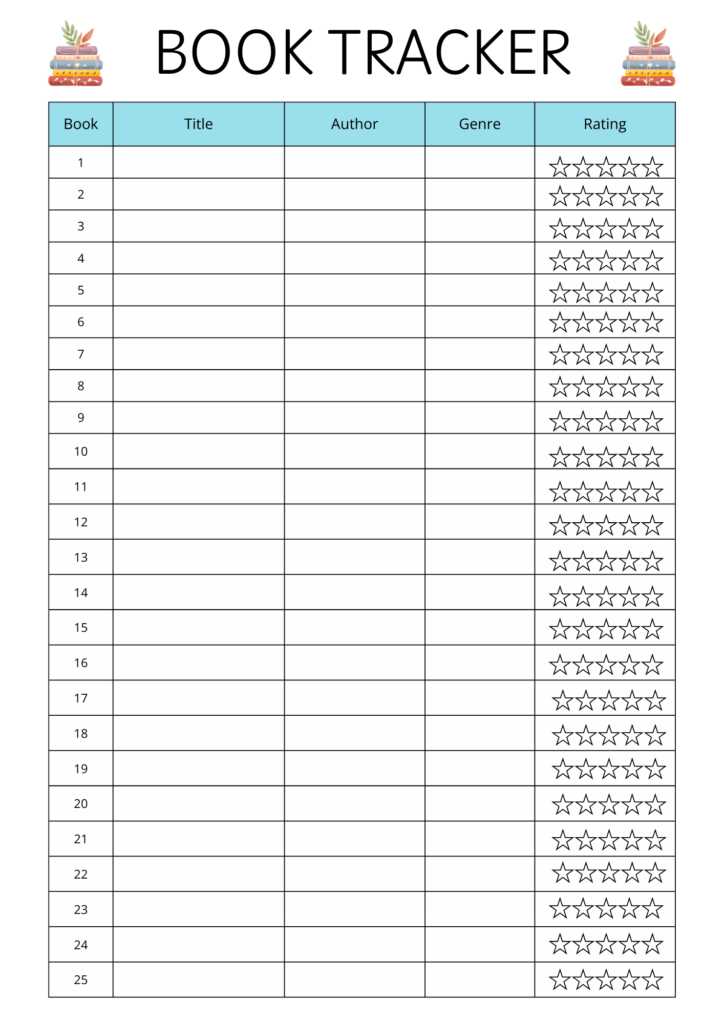
If you prefer a digital version, utilize tools like Google Sheets or Excel to create your template. These allow for easy customization, and you can automatically add features such as a word count or page count tracker. Furthermore, these tools enable you to update your log across multiple devices, keeping it accessible at all times.
For those who enjoy creativity, add a section for tracking reading goals. This could be a list of targets, such as reading a specific number of books per month or exploring a new genre. Visual elements like progress bars or checkboxes can make this section fun and motivating.
Additionally, try incorporating a “to-read” section where you can list books you plan to pick up next. This keeps your list organized and serves as a reference when choosing your next book. You can even organize this part by priority or themes, depending on your preferences.
For people who enjoy a personal touch, consider adding decorative elements like illustrations or motivational quotes about reading. This helps make the experience enjoyable and personalized, turning your log into more than just a record of titles.
Finally, ensure that your template is easy to update. Whether it’s a physical document or a digital file, ensure it’s accessible and allows you to quickly add new entries. Consistent tracking will help you see your reading habits evolve over time and keep you motivated to continue.