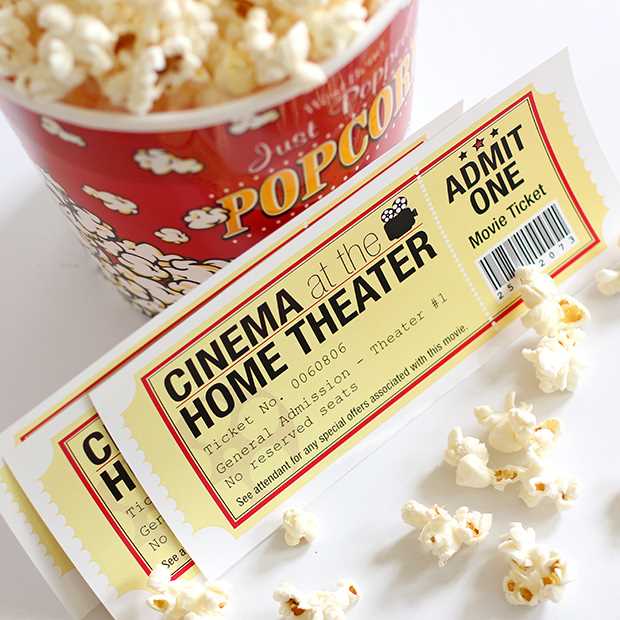
For your next event, create customized passes to enhance the experience for your guests. Start by selecting a design that reflects the theme of your gathering, whether it’s formal or casual. Use simple templates that allow easy modifications, so you can tailor the design to your specific needs.
Many online platforms offer downloadable files where you can easily insert event details, such as the name of the event, date, location, and seating information. You can adjust the layout, font styles, and colors to make your passes visually appealing. Once you’ve finalized your design, you can distribute them digitally or print them for physical use.
Having personalized passes adds a professional touch to any event, whether it’s a private screening, special celebration, or a themed gathering. By customizing your design, you ensure that each pass fits the tone of the event while maintaining practicality for guests and organizers alike.
Movie Pass Designs for Events
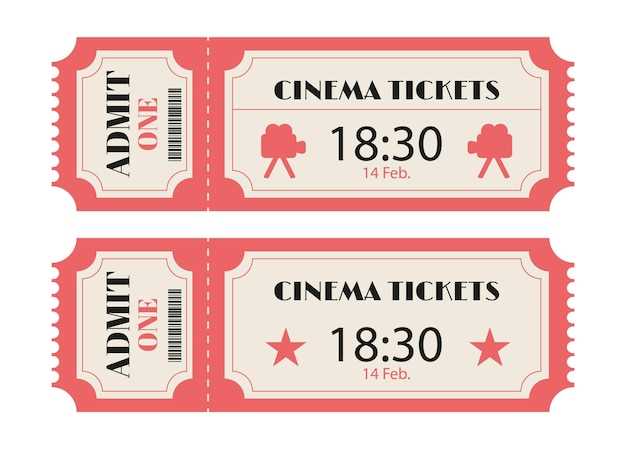
Choose a design that reflects the tone of your gathering, whether it’s casual or formal. For a simple approach, use a classic rectangular shape with the event name, date, and venue prominently displayed. You can customize colors, fonts, and add event-related graphics to make the passes more personalized and engaging.
If you want to create a more unique experience, consider incorporating additional features such as QR codes or barcodes for digital entry. Many design platforms offer customizable templates where you can add these elements easily. Be sure to test the final design to ensure it prints clearly and is easy for attendees to read.
- Use high-quality images for clarity and a professional appearance.
- Incorporate your event’s theme with relevant graphics or logos.
- Ensure the text is legible by using contrasting colors.
How to Create Custom Movie Tickets for Events
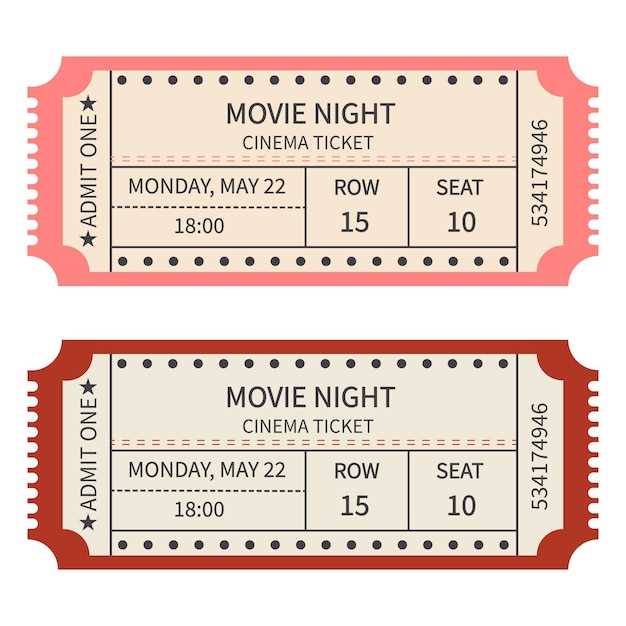
Begin by selecting a template that fits your event style. If you’re organizing a formal gathering, choose a clean, classic design. For a more casual event, opt for playful fonts and bold colors. Many online platforms offer editable templates, making it easy to adjust for your specific needs.
Next, input key information such as event name, date, time, location, and seating details. Make sure to include spaces for attendee names and any special instructions. A visually balanced design ensures that the text is legible and does not overwhelm the overall layout.
Consider adding unique elements like barcodes or QR codes for digital entry. These features help streamline event check-ins and create a high-tech experience. Include a space for these codes without compromising the clarity of the ticket’s other details.
If you want to incorporate branding, upload logos or symbols that reflect the theme of the event. This adds a personal touch and enhances the ticket’s overall aesthetic. Keep the design simple so that your event branding stands out without overwhelming the design.
Once the design is complete, review the ticket’s layout before printing or distributing it digitally. Test to ensure all text is legible and that any additional features like barcodes are scannable. After confirming everything, you can print or share your tickets with guests as needed.