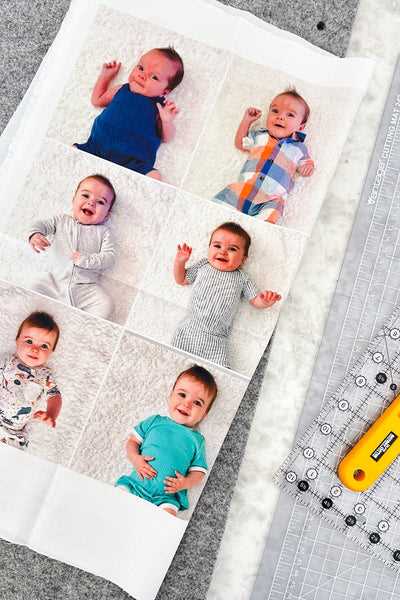
For anyone looking to bring images to life on soft surfaces, choosing the right material for your project is critical. Opt for products specifically designed for inkjet printers, such as fabric sheets that can be loaded directly into your printer. These specialized materials allow you to transfer high-quality images onto textiles easily, ensuring vibrant colors and clear details.
Start by selecting the appropriate kind of textile for your design needs. Some options come pre-treated with a special coating to enhance image quality, while others require you to apply a fixative after printing to make the design permanent. Experimenting with different types can help you understand the best match for your projects, whether for home decor, apparel, or personalized gifts.
For best results, always follow manufacturer instructions carefully regarding printer settings. Many fabric sheets have specific temperature and time requirements for heat-setting after printing. This process helps ensure that your images remain sharp and resistant to fading after washing.
Using Fabric Sheets for Printing Images
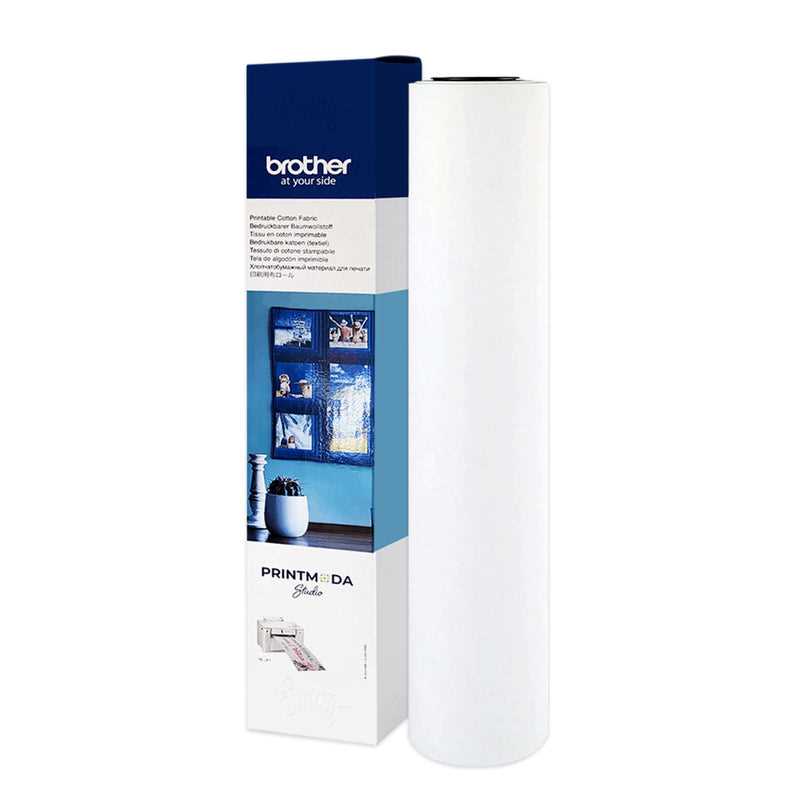
For printing images on textiles, choose sheets designed for inkjet printers. These specialized materials allow for seamless printing directly from your printer, yielding clear, vibrant designs on soft surfaces like cushions, bags, or clothing. Select sheets that are compatible with your printer’s specifications for the best results.
When selecting a material for image transfer, always check whether it requires pre-treatment. Some fabrics are pre-coated to enhance the image quality, while others may need a post-printing fixative to lock in the design. Depending on the type of surface you’re working with, you may need to heat-set the design after printing to make it permanent.
Adjust your printer settings to ensure compatibility with the material. Make sure the paper type in your printer’s settings matches the texture of the fabric sheet you’re using. Many printers allow you to adjust the quality and color intensity, so make sure to select the highest settings for the best color reproduction.
Once the design is printed, ensure that it is fixed properly. If you’re working with a material that requires heat-setting, use an iron or a heat press as directed by the manufacturer. Proper heat setting helps ensure that the colors don’t fade after washing or regular use.
Cleaning your printed textiles is another important factor. Avoid harsh detergents that can strip away the ink, and always wash items with printed designs on a gentle cycle. Consider washing in cold water and air drying to maintain the integrity of the image.
Lastly, experimentation can help you understand the ideal fabric types and techniques for your specific needs. Don’t hesitate to try different combinations of fabric sheets, printer settings, and post-printing treatments to get the perfect result for your projects.
How to Choose the Right Material for Printing Images
For image transfers, choose materials with a smooth texture and sturdy structure. Cotton and polyester blends are excellent choices as they allow the ink to be absorbed evenly, ensuring crisp and clear designs. When selecting the material, check whether it’s compatible with your printer’s ink type for optimal results.
Consider the purpose of your project. For items that will experience frequent wear, such as bags or clothing, choose a durable material like canvas or polyester, as these fabrics hold up well to washing and regular use. If your project is a one-time decorative piece, softer textiles like cotton or silk may be suitable, though they may not last as long.
Another key factor is the material’s weight and thickness. Lighter fabrics are better for projects that require flexibility and softness, such as quilting or crafting. On the other hand, heavier materials, like canvas or denim, provide more structure and are better suited for durable items like tote bags or home décor pieces.