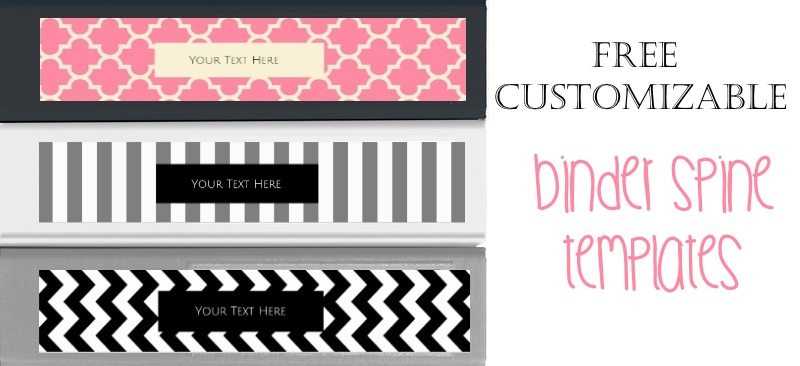
To easily identify and organize your documents, start by creating custom labels for the sides of your folders. These labels help you quickly locate the contents inside without having to open each file. Use online tools or software like Word or Canva to design your own labels, tailoring the size and font to fit your specific needs.
Once you’ve designed your labels, make sure to print them on sturdy paper. If you’re using regular printer paper, be mindful that it may tear easily over time. For better durability, opt for thicker card stock or laminated materials, which will provide a more professional and long-lasting result.
If you’re unsure about the size, you can find templates online that are optimized for common filing systems. These templates often include guides for cutting, ensuring a perfect fit every time. After printing, carefully trim the edges to avoid uneven labeling, and make sure each label aligns with the holes or tabs of the folder for a seamless appearance.
How to Organize Your Files with Custom Label Templates
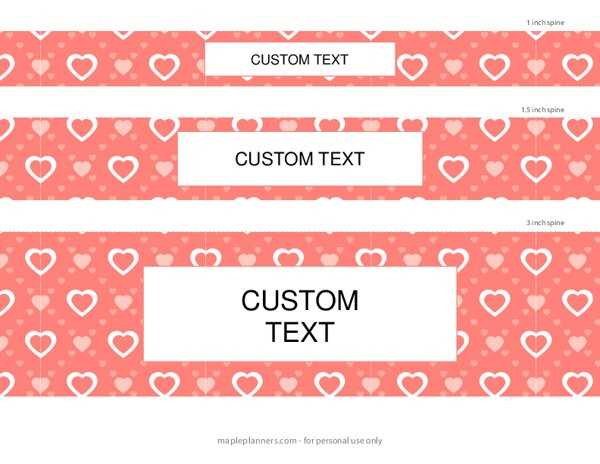
Start by measuring the dimensions of the side panel of your file container to ensure the labels fit properly. You can use software like Microsoft Word or Google Docs to create templates with custom dimensions. Ensure your design is clear and easy to read, using bold fonts and simple icons if necessary to represent the contents.
Once you have your design, choose high-quality paper for printing. Thick paper or lightweight cardstock provides a durable finish. If you want your labels to last longer, consider laminating them or using self-adhesive paper so they stick securely to your storage containers.
For a more personalized touch, add specific text or symbols that correspond to the contents, such as “Invoices,” “Reports,” or “Receipts.” This way, you can quickly identify each section without confusion. If you have a large collection, color-code the labels for even faster organization.
How to Create Custom Inserts for Your Binder Spine
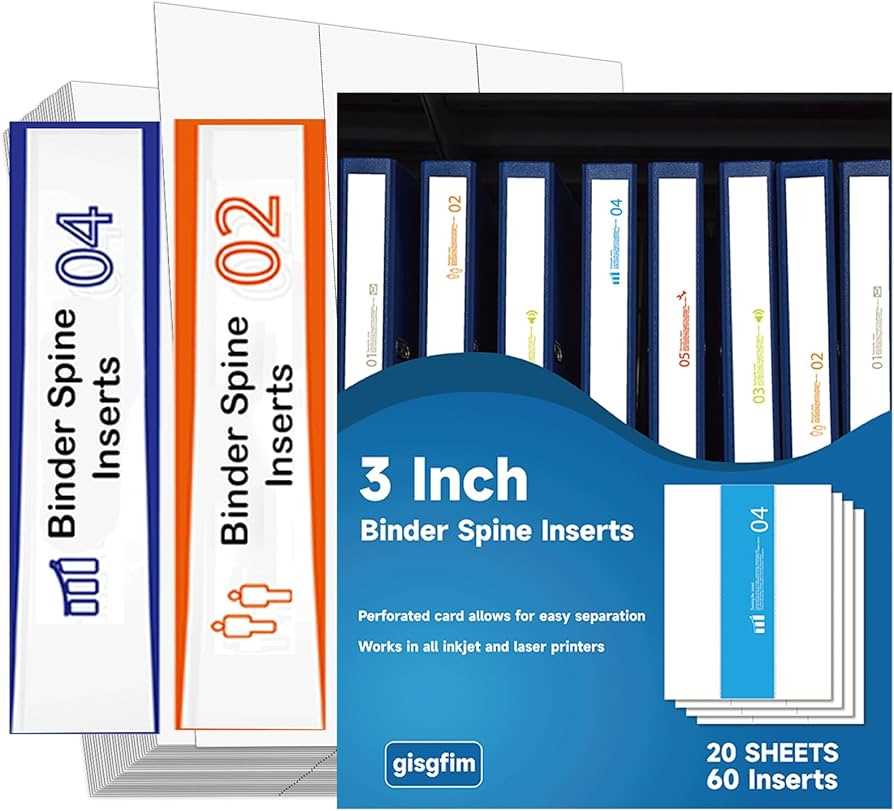
First, measure the dimensions of the side of your storage file. Ensure you have accurate measurements before proceeding with your design. Use a template tool or a design program to create a custom shape that fits your file container perfectly.
Next, choose a clear and readable font for labeling. A simple sans-serif font works best for visibility. Depending on your needs, you may want to include text or symbols that represent the contents of the file, like “Invoices,” “Reports,” or “Receipts.”
For durability, print your labels on heavier paper such as cardstock. This will help them withstand wear and tear. If you want them to last even longer, consider laminating the printed labels or using self-adhesive sheets that can stick directly to your storage system.
If you are organizing multiple sections, use color coding or icons to help differentiate categories. This way, you can easily spot each section at a glance. Color-coding is particularly helpful if you have a large collection to manage.
Finally, after printing and cutting, carefully insert the labels into the designated spaces. Align them properly for a neat and professional appearance. If you need to make adjustments, use a ruler to ensure everything is straight before securing the labels in place.