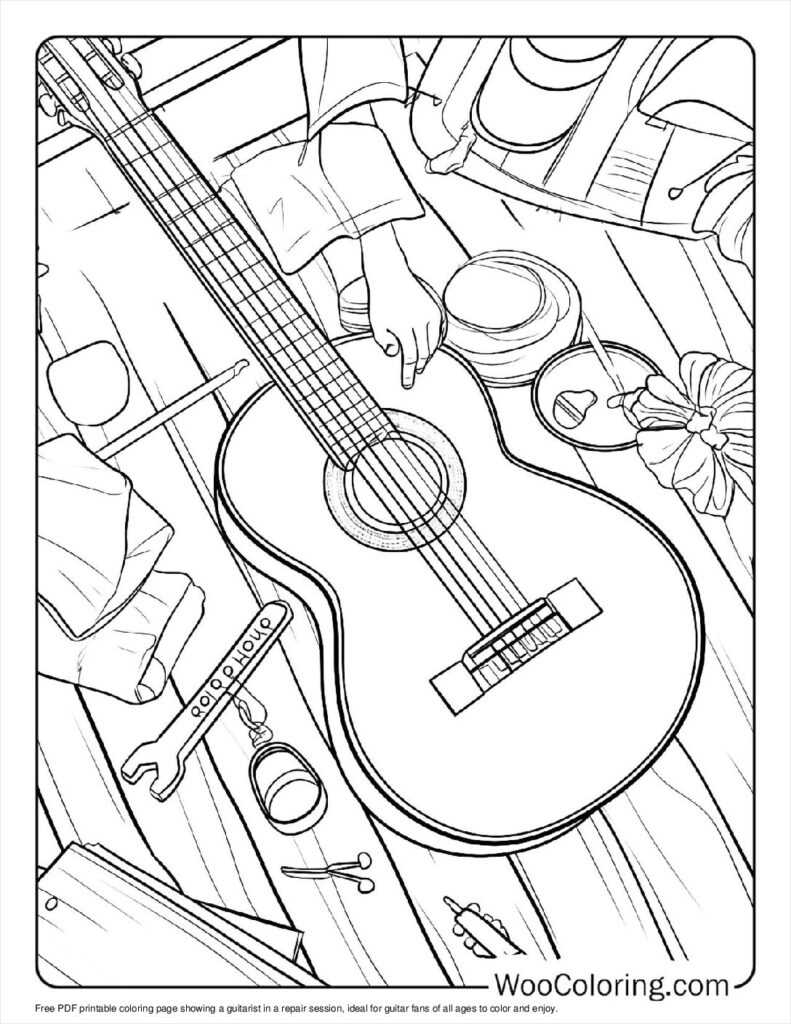
Start by selecting a drawing template that features recognizable musical instruments, focusing on the shape and details of the instrument. Choose clear and simple outlines for younger children or more intricate designs for older kids. Use vector software like Adobe Illustrator to create scalable images, ensuring that the quality remains high even when resized.
Once your design is complete, consider adding subtle details that allow for personalization. For example, provide areas where children can add their own designs, like stickers or textures, giving them the freedom to create their version of the instrument. Additionally, think about creating multiple variations, from electric versions to acoustic ones, allowing for diverse options.
Export your design in a file format suitable for printing, such as PDF or PNG, ensuring that it maintains the resolution needed for a clear output. You can then share it online or distribute it through your own website, making it accessible for both kids and adults who love to engage in artistic activities related to music.
How to Create Guitar-Themed Designs for Drawing
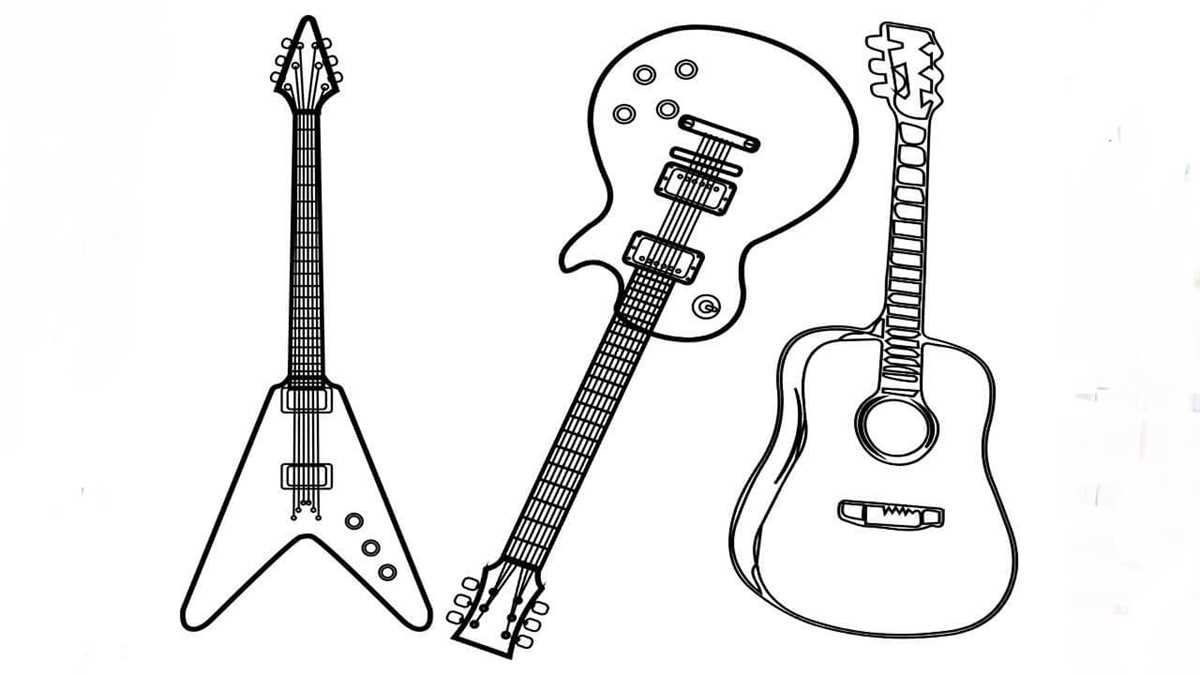
Begin by selecting the type of instrument you want to represent. Focus on key details like the body shape, neck, and strings. Use vector tools like Adobe Illustrator or Inkscape to create clean, scalable outlines. It’s best to keep the design simple, especially if you want younger audiences to engage with it. Consider breaking down the instrument into basic shapes, which can later be embellished with decorative elements like patterns or music notes.
Once you’ve created the basic outline, add small interactive features that make the design more engaging. For example, incorporate accessories such as guitar picks, amps, or musical symbols, which children can color separately or include in the overall design. These additions provide more areas for creativity and can make the drawing process more dynamic. Save the design as a high-resolution vector file, ensuring that it’s easy to scale without losing quality when printed.
Best Websites for Downloading Guitar Illustrations
Freepik is a great resource for high-quality vector designs. You can easily find detailed images of stringed instruments, with various styles and poses. Many of the illustrations are free with attribution, and you can customize them for your needs. For those who need more specialized or detailed designs, Freepik offers premium options as well.
Vecteezy provides a wide selection of free vector files, including illustrations of musical instruments. Their library features a variety of guitar shapes, from classical to electric models, all available in scalable formats like SVG. The platform allows users to download high-resolution files suitable for both digital and print projects.
Pixabay offers free access to a large number of images and vectors, including musical instruments. Their guitar illustrations are available for download and can be modified for personal use. Pixabay’s design quality is generally high, and the platform is easy to navigate, making it a solid choice for anyone looking for ready-to-use illustrations without copyright concerns.
Tips for Coloring Guitar Drawings with Different Techniques
Begin by selecting your preferred medium. Colored pencils offer control and precision, ideal for adding fine details like strings or intricate designs on the body of the instrument. Use lighter shades for areas that should appear closer and darker hues to create depth. Layer the colors to create smooth transitions, especially on curved surfaces like the neck or body.
If you prefer a more textured look, try using markers or gel pens. Markers provide bold, consistent coverage, making them perfect for filling in larger areas like the body or background. You can blend different marker shades to achieve shading effects, but remember to work in layers, as markers tend to dry quickly.
For a more artistic, dynamic effect, consider using watercolors. Watercolors allow you to create soft, fluid transitions between colors, especially when painting the instrument’s body. Begin with light washes and gradually build up the depth. Using a wet-on-wet technique can create smooth gradients that mimic light reflections or shadowy depths on the instrument.
For a more stylized look, experiment with pastels. Chalk or oil pastels are ideal for blending and creating a soft, glowing effect. Use your fingers or a blending tool to smudge the colors for a more artistic, textured finish. This method is perfect for giving your design a vintage or abstract appearance.
Finally, consider adding metallic accents for extra flair. Metallic markers or paints can be used on the strings, tuning pegs, or even as highlights on the instrument’s body to mimic the shine of real metal. This will give your drawing a more realistic feel, especially if you’re aiming to replicate the reflective surfaces of certain parts of the instrument.