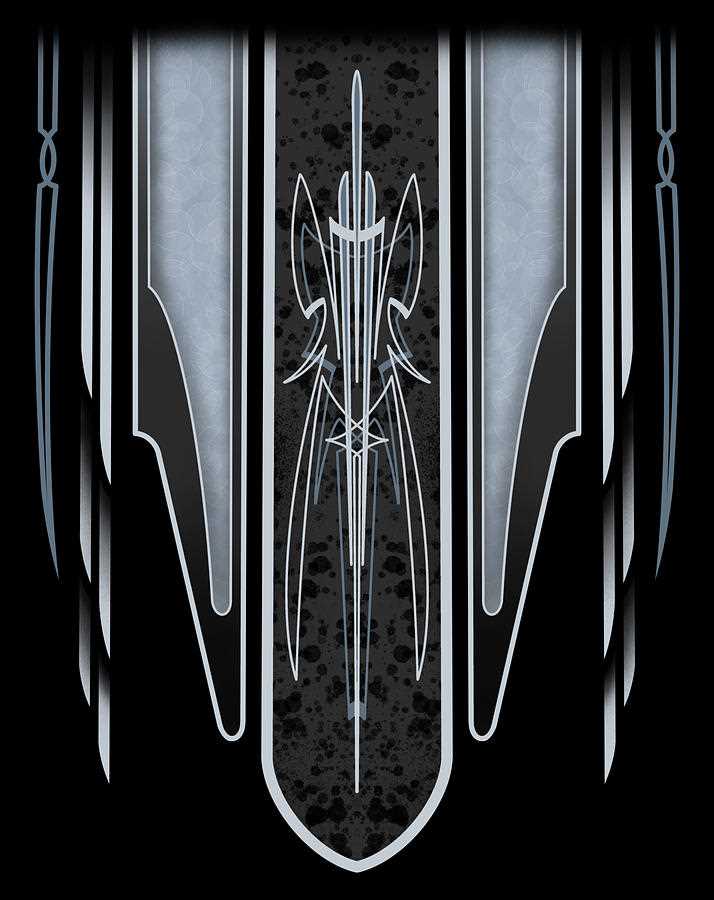
For intricate detailing on car parts or bike frames, it’s important to start with the right template. Use a vector file for sharp, clean lines that translate well when transferred to surfaces. These designs are usually scalable, meaning you can adjust the size without losing detail or clarity.
Before you begin, ensure your printer settings are optimized for high-quality output. Use a high-resolution image, preferably 300 DPI or higher, to prevent pixelation. When printing, make sure the material you are using, whether metal, wood, or plastic, is compatible with the method you’ll employ for transferring the design.
Test your design on scrap material before moving to the final piece. This helps avoid wasting time and resources, while allowing you to make adjustments if necessary. It’s also a good idea to experiment with different types of transfer methods, such as carbon paper or laser engraving tools, depending on the complexity of your design.
How to Choose the Best Printable Engraving Designs for Custom Projects
Start by considering the size and complexity of your project. If you’re working on smaller objects, choose a design with simpler, more compact elements. Intricate and large designs work better on bigger surfaces, where details can stand out clearly without being crowded.
Next, evaluate the style and theme of your project. Choose patterns that reflect the specific look you’re aiming for, whether it’s a classic, retro, or modern aesthetic. It’s important to match the design with the vibe you want to create–smooth, geometric lines for a sleek look or bold, ornate details for a more eye-catching effect.
Ensure the file format is compatible with your tools. Vector-based formats like SVG or EPS are the best options for precision, as they can be resized without losing clarity. Avoid using raster-based formats like JPG or PNG unless they are high resolution, as they may cause pixelation during the transfer process.
| Design Type | Best Use | File Format |
|---|---|---|
| Simple, Minimalistic | Small Objects | SVG, EPS |
| Complex, Ornate | Large Surfaces | SVG, EPS |
| Geometric, Abstract | Modern, Sleek Designs | SVG, AI |
Finally, consider the material you’re working with. Some designs might be more suitable for metal or wood, while others may work better on plastic or glass. Always check if the chosen design can be adapted to the material, ensuring smooth results when applying it to the surface.
Step-by-Step Guide to Printing Engraving Designs for Custom Projects
Before starting, make sure you have the right equipment. A high-quality printer and the correct type of paper or material for your project are crucial. Use thick, high-resolution paper for detailed designs to ensure the lines remain sharp during the transfer process.
Step 1: Choose a Suitable Design File
Select the engraving template in a vector format, like SVG or EPS, for the best accuracy. These formats ensure the image maintains clarity at any size. Avoid raster formats unless you can verify the resolution is high enough (300 DPI or more).
Step 2: Adjust the Design for Your Project
Resize the design to match your project’s dimensions. If your design requires specific orientation or adjustments, use vector-editing software to tweak it before printing. Pay attention to spacing, especially if you plan to apply the design to a small surface.
Step 3: Printer Setup
Ensure your printer is calibrated correctly for the material you’re using. Set the printer to the highest quality print setting and adjust the paper feed for optimal results. Test the printer by printing a small portion of the design on regular paper to check for any potential issues.
Step 4: Test on Scrap Material
Before printing on your final surface, test the design on a scrap piece of the same material. This will help you spot any imperfections in the transfer and allow you to adjust the design or printing settings accordingly.
Step 5: Print the Design
Once you’re satisfied with the test print, load your material into the printer. Print the full design and ensure it’s aligned properly on the surface. Be careful during the print process to avoid any misalignment that could distort the design.
Step 6: Apply the Design
After printing, transfer the design onto your project. Depending on the material, you can use a variety of methods such as carbon paper for manual tracing or a laser engraver for a more precise transfer. Make sure the design is securely positioned before proceeding with the engraving or cutting process.