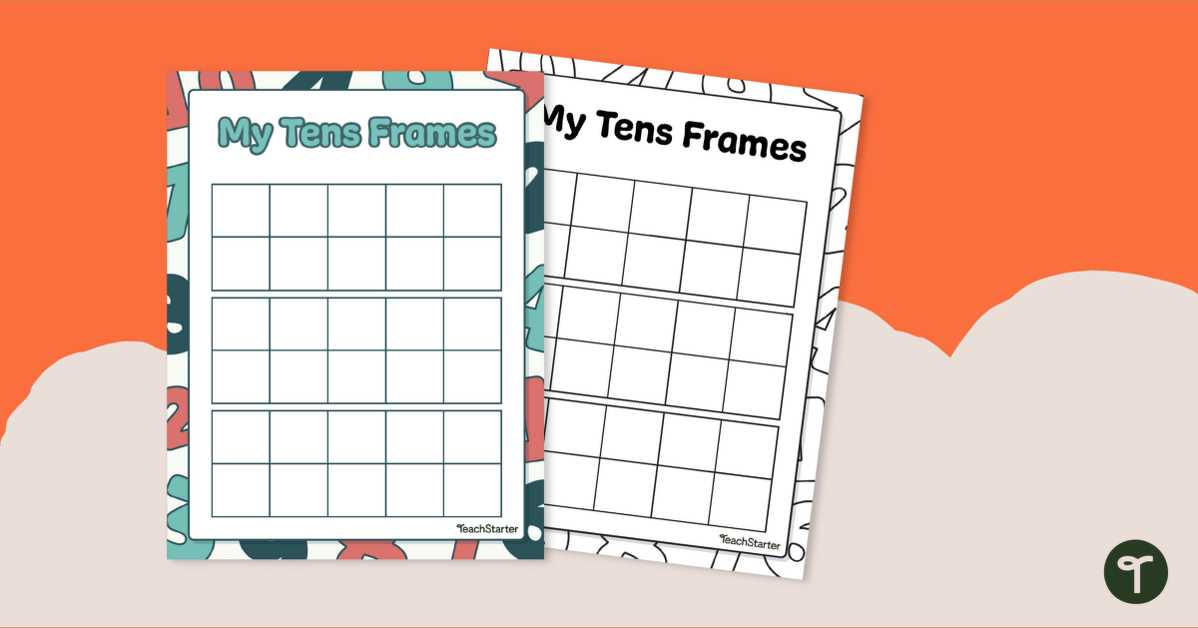
For young learners, using visual aids like grids with boxes for counting can significantly improve understanding of numbers. These simple tools can help children grasp the concept of numbers in a more tangible way, especially when working on basic arithmetic.
By utilizing a grid with 10 cells per row, children can practice grouping numbers and seeing patterns more clearly. It’s easy to incorporate these resources into both homeschool lessons and classroom activities. You can find a variety of free designs online that allow for immediate use in teaching activities like addition, subtraction, or simple counting.
When selecting a template, consider customizing it to fit specific teaching needs. Adjusting the number of rows or adding additional colors or symbols can make the activity even more engaging for students. The flexibility of these tools allows teachers to align them with different stages of learning, making it a versatile addition to any educational toolkit.
Tens Frame Printable Guide
To support early math education, a structured grid with 10 spaces in each row is a practical tool for teaching basic arithmetic. It helps children visualize numbers and understand grouping. To start using it, you only need to download or create templates that suit your needs, whether for simple counting or more advanced addition and subtraction.
One of the most useful benefits of these resources is their versatility. By adjusting the size of the grid or the number of rows, you can tailor them to different age groups or math concepts. For instance, a 5×2 grid can help beginners, while a 10×1 setup is better for showing numbers from 1 to 10 clearly.
For teachers and parents, customizing these templates is easy. You can add colors or labels to make learning more interactive. For example, coloring every other box can help highlight patterns, while adding images can make it easier for children to associate numbers with objects.
When designing your own, consider the spacing between the boxes. A larger space between each box can help students see each number distinctly, which is particularly helpful for children just starting to learn. On the other hand, a tighter layout might be better for students working on more complex problems.
Using a printable tool in the classroom is not just about counting. It’s also useful for teaching subtraction. For example, after placing a set number of counters in the boxes, students can remove items to visualize the concept of “taking away” and see the result directly.
These grids also work well for helping children understand the place value system. You can assign each row a different value (ones, tens, etc.), making it clear how numbers build upon each other. This is particularly helpful when introducing concepts like 10+10=20, which builds on the basic grouping method.
For those looking for ready-made designs, there are many free templates available online. Websites dedicated to educational resources often provide downloadable options in PDF format, which are easy to print and distribute. Some templates also offer interactive features, like blank grids for students to fill in on their own.
Lastly, consistency is key. By regularly using these templates in learning activities, children will gradually build stronger number sense and develop a solid foundation for future math topics. The repetitive nature of the grids helps reinforce learning without overwhelming young learners.
How to Create Custom Printable Tens Frames for Classroom Use
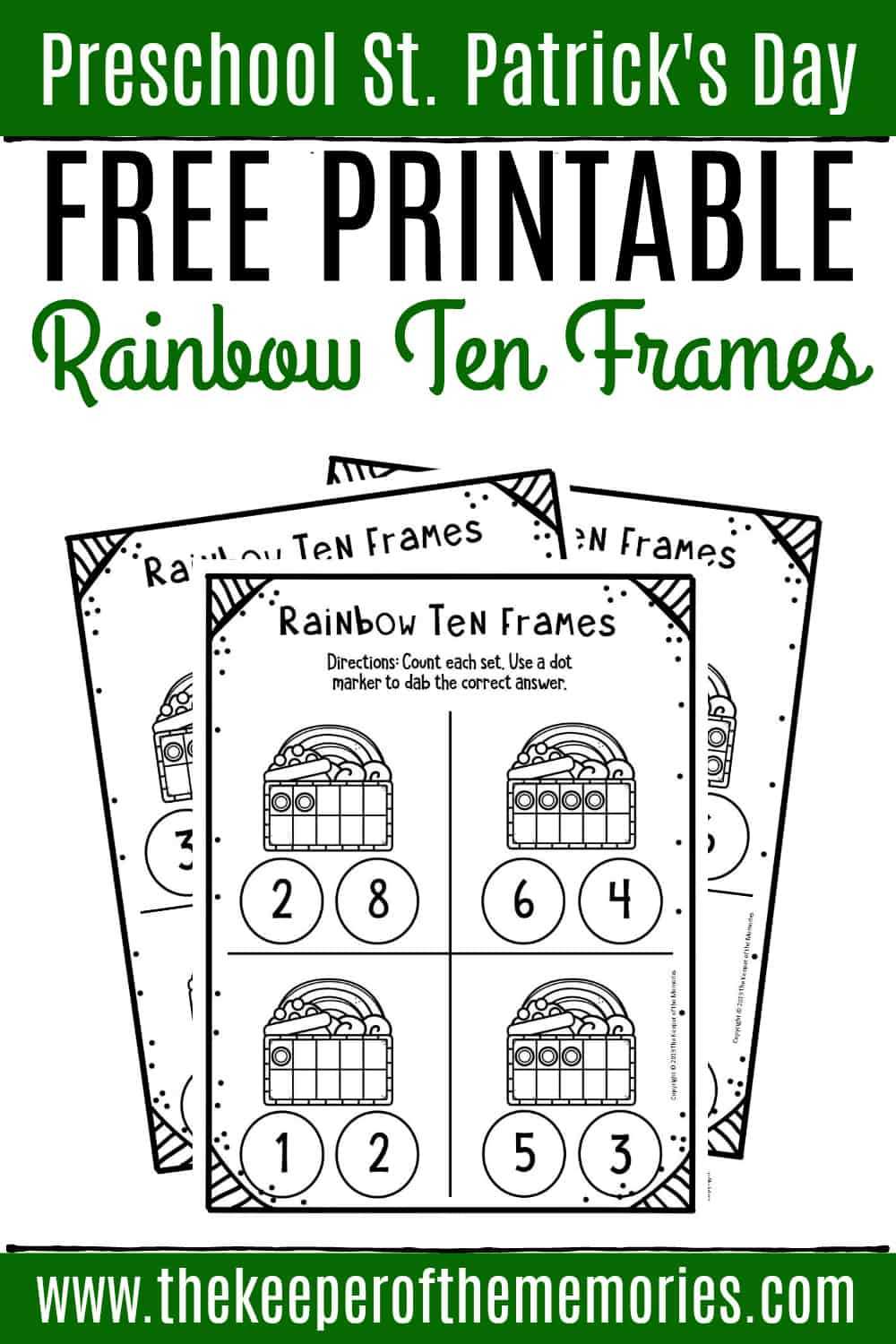
To create custom math grids for classroom use, start by choosing a program that allows you to design grids with a specific number of cells, such as Microsoft Word, Google Docs, or graphic design tools like Canva. Adjust the grid size based on the number of columns and rows needed. For basic math, a 10-cell row format is common, but you can also modify the design for more advanced learning, such as adding labels or images within each cell for more interactive exercises.
If you want to make these grids more engaging, incorporate colors or shapes. For instance, alternate row colors to help students visually separate different sets, or use symbols like circles or stars to represent objects. Once the design is finalized, save the template as a PDF or an image file, which can then be printed in any quantity. This simple method gives you full control over the appearance and layout, making it adaptable for any classroom activity or student need.