Download a high-resolution Snellen-style vision testing sheet in PDF format (at least 300 DPI) and print it at 100% scale on A4 or US Letter paper to preserve accurate letter proportions. Verify scaling by measuring the 20/20 line: at a viewing distance of 20 feet (6 meters), each character on that line should subtend 5 arcminutes, which equals approximately 8.73 mm in height. Disable “fit to page” in printer settings to avoid distortion.
Place the sheet on a flat wall at eye level in a well-lit room providing 80–160 lux of ambient light. Maintain a fixed testing distance of 10 or 20 feet, marking the floor with tape to keep positioning consistent across sessions. Test one eye at a time, covering the opposite eye with an opaque card rather than pressing on the eyelid. Record the smallest readable line and compare results over time to track changes in acuity.
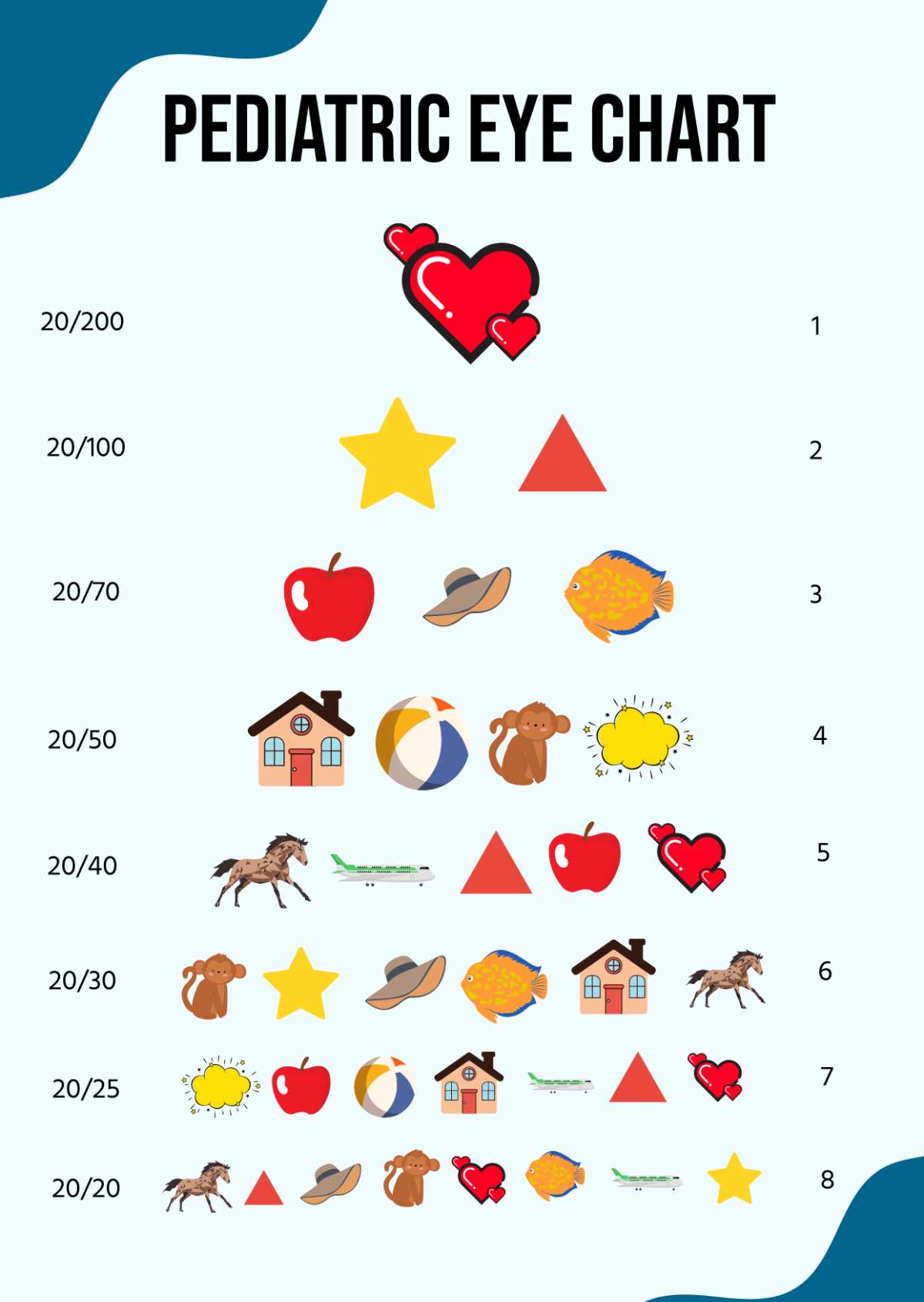
For children or non-readers, select symbol-based vision testing sheets such as the Tumbling E or LEA symbols format. Ensure symbol orientation remains sharp after printing; blurred edges can alter recognition thresholds. Pediatric versions typically use a 10-foot testing distance and larger optotypes calibrated for early literacy stages.
Use grayscale laser printing instead of inkjet when possible to maintain high contrast between characters and background. The recommended contrast ratio exceeds 90%. Avoid glossy paper that reflects overhead lighting and reduces legibility. Store the sheet flat to prevent warping that may skew perceived letter size.
Home screening does not replace a clinical examination. If visual acuity falls below the 20/40 line, or if there is a two-line difference between eyes, schedule a full assessment with an optometrist or ophthalmologist. Keep dated records of each test to provide measurable data during professional consultations.
Eye Charts Printable for Home Vision Checks and Accurate Scaling
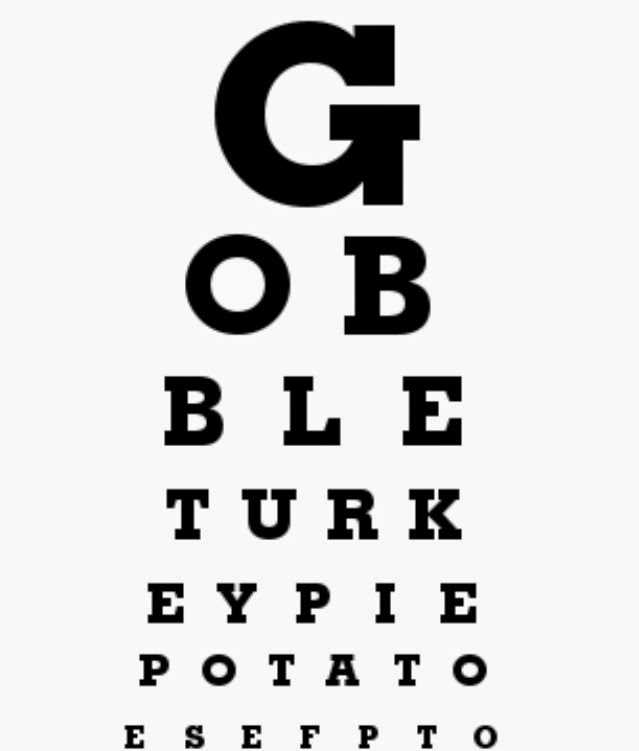
Download a Snellen-style letter sheet in PDF format with a marked 20-foot (6-meter) testing distance and a calibration bar of exactly 50 mm; before using it, measure that bar with a ruler after printing at 100% scale to confirm there was no automatic resizing. Disable “fit to page” and any margin compression in the print dialog, select A4 or US Letter according to the file specification, and use black ink on matte white paper to avoid glare. Mount the sheet so that the 20/20 line is positioned at the subject’s eye level, and verify the viewing distance with a tape measure rather than estimating steps.
For apartments where 6 meters are not available, choose a 3-meter or 10-foot letter grid specifically designed for shorter distances; these versions use proportionally reduced optotype sizes calculated from the same angular subtension (5 arcminutes per symbol, 1 arcminute per stroke width). Confirm the stated distance printed on the page matches your setup, as mixing a 3-meter layout with a 6-meter distance will invalidate results. Maintain consistent lighting between 80 and 160 lux on the sheet surface, measured with a phone lux meter, and avoid backlighting from windows behind the observer.
To improve accuracy, test one eye at a time with a clean occluder rather than pressing on the eyelid, which can temporarily alter focus. Record the smallest line where at least 3 of 5 letters are identified correctly, and note the fraction exactly as displayed (for example, 20/30 or 6/9). Repeat the measurement twice and average the two results; a difference greater than one line between trials suggests inconsistent distance or lighting.
For children or non-readers, use a tumbling E or Landolt C sheet with directional responses; ensure the file states precise optotype dimensions and viewing range. Recheck scaling every time you change printer settings or paper size, as even a 2–3% size error shifts acuity interpretation by an entire line. Store the PDF locally and avoid screenshots, which often distort proportions and degrade measurement reliability.
How to Download and Print Eye Charts Printable in True 100% Scale Without Distortion
Download the vision acuity sheet only in PDF format with a fixed page size (A4 or US Letter) and verify that the file includes a calibration line marked in millimeters or inches. Avoid JPG or PNG files, as many browsers rescale raster images automatically. Before saving, check the document properties to confirm the page size matches your paper; mismatched formats force automatic scaling and alter letter proportions.
During printing, disable any automatic resizing. In the print dialog, select:
- Scale: 100% or “Actual size”
- Fit to page: Off
- Borderless printing: Off
- Paper size: exactly the same as the PDF (A4 or Letter)
- Orientation: Portrait, unless the document specifies otherwise
If using a browser viewer, open the file in a dedicated PDF application instead of printing directly from the web tab; browser engines often apply hidden margins that reduce output to 94–97%.
After printing, measure the calibration line with a physical ruler. If the guide indicates 50 mm, the printed result must measure precisely 50 mm with no deviation. A difference of more than 1 mm means scaling occurred. In that case, reprint after disabling printer driver options such as “Shrink oversized pages” or “Scale to fit media.” Laser devices usually maintain dimensional accuracy better than inkjet models with automatic margin compensation.
Paper choice affects geometry stability. Use standard 80–100 gsm office stock; heavier paper can slightly shift feed alignment in some home printers. Place the sheet flat against a wall using level tape and ensure the center line is at eye height for the person being tested. Maintain a strict testing distance–typically 3 meters (10 feet) for home versions–and measure it with a tape measure rather than estimating steps.
For repeated use, archive the original PDF and label the verified hard copy with the confirmed distance and date of measurement. Do not photograph and reprint a validated sheet, since camera perspective introduces distortion. Always reproduce from the untouched vector file to preserve exact symbol dimensions and spacing.